Use the Column Icons Slide Concept for PowerPoint for presentations showing four important components in business. This PowerPoint template can be presented as part of a warm-up orientation for company representatives. The content of the slides are designed so that they can include tips and notes that can help in each stage of the deal.
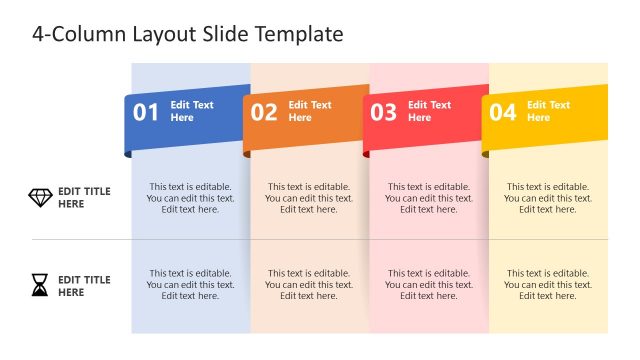
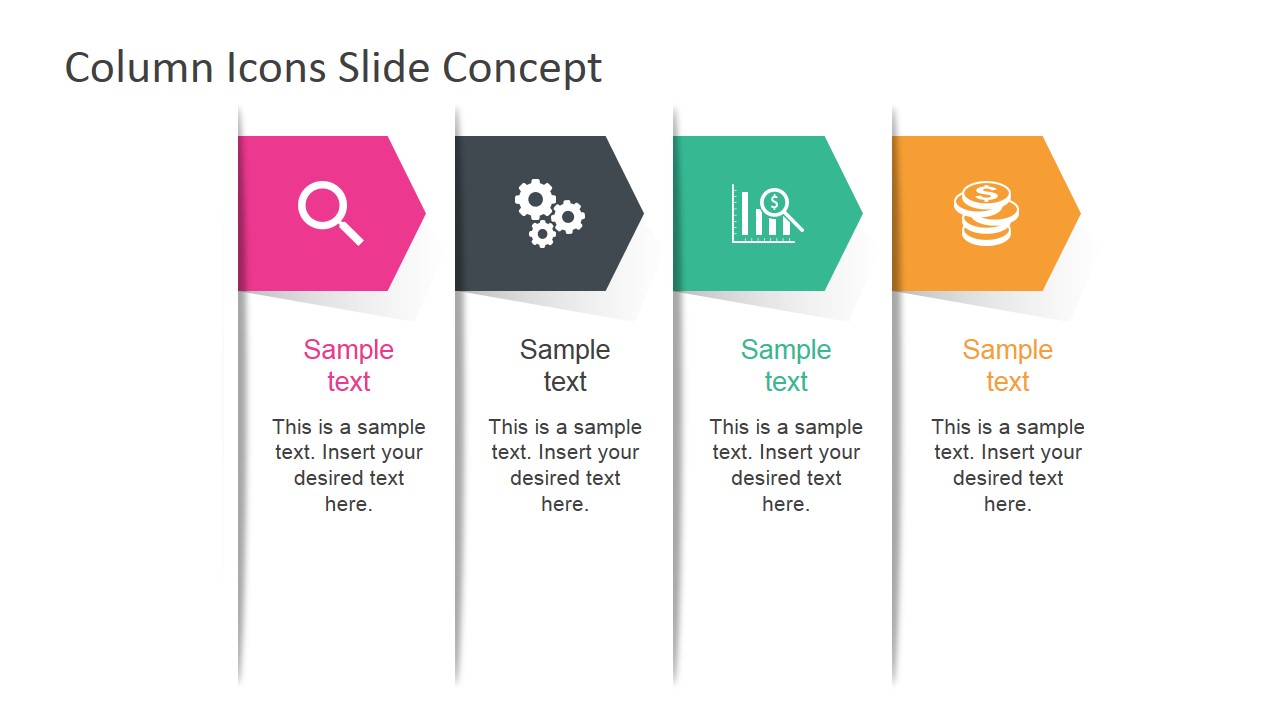
Using this Office template, the process can be divided into four main steps, represented by a magnifying glass, a set of gears, a bar graph, and a stack of coins. These minimalist icons can symbolize research & discovery, testing, analysis, and financing. These are specific areas which the presenter can focus on.
The research phase in a business deal involves the initial background investigation and information necessary to ensure that both parties are dependable. This phase is most important for banking and lending institutions. Commonly, these institutions have to ensure that the other party is not on the verge of bankruptcy or liquidation. In this case, they will be forced to raise interest rates.
The development and experimentation can include market testing and other important data that provide a practical evidence of the proposal’s feasibility. This can be the turning point that convinces the other party to agree to the deal.
In these cases, however, analysis is important. The raw data is usually run through a series of algorithms and programs that analyze the data thoroughly and extensively. The programs can then present a forecast of the proposal’s future profits and turnovers.
Ideal for orientations and reviews, the PowerPoint template is fully customizable. Its flexible design allows the presenter to adjust the features of the template according to his specifications. The presenter can choose to download additional PowerPoint Icons from our extensive Gallery and change the metaphors applied in the diagram.
Close presentations with prospective investors deciding to put their trust, and their money, into the official implementation of the business plan using the Column Icons Slide Concept for PowerPoint.
What’s inside this template
Example presentation scenarios
- A consultant can use the four-column icon diagram to introduce research, operations, analysis, and funding workstreams before discussing a client engagement.
- A project manager can use the colored arrow headers and body text blocks to summarize four parallel project phases during a stakeholder update.
- A sales or proposal presenter can map four value points to the search, gears, analytics, and coins icons so prospects understand the offer quickly.
- A training facilitator can use the column structure to orient new team members to four responsibilities or decision criteria in a single visual frame.
Features
- 100% editable presentation template
- Compatible with Microsoft PowerPoint and Google Slides
- 16:9 aspect ratio slides
- Scalable vector shapes, icons and illustrations
- AI-Ready for Microsoft Copilot and Claude
- Instant access and download
Frequently asked questions
Q: How should a presenter turn this four-column slide into a clear message?
A: Start by naming the relationship among the four columns, such as stages, components, or decision criteria. Keep each column title short and parallel in wording. Use the body text for one key takeaway per column, not full paragraphs. The icons should reinforce the category meaning, while the speaker provides the supporting detail.
Q: Who is this template best suited for?
A: This slide fits presenters who need to explain four business ideas at the same level of importance. Consultants, project managers, sales teams, and finance presenters can use it to frame discovery, execution, analysis, and investment themes before going into detail on later slides or in discussion.
Q: Why use icons and arrow headers instead of a plain four-column table?
A: The icon and arrow treatment gives each column a visual anchor, making the comparison easier to scan than a text-only table. The search, gears, analytics, and coins metaphors suggest a business workflow from investigation to funding. Equal column widths signal that the four topics are peers rather than ranked items.
Column Icons Slide Concept for PowerPoint
1-slide presentation template with four-column icon diagram for business process steps and component comparisons
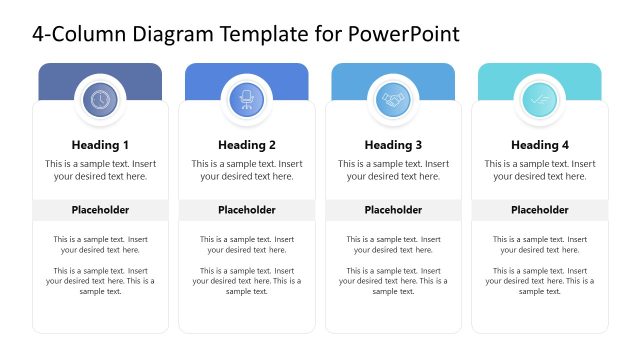
Column Icons Slide Concept for PowerPoint is a 1-slide diagram template for presenting four business components. The slide shows a four-column layout with arrow-shaped color headers, vector icons for search, gears, analytics, and coins, and text blocks for labels and notes. It works in Microsoft PowerPoint and Google Slides.
- Category
- Shapes
- Rating


 Loading...
- Aspect ratio
- 16:9, 4:3
- Item ID
- 7029-01
- Colors
 Microsoft PowerPoint
  Microsoft Copilot
  Claude for PowerPoint
 Other formats supported
Subscribe today and get immediate
access to download our PowerPoint templates.