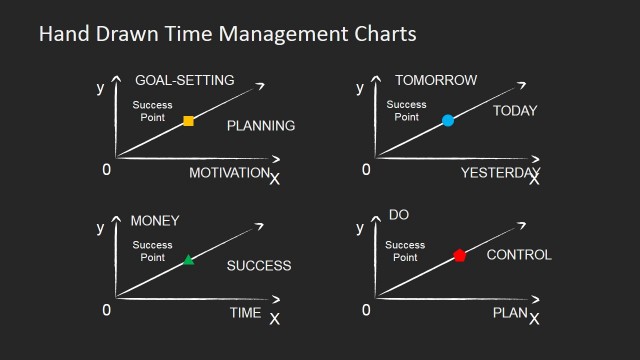
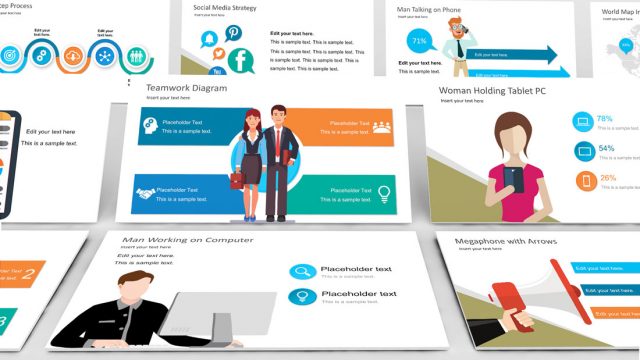
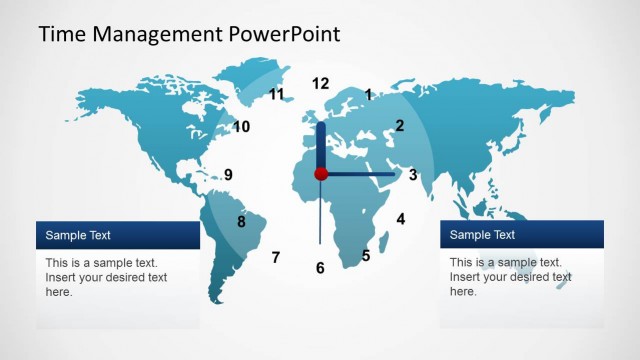
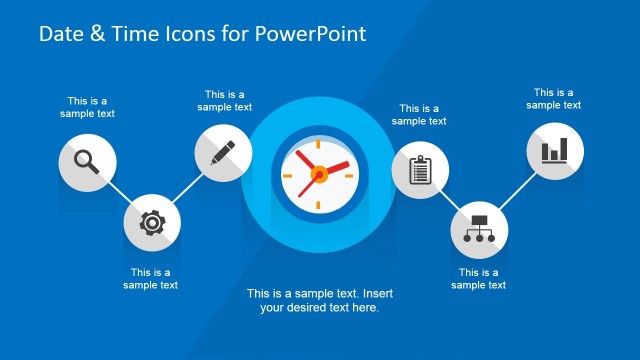
Business & Time Management PowerPoint Flat Icons is a collection of cool PowerPoint shapes for business presentations. These icons are PowerPoint objects that are easy to manipulate to create an impressive business presentations and reports. Each icon can be resized to fit the entire slide while maintaining clear image definition and color. Their color combinations can also be altered to any palette that suits the user’s preference. This template makes a notable presentation on its own or with other PowerPoint diagrams that we have. Each of the PowerPoint Icons is created as PowerPoint Shapes, allowing the user to fully customize their appearance as color, size, position and effects.
The society continues to evolve into a more dynamic chain of activities. This type of development demands the synchronicity among businesses around a given civilization. With this in mind, business professionals are expected to ride along the development and enable their company to keep its track in the competition. However, most people tend to lose their way in reaching daily work goals with all the numerous work tasks and operational concerns. Time management is a useful business and personal tool to help individuals accomplish periodic work goals. It guides a person or an organization in allocating time to daily tasks. By setting a specific task at a given time, the individual will be able to accomplish several tasks within the day and therefore increase work productivity. One of the most common reasons in low productivity is the tendency for some people to forget other relevant tasks due to being engrossed with a single activity. Time management is intended to get rid of this setback by assigning a task for a specific hour, length of time as well as a reminder for it. Another reason for underperformance is the predisposition of some to under estimate a work task. Without time managing such as scheduling of work, one may have the tendency to lax away thinking that his or her task can be easily done in an hour or two. While this may be true for some tasks, piling them repeatedly will definitely result in shortage of time and lower quality of output due to rushing.
Create incredible and engaging presentations related to Time Management with our Business & Time Management PowerPoint Flat Icons. Impress our audience with high quality graphics that appeal to executive audiences.
What’s inside this template
Example presentation scenarios
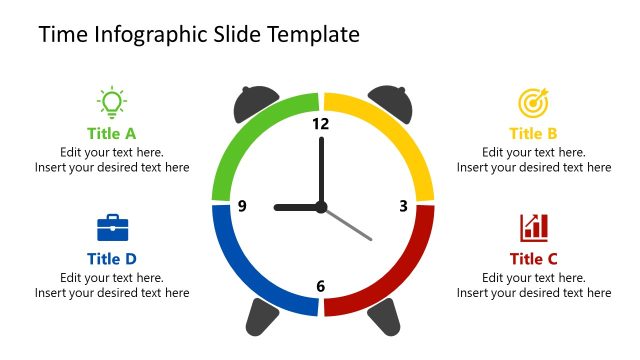
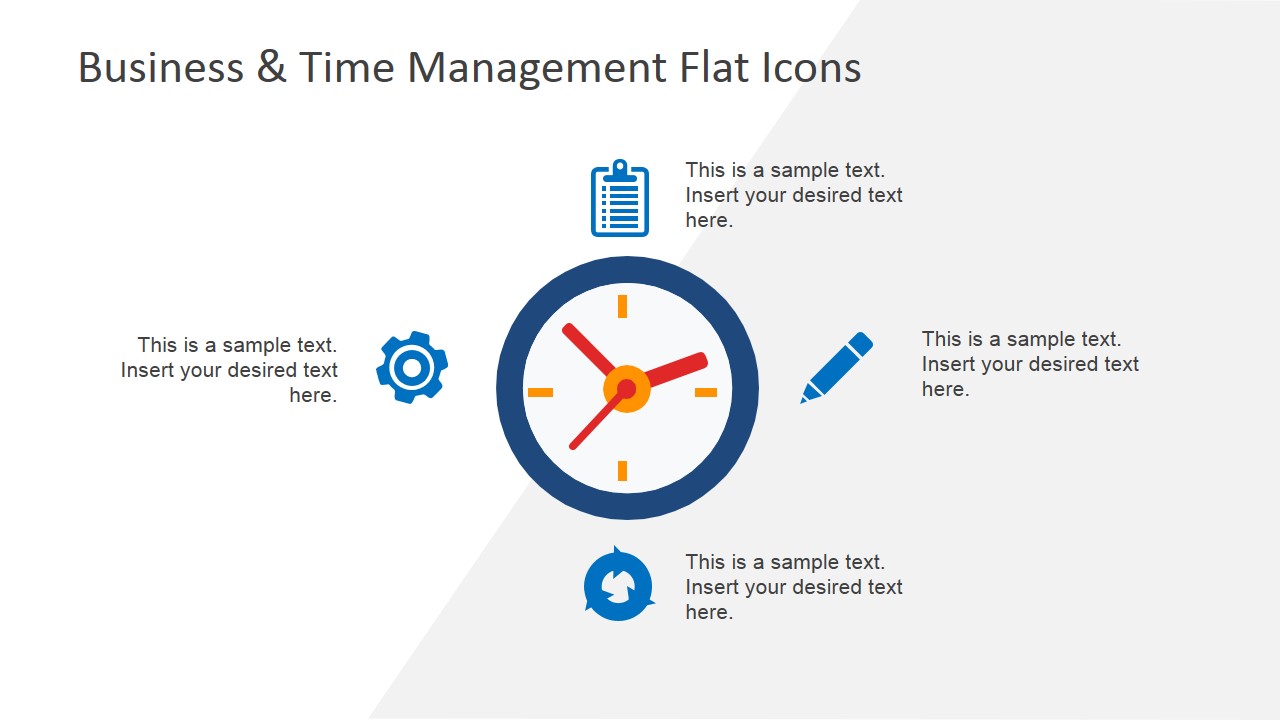
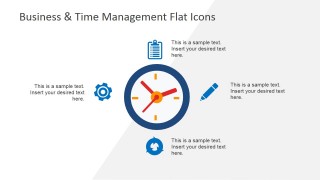
- A project manager can use the radial clock callout slide to explain how deadlines, reminders, and task ownership connect in a team planning meeting.
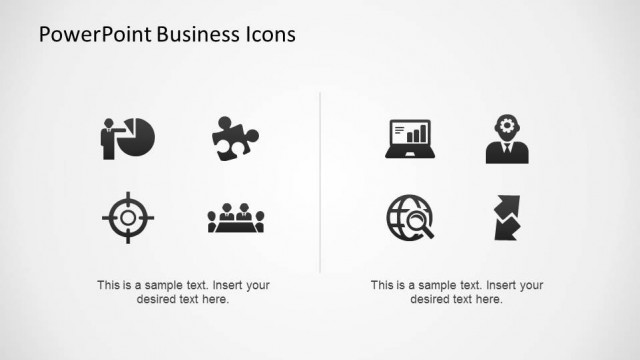
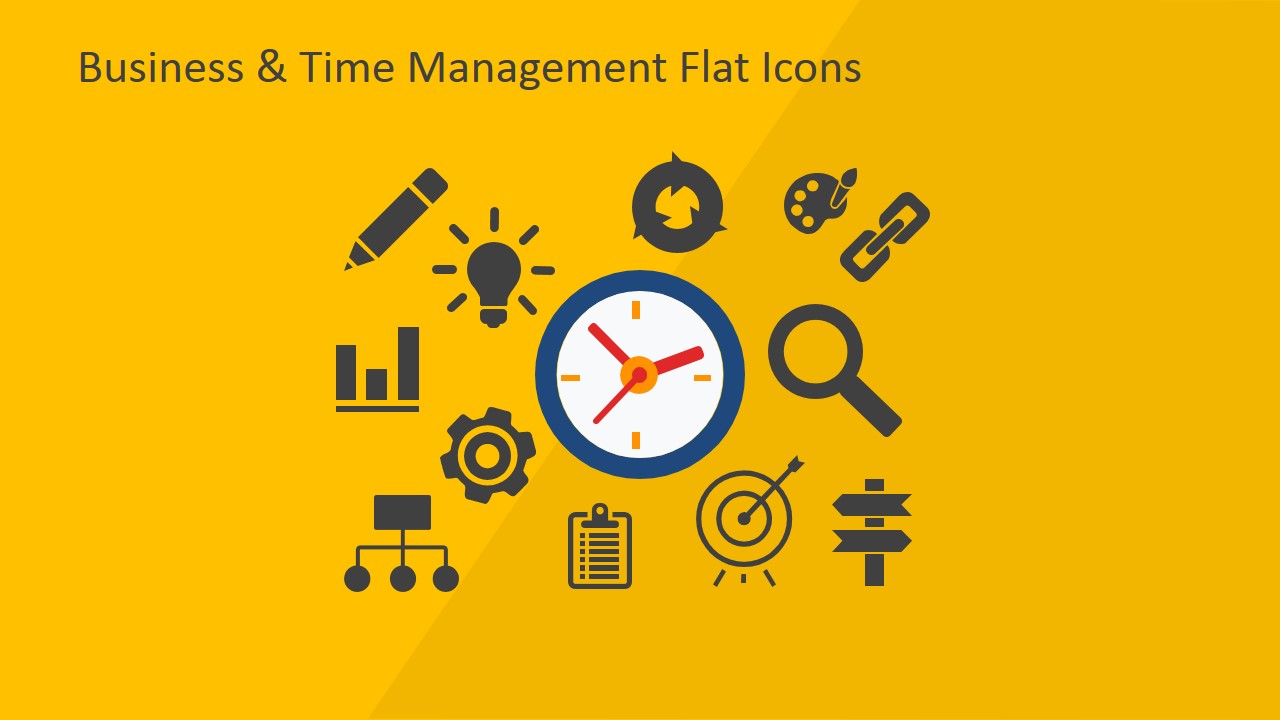
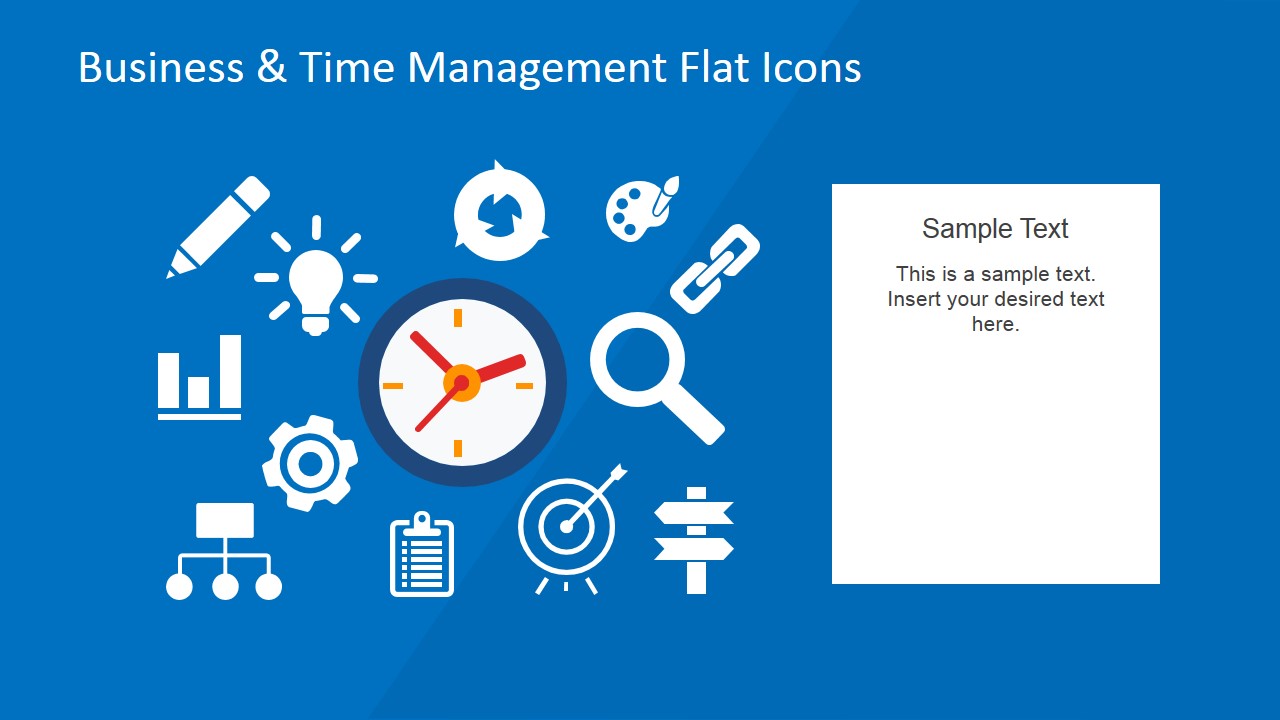
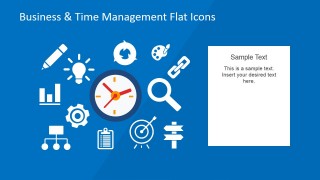
- A corporate trainer can use the icon cover and blue text-panel slide to introduce a time-management workshop and list the core behaviors participants should practice.
- A consultant can add the editable flat icons to a client report to visualize workflow issues, scheduling gaps, or productivity recommendations.
- An operations lead can use the clock and business icon cluster to summarize daily routines, priority-setting rules, and process discipline for staff.
Features
- 100% editable presentation template
- Compatible with Microsoft PowerPoint and Google Slides
- 16:9 aspect ratio slides
- Scalable vector shapes, icons and illustrations
- AI-Ready for Microsoft Copilot and Claude
- Instant access and download
Frequently asked questions
Q: How should a presenter use the icon slides without making the message feel decorative?
A: Start with the clock as the main idea, then assign each surrounding icon a clear meaning such as planning, tracking, reviewing, or decision-making. On the radial callout slide, keep each text block short and connect it directly to one icon. This makes the visuals act as labels for behavior, not filler graphics.
Q: Who is this icon set best suited for in a business presentation?
A: This template fits presenters who need to explain time management concepts quickly: team leads, trainers, consultants, and project managers. It works best in internal meetings, workshops, and short report sections where the audience needs a visual cue for productivity, scheduling, task tracking, or workflow discipline.
Q: Why does the clock-centered design help explain time management?
A: The clock works as the visual anchor, so the audience understands the topic before reading any text. The surrounding icons act like a system map: tools, goals, analysis, reminders, and workflows all orbit time. This metaphor helps presenters show that productivity depends on coordinated actions rather than one isolated habit.

Business & Time Management PowerPoint Flat Icons
3-slide presentation template with clock icons, radial callouts, and business time-management symbols
Business & Time Management PowerPoint Flat Icons is a 3-slide icon and infographic presentation template for scheduling, productivity, and business process communication. It includes an icon cover, a radial clock callout diagram, and an icon cluster with a text panel. It is built for Microsoft PowerPoint and Google Slides.
- Category
- Shapes
- Rating

 Loading...
- Aspect ratio
- 16:9, 4:3
- Item ID
- 6655-02
- Colors
 Microsoft PowerPoint
  Microsoft Copilot
  Claude for PowerPoint
 Other formats supported
Subscribe today and get immediate
access to download our PowerPoint templates.