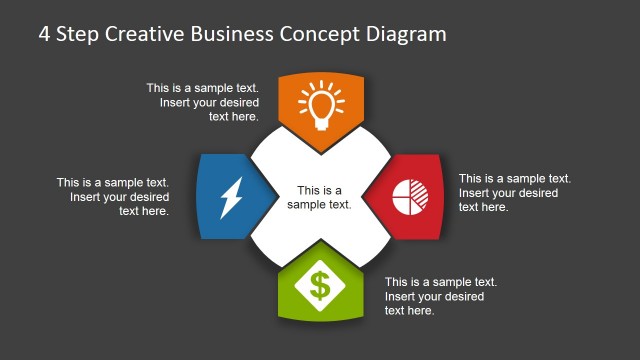
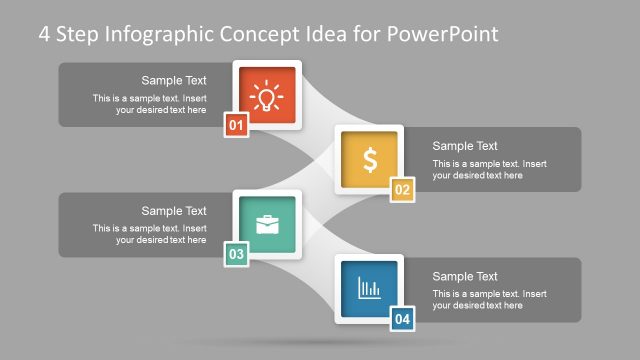
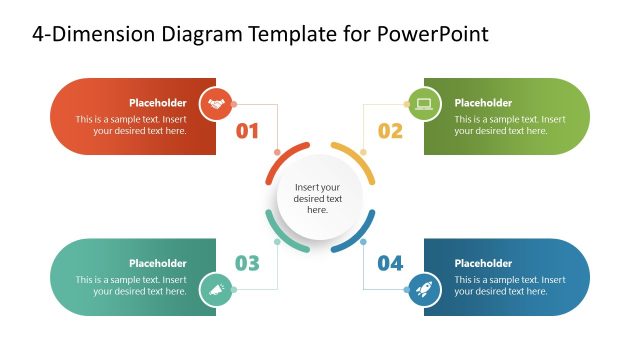
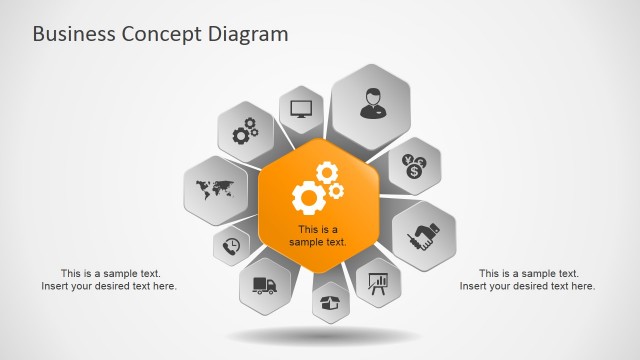
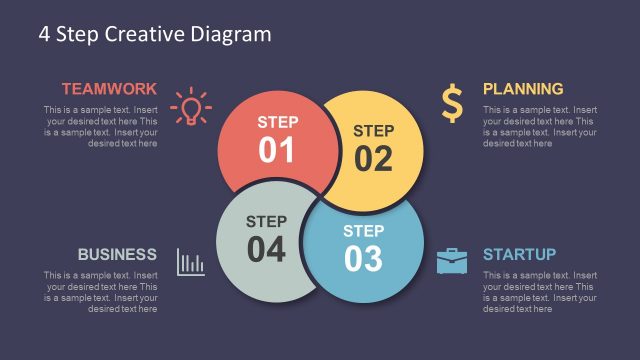
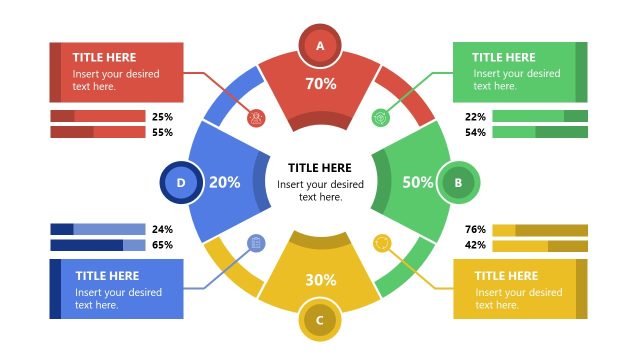
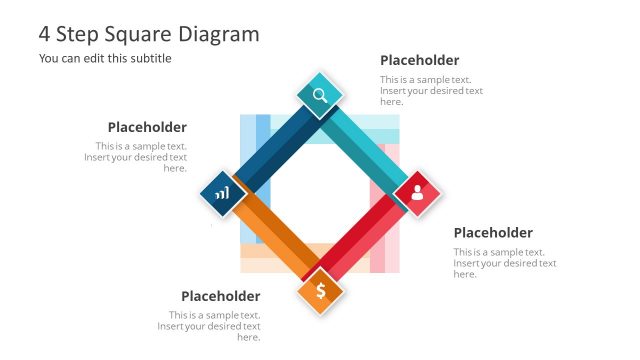
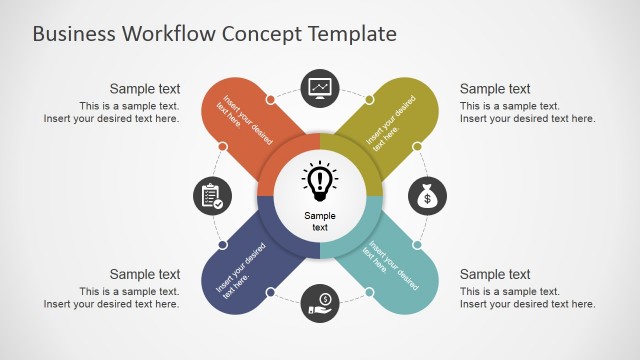
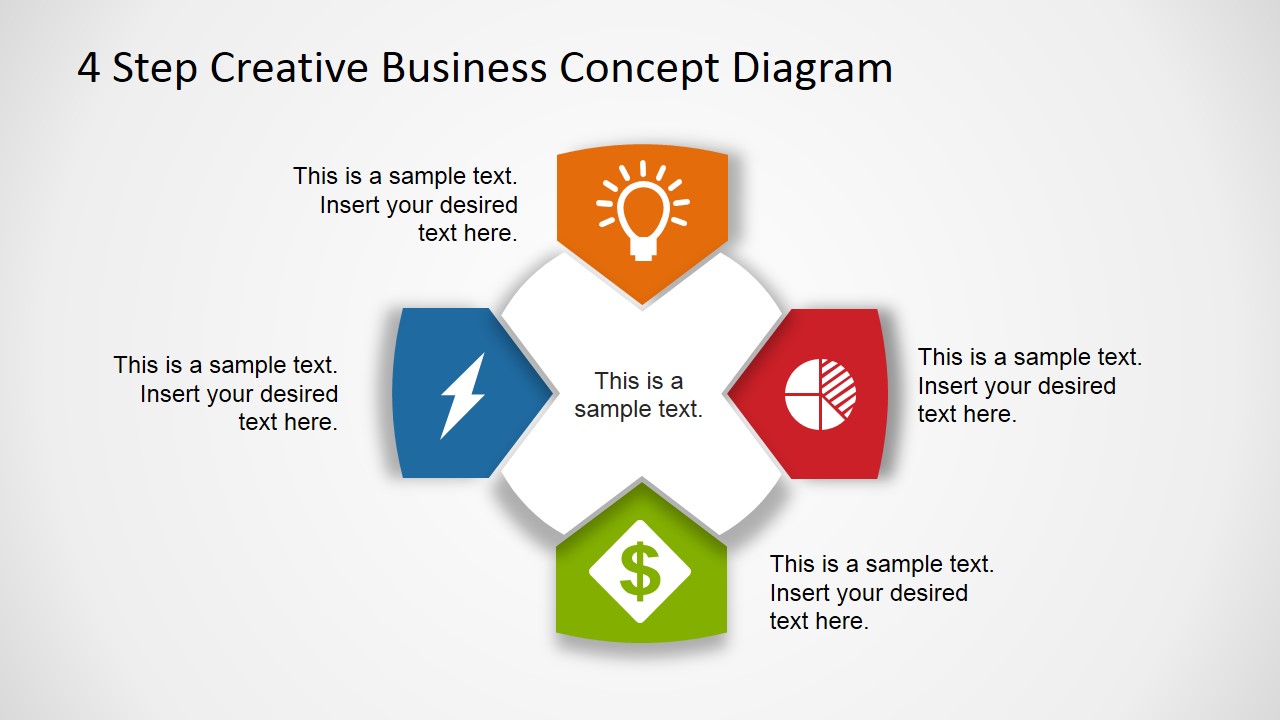
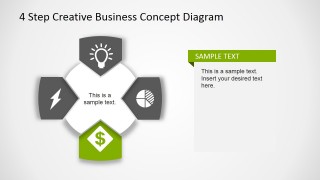
4 Step Business Concept Diagram for PowerPoint is a creative presentation diagram design for Microsoft PowerPoint that you can use to describe a process or topic containing up to four concepts. This diagram design can be used as an alternative to traditional SmartArt graphics so you can make modern presentations with catchy slide designs that help to convey a message.
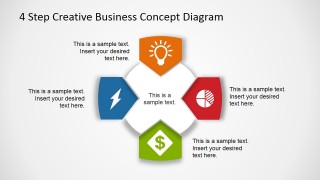
The business diagram was created with PowerPoint shapes so you can easily edit the design to fit your presentation needs. Each element contains a subtle arrow style pointing to the center of the diagram and PowerPoint icons. Easily you can replace the icons by any other icon from our icons content gallery for PowerPoint.
This business concept diagram comes in two different flavors, you can download this light version or the 4 Step Business Concept Diagram Dark Version with a dark background color instead.
What’s inside this template
Example presentation scenarios
- A consultant can use the central arrow cycle to explain a four-part operating model and show how the parts connect around one core idea.
- A product manager can use the highlighted callout slides to walk stakeholders through four feature pillars, one focused step at a time.
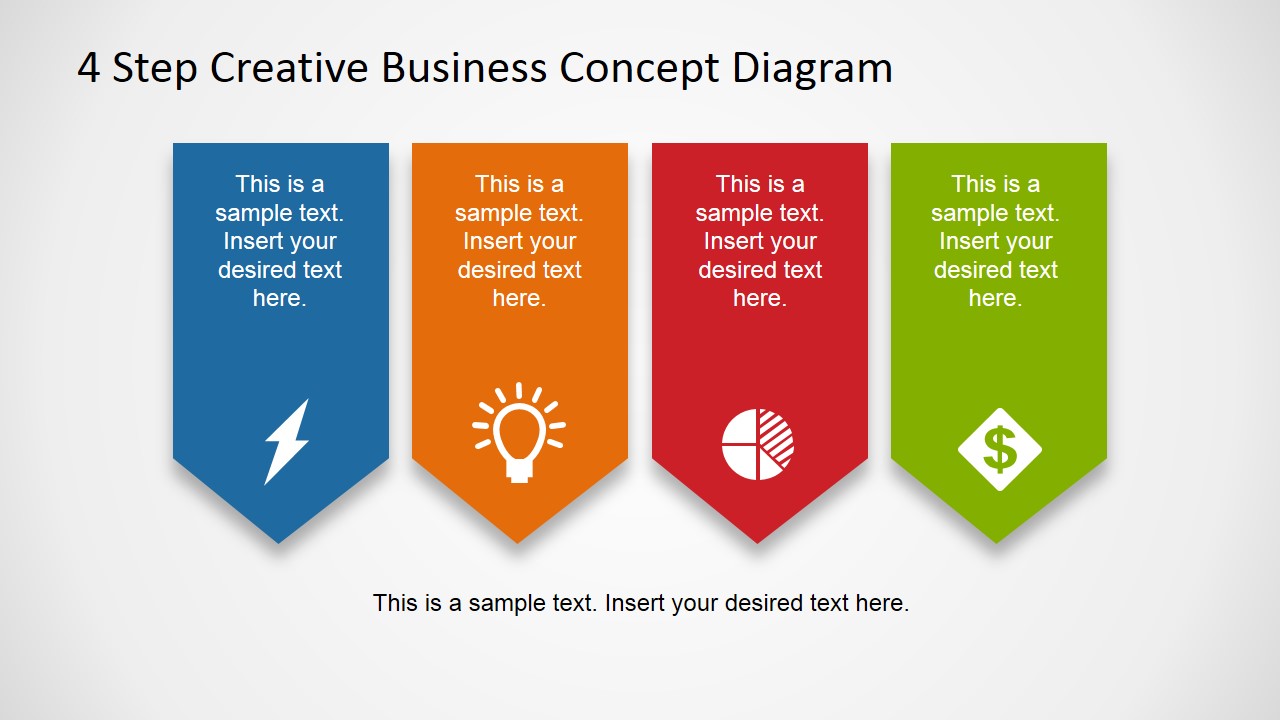
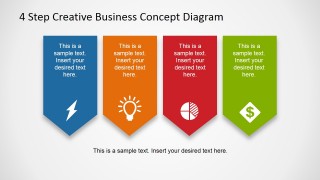
- A sales presenter can use the four-ribbon banner slide to summarize four customer benefits with distinct icons and short supporting text.
- A training facilitator can use the overview and highlighted step slides to introduce a simple process before assigning exercises or discussion.
Features
- 100% editable presentation template
- Compatible with Microsoft PowerPoint and Google Slides
- Scalable vector shapes, icons and illustrations
- AI-Ready for Microsoft Copilot and Claude
- Instant access and download
Frequently asked questions
Q: How should a presenter build a clear message with this four-step diagram?
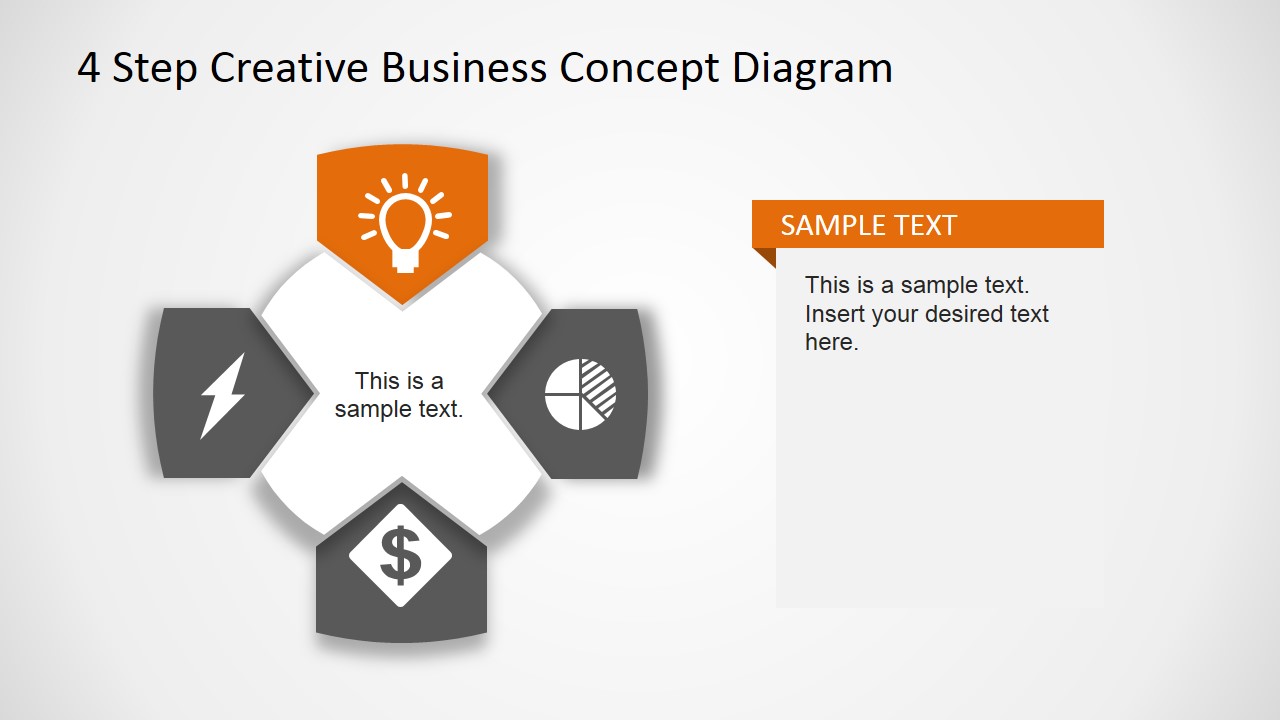
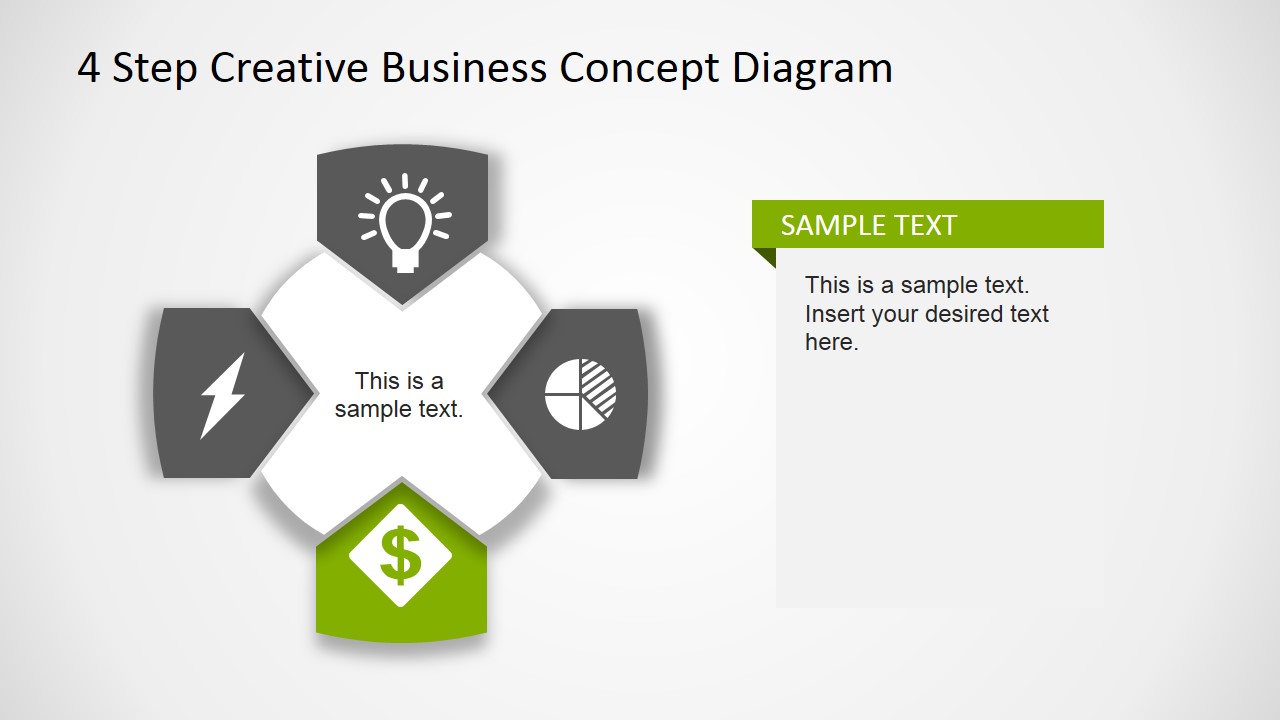
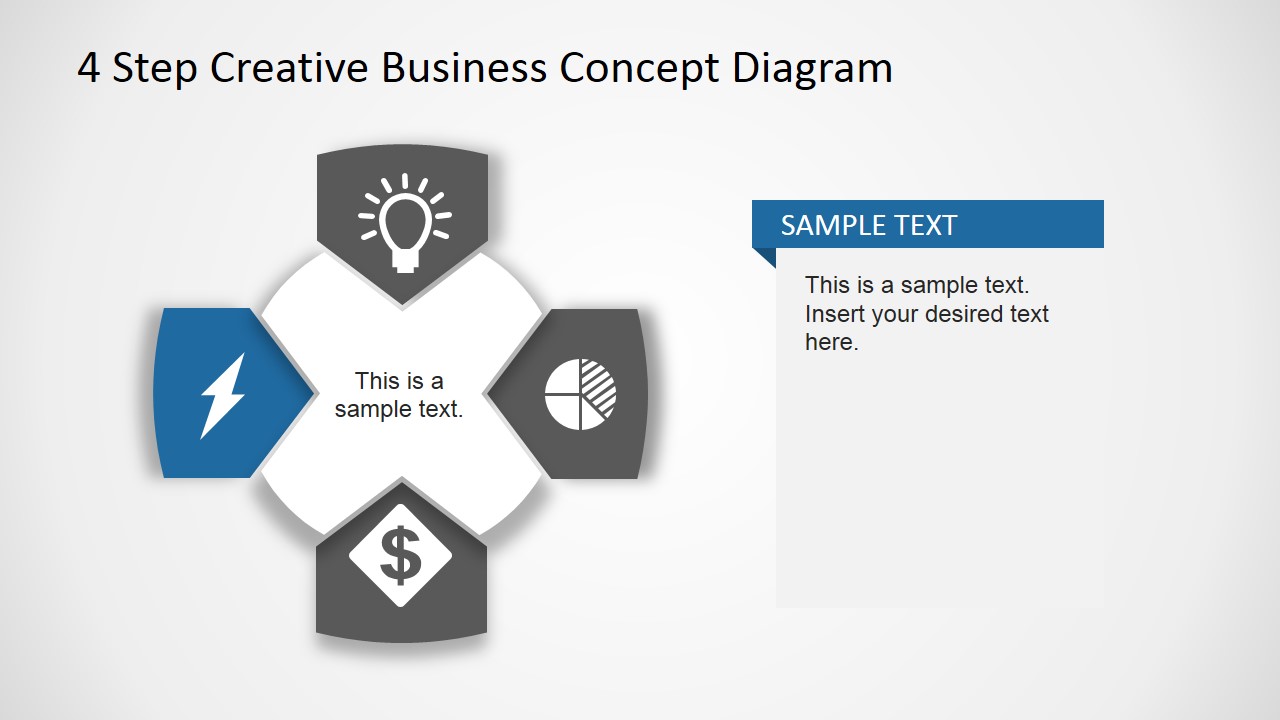
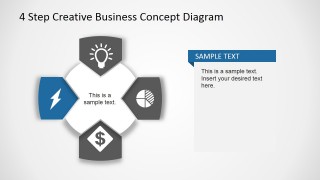
A: Start with Slide 1 as the whole model, using the center text for the main business concept and the four outer text areas for step names or short claims. Then use Slides 2 through 5 to isolate each step and explain only one idea per slide. Close with Slide 6 as a compact recap.
Q: What type of business message fits this template best?
A: This template works best for a presenter who needs to explain four related ideas without showing a long process map. It fits strategy pillars, service components, value drivers, product benefits, or a simple operating framework. The icon segments make it easy for executives or clients to remember each part.
Q: Why does the arrow and ribbon design help the audience understand the concept?
A: The circular arrows on Slides 1 through 5 suggest connected parts around a central idea, which helps frame the concept as a system rather than a list. The highlighted callout versions guide attention step by step. The ribbon layout on Slide 6 changes the metaphor to a side-by-side summary for retention.

4 Step Business Concept Diagram for PowerPoint
6-slide presentation template for four-step business concept diagrams, arrows, and icon banners
4 Step Business Concept Diagram for PowerPoint is a 6-slide diagram template for explaining four related ideas or process steps. It includes a central arrow cycle, highlighted single-step callout slides, and a four-column ribbon banner layout with icons. Built for business presenters in Microsoft PowerPoint and Google Slides.


 Loading...
 Microsoft PowerPoint
  Microsoft Copilot
  Claude for PowerPoint
 Other formats supported
Subscribe today and get immediate
access to download our PowerPoint templates.