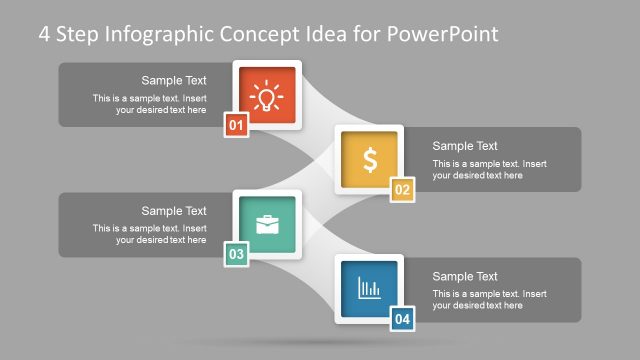
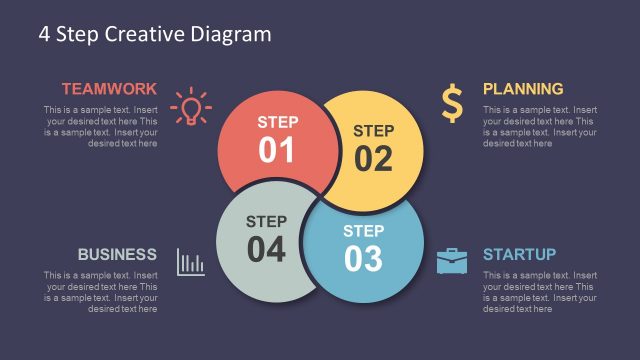
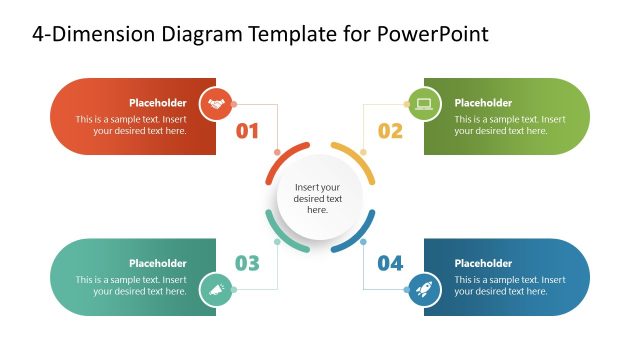
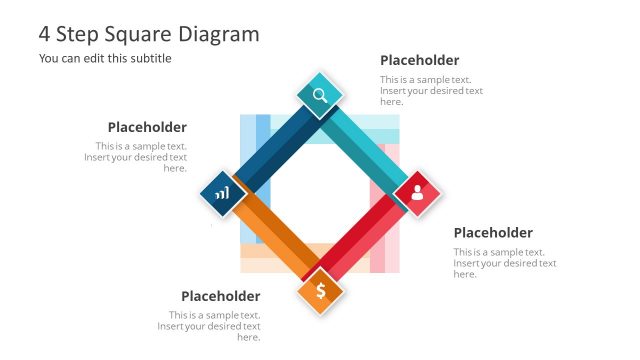
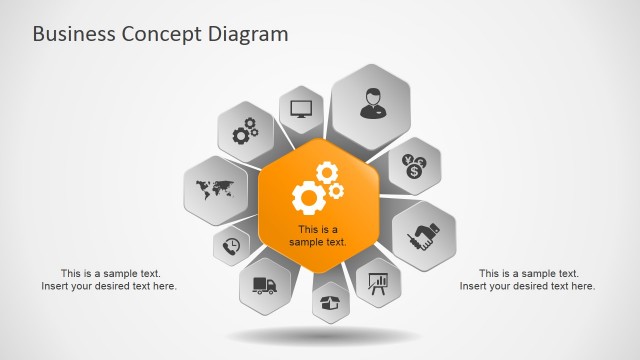
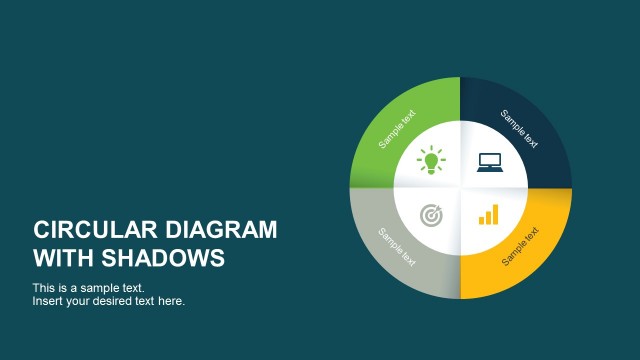
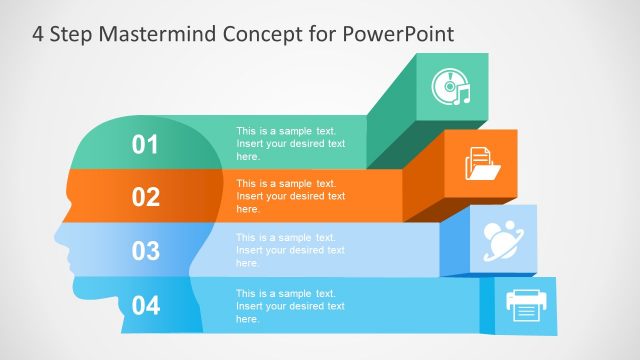
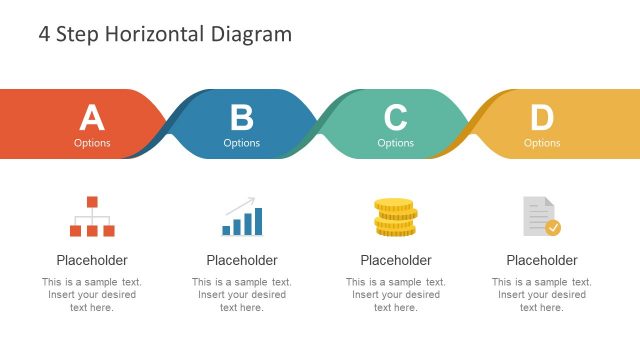
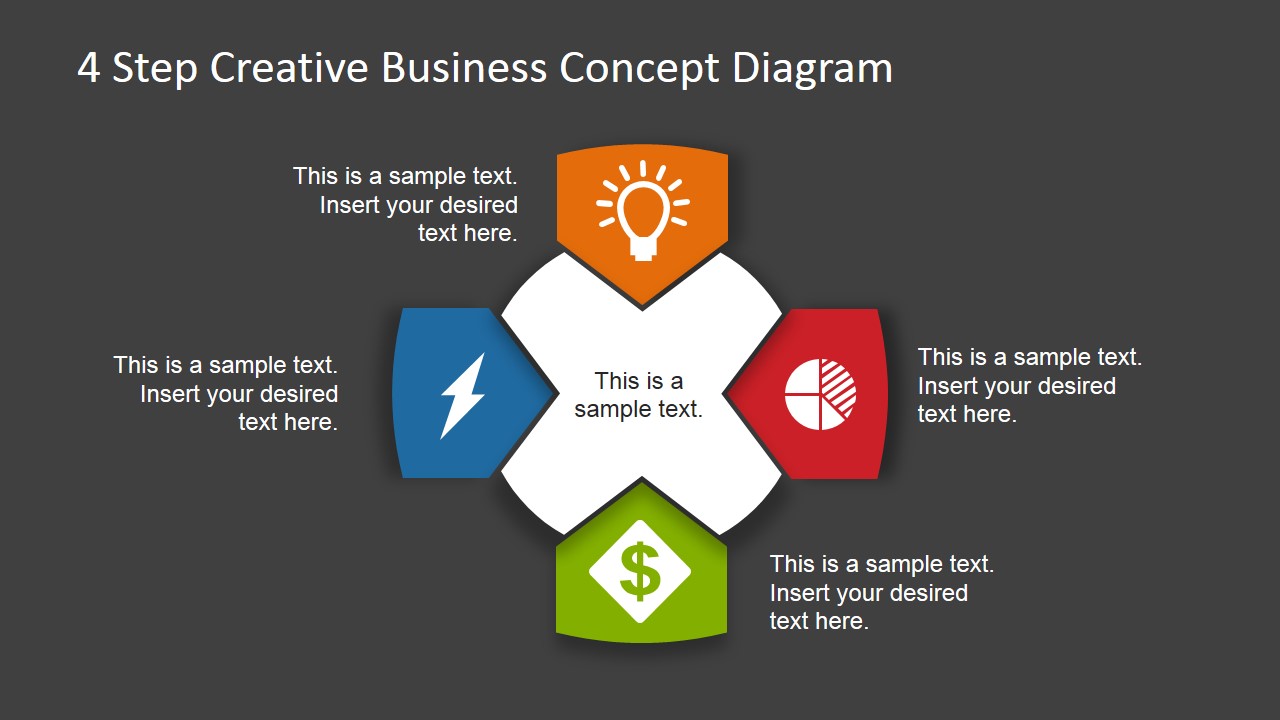
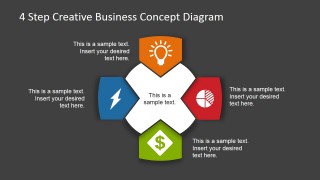
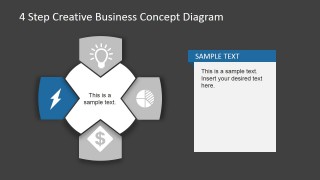
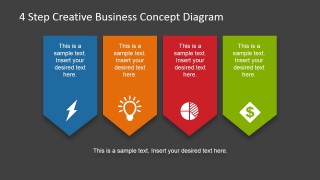
4 Step Business Concept Diagram for PowerPoint with dark background is a variant of the 4 steps business concept design that we have published earlier. This version contains a dark theme variant that you can use to make presentations in PowerPoint with a unique style. The business concept diagram with four elements is perfect to present a process or business idea containing up to four concepts or key elements.
The diagram elements were created with PowerPoint shapes so you can easily edit the slide to match your presentation needs. Also, you can replace the icons by any other icon from our gallery.
If you want to know how we have created this editable diagram, you can download our free PPT bundle for presentations containing slide designs following the same design process.
What’s inside this template
Example presentation scenarios
- A consultant can use the central hub diagram to introduce four strategic pillars before walking the client through each highlighted step slide.
- A startup founder can present a business model using the lightning, light bulb, pie chart, and money icons to separate execution, idea, market, and revenue themes.
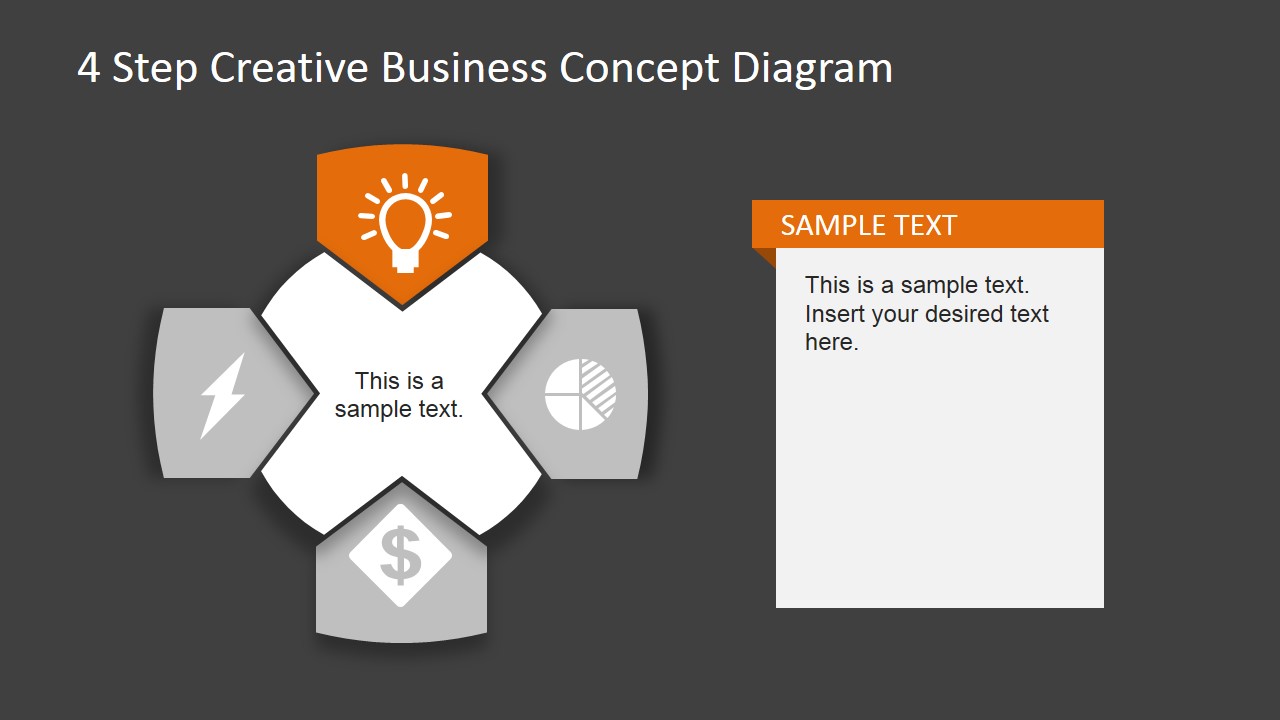
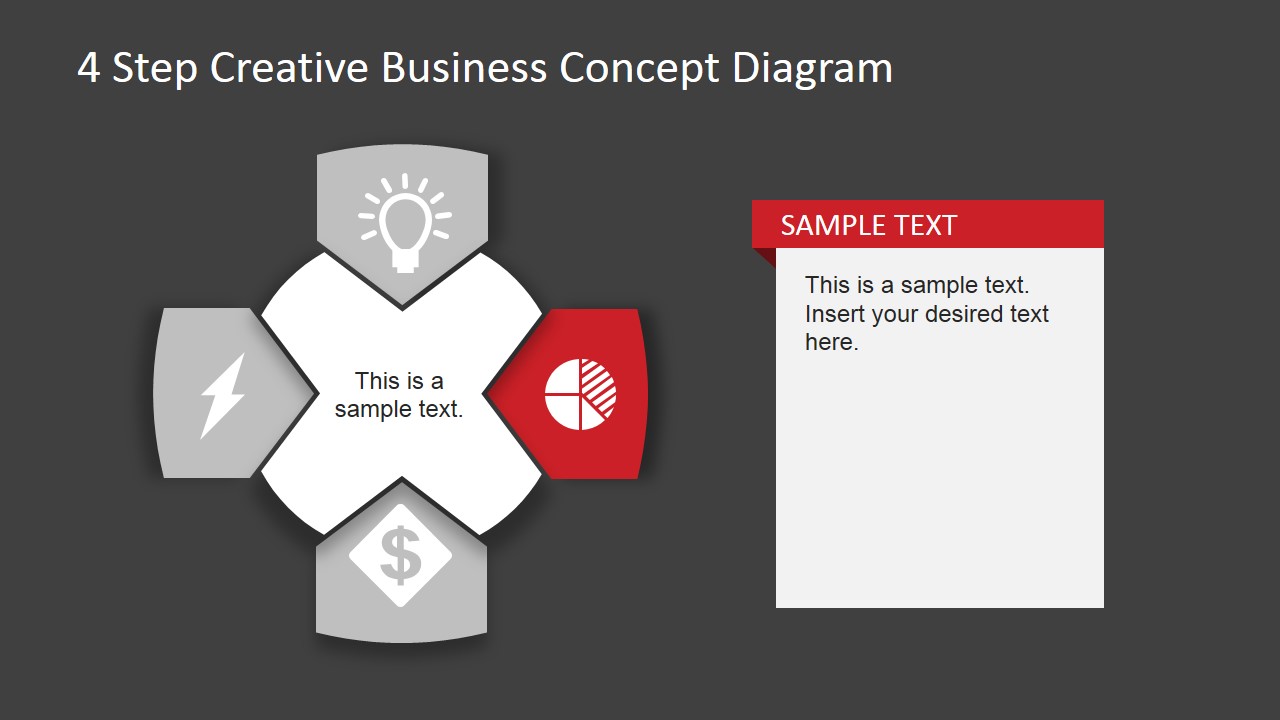
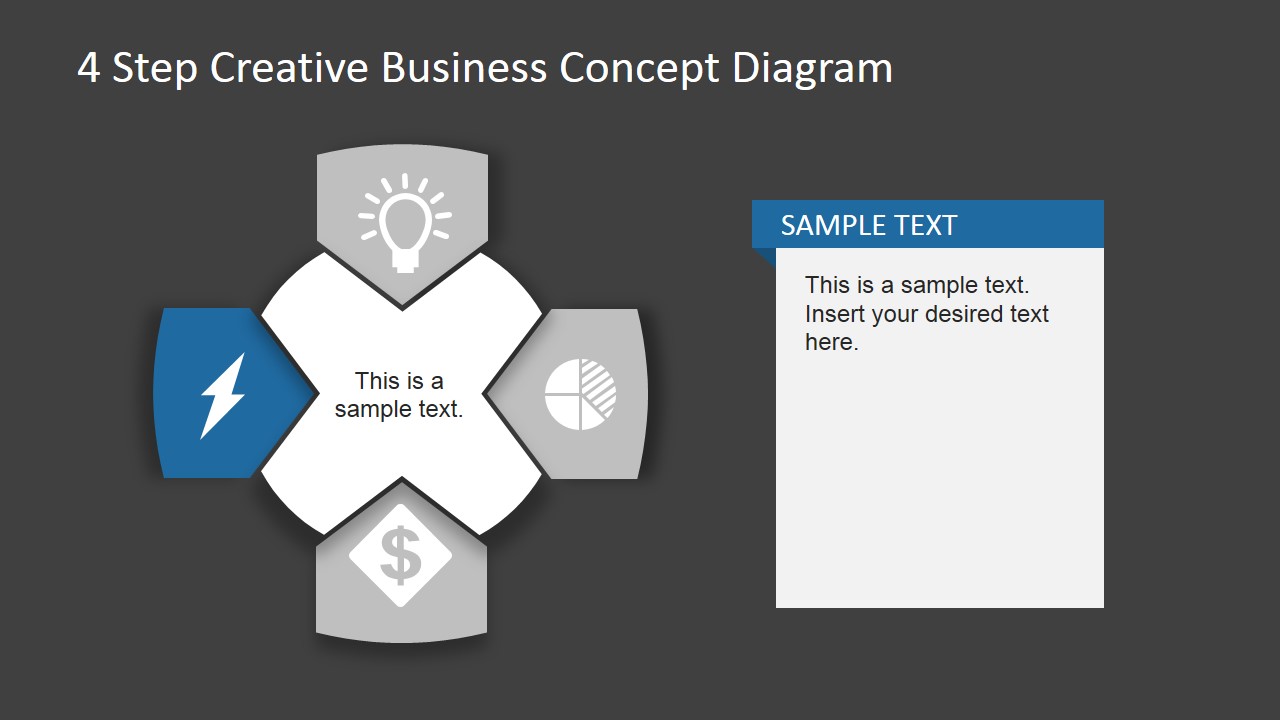
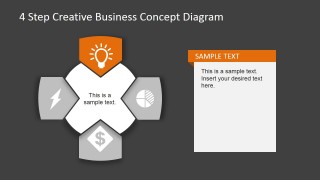
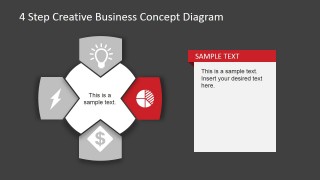
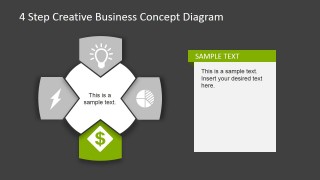
- A product manager can explain a four-part launch plan with the single-step detail slides, giving each workstream its own text card.
- A sales leader can close a proposal with the four-banner summary slide to reinforce the main benefits or proof points in one view.
Features
- 100% editable presentation template
- Compatible with Microsoft PowerPoint and Google Slides
- Scalable vector shapes, icons and illustrations
- AI-Ready for Microsoft Copilot and Claude
- Instant access and download
Frequently asked questions
Q: How should a presenter explain the four-step concept without making the diagram feel repetitive?
A: Start with Slide 1 as the map of the idea, then use Slides 2 through 5 to give each step a clear job. Keep the center label consistent and change the right-side text card to show the audience what is new about that specific step, not to repeat the overview.
Q: Who is this template best suited for in a business presentation?
A: It works best for consultants, founders, managers, and sales teams who need to explain a compact framework rather than a long plan. The four-part structure fits strategic pillars, offer components, product benefits, or operating principles where the audience needs a simple mental model before details.
Q: Why does the template use a central hub with highlighted icons?
A: The hub layout shows that all four ideas connect to one central message, while the highlighted color on each detail slide directs attention to the current topic. The icon metaphors make the categories easier to remember: energy, idea, analysis, and financial value can each be assigned to a visible symbol.


4 Step Business Concept Diagram for PowerPoint Dark Version
6-slide presentation template with a dark four-step business concept diagram and icon banners.
This 6-slide presentation template presents a four-step business concept on a dark background, with a central hub diagram, single-step highlight slides, right-side explanation cards, and a four-banner summary. It is built for consultants, managers, and founders preparing concept, process, or value proposition slides in Microsoft PowerPoint or Google Slides.


 Loading...
 Microsoft PowerPoint
  Microsoft Copilot
  Claude for PowerPoint
 Other formats supported
Subscribe today and get immediate
access to download our PowerPoint templates.