Animated Global Dynamic PowerPoint Template is a presentation design that you can download to make compelling business presentations including global slides, innovation topics, product development slides and more.
See a live preview of this global animated PowerPoint template here:
Alternatively you can download other creative PowerPoint templates for professional presentations including globe cliparts & Earth illustrations for PowerPoint, creative business diagrams and layouts for presentations or you can download our free slides for PowerPoint to see how editable shapes are created.
What’s inside this template
Example presentation scenarios
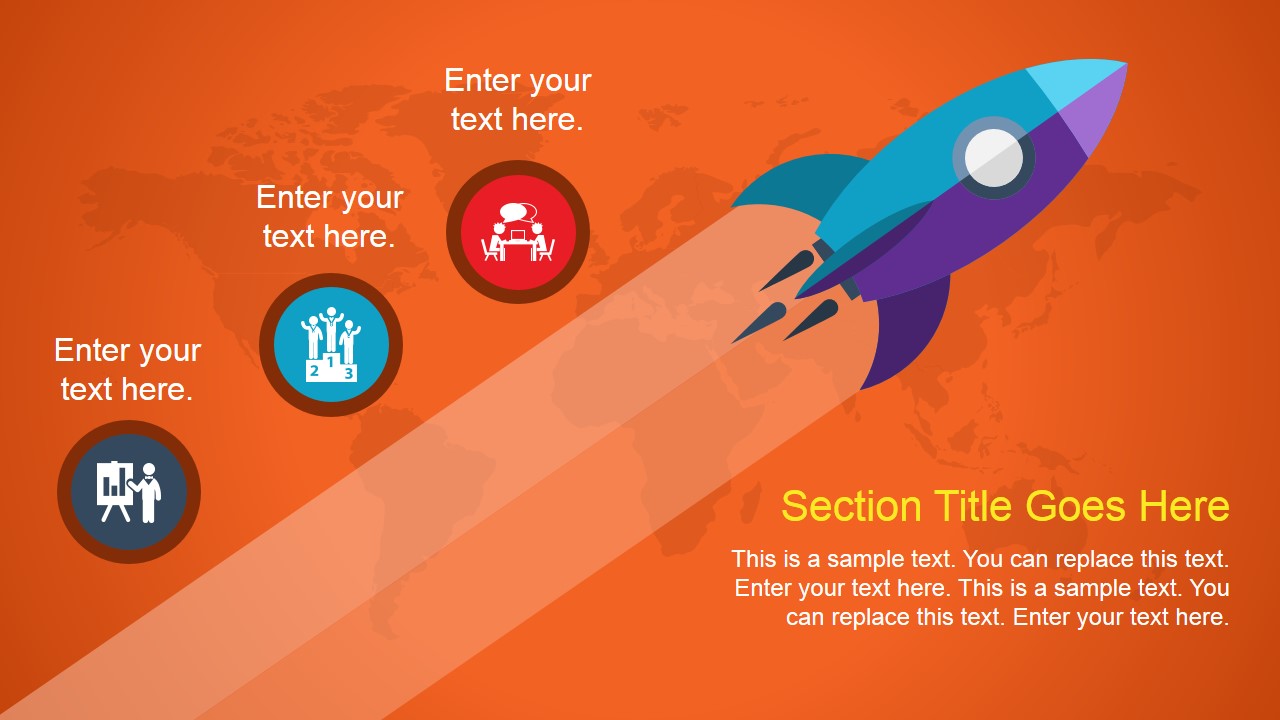
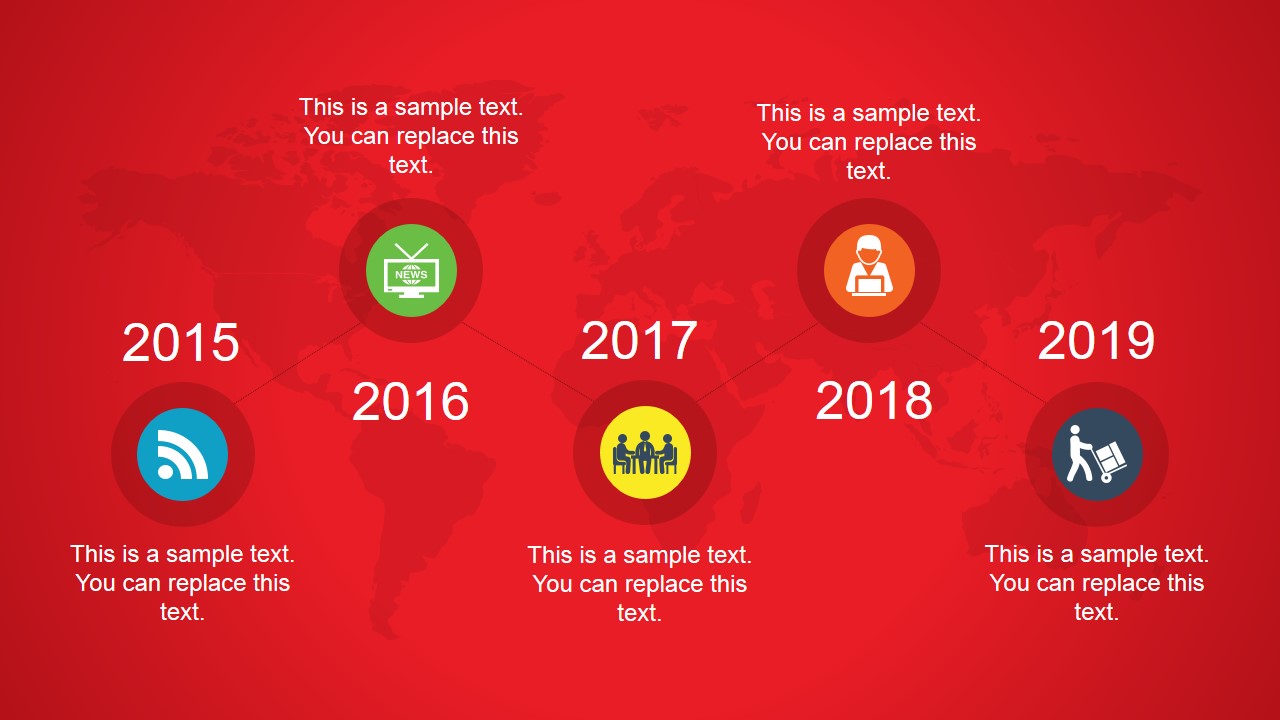
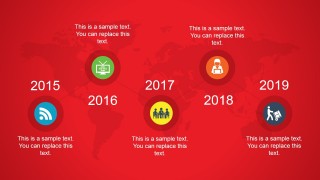
- A product manager can present a new international product initiative, using the rocket launch slide to frame momentum and the five-year timeline to explain milestone sequencing.
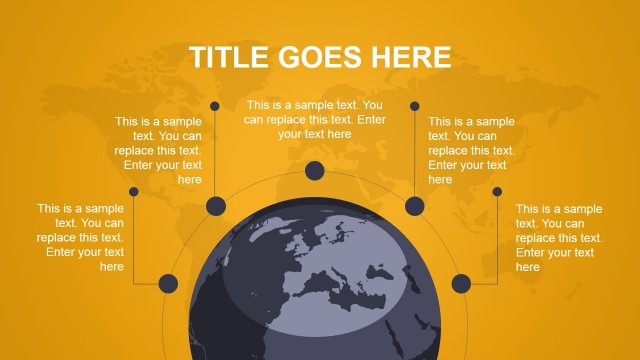
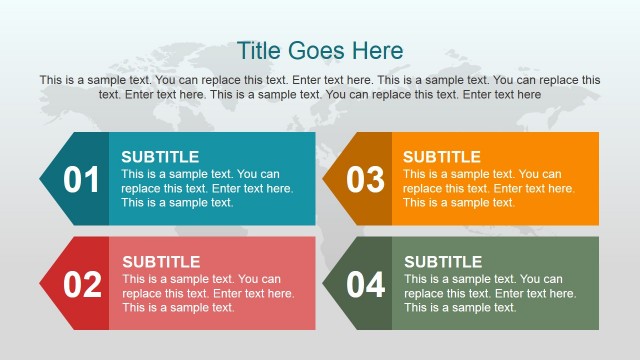
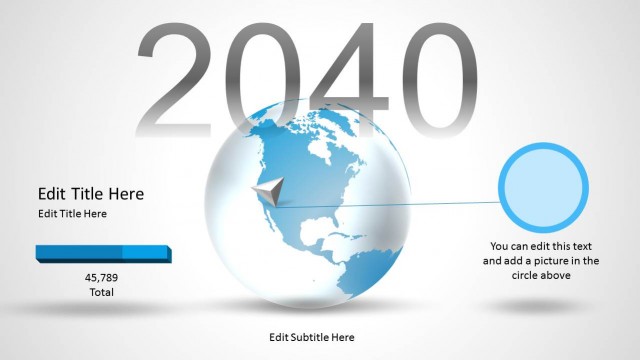
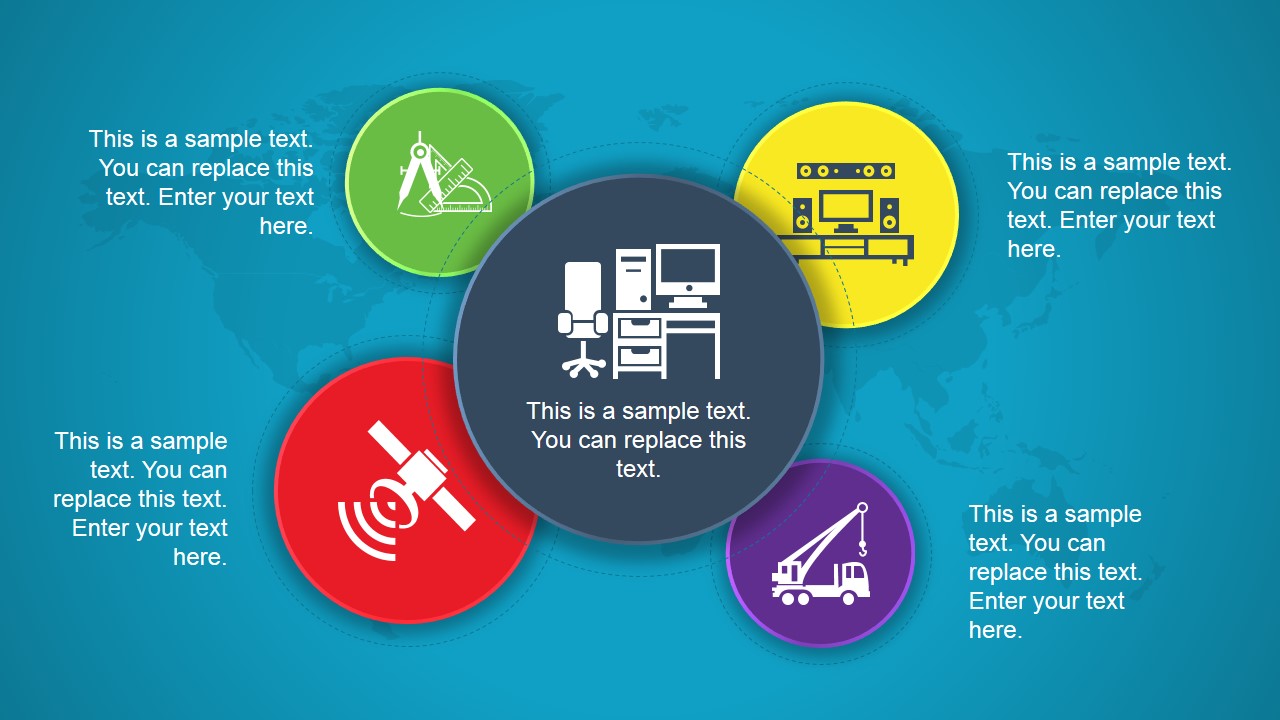
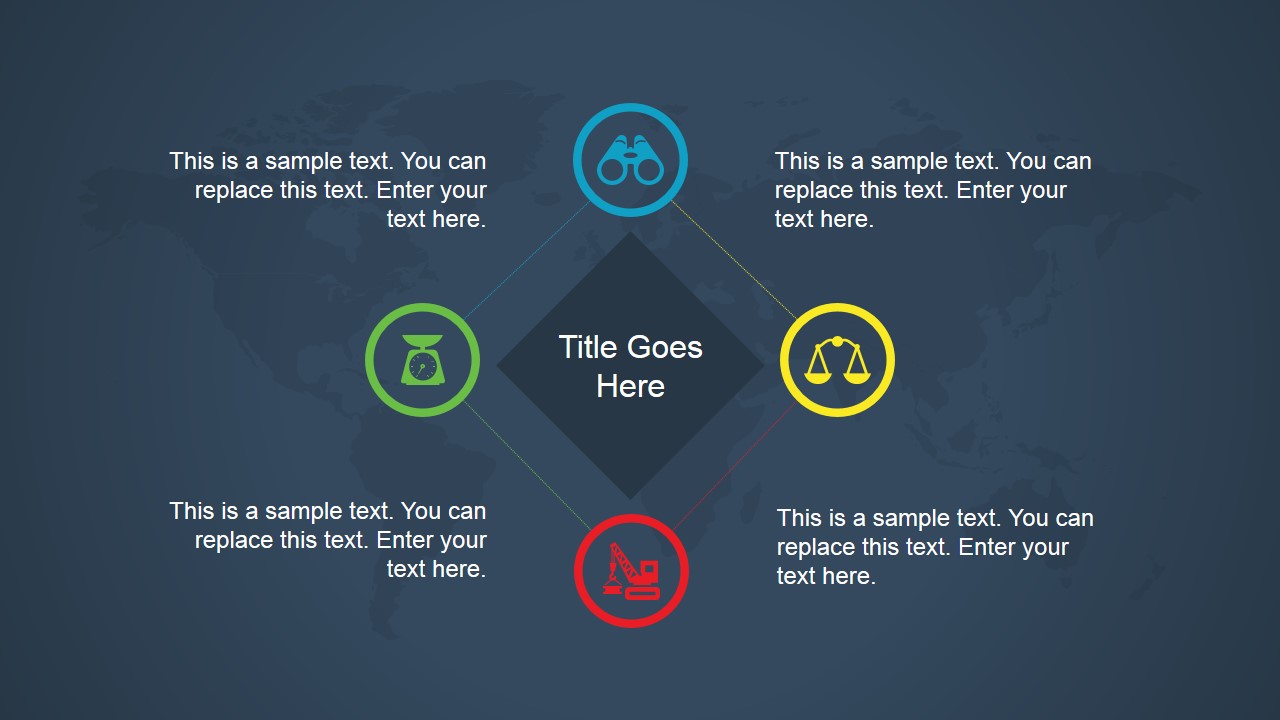
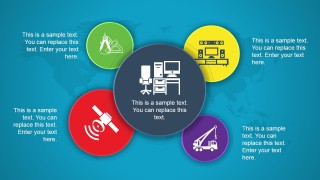
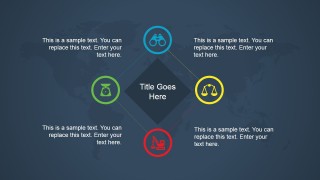
- A consultant can summarize a global transformation program for leadership, using the globe hub diagram to connect workstreams and the diamond quadrant slide to compare four decision factors.
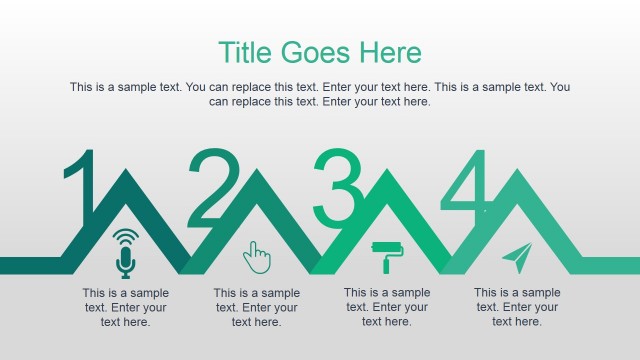
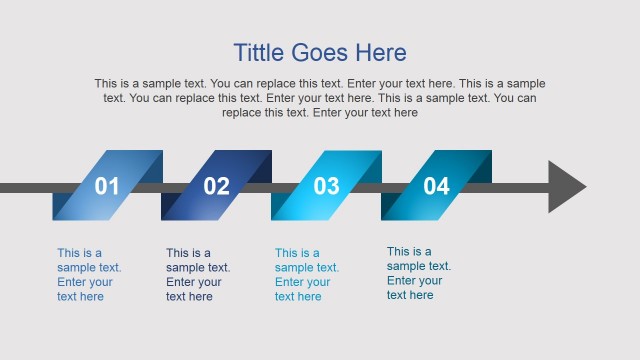
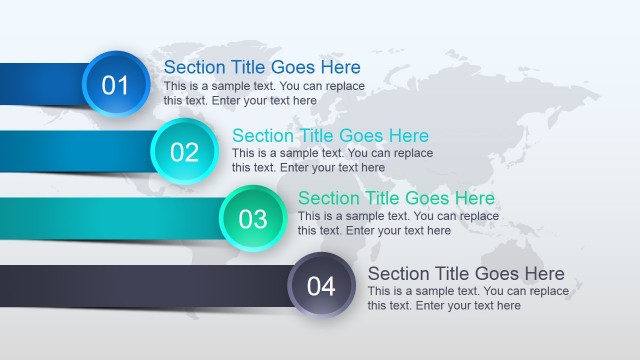
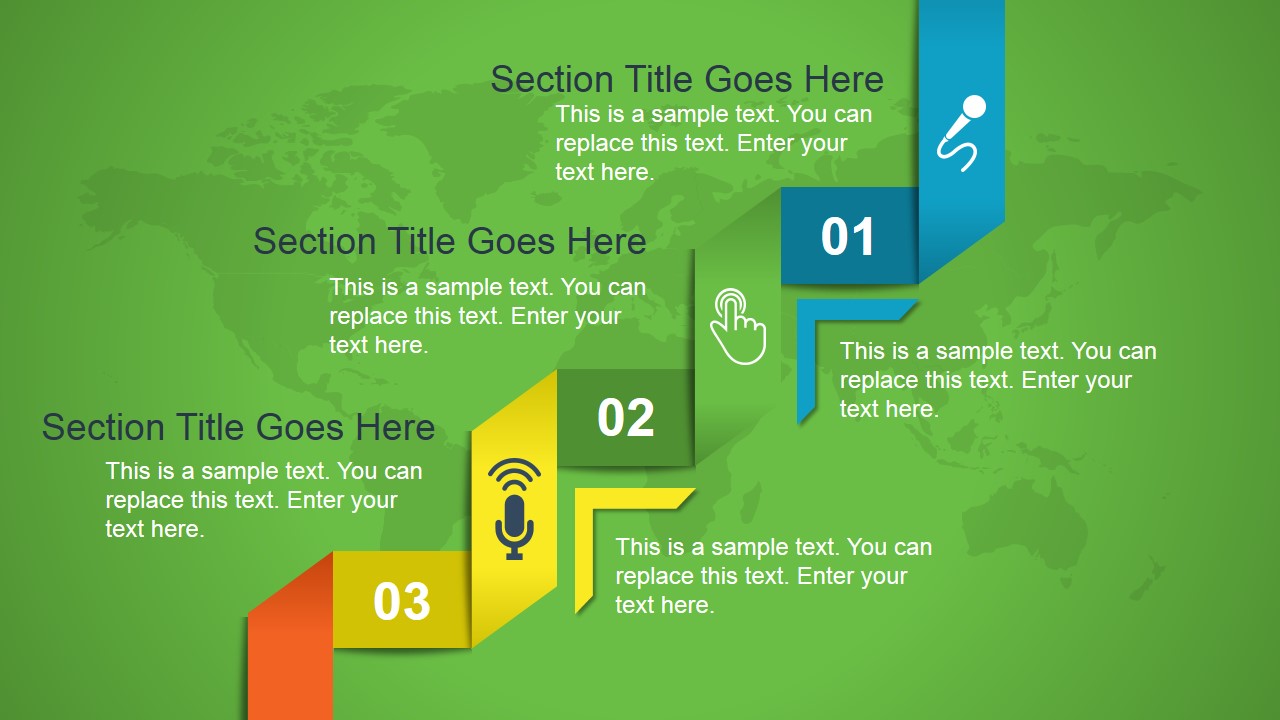
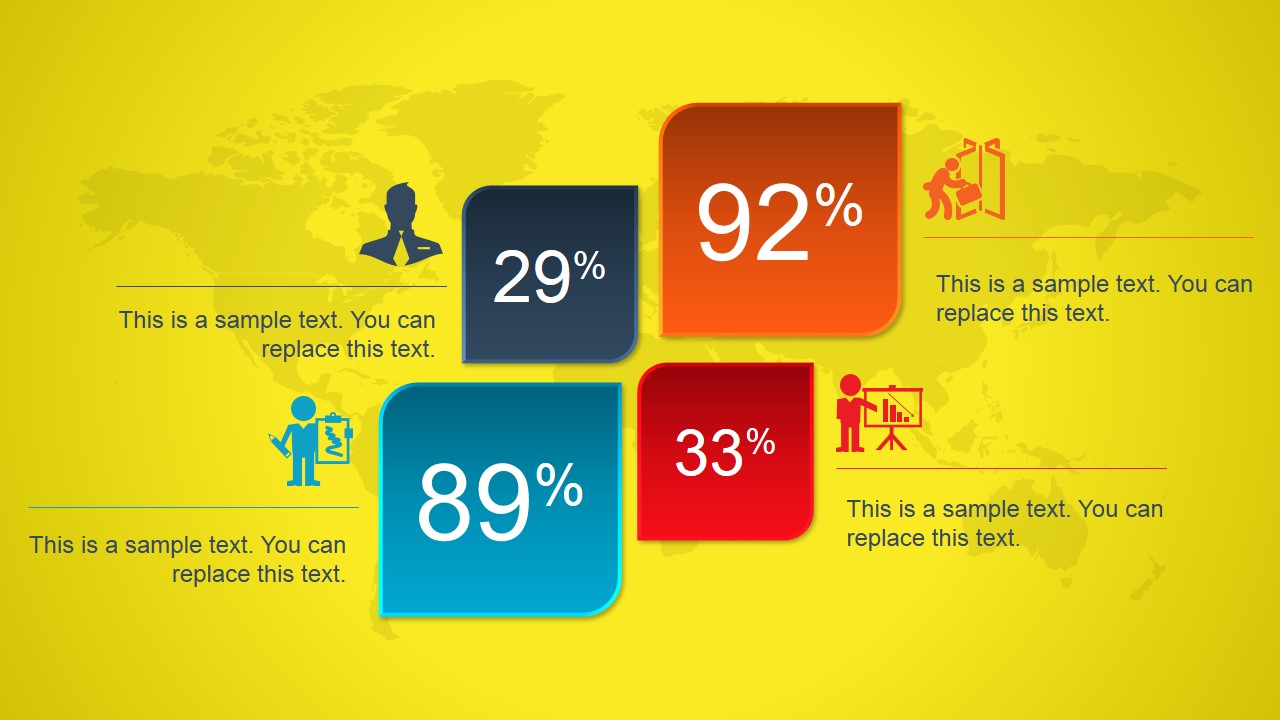
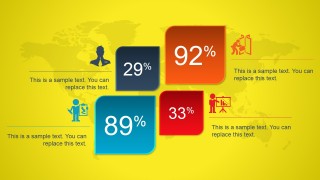
- A marketing strategist can introduce a campaign expansion plan, using the numbered section slide for agenda structure and the percentage metric slide to call out audience or market indicators.
- An innovation team can brief stakeholders on a technology roadmap, using the radial service cluster to group capabilities and the timeline slide to show when major activities occur.
Features
- 100% editable presentation template
- Compatible with Microsoft PowerPoint and Google Slides
- 16:9 aspect ratio slides
- Scalable vector shapes, icons and illustrations
- Ready with Animations & Transitions in PowerPoint
- AI-Ready for Microsoft Copilot and Claude
- Instant access and download
Frequently asked questions
Q: How should a presenter structure a message with this animated global template?
A: Start with the numbered section slide to organize the agenda, then move to the globe hub diagram for the main global themes. Use the rocket slide for the core initiative or launch idea, the timeline for sequence, and the percentage metric slide for evidence. Keep each text block short so the animations and icons guide attention.
Q: Who is this template best suited for in a business presentation?
A: This template fits presenters who need to explain a global initiative without building a full corporate report. Product managers, consultants, startup founders, and innovation leads can use the rocket concept, timeline, and quadrant diagram to frame direction, priorities, and progress for executives or cross-functional stakeholders.
Q: Why do the globe and rocket metaphors help the audience understand the story?
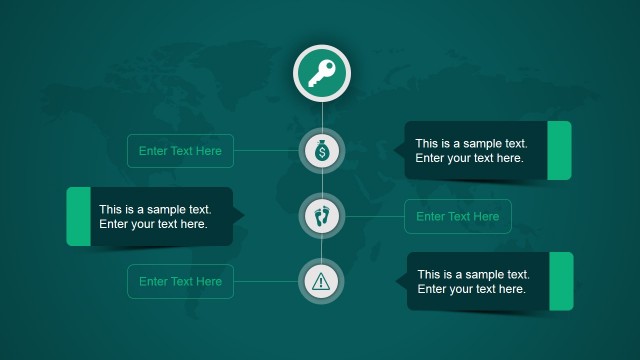
A: The globe creates immediate context for scale, reach, or international coordination, while the rocket suggests launch, growth, and acceleration. The surrounding icons break abstract ideas into visible topics, and the timeline turns momentum into a sequence. These metaphors make a broad global message easier to follow.


Animated Global Dynamic PowerPoint Template
7-slide animated presentation template with global diagrams, rocket concept visuals, and colorful timeline layouts
Animated Global Dynamic PowerPoint Template is a 7-slide, 16:9 presentation template for global business, innovation, and product development topics. It includes a numbered section layout, globe hub diagram, rocket launch concept, radial service cluster, year timeline, diamond quadrant diagram, and percentage metric blocks for presenters using Microsoft PowerPoint or Google Slides.
- Category
- Template Backgrounds
- Rating


 Loading...
- Aspect ratio
- 16:9
- Item ID
- 4034-01
- Colors
 Microsoft PowerPoint
  Microsoft Copilot
  Claude for PowerPoint
 Other formats supported
Subscribe today and get immediate
access to download our PowerPoint templates.