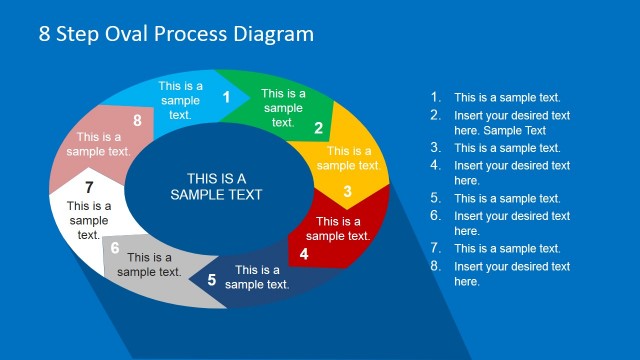
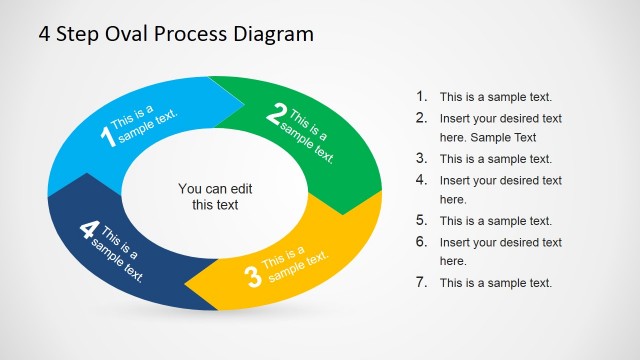
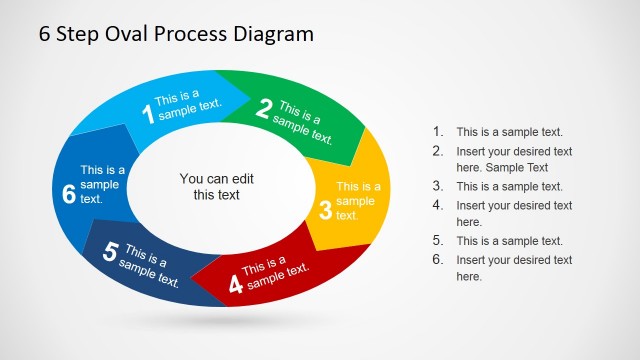
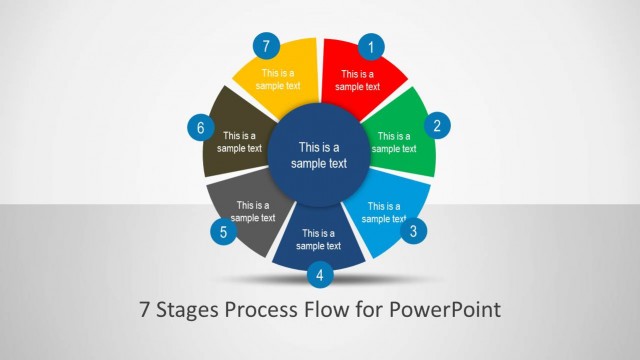
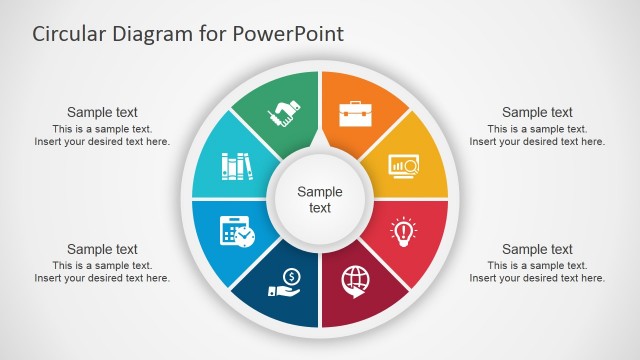
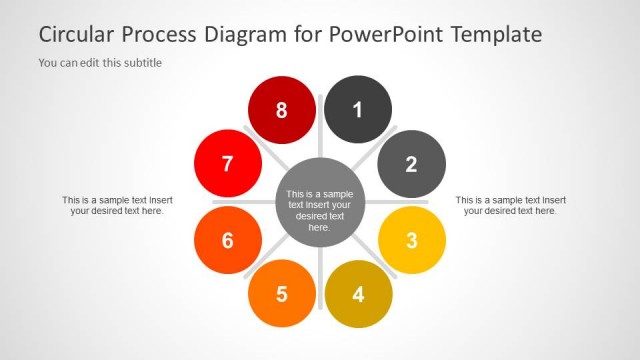
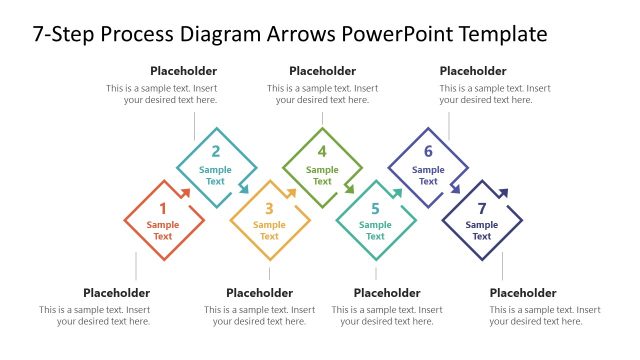
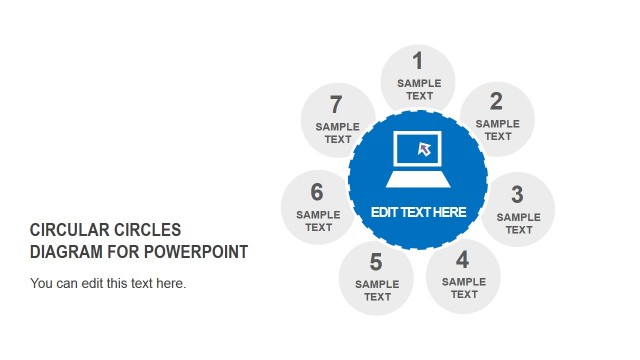
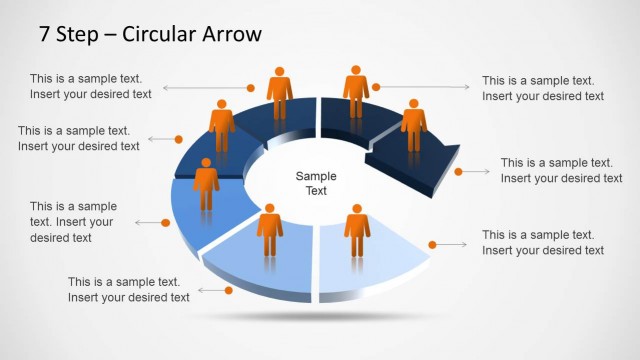
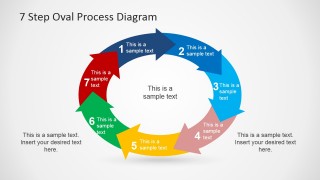
7 Step Oval Process Diagram Template for PowerPoint is a presentation design containing an oval diagram created with PowerPoint shapes that you can use as an alternative to circular process diagrams to describe a circular process during a PowerPoint presentation. You can copy and paste the diagram into your own slides and replace the text placeholders to describe each process step.
What’s inside this template
Example presentation scenarios
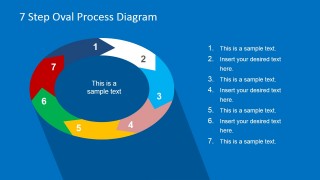
- A process improvement manager can explain a continuous improvement loop by using the numbered oval ring to show the seven stages and the right-side list to add action notes.
- A consultant can present a client delivery methodology by using the arrow-segment cycle to show how each phase connects to the next without implying a linear endpoint.
- A training facilitator can introduce a repeatable operating procedure by using the large arrow cycle and side callouts to emphasize the start, handoffs, and repeating behavior.
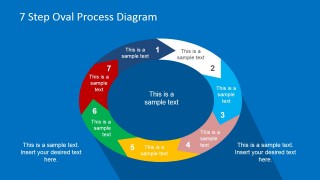
- A project lead can summarize an implementation roadmap by using the blue-background diagram variant to focus attention on step names while reserving the side list for responsibilities.
Features
- 100% editable presentation template
- Compatible with Microsoft PowerPoint and Google Slides
- Scalable vector shapes, icons and illustrations
- AI-Ready for Microsoft Copilot and Claude
- Instant access and download
Frequently asked questions
Q: How should a presenter explain the seven steps without overloading the audience?
A: Start with the center message to define the process, then move clockwise through the numbered oval segments. Use the list-based slides when each step needs a short explanation, and use the arrow-only slides when the goal is to show movement and continuity. Keep each segment label brief so the cycle remains readable.
Q: Who is this template best suited for, and what message does it communicate?
A: This template is best for consultants, operations managers, trainers, and project leads who need to describe a repeatable seven-stage workflow. It communicates that the work is connected, ordered, and cyclical. It is especially useful for service processes, improvement cycles, onboarding paths, or implementation methods that repeat after completion.
Q: Why use an oval process diagram instead of a standard linear process slide?
A: The oval shape makes the process feel continuous rather than finished after step seven. The arrow segments add direction, while the open center provides a place for the overall objective. This visual metaphor helps audiences remember that the stages are part of one repeating system, not isolated tasks.
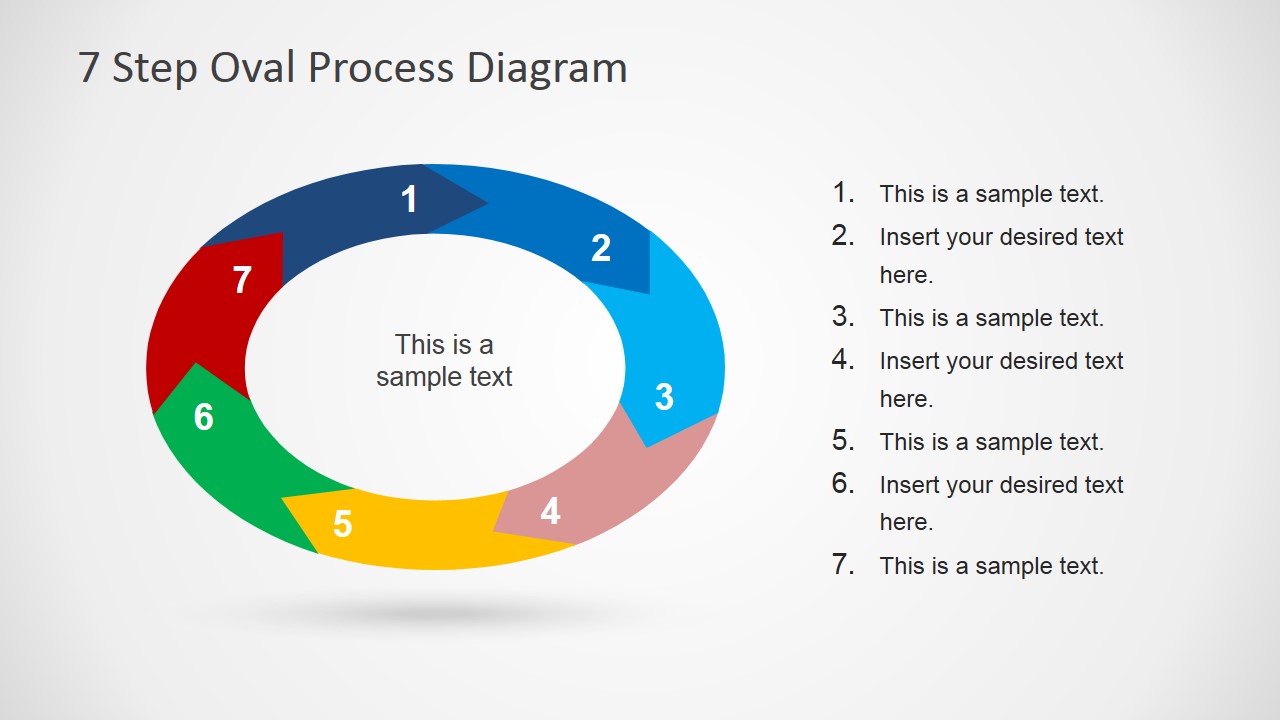


7 Step Oval Process Diagram Template for PowerPoint
6-slide presentation template with 7-step oval process diagrams and circular process variants
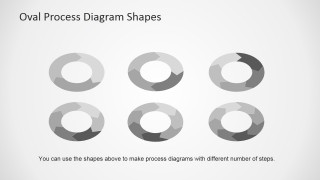
This 6-slide PowerPoint diagram template presents a 7-step oval process as a cyclical workflow. Visible layouts include a numbered oval ring with side list, segmented arrow ring, standalone arrow cycle, shape library, and blue-background variants. It is for presenters explaining recurring processes, implementation stages, or service workflows.

 Loading...
 Microsoft PowerPoint
  Microsoft Copilot
  Claude for PowerPoint
 Other formats supported
Subscribe today and get immediate
access to download our PowerPoint templates.