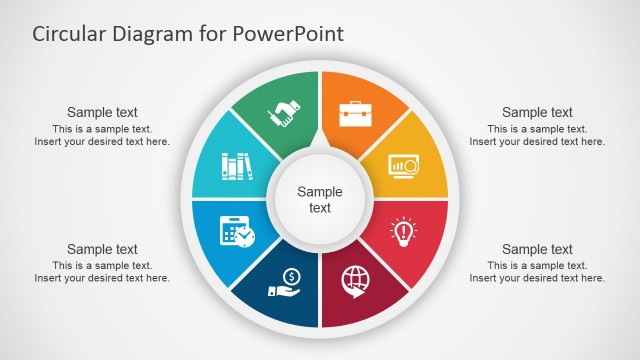
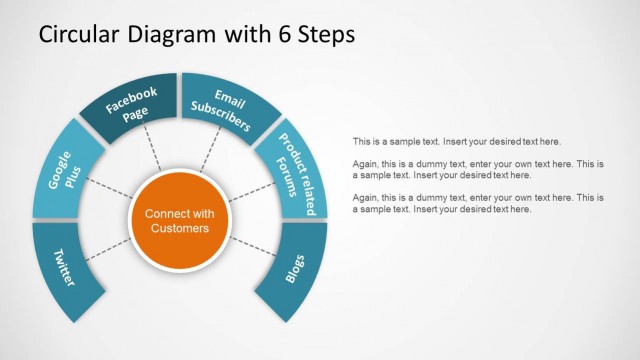
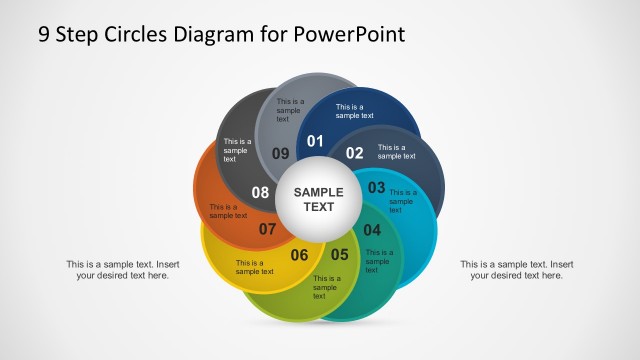
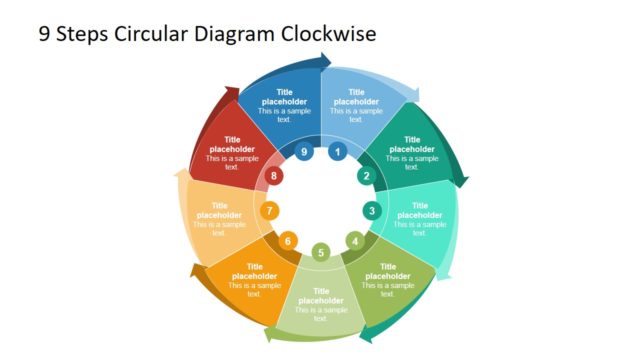
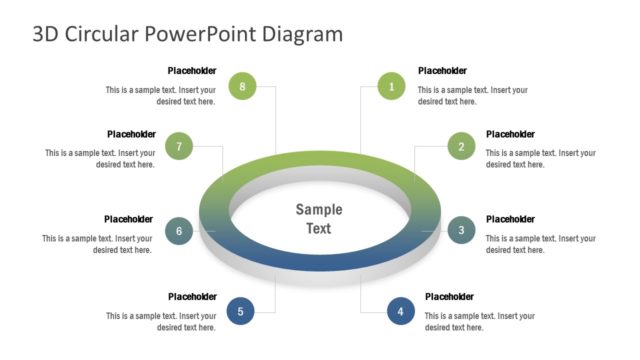
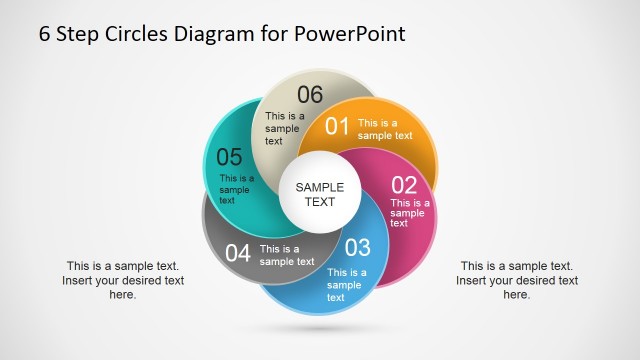
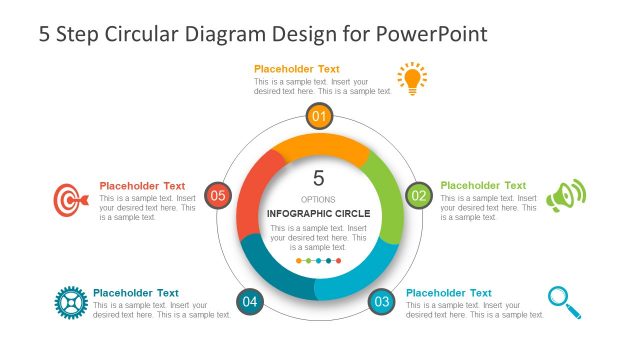
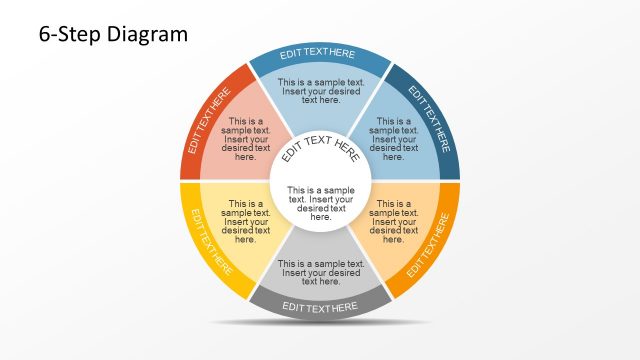
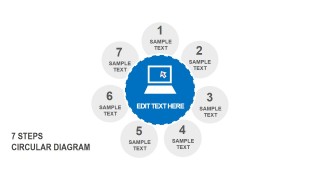
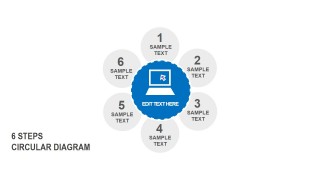
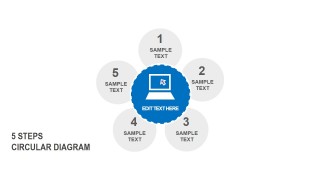
This circular presentation diagram is created with circle shapes in PowerPoint and can be useful to describe a circular process flow of up nine concepts or steps.
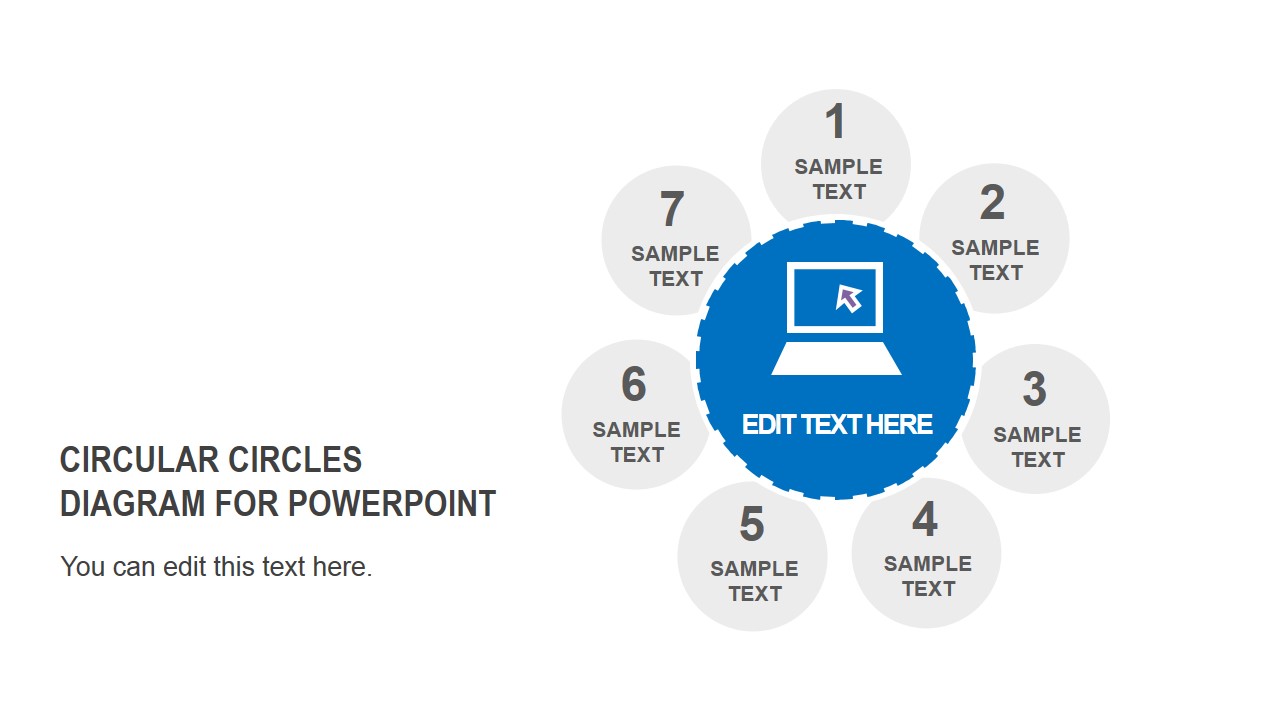
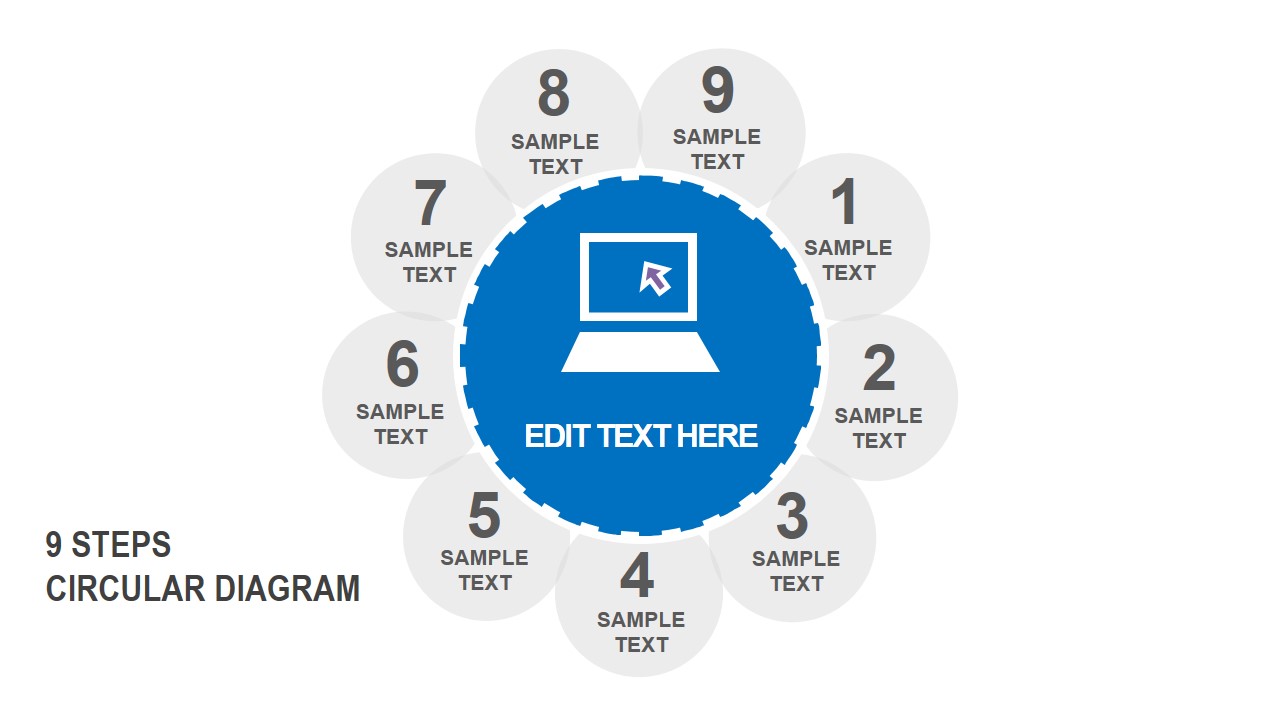
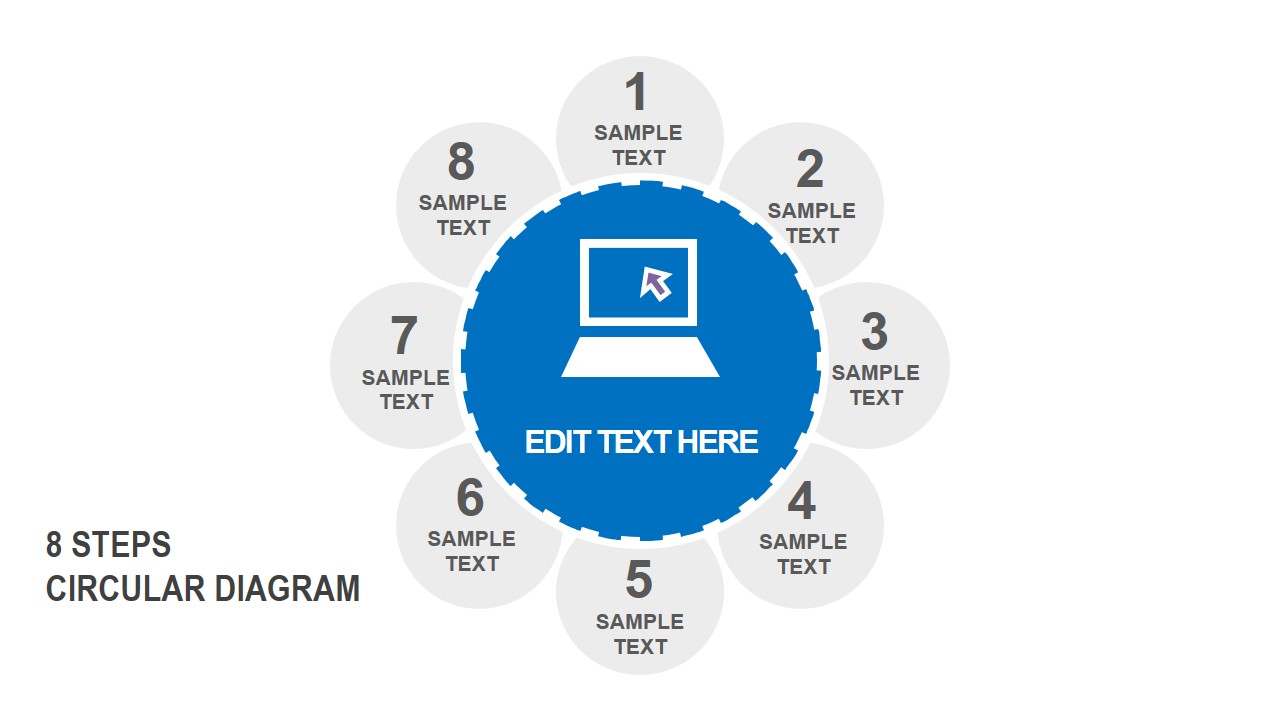
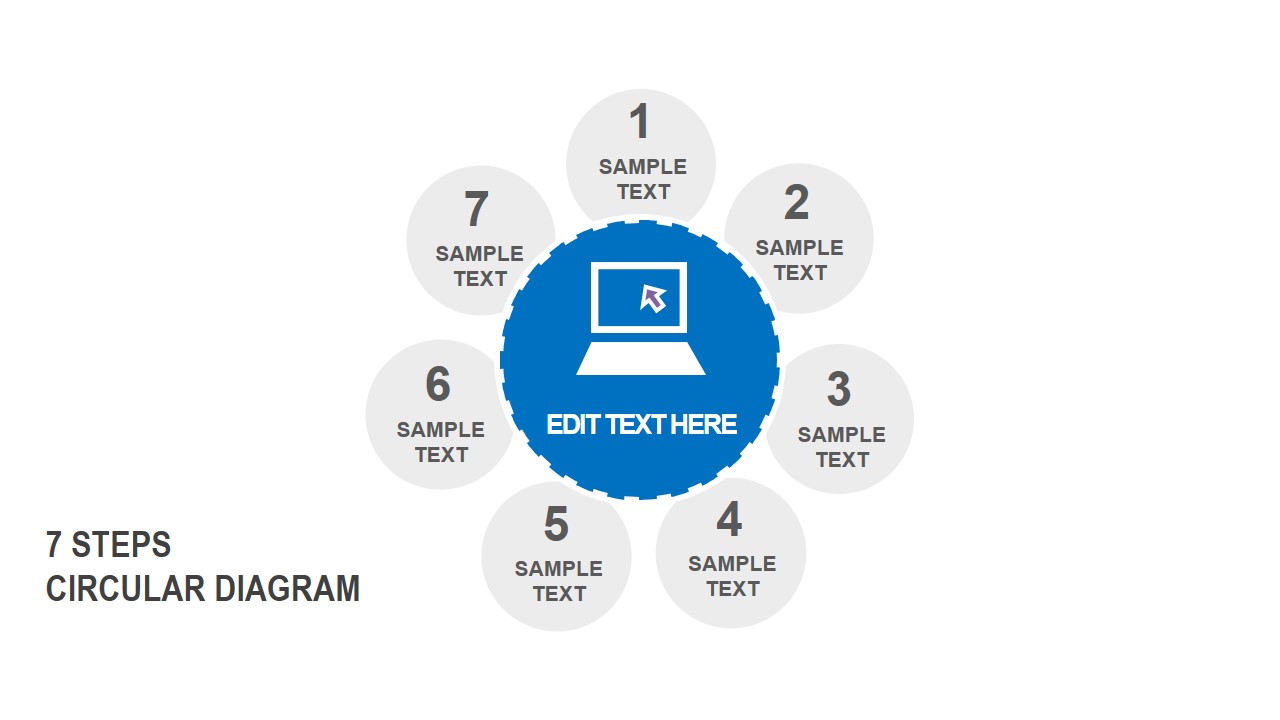
This circle diagram includes a PowerPoint icon in the center of the slide. The laptop illustration in the center can be easily replaced by any other icon or removed to use text only.
Each additional slide includes a circular diagram design with a different number of steps. The circular presentation diagram for PowerPoint is fully editable and can be used for business presentations.
What’s inside this template
Example presentation scenarios
- A project manager can explain a recurring workflow by selecting the 6-step circular diagram and replacing each numbered circle with phase names, responsibilities, or handoff points.
- A consultant can present a strategy framework to executives using the 5-step circular diagram to keep the message focused on a small set of connected priorities.
- A trainer can teach a repeatable method with the 7-step or 8-step circular diagram, using the central icon area to state the main concept and the outer circles for actions.
- A product or marketing lead can map a customer lifecycle with the 9-step circular diagram, using the numbered outer circles to show touchpoints around one central theme.
Features
- 100% editable presentation template
- Compatible with Microsoft PowerPoint and Google Slides
- 16:9 aspect ratio slides
- Scalable vector shapes, icons and illustrations
- AI-Ready for Microsoft Copilot and Claude
- Instant access and download
Frequently asked questions
Q: How should I present a circular process without making the slide feel repetitive?
A: Start with the central idea in the blue circle, then move around the numbered outer circles in a consistent direction. Keep each label short, because the layout works best when the audience sees the full cycle at once. If one step needs detail, explain it verbally or follow with a separate supporting slide.
Q: Who is this template best suited for?
A: This template fits presenters who need to explain a repeatable model rather than a one-time sequence. Consultants, project managers, trainers, and operations leaders can use the 5 to 9 step options to match a process, lifecycle, service method, or framework without forcing the content into the wrong number of stages.
Q: Why use circles around a central icon instead of a list?
A: The circle structure shows that the parts belong to one system and may repeat over time. The central laptop icon and text area give the audience an anchor, while the surrounding numbered circles separate each step. This design is stronger than a list when the message is about connection, recurrence, or balance.


Circular Circles PowerPoint Diagrams
6-slide circular diagram presentation template with 5 to 9 step process layouts
Circular Circles PowerPoint Diagrams is a 6-slide diagram template for showing cyclical processes and grouped concepts. It includes 5-step, 6-step, 7-step, 8-step, and 9-step circular layouts with a central laptop icon and editable labels. It is built for business presenters using Microsoft PowerPoint or Google Slides.
- Category
- Diagrams
- Rating


 Loading...
- Aspect ratio
- 16:9
- Item ID
- 7199-01
- Colors
 Microsoft PowerPoint
  Microsoft Copilot
  Claude for PowerPoint
 Other formats supported
Subscribe today and get immediate
access to download our PowerPoint templates.