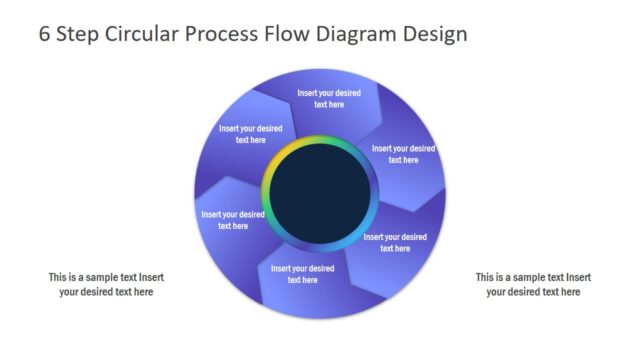
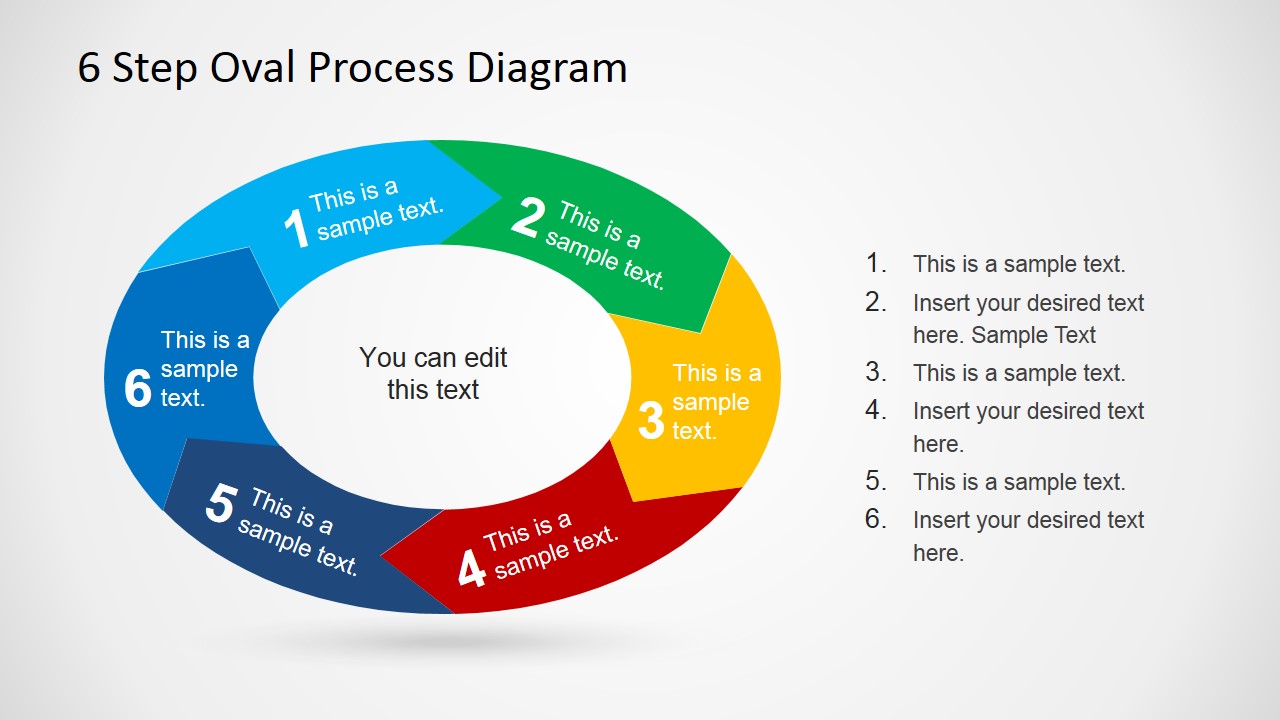
Create an overall impressive presentation with 6 Step Oval Process Diagram Template for PowerPoint. Elements in every step are given emphasis by the different colors. The circular pattern allows the user to move through every phase with clarity. This is very helpful for the audience to retain important report information.
This PowerPoint template is suitable for any study reports. Presenters can talk about general processes or topics that go through 6 stages. For example, the scientific method is a system that tries to answer a question by making hypotheses or a logical guess. It has 6 general guidelines that can fit these 6 segments. This PowerPoint template will come in handy.
The presenter can capture how one step ends and the way the next step will take place. The slide designs are ideal for showing the flow of a concept or a study. It can be used to discuss cycles or any sort of operational activity. It is applicable in Do It Yourself (DIY) demonstrations as well.
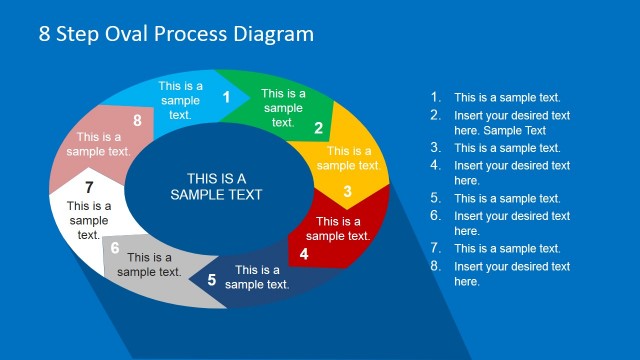
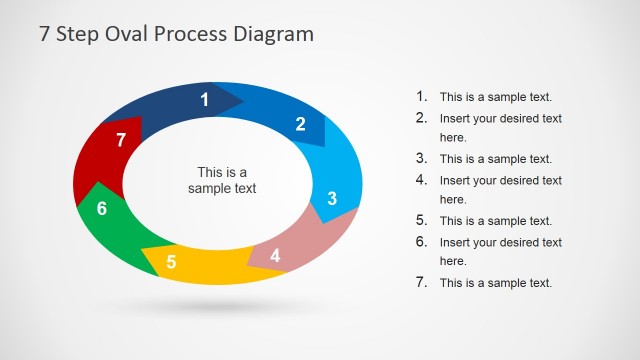
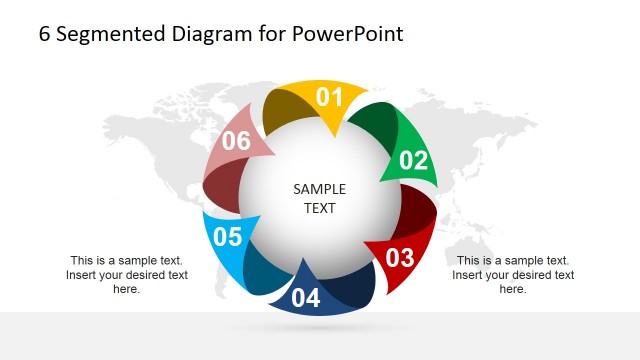
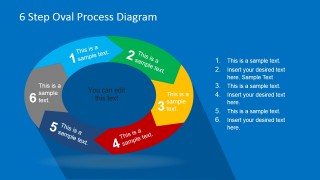
The PowerPoint slide design features a circular diagram. Each segment is shaped like a chevron arrow. In most slides, the arrows are colored differently with corresponding number, as follows: 1 – sky blue, 2 – green, 3 – yellow, 4 – red, 5 – navy blue, 6 – royal blue. Every color can represent one procedural step. The presenter can enumerate the system on the first slide. Two slides feature text placeholders on the right side, and one has two text placeholders on both sides. In the 3rd slide, the user can elaborate on the details of every task. The audience can be given a chance to raise questions in that part.
Excite your audience with professionalism and great visuals using the 6 Step Oval Process Diagram Template for PowerPoint. Colors, fonts and text place holders are customizable. Check out other downloadable templates such as 5 Step Circular Puzzle Diagram Template for PowerPoint at the SlideModel gallery.
What’s inside this template
Example presentation scenarios
- A training manager can introduce a six-part learning workflow and use the oval chevron process to show how each activity leads into the next.
- An operations leader can present a recurring business process and use the numbered side list to explain responsibilities, inputs, or checkpoints for each phase.
- A consultant can map a client engagement method with the six colored segments and use the center text area to state the main process outcome.
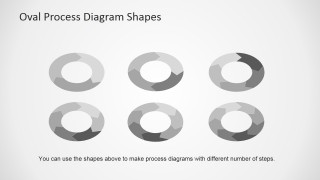
- An educator or researcher can explain a six-stage study method and use the grayscale shape variants slide to adapt the process visual for related lessons.
Features
- 100% editable presentation template
- Compatible with Microsoft PowerPoint and Google Slides
- 16:9 aspect ratio slides
- Scalable vector shapes, icons and illustrations
- AI-Ready for Microsoft Copilot and Claude
- Instant access and download
Frequently asked questions
Q: How should I present a six-step process without making the diagram feel crowded?
A: Use the oval diagram as the overview, then speak to one segment at a time. Keep each segment label short and place supporting details in the side list or callout areas. The center text should name the overall outcome, not repeat the six steps. This keeps attention on the flow.
Q: Who is this template best suited for in a business presentation?
A: It fits presenters who need to explain a repeatable method, operating cycle, training path, or study process. Operations teams, consultants, trainers, and educators can use the numbered chevrons to show sequence while keeping the message less linear than a simple list. It is strongest when all six steps matter.
Q: Why does the oval chevron layout help communicate a process?
A: The oval shape suggests continuity, while the chevrons imply movement from one step to the next. That visual metaphor works well for processes that repeat, feed back, or build toward a central outcome. The numbered colors also help the audience track position without needing long labels on the diagram.


6 Step Oval Process Diagram Template for PowerPoint
4-slide oval process diagram presentation template with six-step cycle layouts and editable shape variants
The 6 Step Oval Process Diagram Template for PowerPoint is a 4-slide diagram set for explaining cyclical or sequential workflows. It includes a six-step oval chevron process with numbered segments, side text callouts, centered text, and grayscale oval shape variants for business, training, and operations presenters using Microsoft PowerPoint or Google Slides.
- Category
- Diagrams
- Rating


 Loading...
- Aspect ratio
- 16:9
- Item ID
- 6712-03
- Colors
 Microsoft PowerPoint
  Microsoft Copilot
  Claude for PowerPoint
 Other formats supported
Subscribe today and get immediate
access to download our PowerPoint templates.