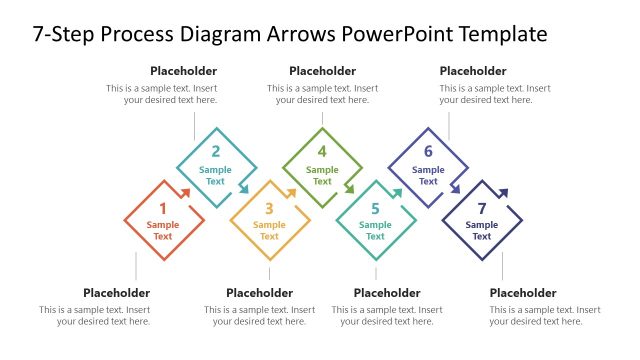
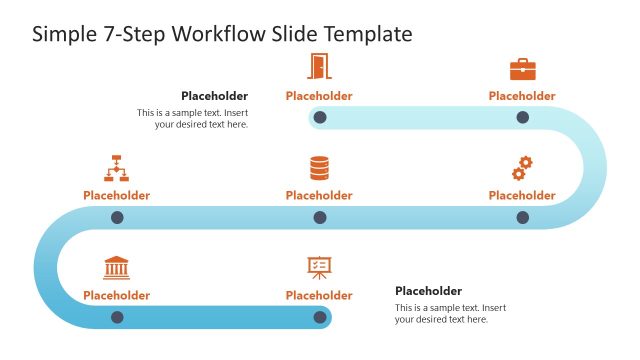
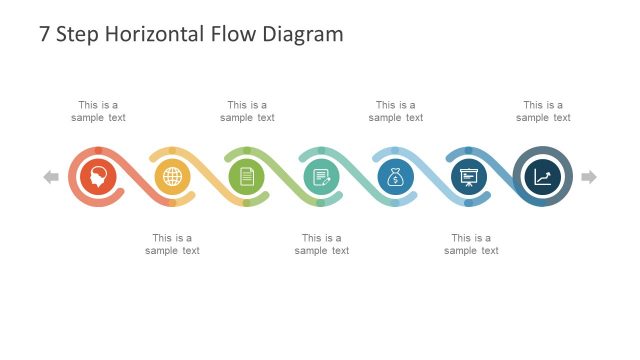
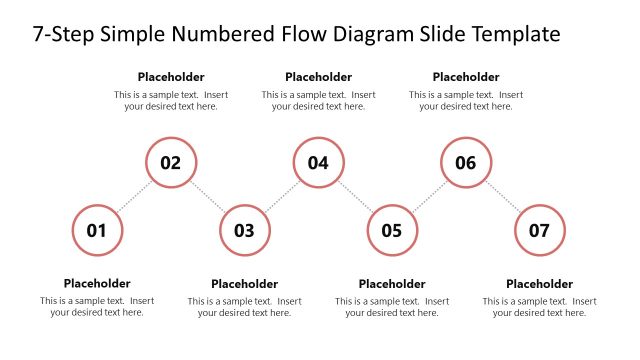
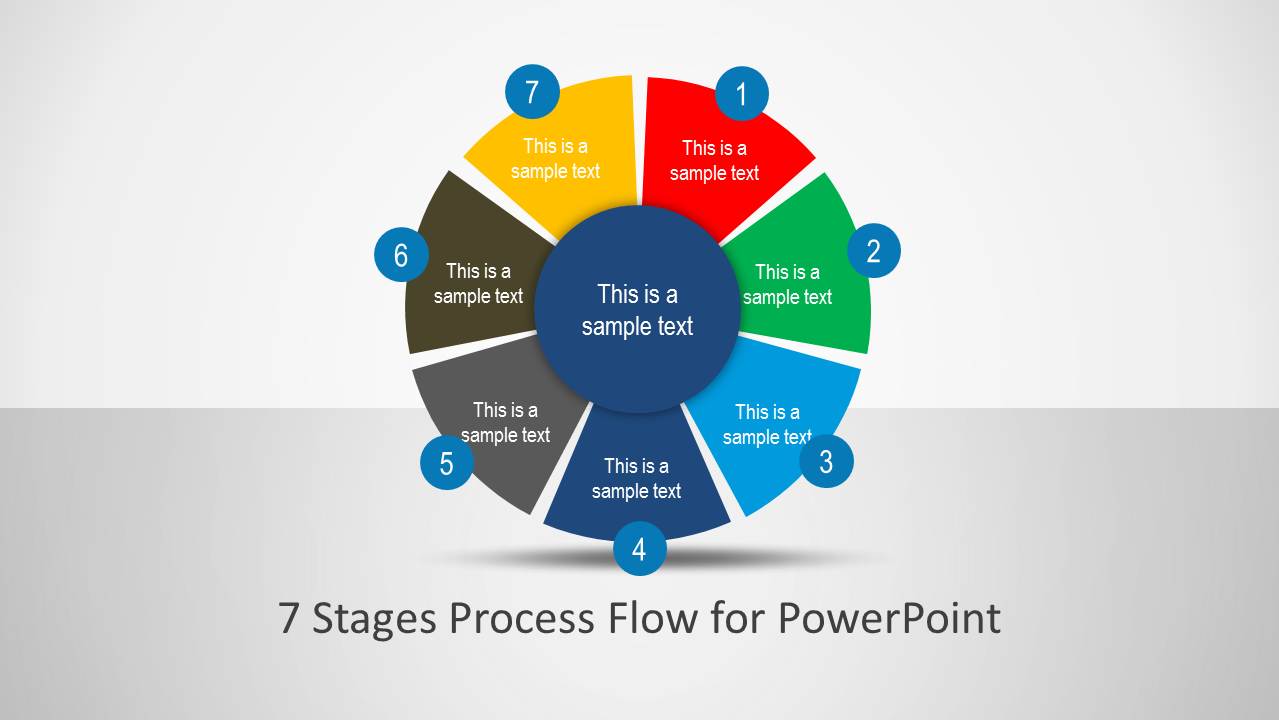
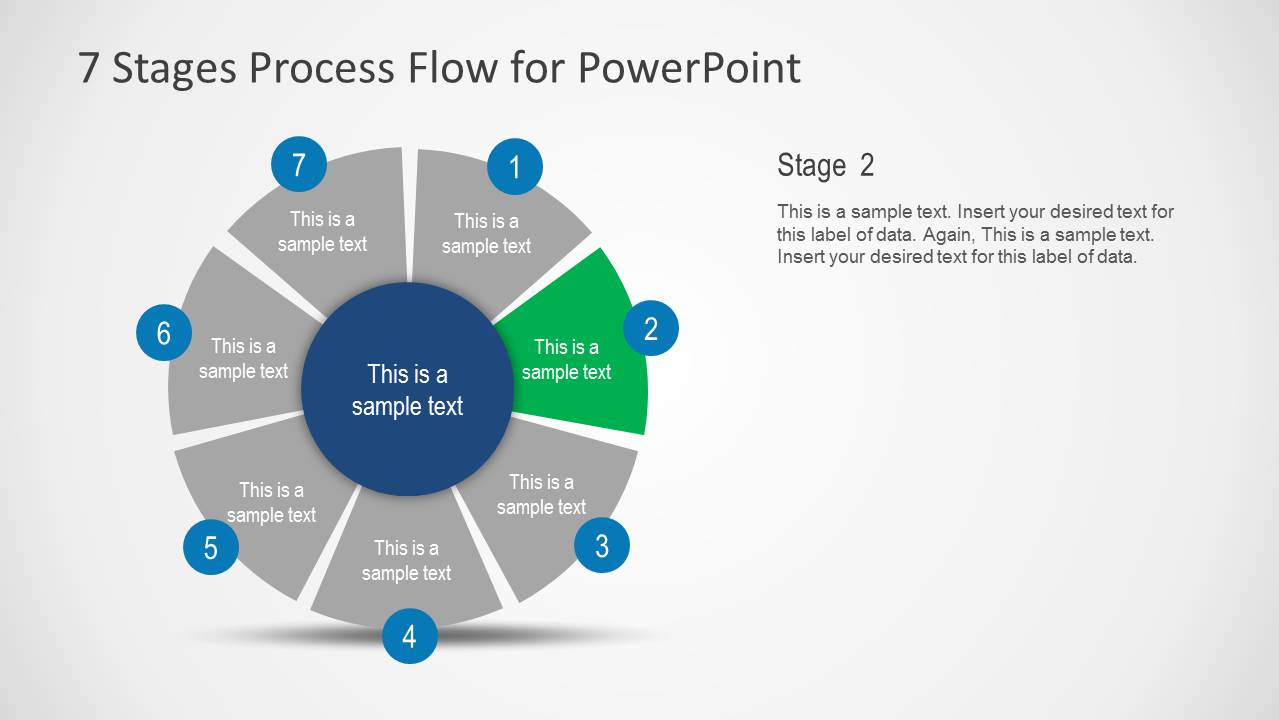
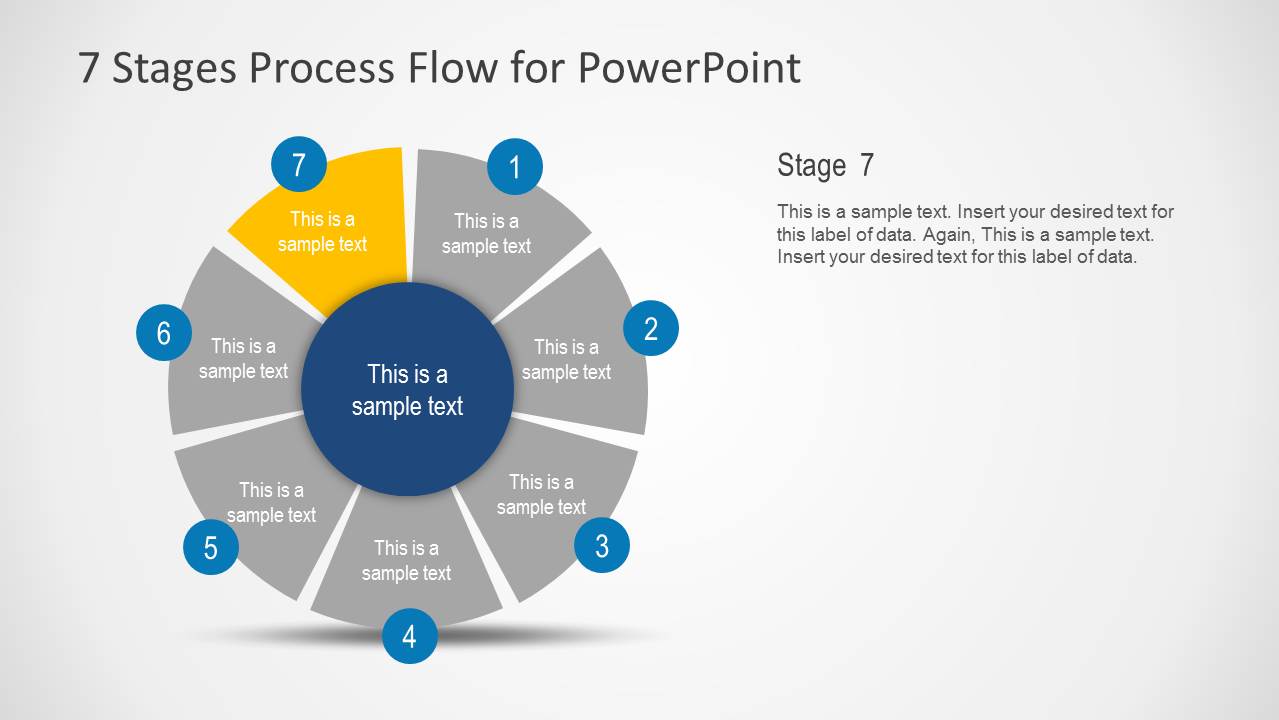
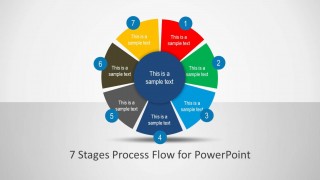
7 Stages Process Flow Diagram for PowerPoint is a flow diagram template for making presentation slides and official models. The slide design contains a 7-step circular infographic PPT template design in a presentation slide.
With the aid of the given flow diagram models you can easily craft professional diagrams and use them in your presentations.
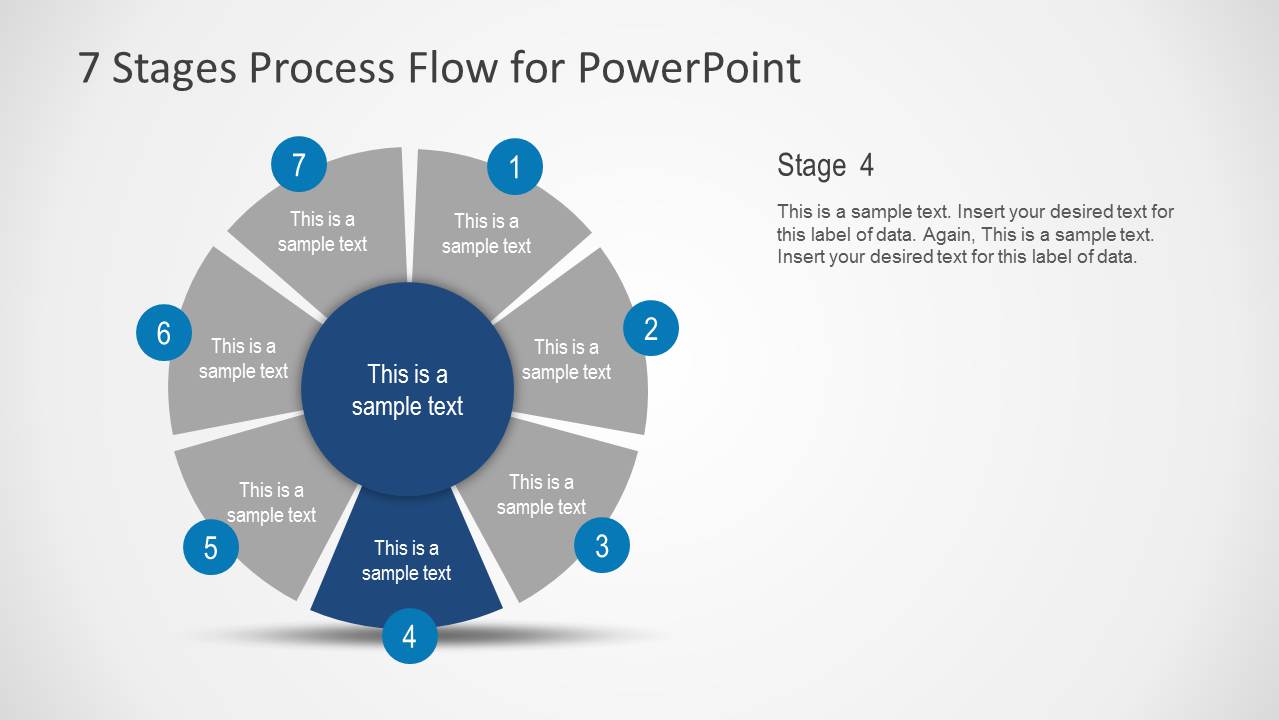
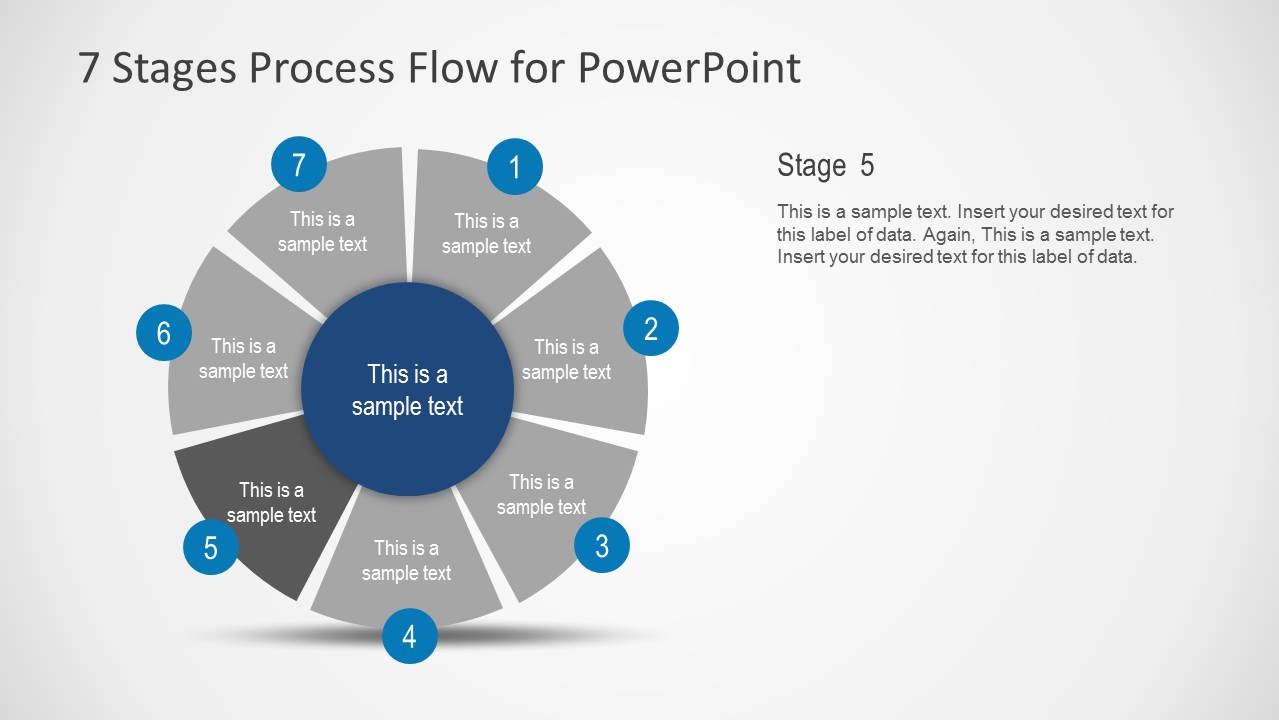
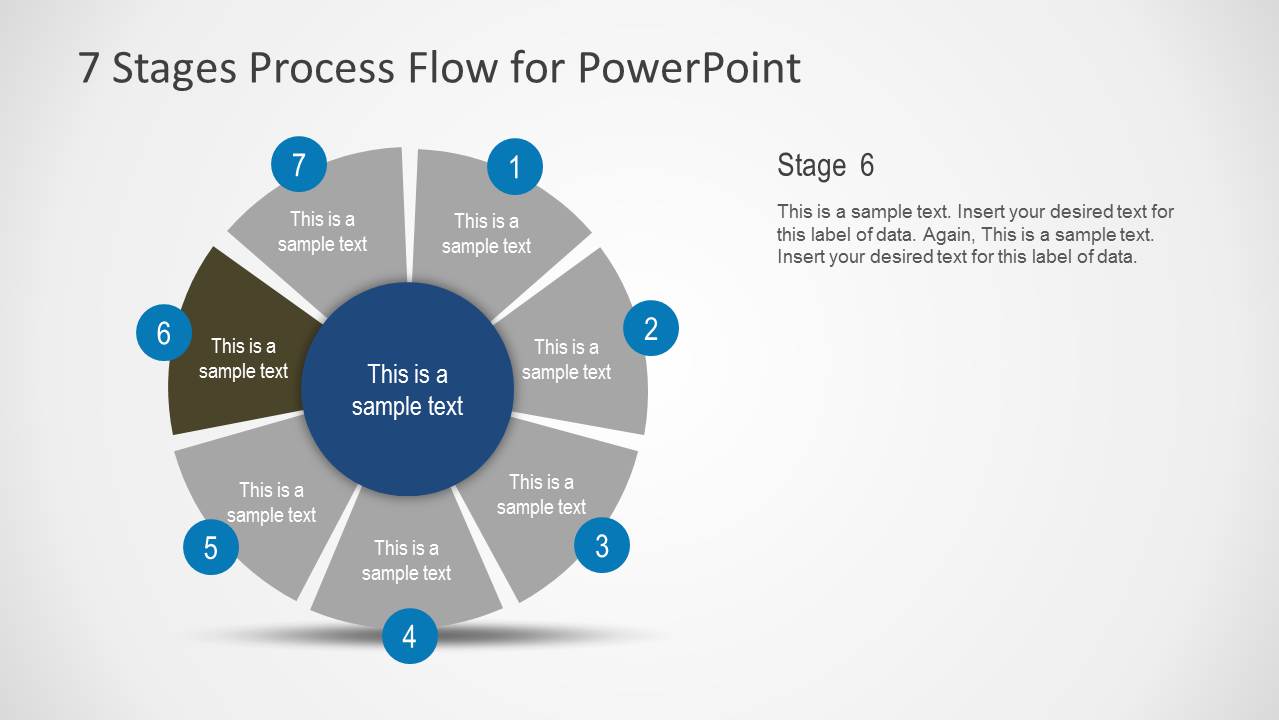
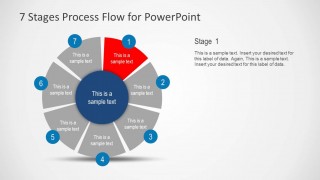
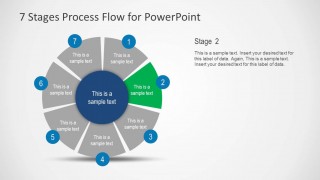
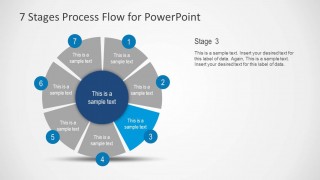
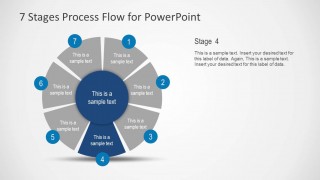
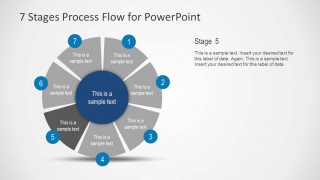
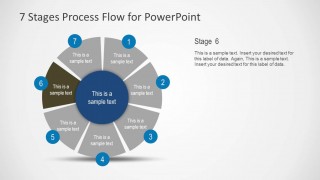
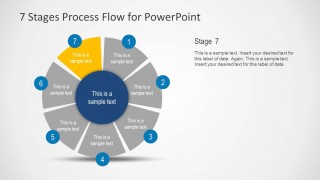
The slides in this template are easy to customize and come with each part of the seven steps of the flow diagram in the form of individual slides. This means that you can not only create seven step flow diagrams in PowerPoint but also explain each step in detail using individual slides. Also the colors of the 7 steps in this infographics can be customized and edited, for example to match your brand’s identity.
Alternatively, check our collection of 7 steps PowerPoint templates with more 7-step circular infographic slides to use in PowerPoint & Google Slides presentations, or download more infographic templates for your presentations.
What’s inside this template
Example presentation scenarios
- A project manager can present a delivery methodology by opening with the full 7-stage circular cycle and then walking stakeholders through each stage spotlight slide.
- A consultant can explain a client transformation roadmap by using the overview slide for the whole model and the highlighted stage layouts for discussion points.
- An operations leader can document a standard workflow by replacing each segment label and using the right-side body text areas to define ownership, inputs, and outputs.
- A trainer can teach a repeated procedure by showing the full cycle first and then focusing learners on one highlighted stage at a time.
Features
- 100% editable presentation template
- Compatible with Microsoft PowerPoint and Google Slides
- 16:9 aspect ratio slides
- Scalable vector shapes, icons and illustrations
- AI-Ready for Microsoft Copilot and Claude
- Instant access and download
Frequently asked questions
Q: How should a presenter explain the seven stages without overwhelming the audience?
A: Start with the complete circular cycle to define the process as a whole, then move through the individual spotlight slides. Keep each stage title short, use the side text area for the main decision or action, and repeat the same structure on every step so the audience can compare stages easily.
Q: Who is this template best suited for in a business presentation?
A: This template fits presenters who need to explain a repeatable sequence rather than a one-time schedule. Project managers, consultants, trainers, and operations leads can use it to show a seven-step method, onboarding path, service workflow, or improvement cycle where every stage has a defined role.
Q: Why does the circular process metaphor help communicate this kind of content?
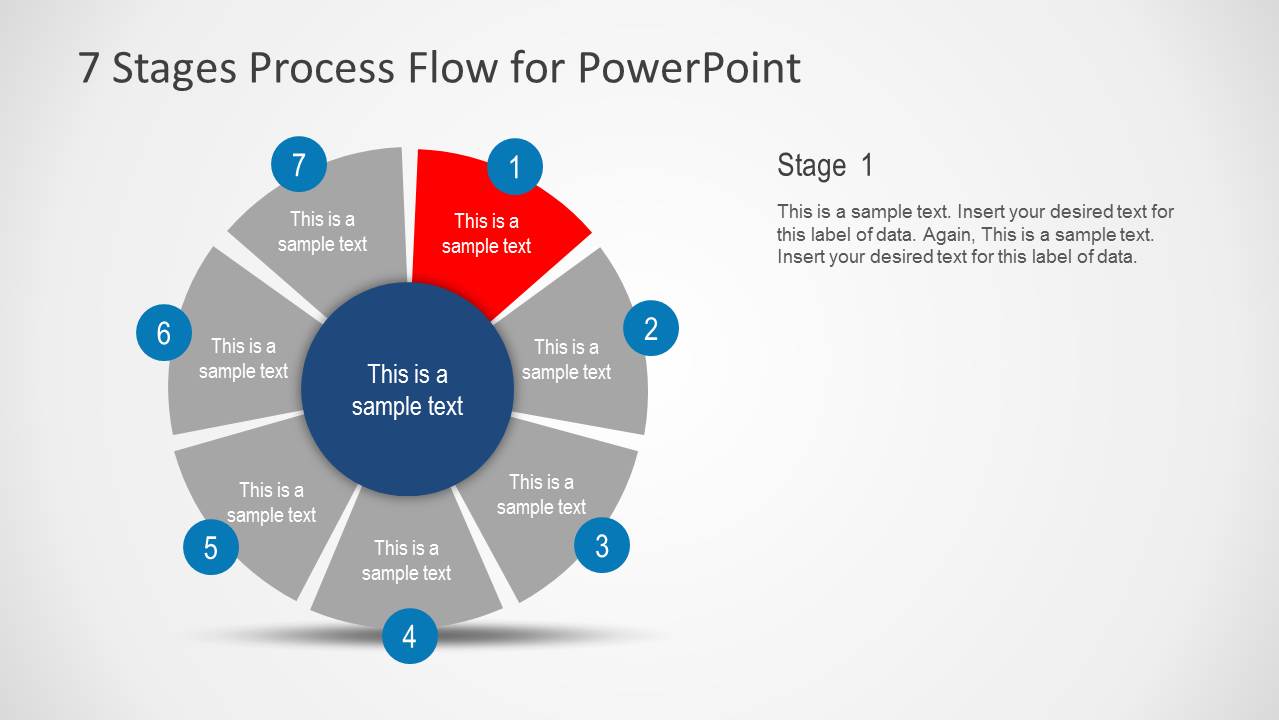
A: The circle signals that the stages belong to one connected system, not isolated tasks. The numbered markers show order, while the muted gray segments on the spotlight slides keep context visible as one stage is discussed. This reduces confusion because the audience always sees where the current step sits in the full process.

7 Stages Process Flow Diagram for PowerPoint
9-slide process diagram presentation template with a 7-stage cycle and step spotlight slides
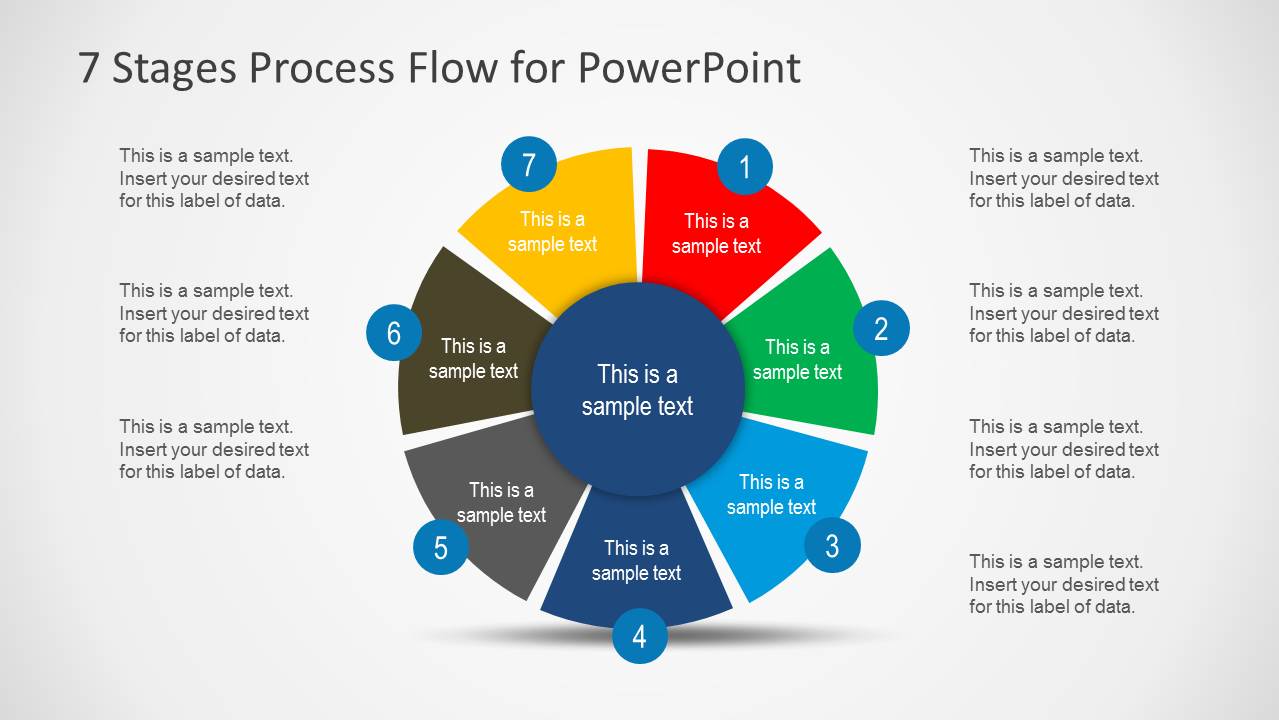
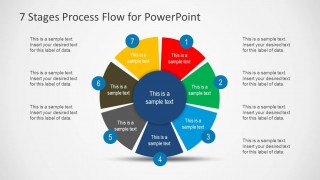
7 Stages Process Flow Diagram for PowerPoint is a 9-slide process diagram template for Microsoft PowerPoint and Google Slides. It includes a circular 7-stage process cycle, an overview slide with side text labels, and seven single-stage spotlight layouts for explaining each step in sequence.
- Category
- Process Diagrams
- Rating


 Loading...
- Aspect ratio
- 16:9
- Item ID
- 6134-01
- Colors
 Microsoft PowerPoint
  Microsoft Copilot
  Claude for PowerPoint
 Other formats supported
Subscribe today and get immediate
access to download our PowerPoint templates.