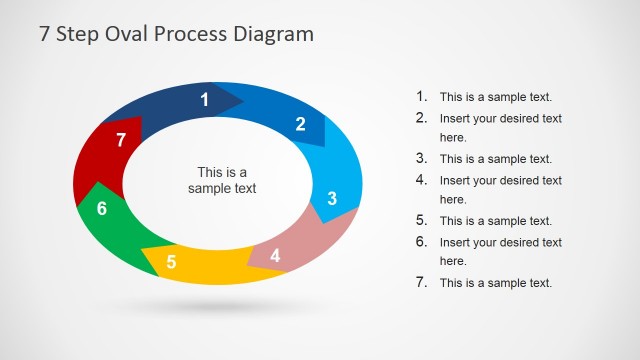
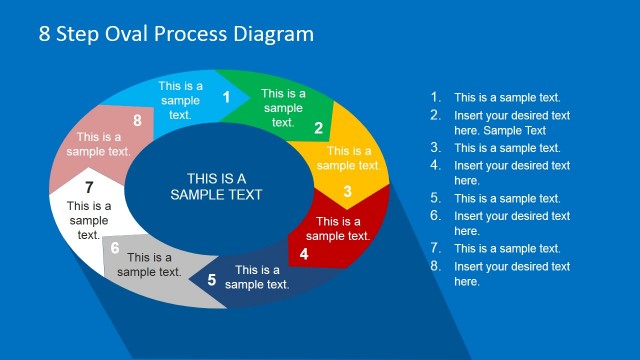
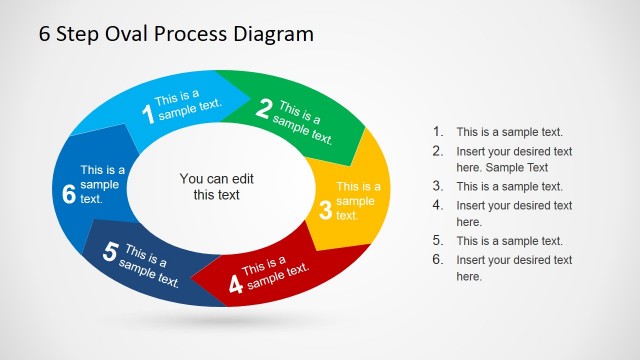
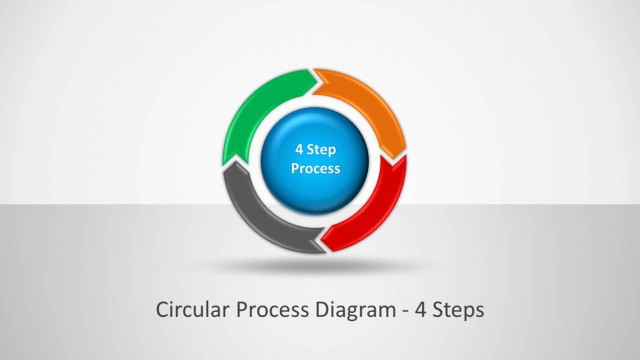
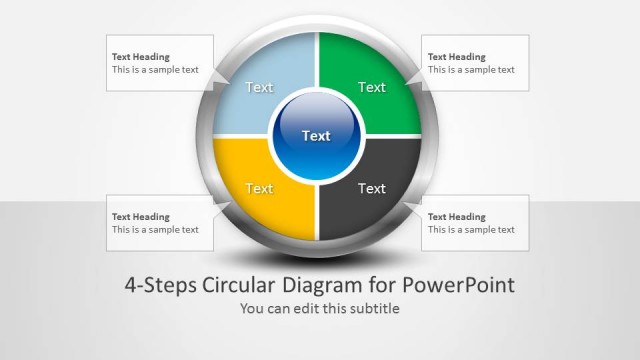
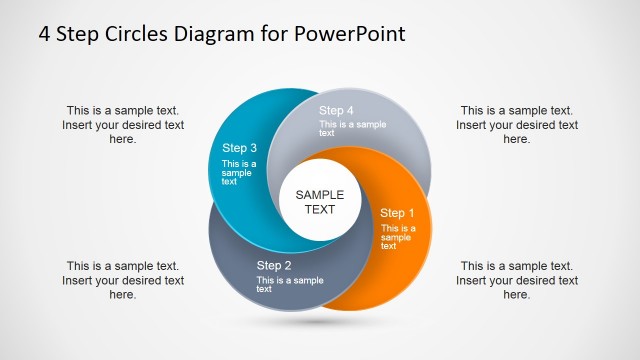
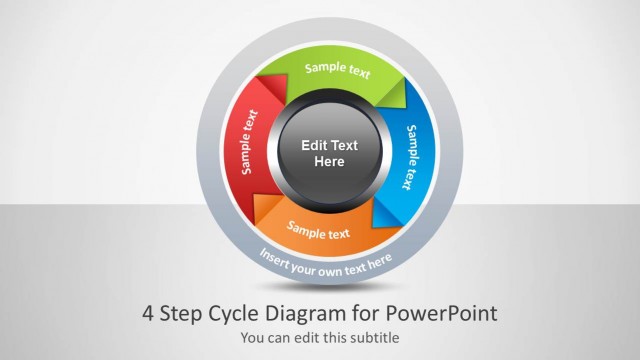
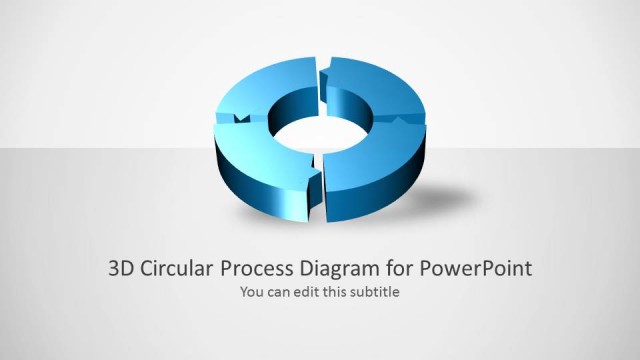
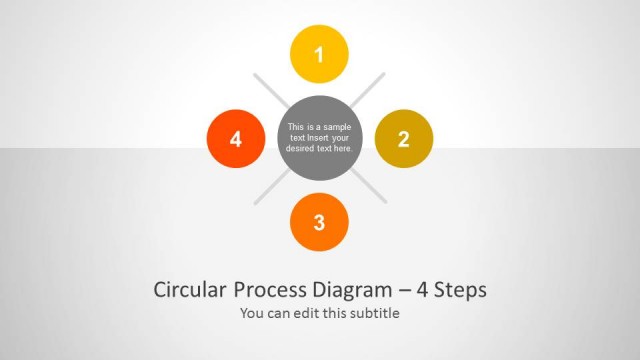
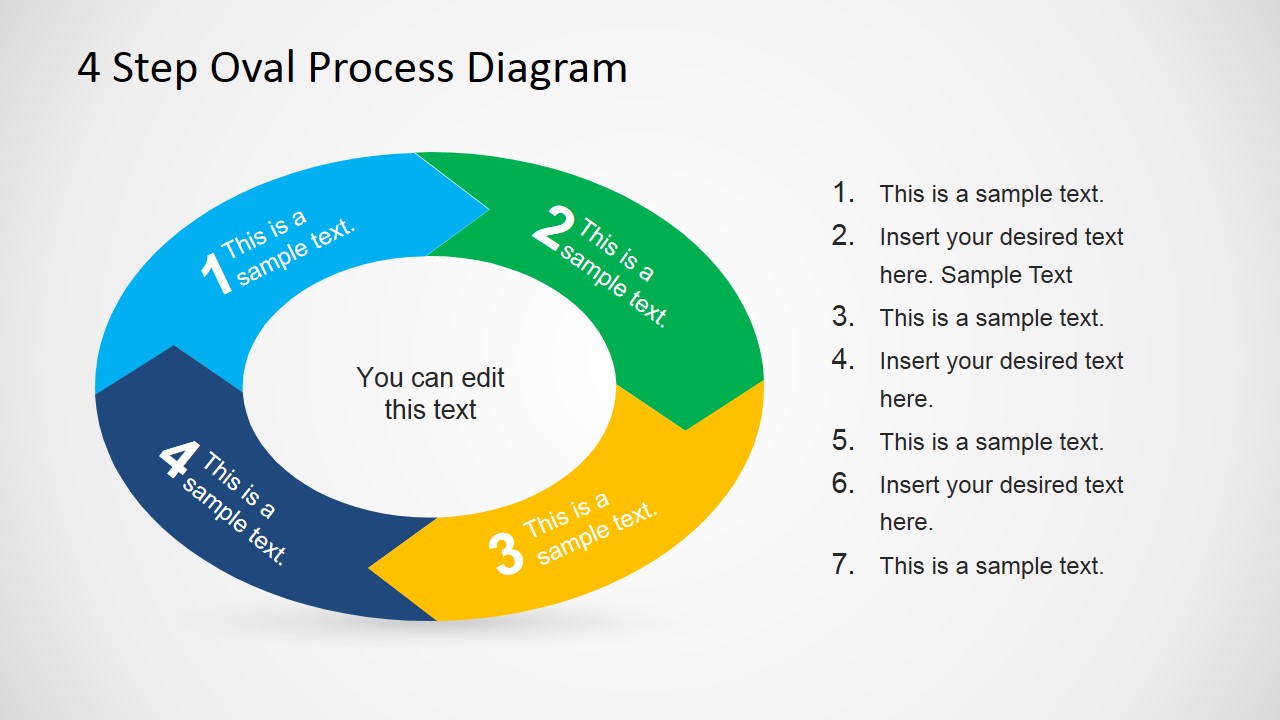
4 Step Oval Process Diagram Template for PowerPoint is a creative business diagram design containing four steps in an oval shape. You can use this diagram to describe a circular process of up to four steps. It offers a way to present a process cycle using an alternative to other circular business diagrams for PowerPoint.
What’s inside this template
Example presentation scenarios
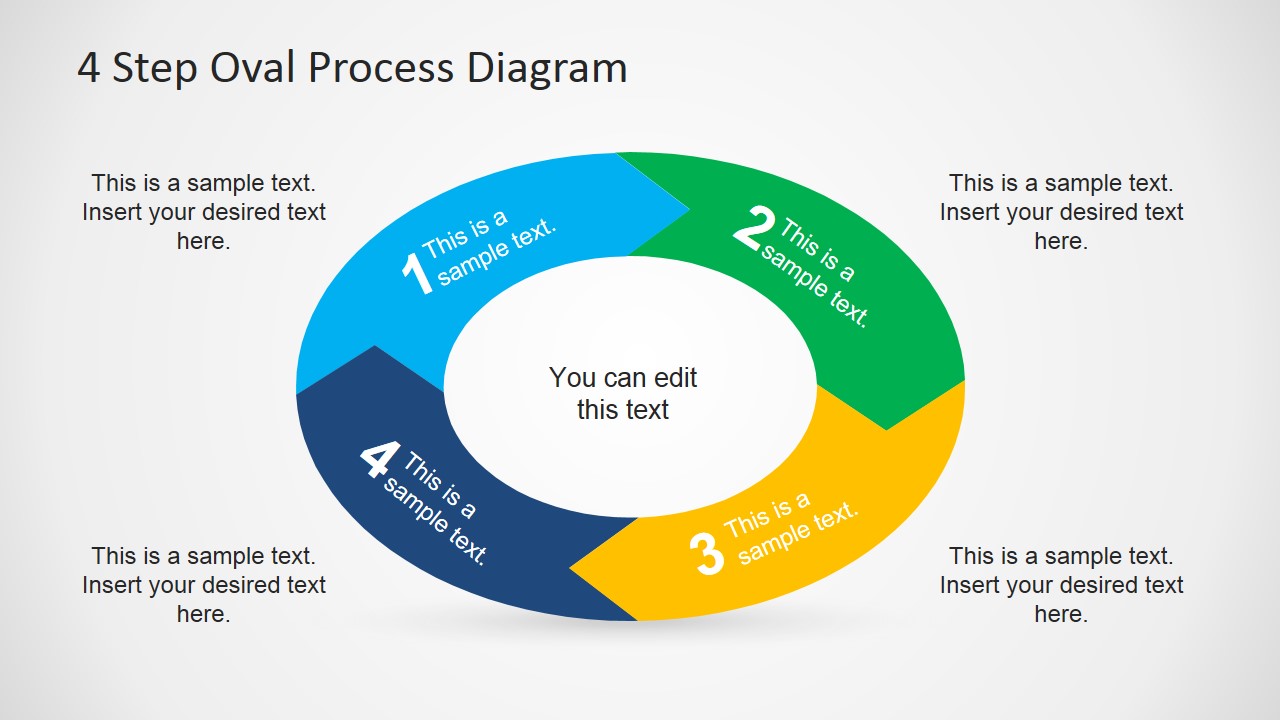
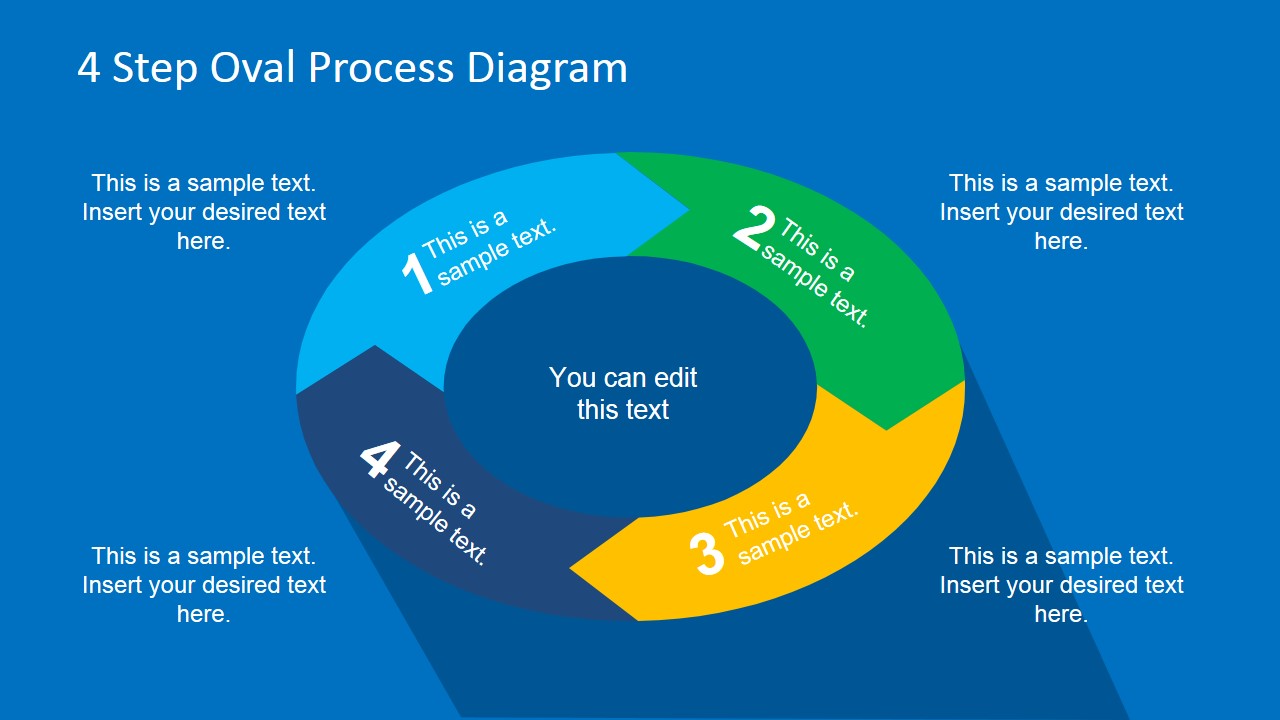
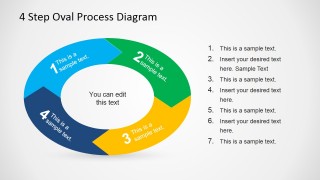
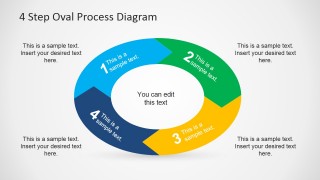
- An operations manager can use the oval cycle with side callouts to explain a recurring four-phase workflow and show how each phase feeds the next.
- A consultant can use the numbered oval segments to summarize a client improvement framework and place supporting notes beside each step.
- A trainer can use the blue-background cycle slide to teach a simple process model while keeping the four main steps visible throughout the explanation.
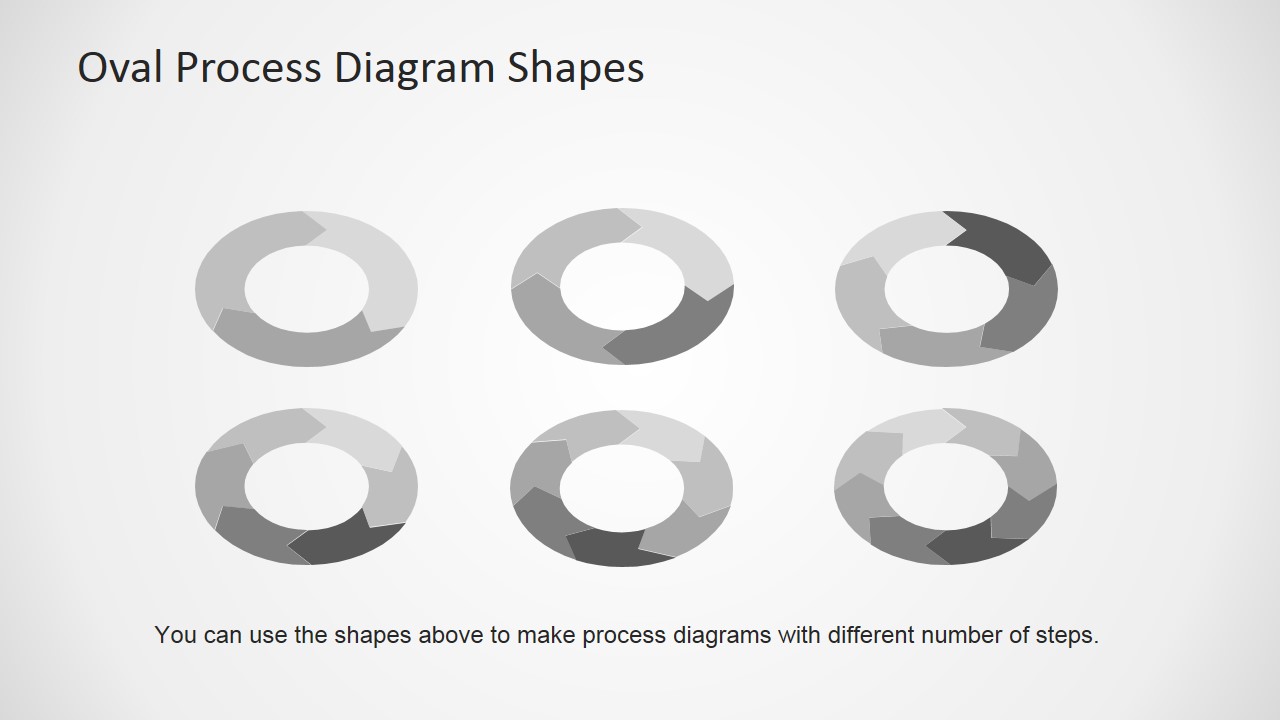
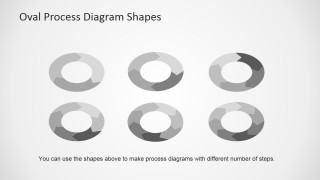
- A product or technical presenter can use the reusable oval shape library to adapt the diagram for signal processing stages or other sequential cycles.
Features
- 100% editable presentation template
- Compatible with Microsoft PowerPoint and Google Slides
- 16:9 aspect ratio slides
- Scalable vector shapes, icons and illustrations
- AI-Ready for Microsoft Copilot and Claude
- Instant access and download
Frequently asked questions
Q: How should a presenter structure the message around this four-step oval process?
A: Start by naming the process in the center text, then treat each numbered oval segment as one stage of the explanation. Keep each step label short inside the ring and move detail into the side list or callout blocks. This helps the audience see the full cycle first, then understand the role of each stage.
Q: Who benefits most from using this oval cycle instead of a standard bullet slide?
A: This template fits managers, consultants, analysts, and trainers who need to explain a repeatable process with four connected parts. The oval shape works well when the final step returns to the first, such as an improvement loop, operational handoff, review cycle, or signal processing sequence.
Q: Why does the oval process metaphor improve communication for this topic?
A: The oval ring makes continuity visible because the four arrow-like segments appear connected rather than isolated. Numbering sets the reading order, while the center text gives the cycle a shared theme. The surrounding callouts keep explanations close to the visual path without crowding the diagram itself.
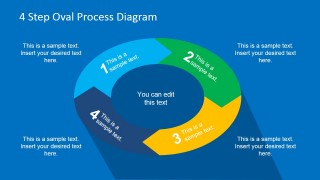
4 Step Oval Process Diagram Template for PowerPoint
4-slide presentation template for oval process cycles, four-step workflows, and signal processing diagrams
The 4 Step Oval Process Diagram Template for PowerPoint is a 4-slide process diagram deck for showing a four-part circular workflow in 16:9 format. It includes an oval cycle with side notes, an oval cycle with surrounding callouts, a reusable shape library, and a blue-background variant for PowerPoint and Google Slides.
- Category
- Process Diagrams
- Rating


 Loading...
- Aspect ratio
- 16:9
- Item ID
- 6712-01
- Colors
 Microsoft PowerPoint
  Microsoft Copilot
  Claude for PowerPoint
 Other formats supported
Subscribe today and get immediate
access to download our PowerPoint templates.