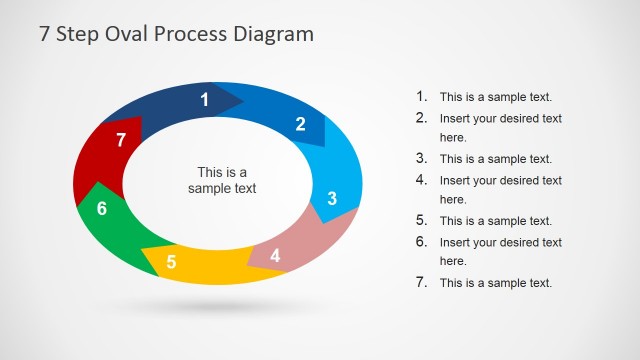
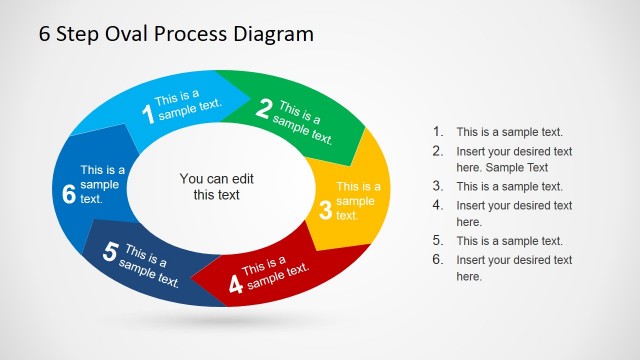
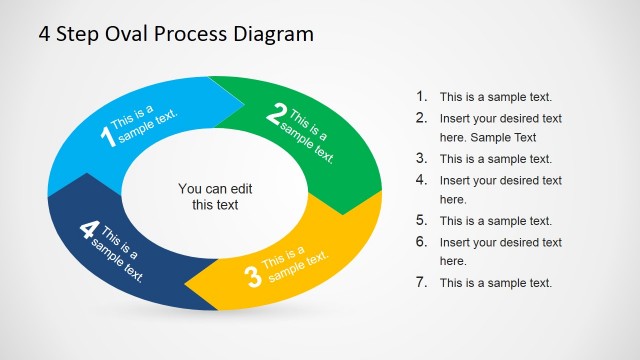
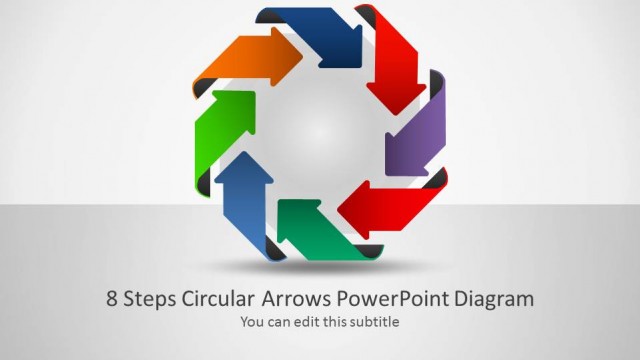
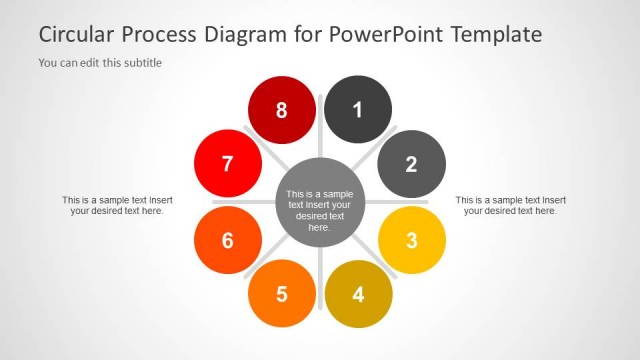
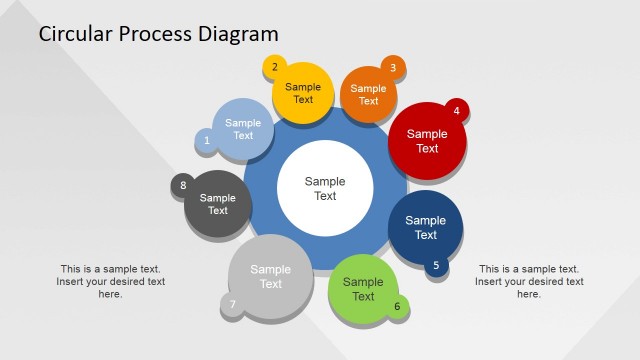
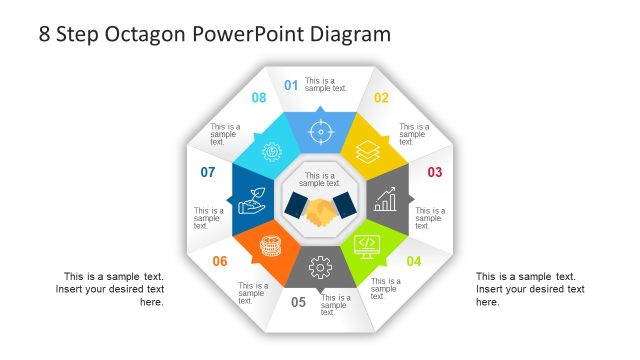
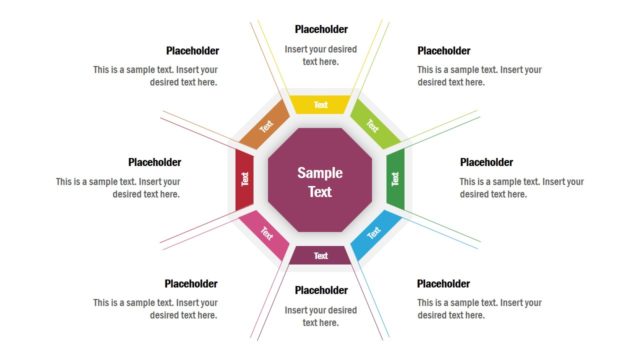
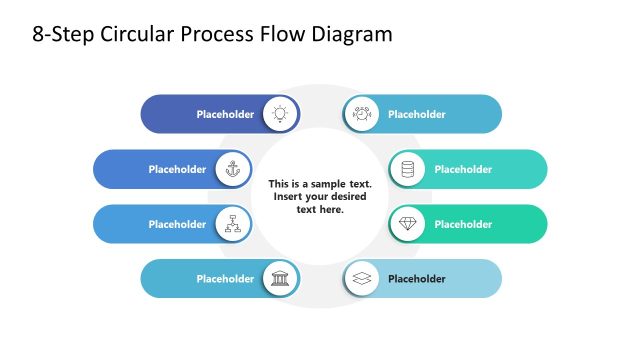
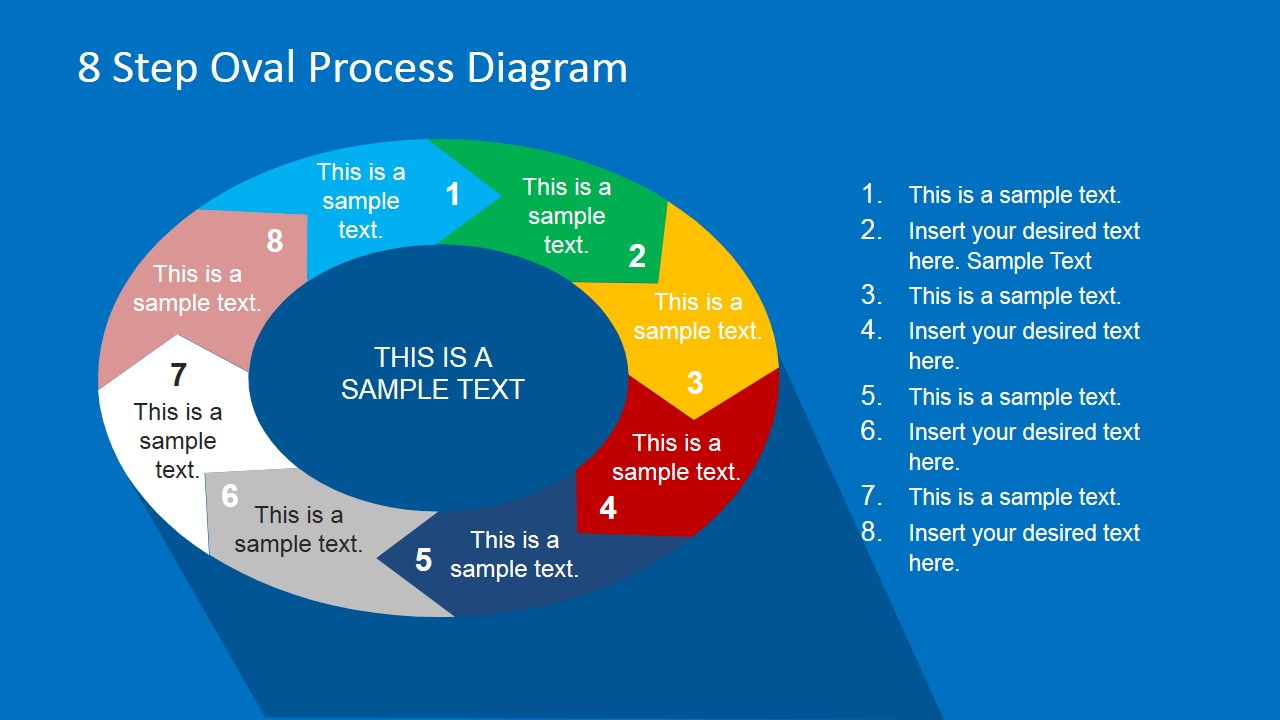
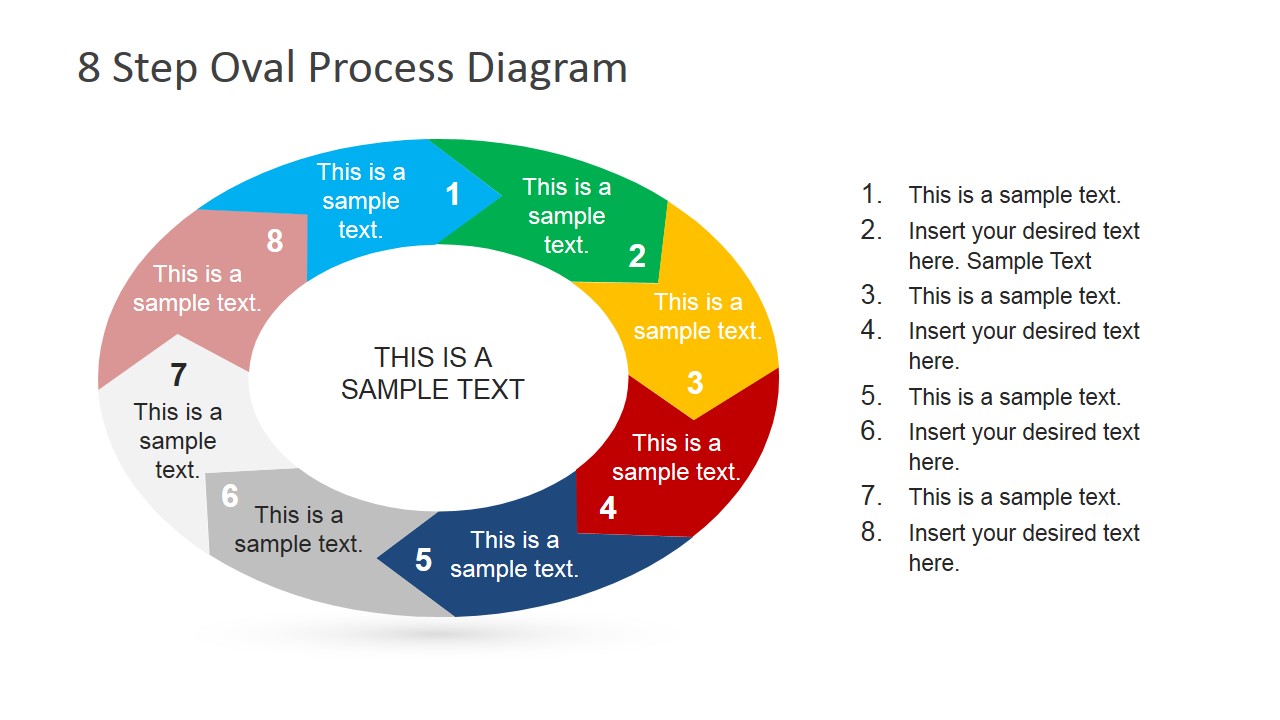
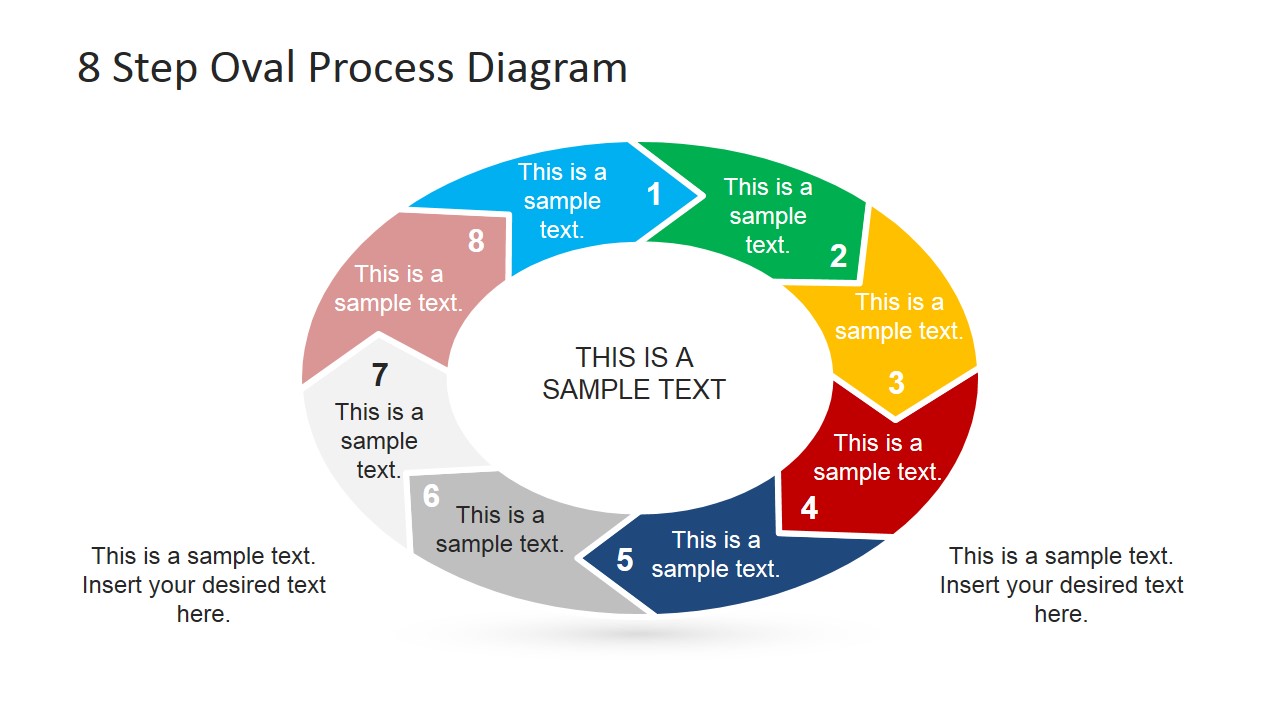
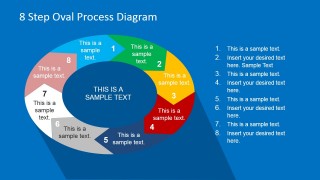
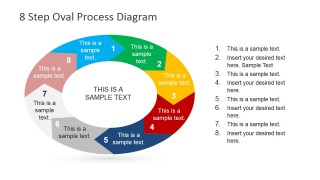
8 Steps Oval Process Diagram for PowerPoint is a generic process diagram belonging to the circular category of process flow charts. It features 8 steps created using chevron arrows created as individual PowerPoint objects to simulate a circular flow.
This style PowerPoint design is ideal for professional practitioners looking to demonstrate processes in the fields of either business or marketing that are circular in nature. Using this diagram, presenters will be able exhibit, in a sequence of simplified steps, an 8 point recurring business or marketing process.
For example, this particular template would be ideal for marketing professionals within any field, looking for a visual aid to establish and demonstrate an intended cyclical strategy. It employs a basic design to appropriately highlight individual workflow aims and has been built to conform to a dynamic scheme.
This template is entirely customisable and fully editable. Background colors can be altered for a more suitable design – perhaps a company logo or design personalised by the business – or colour scheme. In addition, all chevrons and icons included are available as individual PowerPoint and clipart shapes; further, all text can be amended to suit the presenter’s specific professional desire.
The flexibility of the 8 Steps Oval Process Diagram for PowerPoint and its minimal design structure ensure that this quality presentation template is exceptionally simple to operate and completely transferable.
Its elliptical shape provides to the presenter the ability to describe longer process steps in the horizontal axis arrows while describing returning path over the vertical axis arrows.
Impress your audiences with top of the line Steps process diagrams and create professional flows that appeal to global audiences.
What’s inside this template
Example presentation scenarios
- A marketing manager can present a recurring campaign planning cycle by placing each activity in the colored oval chevron segments and using the numbered list for short explanations.
- A business consultant can explain an operating model to executives by using the central text area for the process name and the eight labeled arrows for the main stages.
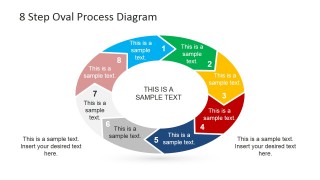
- An operations lead can train a team on a repeatable workflow by showing the callout version and adding supporting notes beneath the oval process diagram.
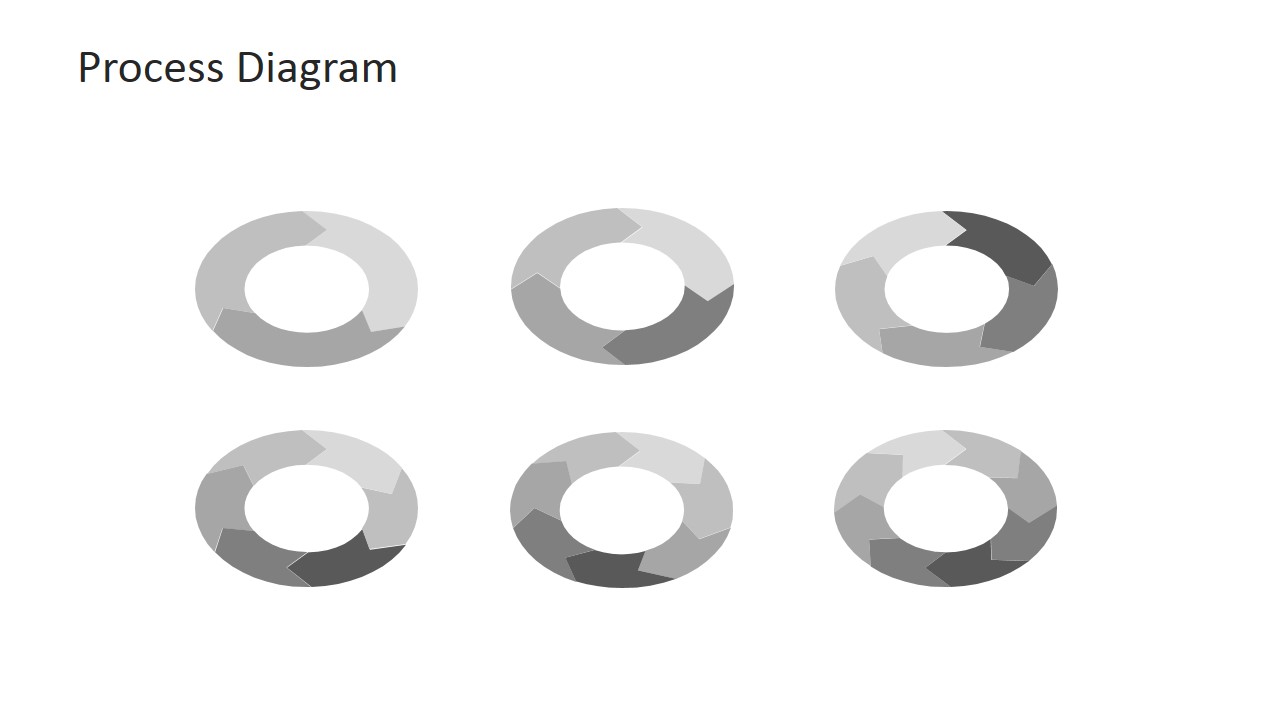
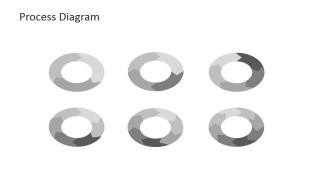
- A project manager can compare process variants by using the grayscale sample sheet to highlight different points of emphasis in the same oval cycle structure.
Features
- 100% editable presentation template
- Compatible with Microsoft PowerPoint and Google Slides
- 16:9 aspect ratio slides
- Scalable vector shapes, icons and illustrations
- AI-Ready for Microsoft Copilot and Claude
- Instant access and download
Frequently asked questions
Q: How should the presenter explain the eight steps without overcrowding the oval diagram?
A: Use the arrow segments for short action labels only, then place explanations in the numbered list or bottom callouts. The oval should carry the process logic, not full sentences. Keep the center text for the process name, cycle theme, or desired outcome so the audience understands why the loop repeats.
Q: Who is this template best suited for?
A: This template fits presenters who need to show a repeatable business, marketing, operational, or training cycle with exactly eight stages. It works best for managers, consultants, and process owners who want the audience to see order, recurrence, and step-by-step accountability in one compact diagram.
Q: Why use an oval cycle instead of a straight process row?
A: The oval shape signals that the workflow returns to its starting point, which is useful for review loops, campaign cycles, service routines, and improvement processes. The wider horizontal arrows give more space for labels, while the curved vertical sides make the return path visually clear without adding extra explanation.
8 Steps Oval Process Diagram for PowerPoint
4-slide presentation template for 8-step oval process cycles, chevron arrows, and workflow labels
8 Steps Oval Process Diagram for PowerPoint is a 4-slide process diagram template for showing a recurring workflow. It includes an 8-step oval chevron cycle, a numbered step list, callout text variants, and a thumbnail process diagram set. It is designed for business and marketing process presenters using Microsoft PowerPoint or Google Slides.
- Category
- Process Diagrams
- Rating


 Loading...
- Aspect ratio
- 16:9, 4:3
- Item ID
- 6712-05
- Colors
 Microsoft PowerPoint
  Microsoft Copilot
  Claude for PowerPoint
 Other formats supported
Subscribe today and get immediate
access to download our PowerPoint templates.