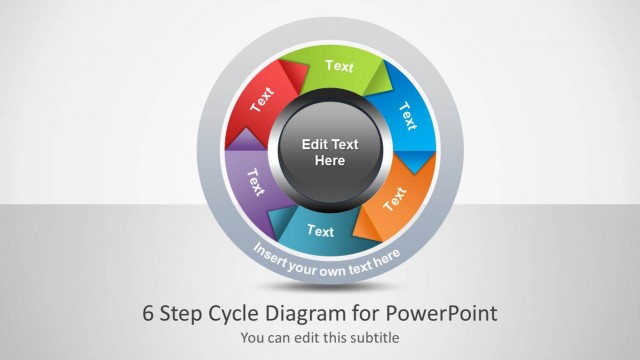
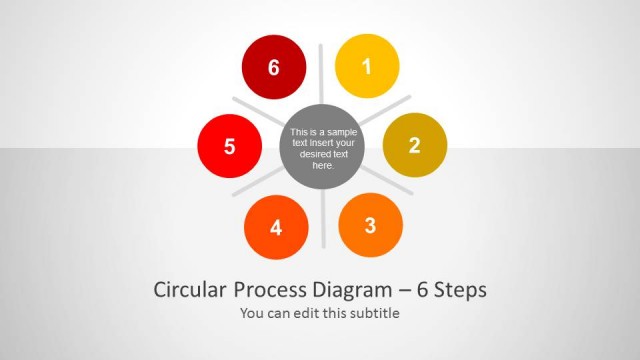
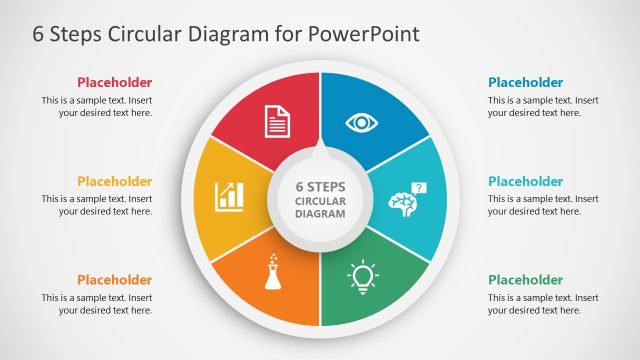
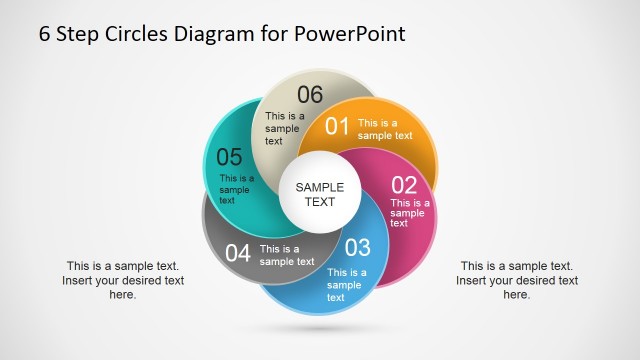
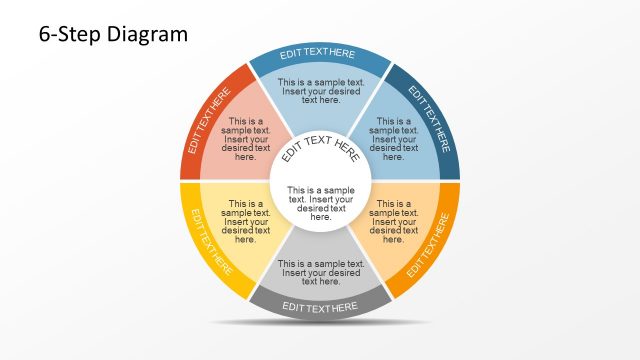
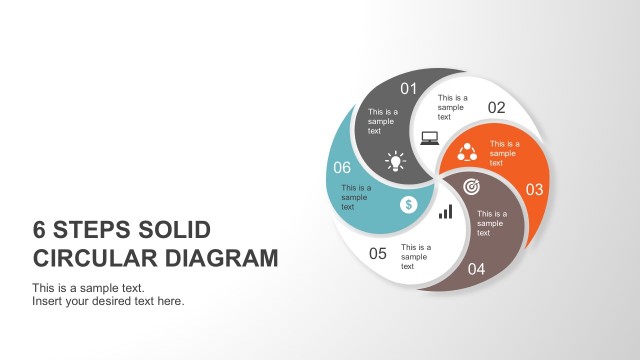
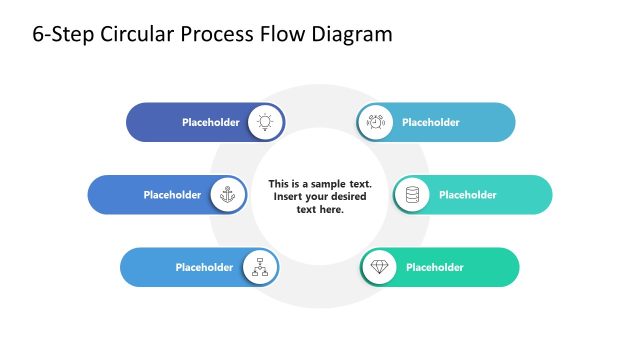
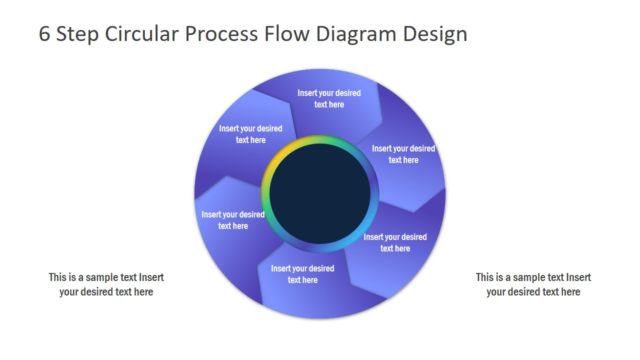
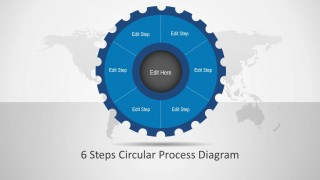
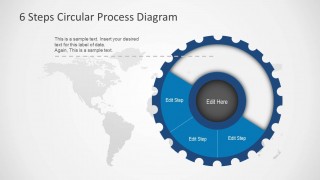
6 Steps Circular Process Diagram is an awesome editable process diagram design for PowerPoint presentations.
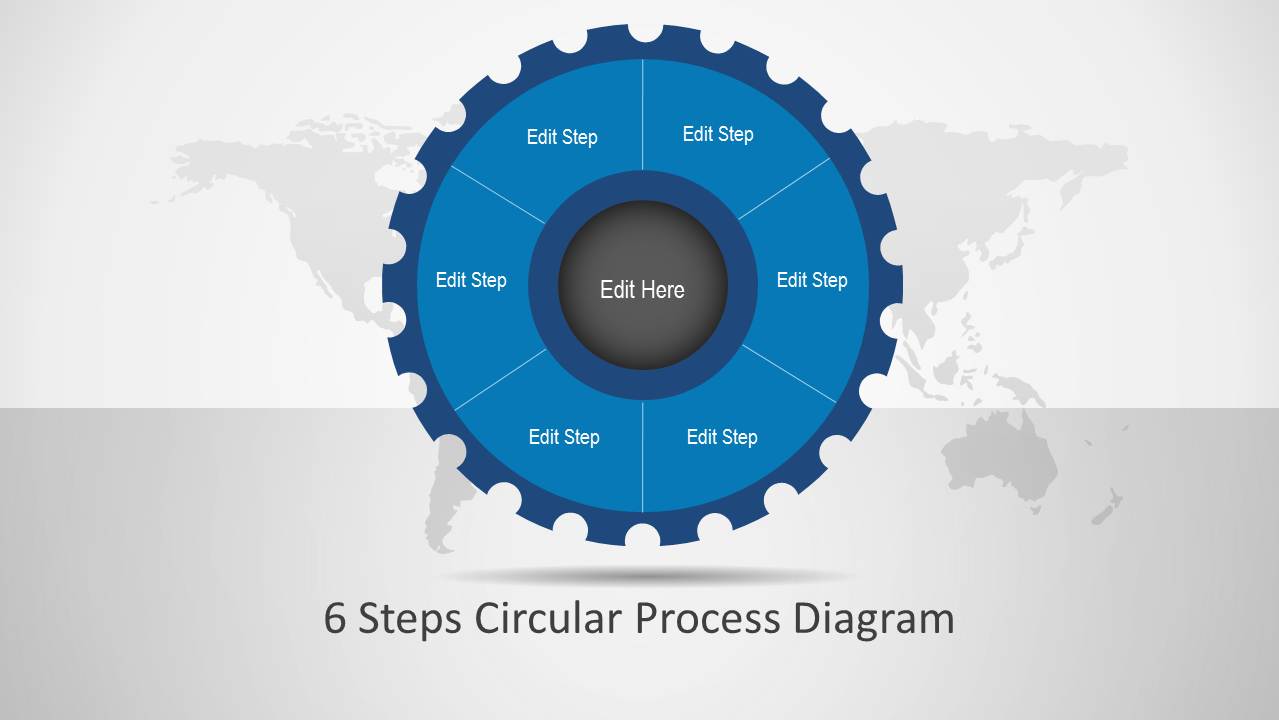
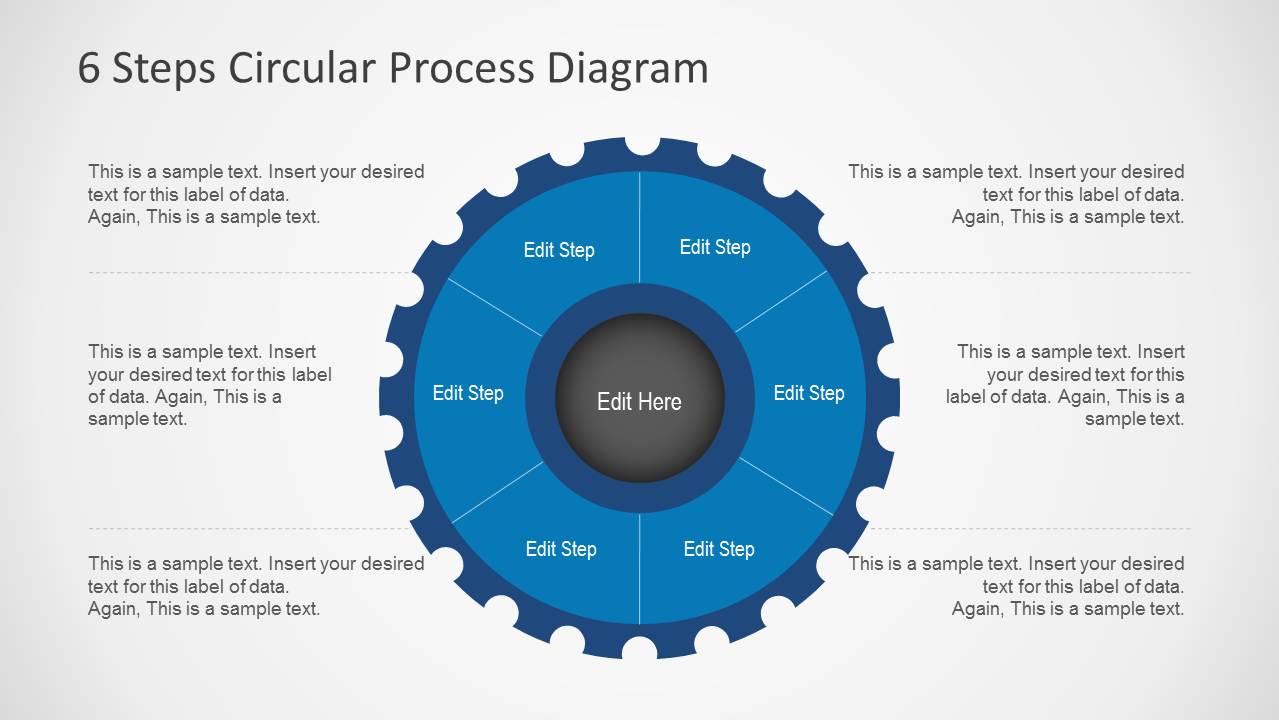
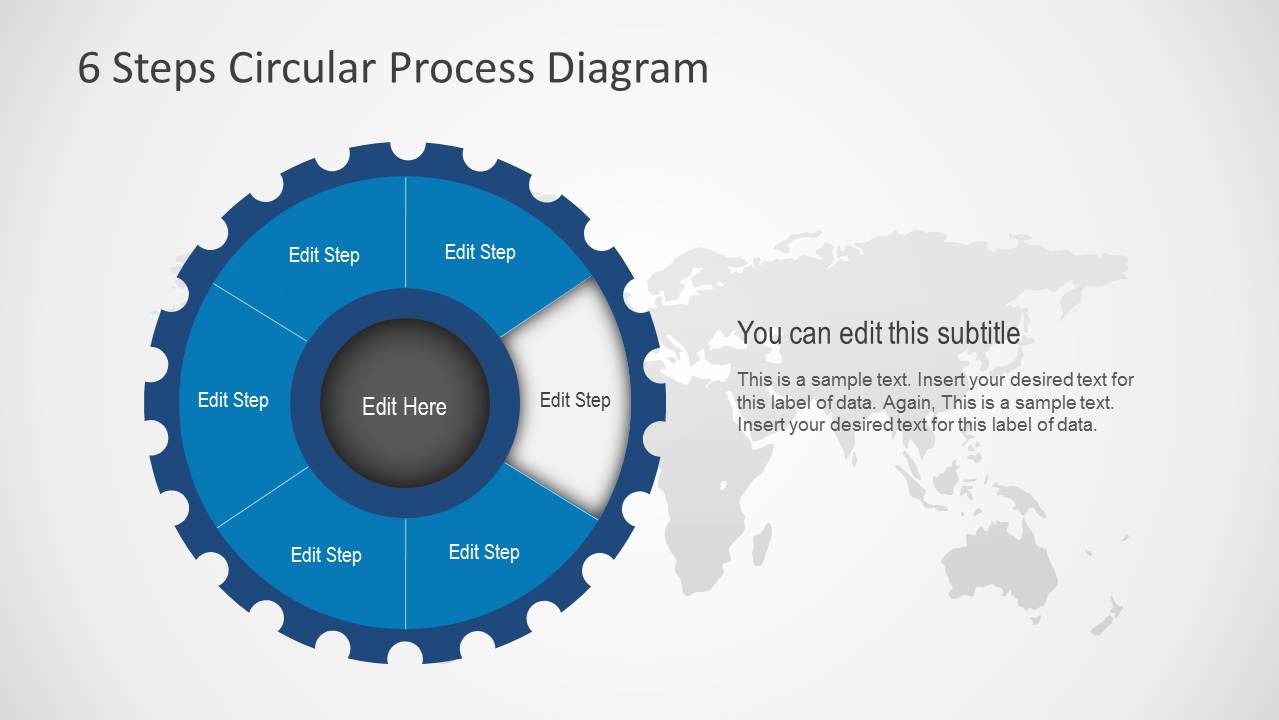
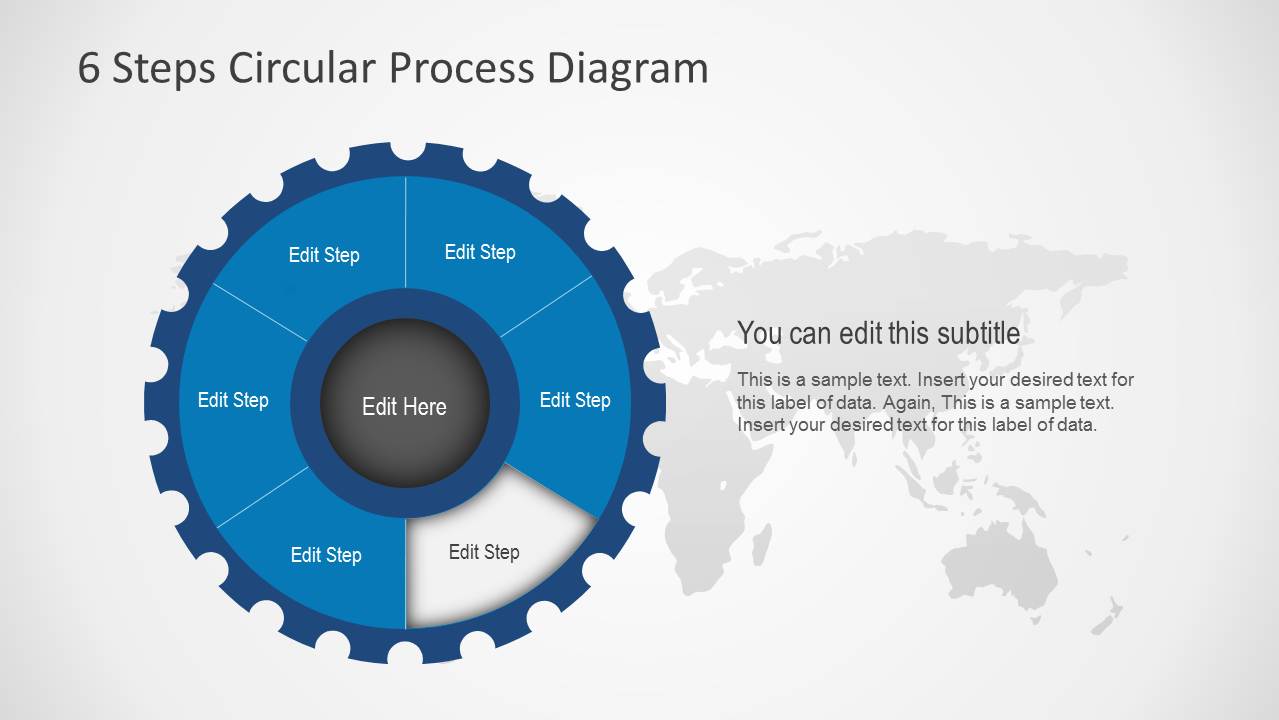
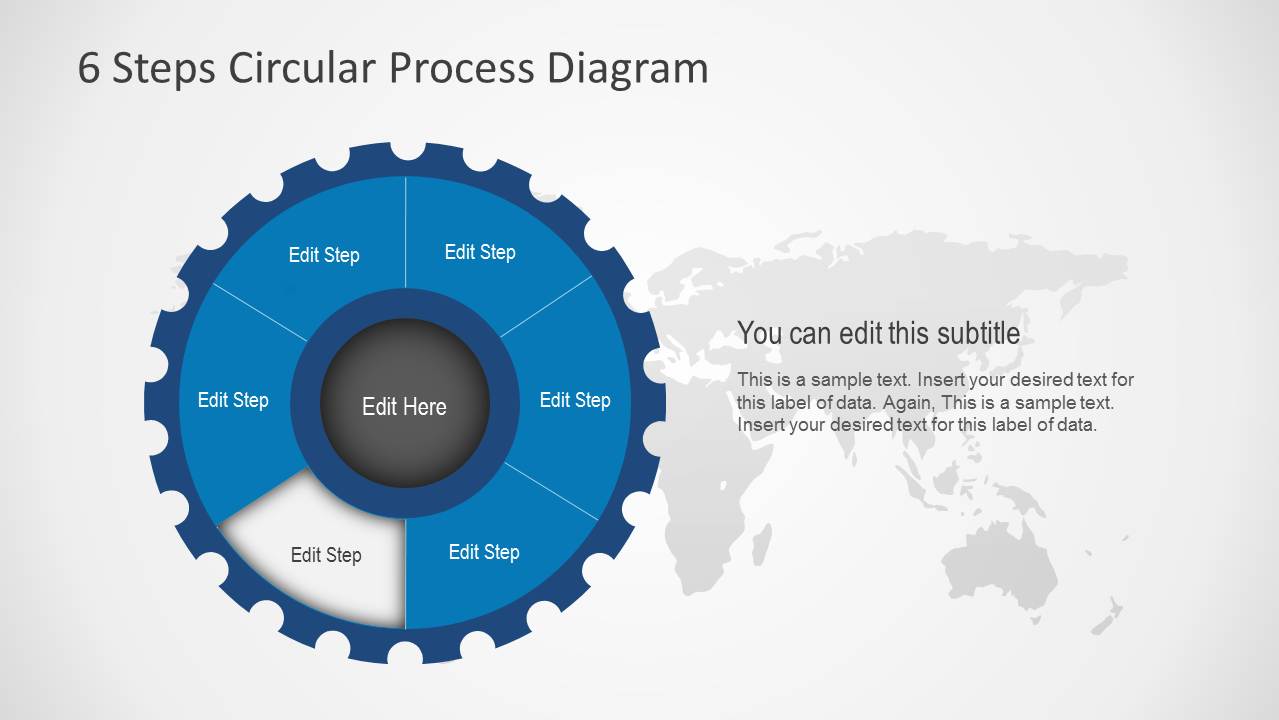
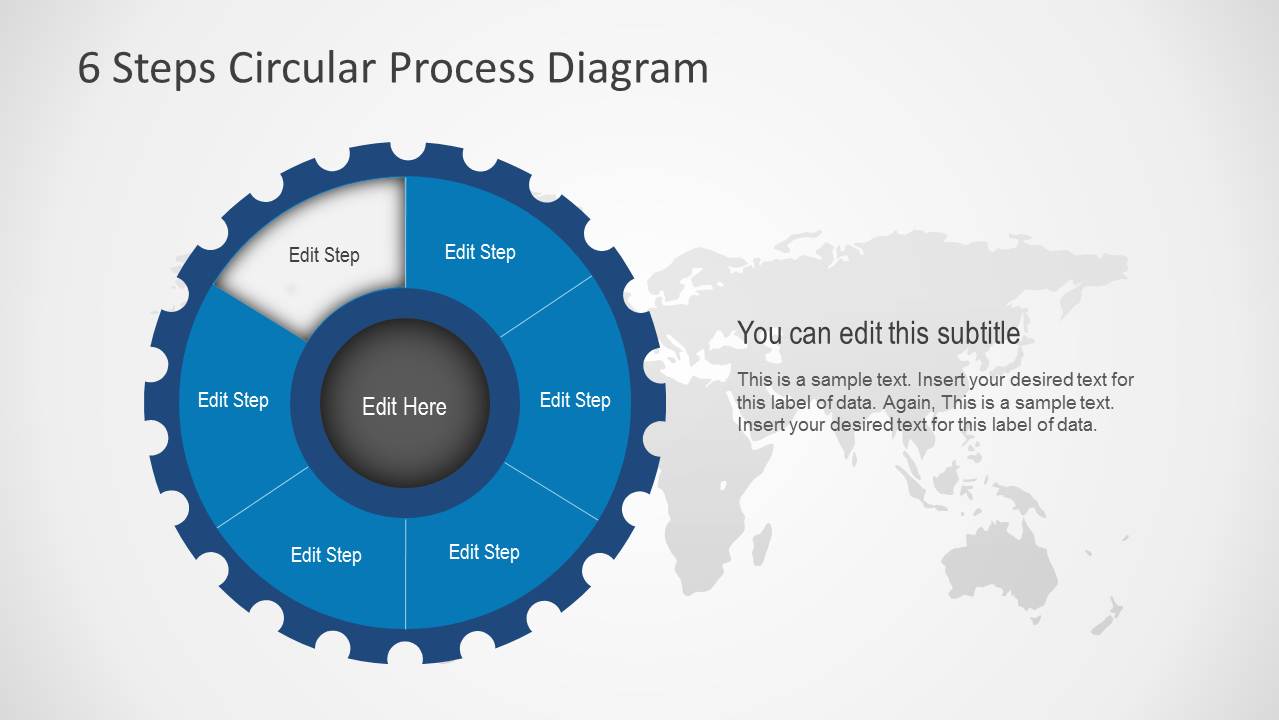
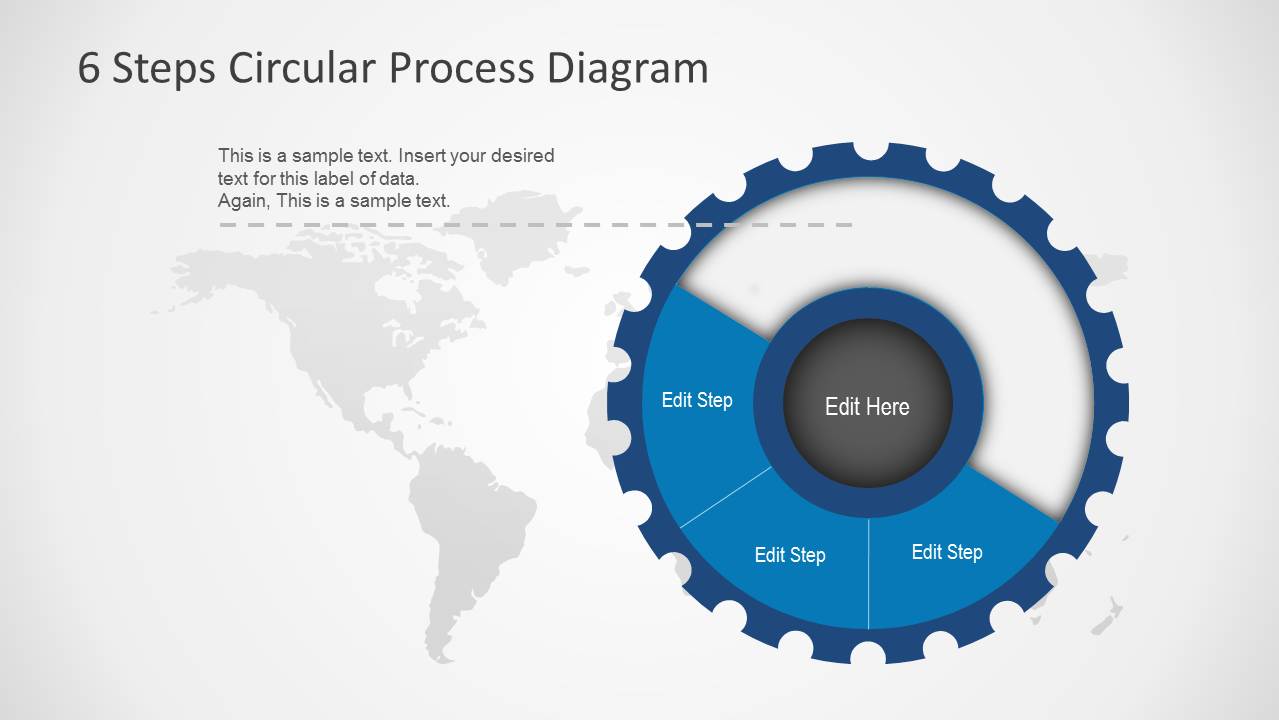
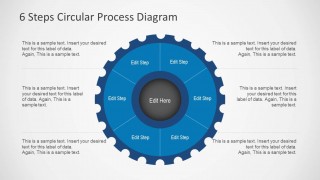
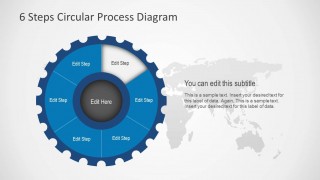
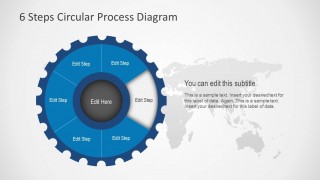
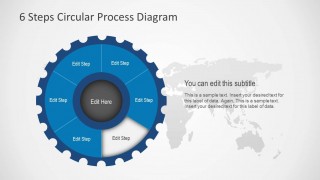
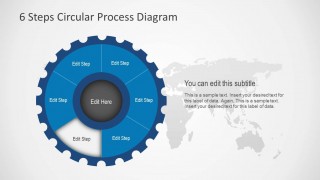
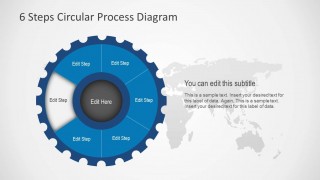
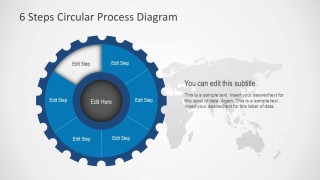
This circle process diagram contains six elements and can help you present concepts and ideas in a PowerPoint presentation. The circular presentation template for PowerPoint & Google Slides can be used to represent a circular process of up to six steps using Microsoft PowerPoint diagrams or Google Slides. Each slide can be used to describe the process step. The engine style makes this template useful to describe a complex business process in PowerPoint.
Alternatively, you can download other editable diagrams for PowerPoint presentations, including popular circular and cycle diagrams or Venn and onion diagrams.
What’s inside this template
Example presentation scenarios
- An operations manager can present a recurring production or service workflow by using the overview slide to show all six stages and the highlighted step slides to explain responsibilities in order.
- A consultant can map a client transformation process by replacing the gear segment labels with project phases and using the callout slide to summarize key actions for each phase.
- A training facilitator can teach a repeatable procedure by starting with the full circular diagram and then moving through the individual highlighted segment slides as lesson sections.
- A project manager can brief stakeholders on a cyclical review process by using the center text for the overall objective and the six segments for recurring checkpoints.
Features
- 100% editable presentation template
- Compatible with Microsoft PowerPoint
- 16:9 aspect ratio slides
- Scalable vector shapes, icons and illustrations
- AI-Ready for Microsoft Copilot and Claude
- Instant access and download
Frequently asked questions
Q: How should a presenter explain the six-step cycle without overcrowding the slides?
A: Start with the overview slide to name the full process and define what the center objective represents. Then use one highlighted segment slide per stage, keeping each subtitle to a short action phrase and the body text to the decision, owner, or output for that step. This keeps the diagram as the visual anchor instead of a dense text container.
Q: Who is this circular process template best suited for?
A: It fits presenters who need to show a repeatable workflow, not a one-time sequence. Process owners, consultants, trainers, and project managers can use the six-segment gear diagram to explain operating cycles, service delivery models, planning loops, review routines, or step-by-step procedures where every stage connects back to the start.
Q: Why does the gear-shaped cycle metaphor work for process communication?
A: The gear outline signals a working mechanism, which helps an audience understand that the six steps are connected parts of one system. The highlighted segment layouts guide attention to one stage at a time while preserving the complete cycle in view, so viewers see both the current focus and its relationship to the whole process.


6 Steps Circular Process Diagram
9-slide presentation template for a 6-step circular process cycle and gear-style flow diagram
6 Steps Circular Process Diagram is a 9-slide PowerPoint template for explaining a six-part cycle. It includes a gear-style circular process diagram, overview slide with six callout text blocks, individual highlighted step slides, and a world map background option for business process or workflow presenters.
- Category
- Process Diagrams
- Rating


 Loading...
- Aspect ratio
- 16:9, 4:3
- Item ID
- 6131-01
- Colors
 Microsoft PowerPoint
  Microsoft Copilot
  Claude for PowerPoint
 Other formats supported
Subscribe today and get immediate
access to download our PowerPoint templates.