Slide 8 of 9 from 6 Steps Circular Process Diagram
6131-01-6-step-circular-diagram-engine-8
6 Steps Circular Process Diagram Overview
- Diagram
- Circular Cycle
- Process Slide
- 16:9
- 100% Editable
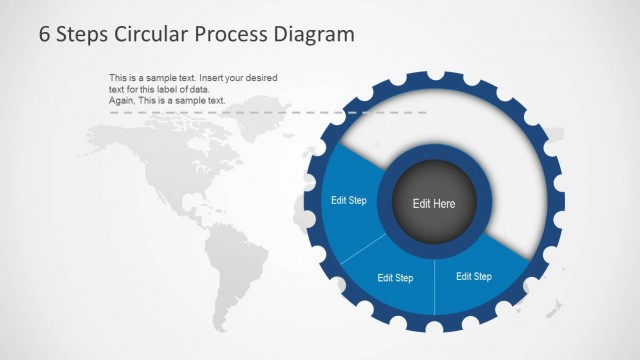
The 6 Steps Circular Process Diagram slide from the 6 Steps Circular Process Diagram template offers a clear visual layout for illustrating workflows or project planning. This slide layout features editable shapes arranged in a circular gear diagram, making it suitable for business presentations and training materials. It supports the communication of process flows effectively within professional slide decks, compatible with both PowerPoint templates and Google Slides templates.
What’s on This Slide
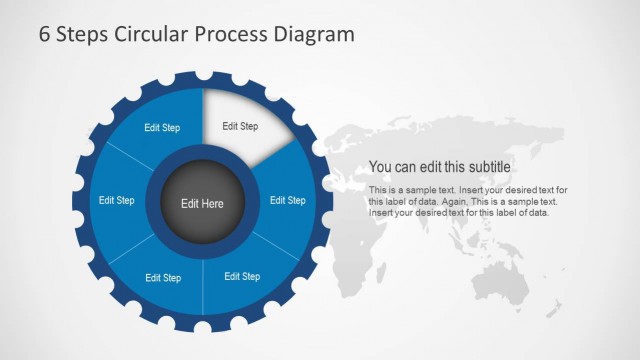
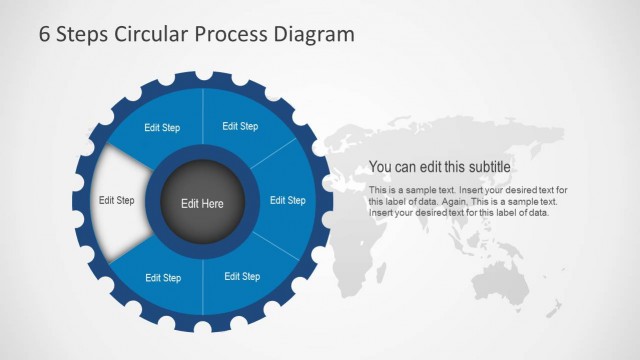
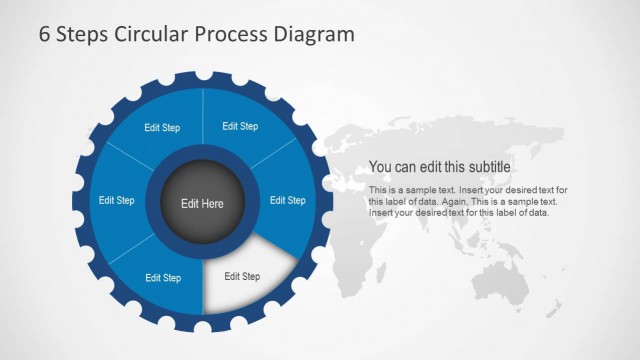
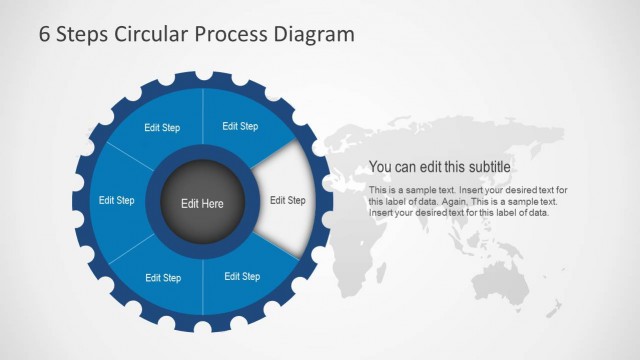
The layout features a circular gear diagram at the center with six evenly spaced segments around it. Each segment contains a placeholder labeled 'Edit Step' and is colored in a blue tone. The center of the gear has a larger placeholder labeled 'Edit Here.' To the right, a subtitle placeholder is positioned, accompanied by a text area for additional information. The background is a light gradient, and a faint world map is visible behind the gear, providing context. The visual hierarchy emphasizes the central gear and its segments.
How to Use It
This layout serves as a circular process diagram, ideal for illustrating a six-step workflow or cycle. It fits well in presentations discussing process flows, project management, or operational strategies. This structure can be used in business scenarios such as training sessions, project kick-offs, or strategic planning meetings. It allows for clear visual representation of steps in a process, making it easy for audiences to follow along.
Text Placeholders & Capacity
Keep your copy within these limits so it fits without resizing. Node slots can accommodate concise text, roughly 3-4 words each.
| Placeholder | Count | Max characters (approx.) |
|---|---|---|
| Slide title | 1 | 30 |
| Subtitle | 1 | 50 |
| Item body | 6 | 20 |
| Item body | 1 | 20 |
| Body paragraph | 1 | 150 |
Slide Keywords
Download unlimited PowerPoint templates, charts and graphics for your presentations with our annual plan.
DOWNLOADReturn to 6 Steps Circular Process Diagram.