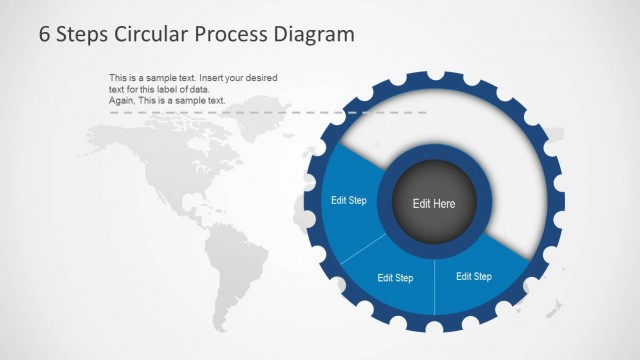
Slide 7 of 9 from 6 Steps Circular Process Diagram
6131-01-6-step-circular-diagram-engine-7
6 Steps Circular Process Diagram Overview
- Diagram
- Circular Cycle
- Process Slide
- 16:9
- 100% Editable
The 6 Steps Circular Process Diagram slide from the 6 Steps Circular Process Diagram template offers a clear visual representation of sequential workflows. Designed for business presentations, this slide features editable shapes arranged in a gear-like circular layout, ideal for project management and strategic planning. It integrates well with slide decks that require detailed process explanations using professional PowerPoint templates or Google Slides templates.
What’s on This Slide
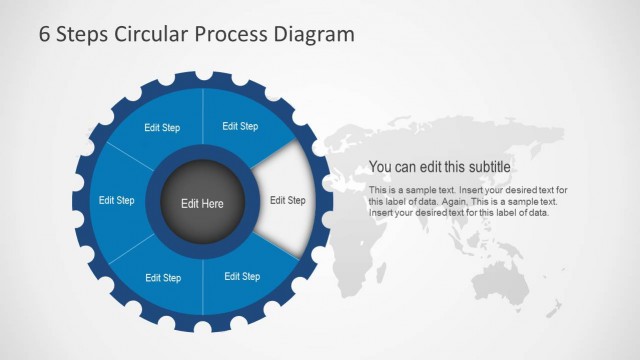
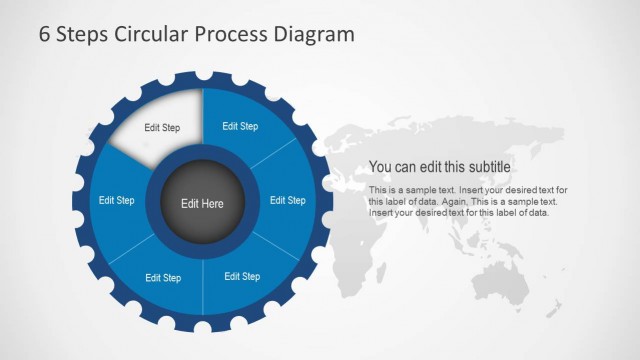
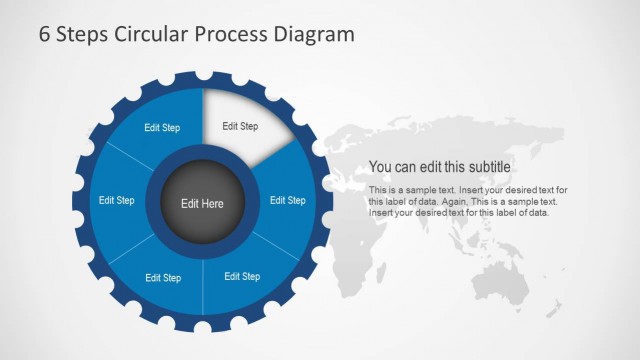
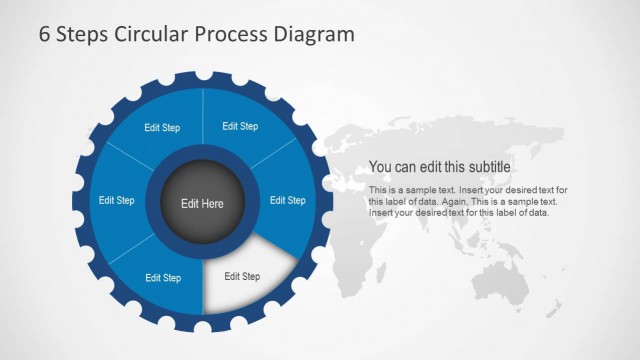
The layout features a circular diagram divided into six segments, each labeled as 'Edit Step.' The segments are arranged around a central circular area labeled 'Edit Here.' The segments are colored in a blue palette, with a gear-like design. To the right, there is a world map background in light gray, enhancing the visual context. The title is positioned at the top center, while a subtitle placeholder is located below it. Text placeholders are aligned within the segments and the central area, creating a clear visual hierarchy.
How to Use It
This layout serves as a process diagram, illustrating a six-step cycle. It is suitable for presentations that require a visual representation of sequential processes or workflows. This slide fits well after a problem-framing slide, leading into a detailed explanation of each step. It can be used in business contexts such as project management, operational workflows, or strategic planning discussions, where clarity in process flow is essential.
Text Placeholders & Capacity
Keep your copy within these limits so it fits without resizing. Node labels can accommodate short phrases, roughly 2-3 words each.
| Placeholder | Count | Max characters (approx.) |
|---|---|---|
| Slide title | 1 | 30 |
| Subtitle | 1 | 50 |
| Item heading | 6 | 10 |
| Item body | 1 | 150 |
Slide Keywords
Download unlimited PowerPoint templates, charts and graphics for your presentations with our annual plan.
DOWNLOADReturn to 6 Steps Circular Process Diagram.