Slide 9 of 9 from 6 Steps Circular Process Diagram
6131-01-6-step-circular-diagram-engine-9
6 Steps Circular Process Diagram Overview
- Diagram
- Circular Cycle
- Process Slide
- 16:9
- 100% Editable
The 6 Steps Circular Process Diagram slide from the 6 Steps Circular Process Diagram template offers a clear visual tool for illustrating workflows and summarizing processes in business presentations. Designed with editable shapes and a gear-like circular layout, this slide supports project management and operational process explanations within professional slide decks. Its vector icons and structured segments enhance clarity, making it suitable for concluding corporate presentations or emphasizing key process steps.
What’s on This Slide
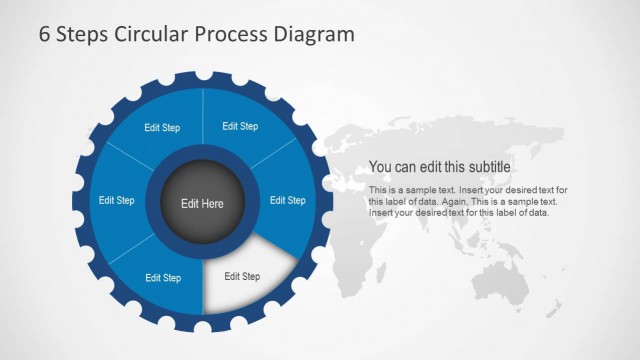
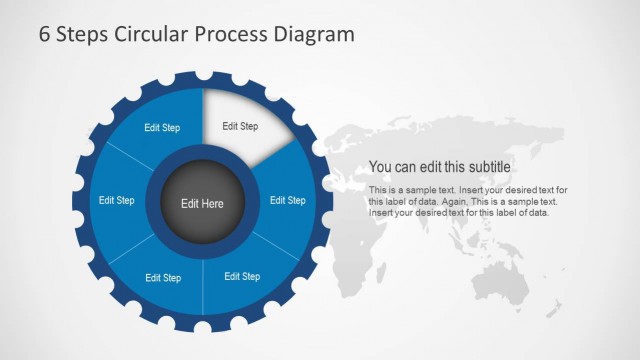
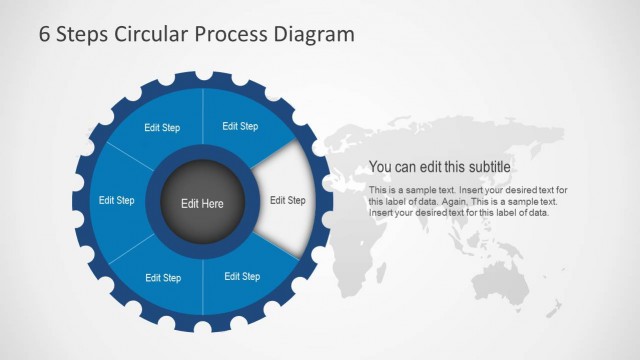
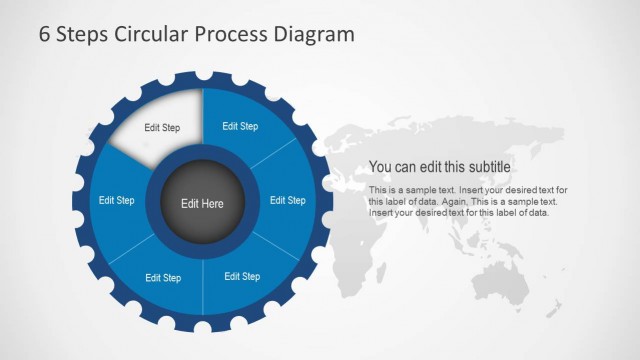
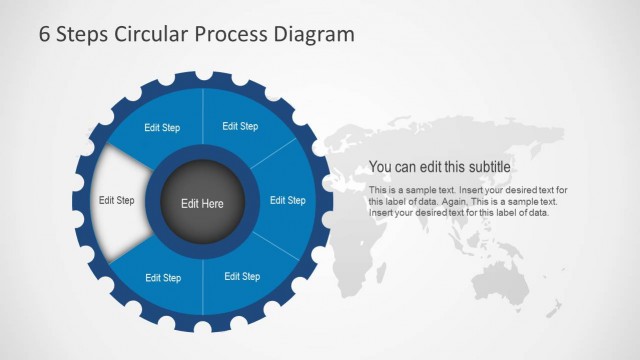
The layout features a circular diagram divided into six segments, each labeled as 'Edit Step.' The segments are arranged in a gear-like structure, with a central circle labeled 'Edit Here.' The background includes a light world map, enhancing the global context. Text placeholders are present, with the main title at the top center and additional text areas below the diagram. The visual hierarchy emphasizes the circular process, with the segments clearly defined and the central label highlighted. The color scheme includes shades of blue and gray.
How to Use It
This layout serves as a visual representation of a six-step process, suitable for illustrating workflows or cycles in presentations. It can be used in various business contexts, such as project management, product development, or operational processes. This slide fits well at the conclusion of a presentation, summarizing key steps or actions. It can also be used individually to emphasize a specific process, making it versatile for different presentation sequences.
Text Placeholders & Capacity
Keep your copy within these limits so it fits without resizing. Node labels are tight, roughly 2 words each.
| Placeholder | Count | Max characters (approx.) |
|---|---|---|
| Slide title | 1 | 30 |
| Item heading | 6 | 10 |
| Item body | 1 | 100 |
Slide Keywords
Download unlimited PowerPoint templates, charts and graphics for your presentations with our annual plan.
DOWNLOADReturn to 6 Steps Circular Process Diagram.