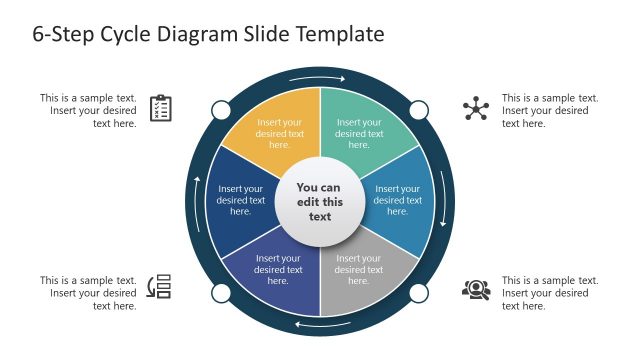
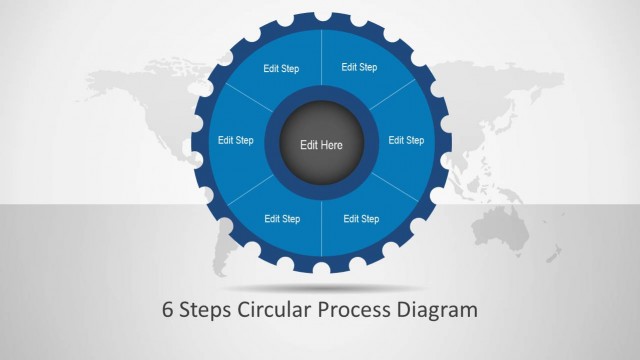
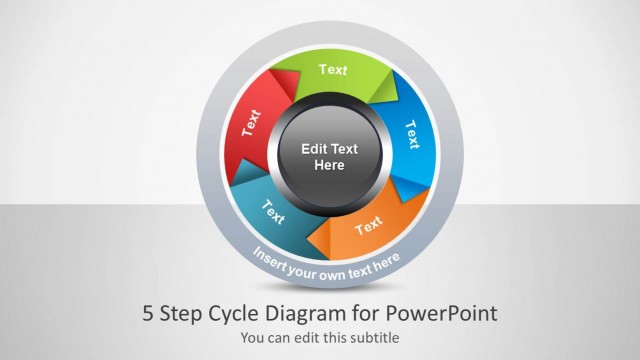
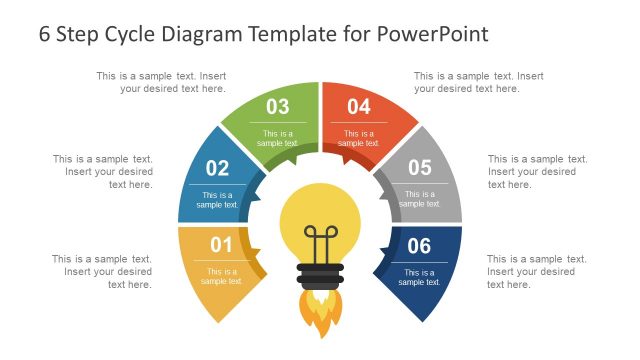
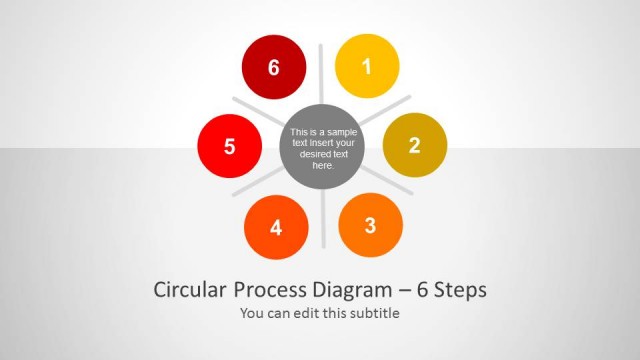
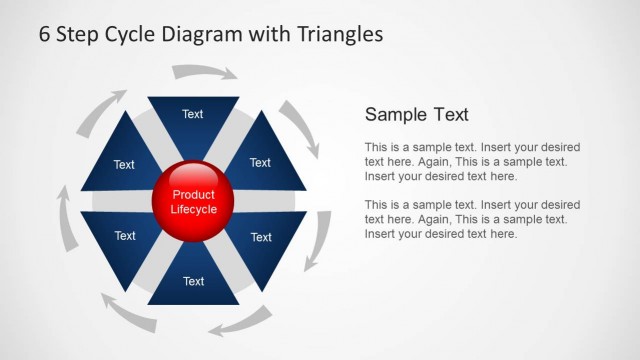
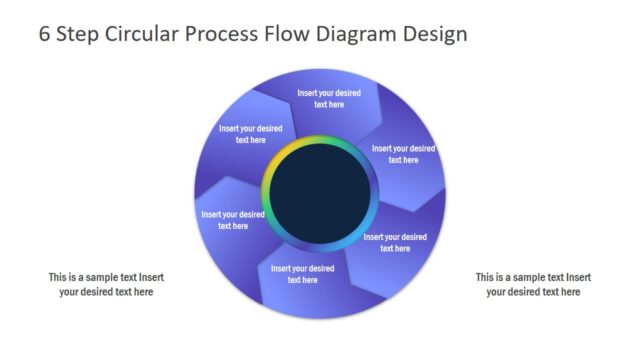
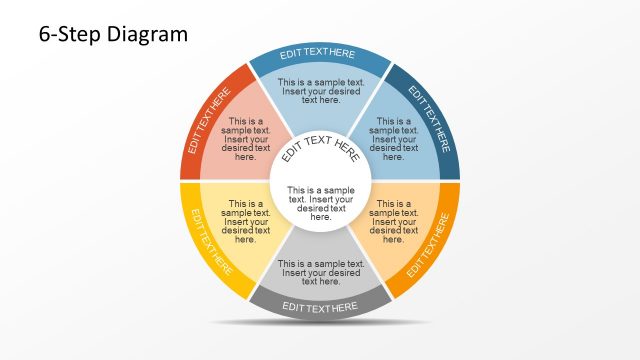
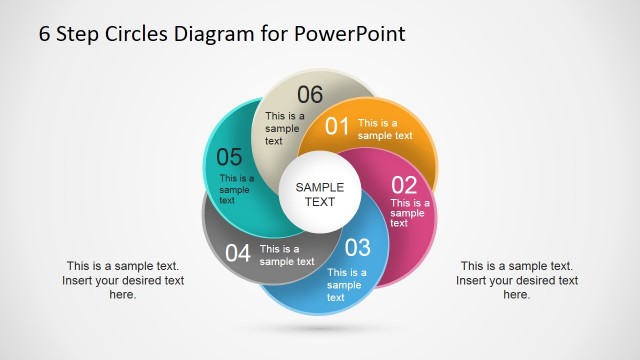
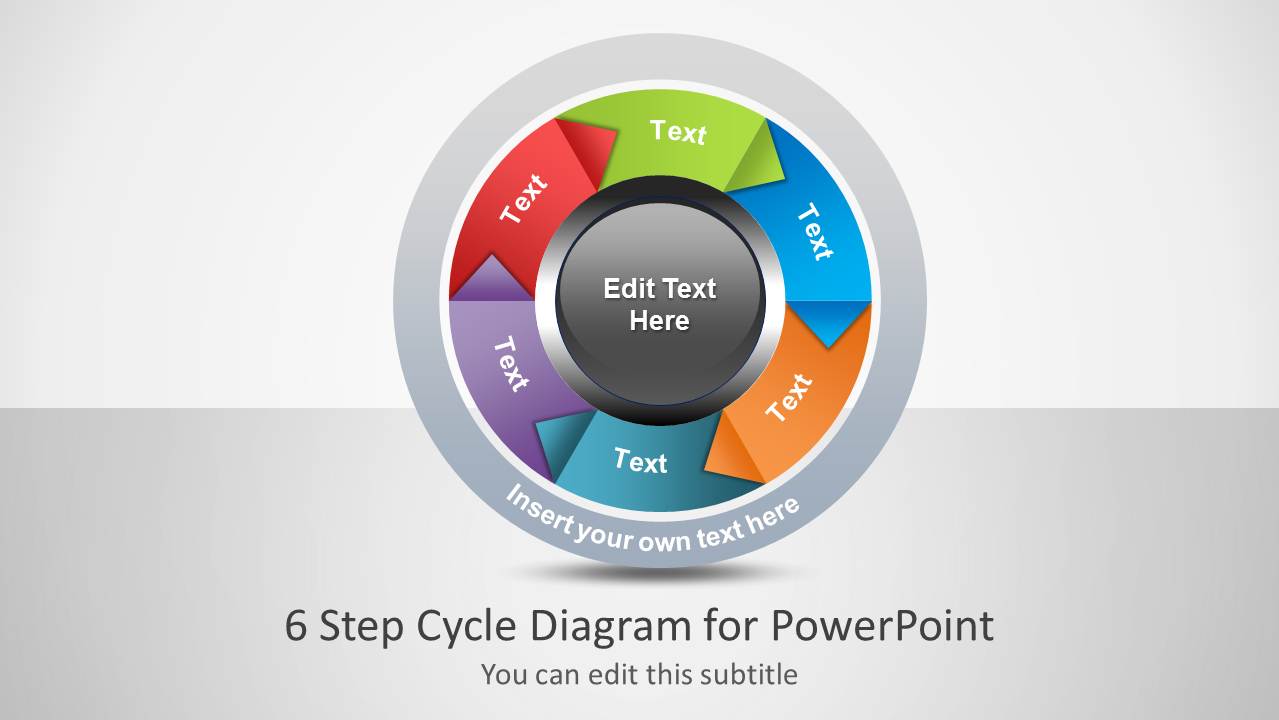
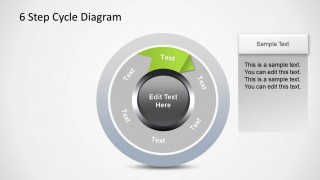
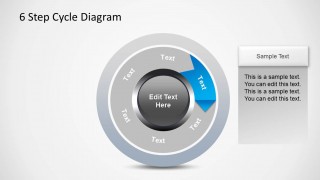
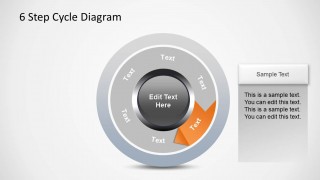
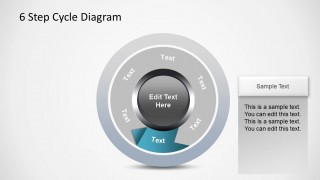
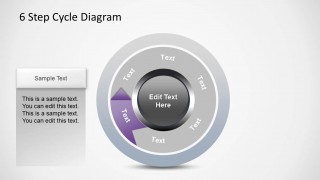
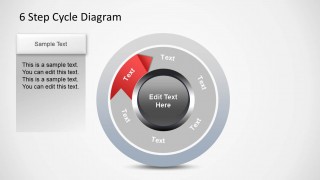
6 Step Cycle Process Diagram is a cycle PowerPoint diagram design that you can use to describe a circular process flow of up to 6 steps. You can download this PowerPoint six-step cycle diagram design to model a business process. You can also download the variant 5-step cycle process diagram.
This 6 Step Cycle Diagram template can be used in real-life presentations in various ways, suitable for any context where a cyclical or iterative process needs to be explained. For example, in business processes, it can help to illustrate a six-stage cycle of a continuous business process such as product development, quality assurance, or customer feedback loops. Also, in Education, it can help Teachers describe the phases of a learning process or the scientific method in classroom presentations. Other applications of this 6-step cycle process diagram include project management, training sessions, marketing presentations, and personal development.
Alternatively, you can download other cycle diagram templates, including the cycle flow chart templates for PowerPoint & Google Slides.
What’s inside this template
Example presentation scenarios
- A project manager can present an iterative project workflow by using the full six-step cycle for the overview and the highlighted-step slides to discuss each phase.
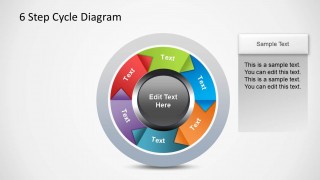
- A trainer can teach a recurring operating procedure by placing instructions in the side callout panels and walking learners through one active segment at a time.
- A marketing presenter can explain a customer feedback loop by renaming the six arrow segments and using the center text as the loop theme.
- An educator can describe a learning cycle or scientific method by using the circular diagram to show repetition rather than a one-time linear sequence.
Features
- 100% editable presentation template
- Compatible with Microsoft PowerPoint and Google Slides
- 16:9 aspect ratio slides
- Scalable vector shapes, icons and illustrations
- AI-Ready for Microsoft Copilot and Claude
- Instant access and download
Frequently asked questions
Q: How should I present a six-step cycle without making every stage feel equally important?
A: Start with the full-color cycle to establish the complete loop, then use the individual highlighted-step slides to control attention. Keep inactive segments gray while explaining one stage in the callout panel. This makes the audience follow the sequence while still seeing how each stage connects back to the overall cycle.
Q: Who is this template best suited for in a business or learning presentation?
A: It fits presenters who need to explain a repeatable process rather than a one-time plan. Managers can map operating cycles, trainers can teach procedures, educators can show learning phases, and marketers can outline feedback loops. The six equal segments work best when every stage has a comparable level of detail.
Q: Why does the circular arrow design improve the communication of this process?
A: The circular arrow metaphor signals iteration, feedback, and return to the starting point. The central text acts as the process theme, while the outer segments show the stages. The highlighted-slide sequence prevents the diagram from becoming visually crowded because the presenter can discuss one segment while preserving the context of the full loop.


6-Step Cycle Process Diagram for PowerPoint
8-slide presentation template with six-step cycle diagram and highlighted process callouts
6-Step Cycle Process Diagram for PowerPoint is an 8-slide diagram template for showing iterative workflows. It includes a cover, a full six-step circular process diagram, highlighted-step slides, and side text callout panels. Business, training, education, and project presenters can edit it in Microsoft PowerPoint or Google Slides.
- Category
- Diagrams
- Rating


 Loading...
- Aspect ratio
- 16:9
- Item ID
- 1213-06
- Colors
 Microsoft PowerPoint
  Microsoft Copilot
  Claude for PowerPoint
 Other formats supported
Subscribe today and get immediate
access to download our PowerPoint templates.