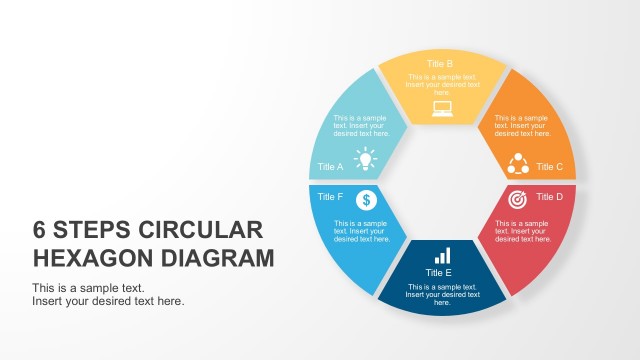
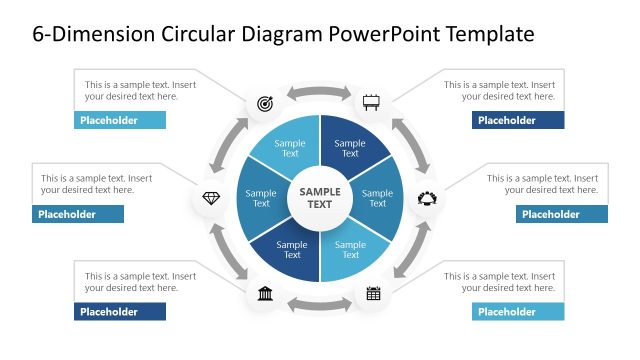
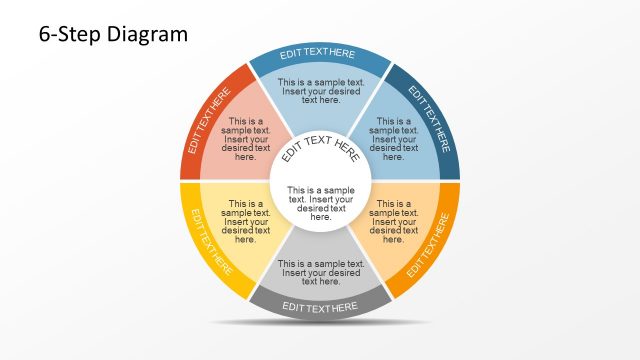
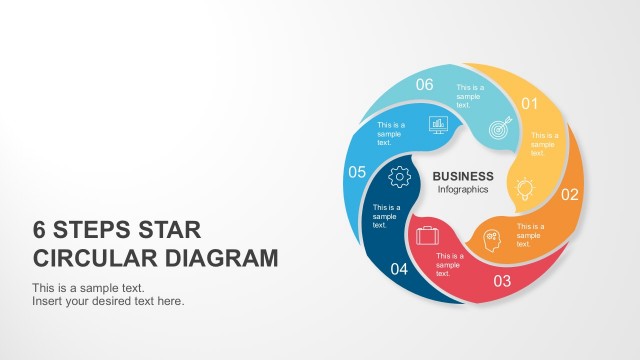
6 Steps Circular PowerPoint Diagram Pentagon Center – Leave your lecture or seminar audience with a lasting impression by using the professionally designed 6 Steps Circular PowerPoint Diagram Pentagon Centre template model. This presentation template has been created with high quality clip art vector graphics and shapes to produce a complex visual aid that is bound to keep the attention of your audience.
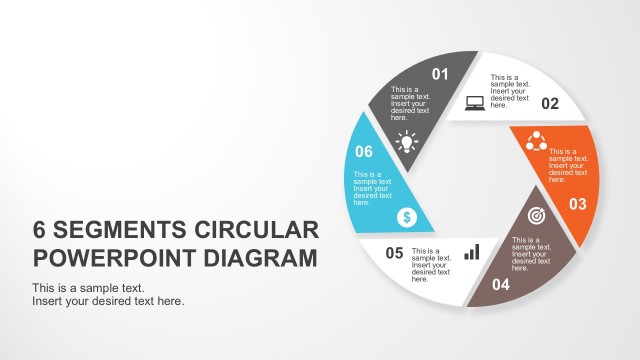
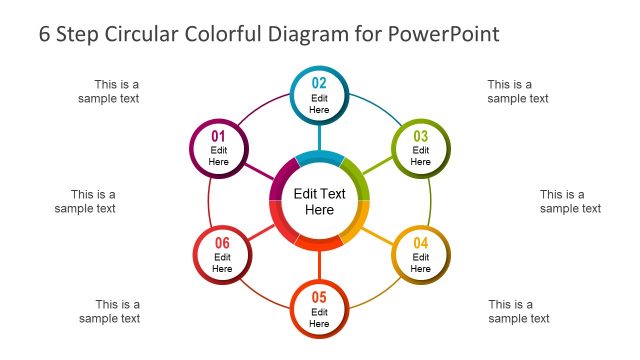
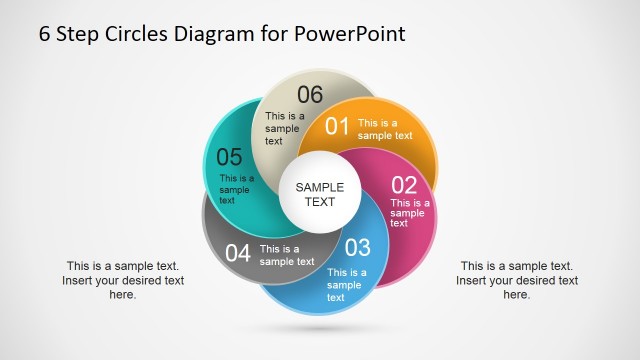
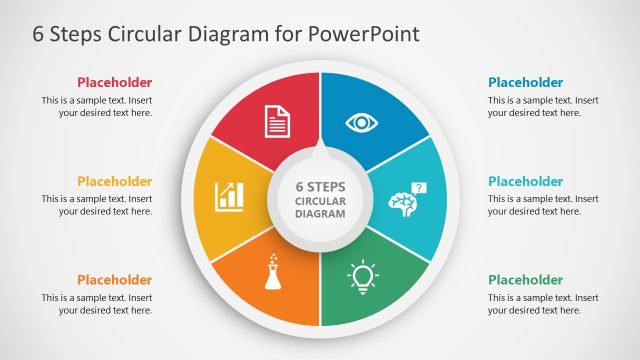
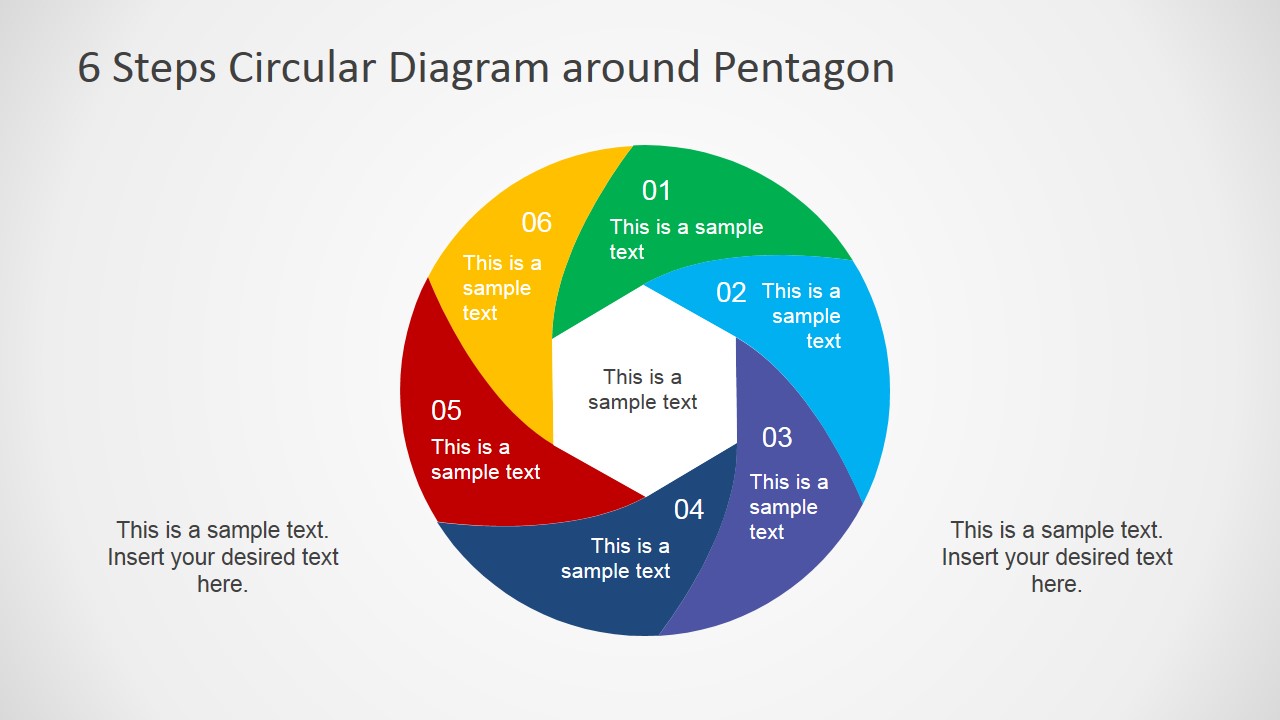
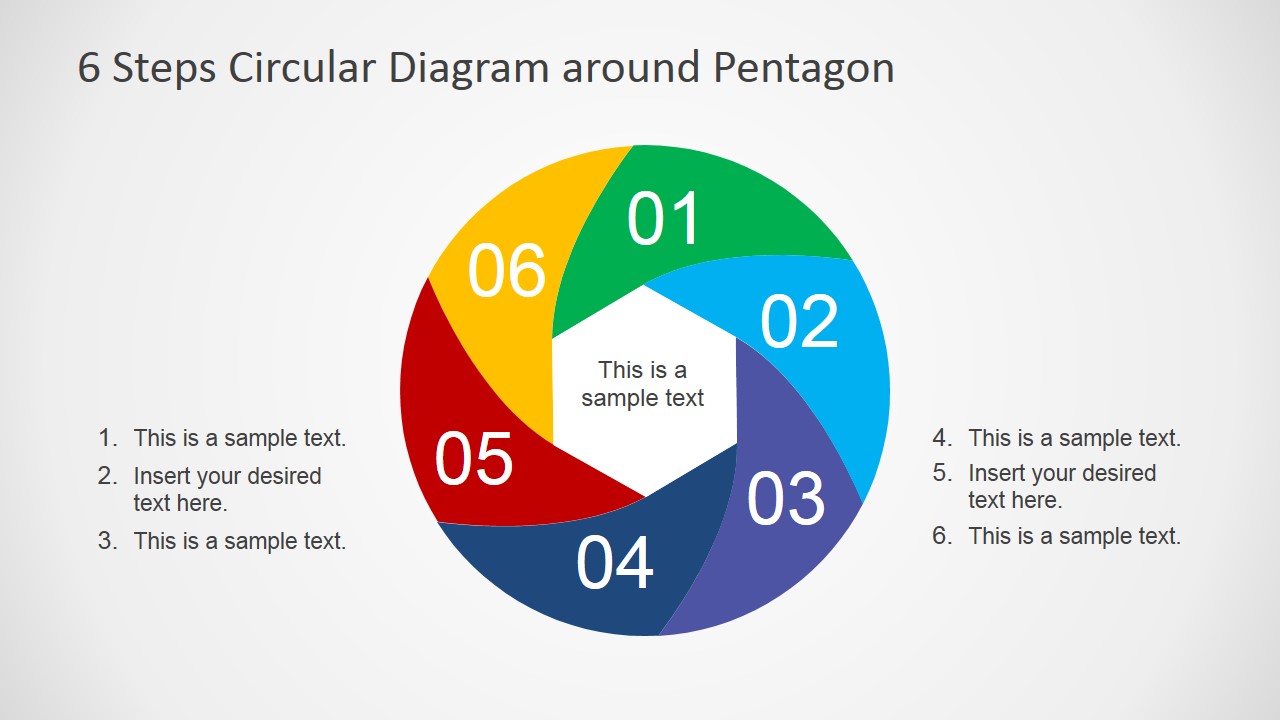
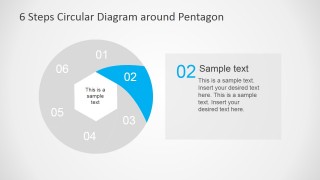
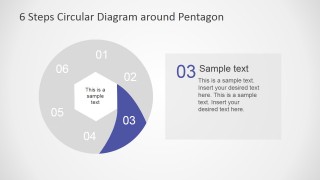
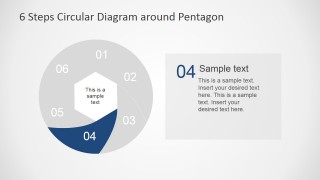
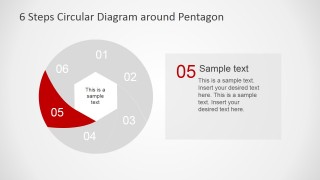
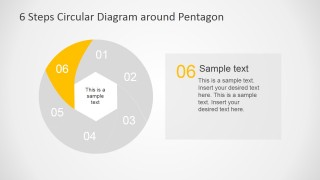
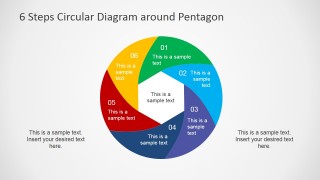
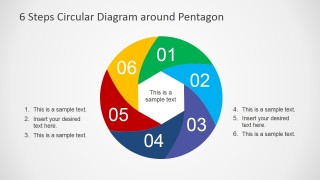
Six curved and color coded triangle shapes – similar in shape to a boomerang – have been arranged in a circle around the page to create a central pentagon shape which serves as a unifying point upon the design. You might decide to use the 6 Steps Circular PowerPoint Diagram Pentagon Centre for a number of presentations:
- to illustrate the design process of a product
- to demonstrate a novel business strategy
- to demonstrate a novel marketing strategy
- as a visual aid to help with the explanation of a six step plan
Because the 6 Steps Circular PowerPoint Diagram Pentagon Centre has been created specifically with high quality clip art icons and vector graphics while keeping user functionality in mind, this PowerPoint template can be fully edited, customised and personalised. All of the high quality clip art icons and vector graphics that are included in this package are freely available in all PowerPoint applications. This means that you can change the color, size and shape of all of the constituent elements. This provides you with the appropriate tools to create an engaging PowerPoint presentation that can be used for a wide range of applications.
The circular effect of a clockwise movement circle with a pentagonal center gives the audience the sense of flow, ideal for engaging presentations that require steps. Impress your audience with this 100% editable PowerPoint Diagram that appeals to executives.
What’s inside this template
Example presentation scenarios
- A consultant can use the full circular diagram to present a six-phase transformation plan and keep the client focused on the central business objective.
- A product manager can use the individual step highlight slides to explain discovery, design, build, launch, and follow-up stages one phase at a time.
- A marketing lead can use the numbered side lists beside the circular diagram to connect campaign actions with the six colored process segments.
- A trainer can use the grayed segment highlight layouts to teach a repeatable workflow while showing where the current lesson sits in the full cycle.
Features
- 100% editable presentation template
- Compatible with Microsoft PowerPoint and Google Slides
- 16:9 aspect ratio slides
- Scalable vector shapes, icons and illustrations
- AI-Ready for Microsoft Copilot and Claude
- Instant access and download
Frequently asked questions
Q: How should a presenter explain the six-step diagram without overwhelming the audience?
A: Start with the overview slide to name the central idea in the pentagon and preview all six numbered segments. Then move through the individual highlight slides so only one colored step is active at a time. Use the right-side callout panels for the action, owner, or decision linked to each phase.
Q: Who is this circular pentagon diagram best suited for?
A: This template fits presenters who need to explain a repeatable method, not just list tasks. Consultants, project managers, product leads, and trainers can use it when a process has six related parts that build around one shared goal, such as a strategy cycle, service model, or implementation plan.
Q: Why does the circular layout help the message compared with a linear list?
A: The clockwise circle suggests movement, iteration, and connection between steps, while the pentagon center gives the audience a stable anchor for the main idea. The grayed-out segments on the step slides reduce distraction and make each phase feel like part of a larger system rather than an isolated bullet.
You may also like:
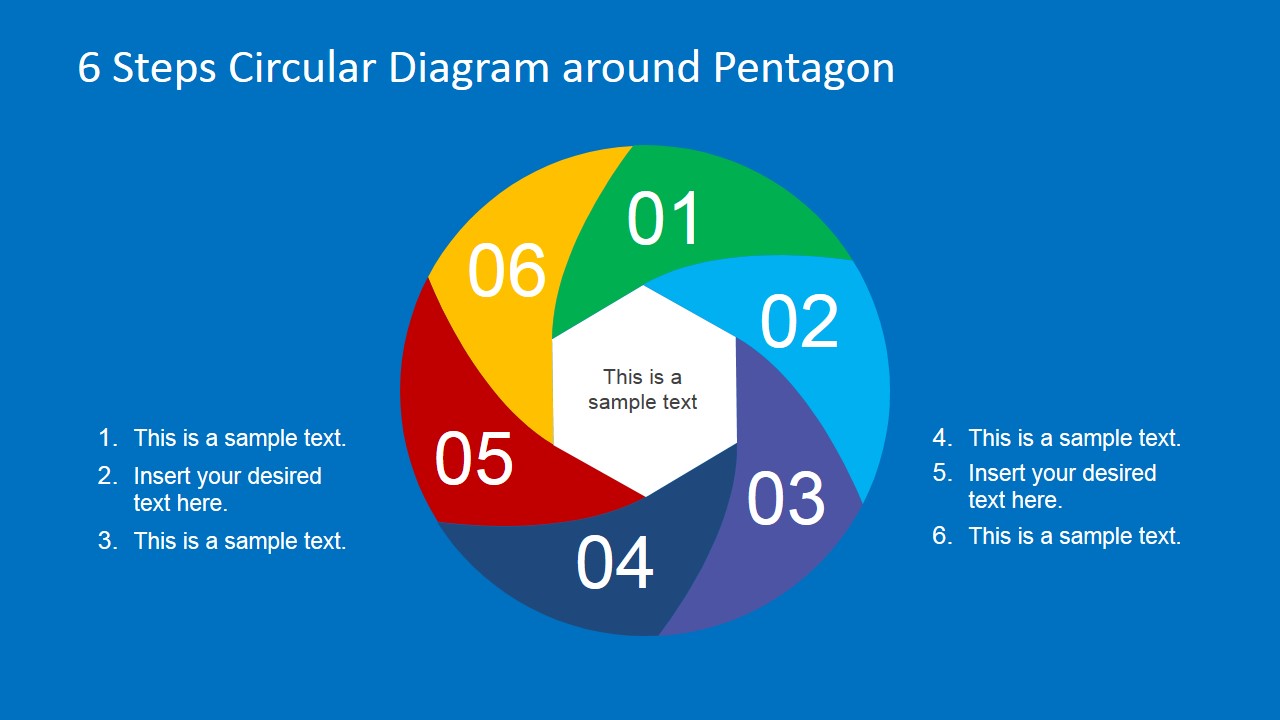


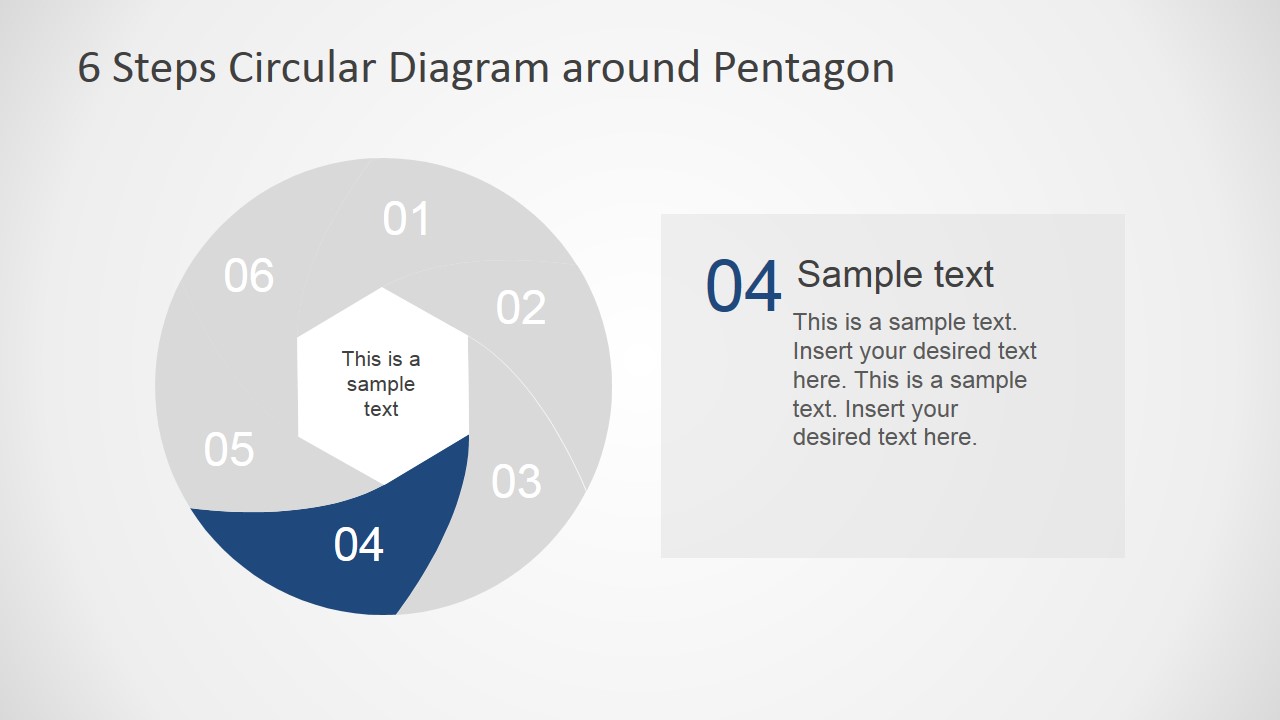
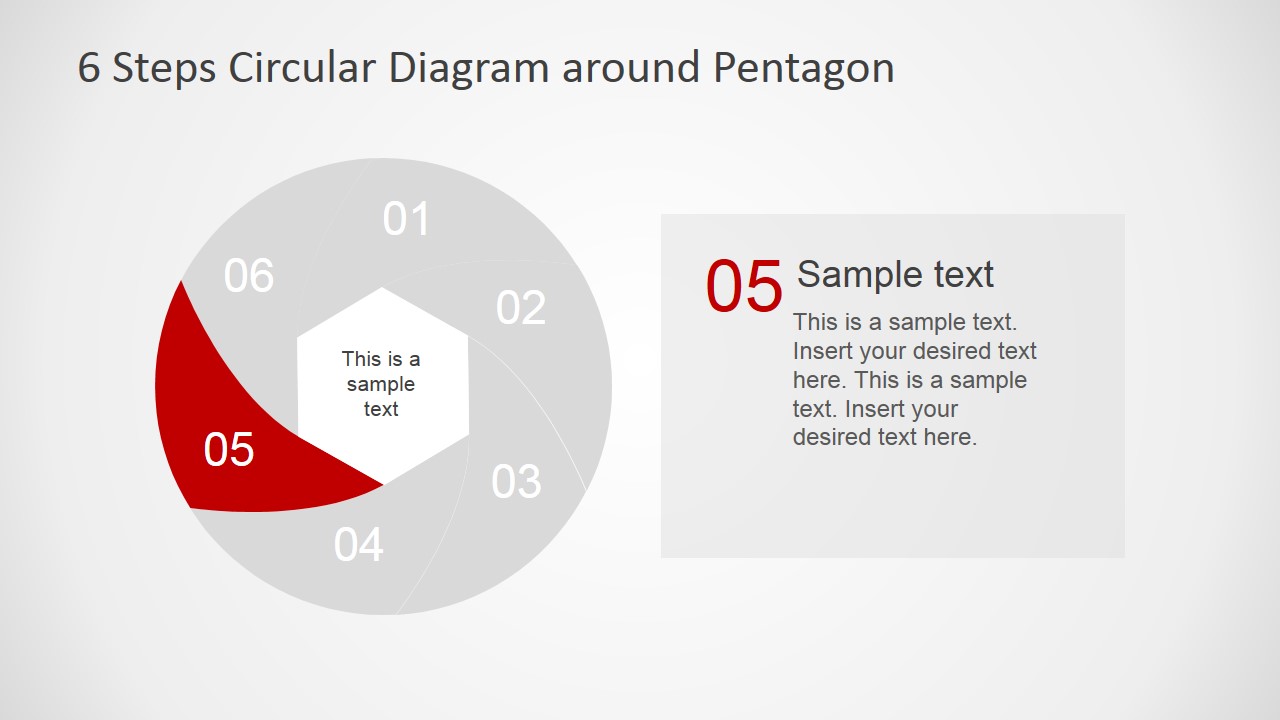
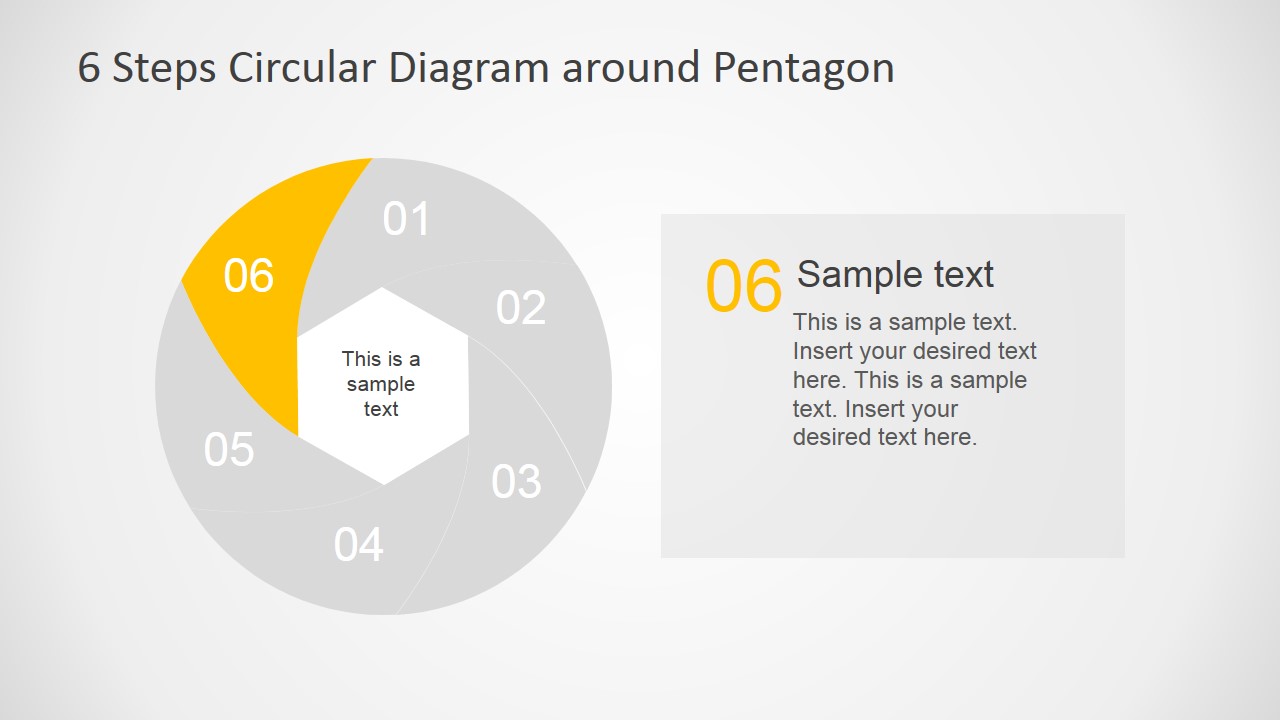
6 Steps Circular PowerPoint Diagram Pentagon Center
9-slide presentation template with six-step circular pentagon diagram, step highlights, and process callouts
This is a 9-slide circular process diagram template for explaining six-step plans, cycles, or workflows. Visible layouts include a full six-segment circle around a pentagon center, individual step highlight slides, numbered side lists, and text callout panels. It is designed for business, consulting, training, and strategy presentations in PowerPoint and Google Slides.
- Category
- Diagrams
- Rating


 Loading...
- Aspect ratio
- 16:9, 4:3
- Item ID
- 6585-01
- Colors
 Microsoft PowerPoint
  Microsoft Copilot
  Claude for PowerPoint
 Other formats supported
Subscribe today and get immediate
access to download our PowerPoint templates.