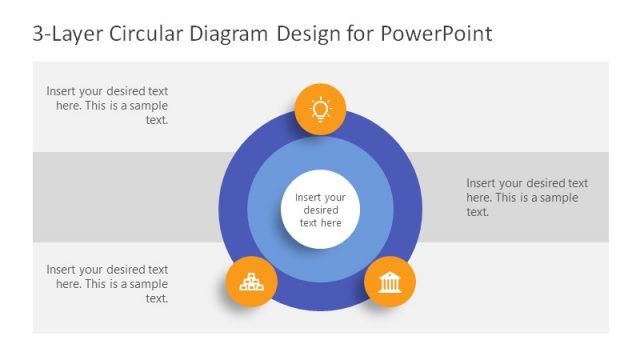
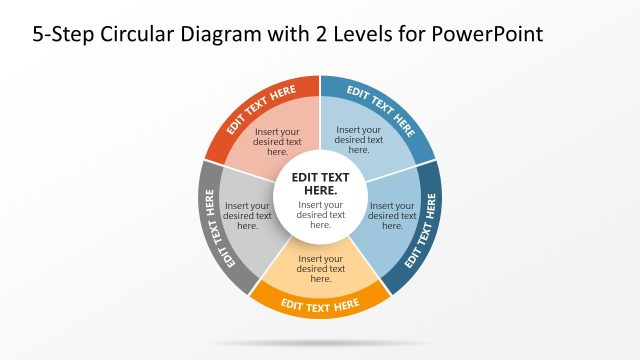
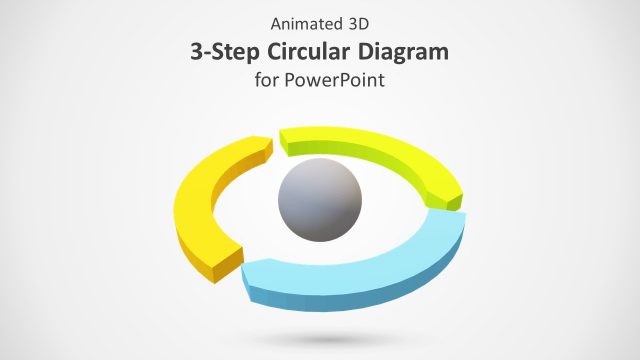
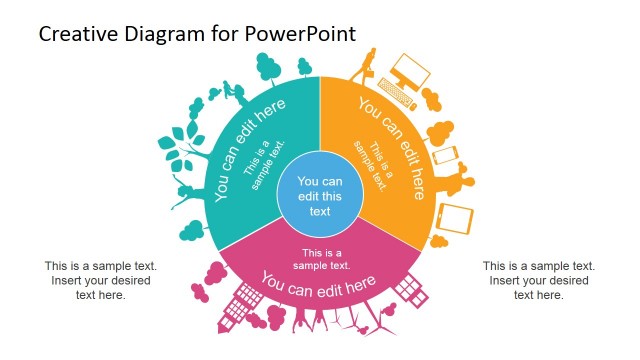
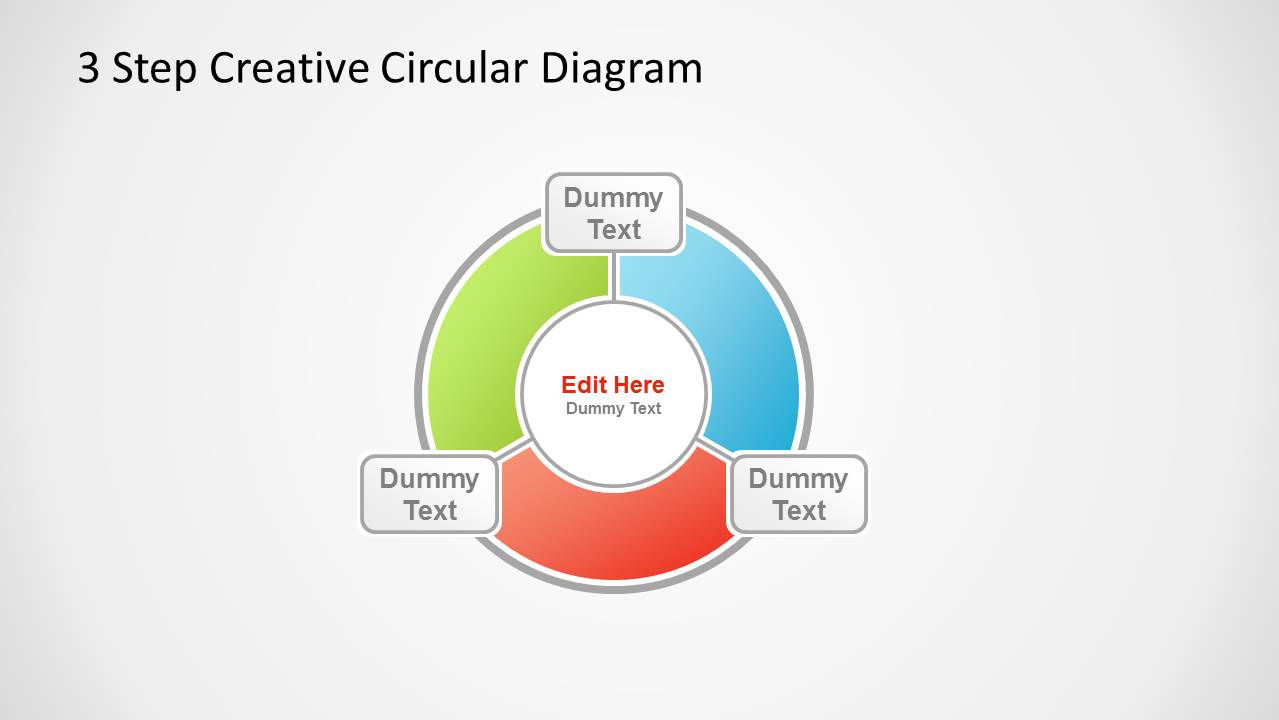
Step up your presentation with modern visuals from 3 Step Creative Circular Diagram for PowerPoint. Featuring a segmented, circular and flexible design, this template is for generic use. Personalize your report through this top grade layout.
Any topic that includes 3 parts is ideal for this particular PowerPoint template. The applicable concepts can vary from business, organization, academic to legal. With its fully customisable colors and shapes, the user can suit its look to a specific discussion. Background colors can be altered as well to suit a scheme. The professional mood can surely hook all kinds of audiences.
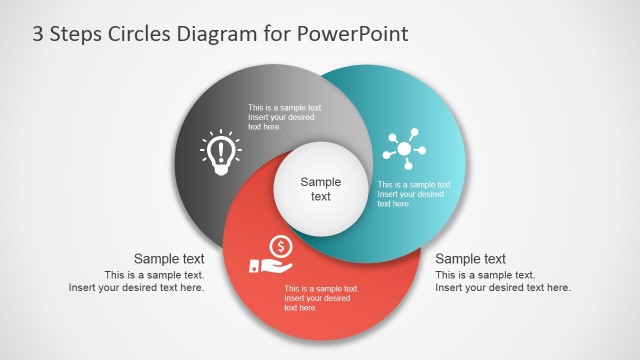
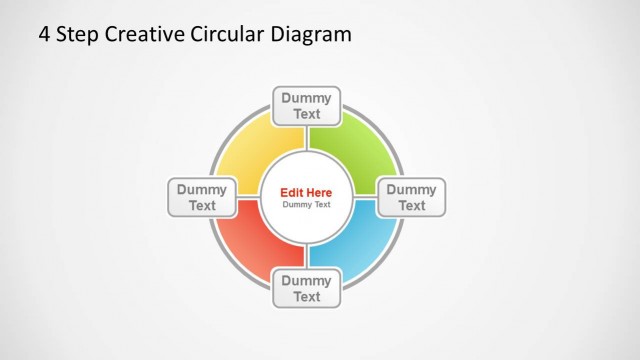
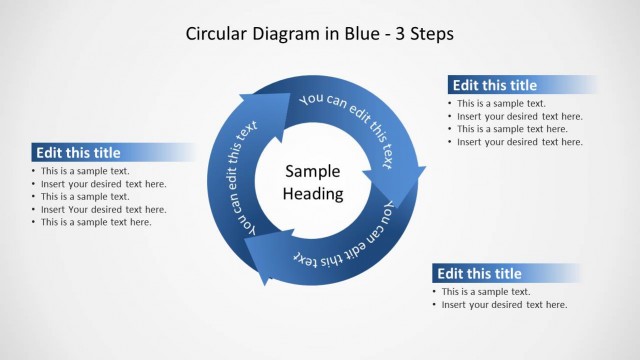
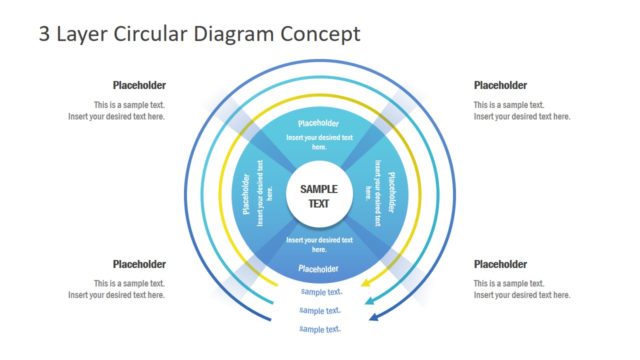
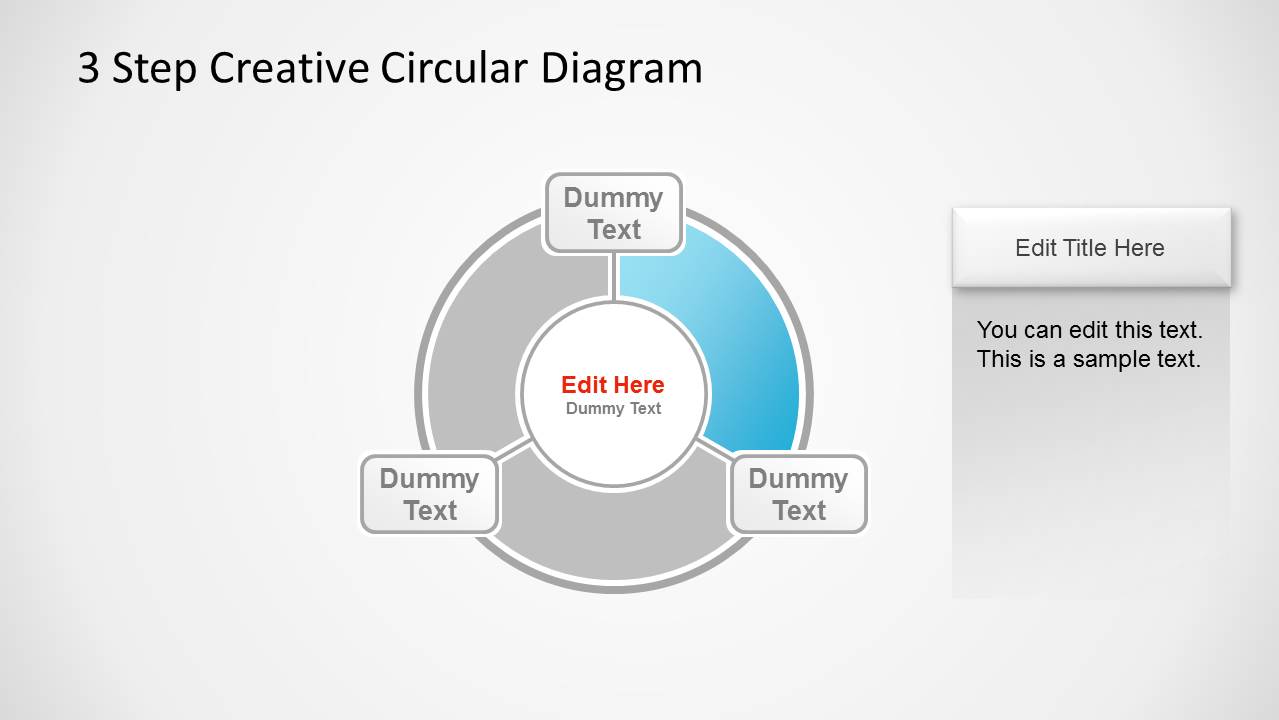
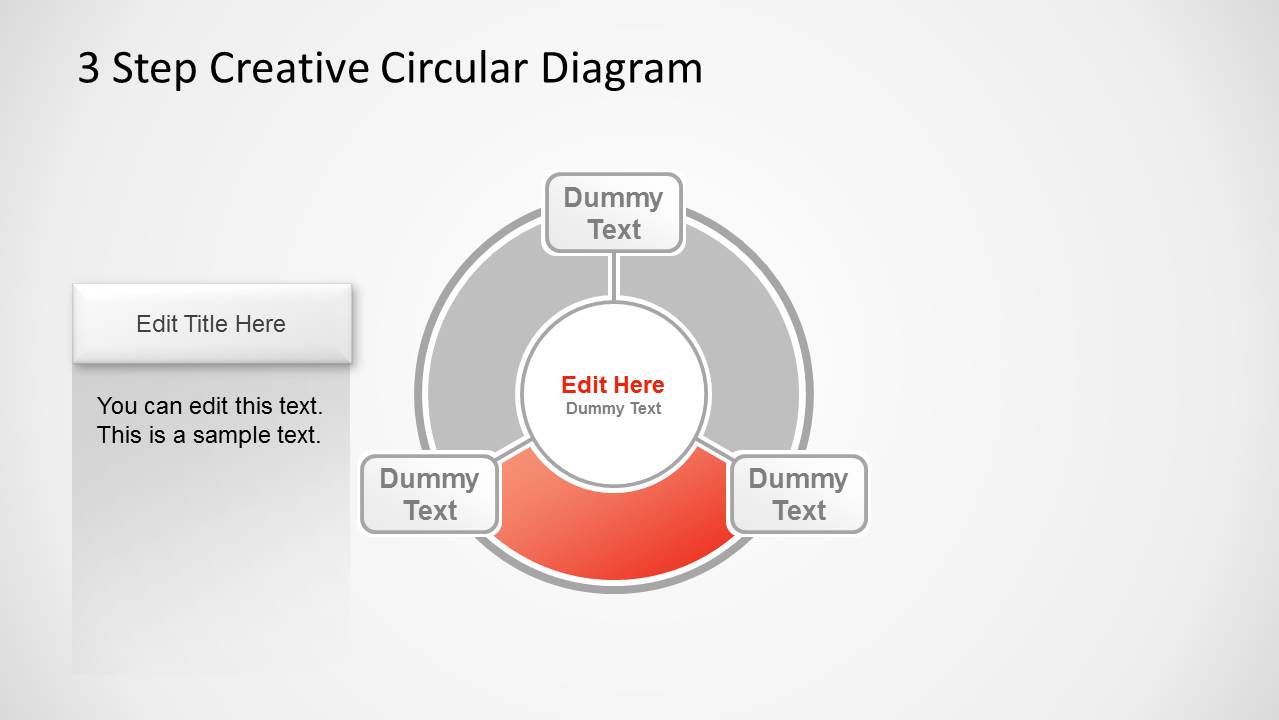
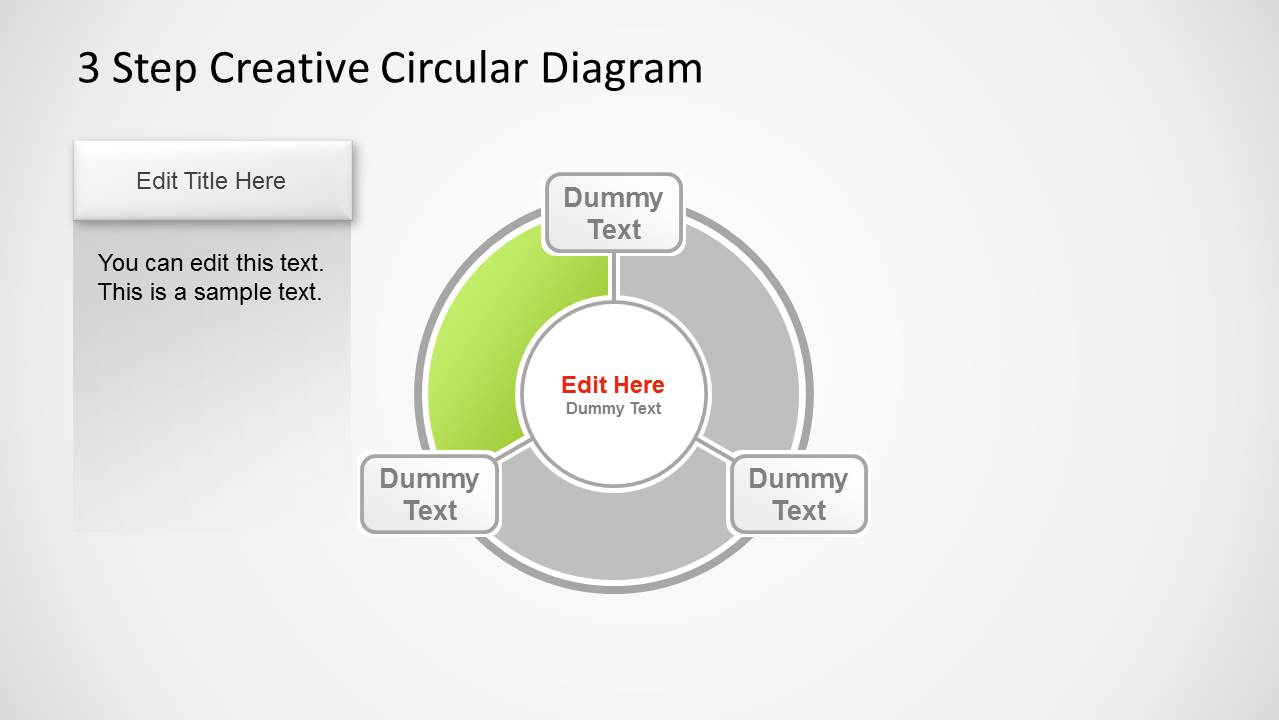
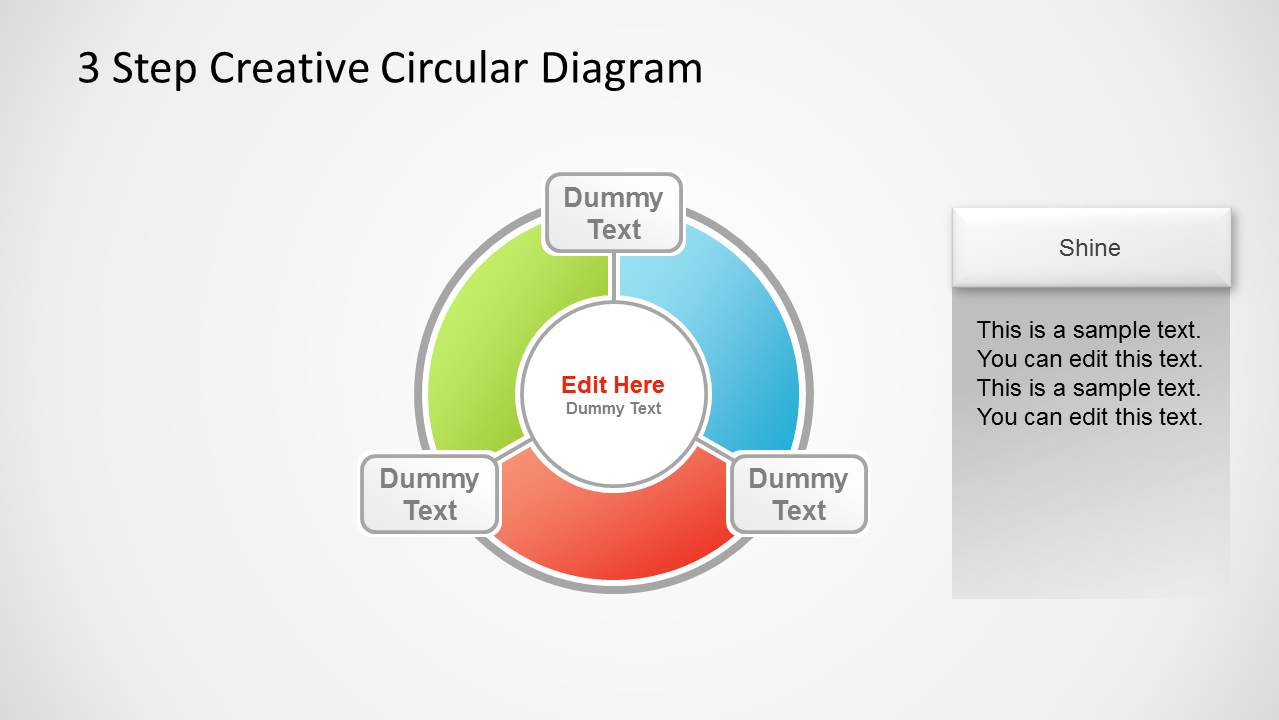
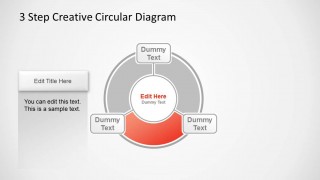
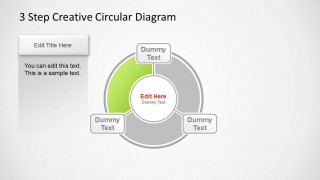
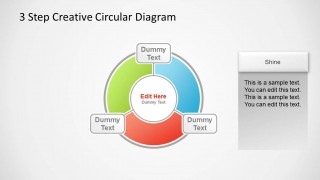
The template contains 5 creative slides. Each slide serves a particular role in the overall presentation. If the user has decided for a certain report subject, the first slide can showcase an overview. It is perfect as an acting background while introductions are done. The circle is illustrated with 3 segments represented by the 3 colored arcs. Individual placeholders are located at every arc where simple titles can be written. The second to fourth slides are venues for more detailed explanation by the presenter. The user can designate one slide for one part of the whole lecture. The last slide can then serve as finale. 3 Step Creative Circular Diagram for PowerPoint can even supplement a larger presentation to highlight on a single point.
A generic template like this is the best choice for a user that is looking at the possibility of multiple applications. It has designs that can be modified and adjusted easily. It is dynamic in showing how the parts influence the whole. Without one arc or segment, the shape will not be a circle and thus, the body is shown as incomplete.
6 Steps Circular PowerPoint Diagram Pentagon Center is another downloadable striking template from the SlideModel gallery. Create a powerful presentation through 3 Step Creative Circular Diagram for PowerPoint now. Also, check our collection of 3 steps PowerPoint templates.
What’s inside this template
Example presentation scenarios
- A consultant can use the circular overview to introduce a three-part strategic framework, then use the highlighted segment slides to explain each pillar without losing the relationship among the parts.
- A training facilitator can present a three-step workflow with the center text as the main concept and the outer labels as the learner-facing step names.
- A project manager can use the side text panel layouts to explain responsibilities, dependencies, or milestones tied to each colored segment of a project cycle.
- An educator can adapt the diagram to break down a topic into three concepts, using the gray inactive arcs to keep attention on the current lesson point.
Features
- 100% editable presentation template
- Compatible with Microsoft PowerPoint and Google Slides
- 16:9 aspect ratio slides
- Scalable vector shapes, icons and illustrations
- AI-Ready for Microsoft Copilot and Claude
- Instant access and download
Frequently asked questions
Q: How should a presenter explain the three-part message with this circular diagram?
A: Start with the full circular overview to name the central idea and the three parts around it. Then move through the highlighted segment slides one by one, keeping inactive segments gray so the audience can focus on the current part. Close by returning to the full diagram if the three parts must be remembered as one system.
Q: Who is this template best suited for?
A: This template fits presenters who need to explain a simple three-part model rather than a long process. Consultants, trainers, educators, project managers, and legal or policy presenters can use it when the goal is to show how three ideas support a larger whole through the circular overview and segment detail slides.
Q: Why does the circular layout help communicate the message?
A: The circular metaphor suggests connection, completeness, and mutual dependence among the three segments. Highlighting one arc while the others remain gray lets the presenter zoom into detail without breaking the whole-system view. The outer labels and center text create a clear hierarchy: main idea first, supporting parts second.
3 Step Creative Circular Diagram for PowerPoint
5-slide presentation template with a three-step circular diagram, highlighted cycle segments, and callout panels
3 Step Creative Circular Diagram for PowerPoint is a 5-slide diagram template for explaining three related parts of a process, model, or framework. It includes a three-segment circular overview, individual highlighted segment slides, outer label callouts, and side text panels for supporting notes in Microsoft PowerPoint and Google Slides.
- Category
- Diagrams
- Rating


 Loading...
- Aspect ratio
- 16:9
- Item ID
- 1230-03
- Colors
 Microsoft PowerPoint
  Microsoft Copilot
  Claude for PowerPoint
 Other formats supported
Subscribe today and get immediate
access to download our PowerPoint templates.