Create Porter Five Forces analysis model in PowerPoint with the highly customizable 5 Forces Model Template for PowerPoint.
This template has all what you need for making an industry analysis and business strategy presentation with the 5 Forces Model. You can learn more about Five Forces Model at HBR.
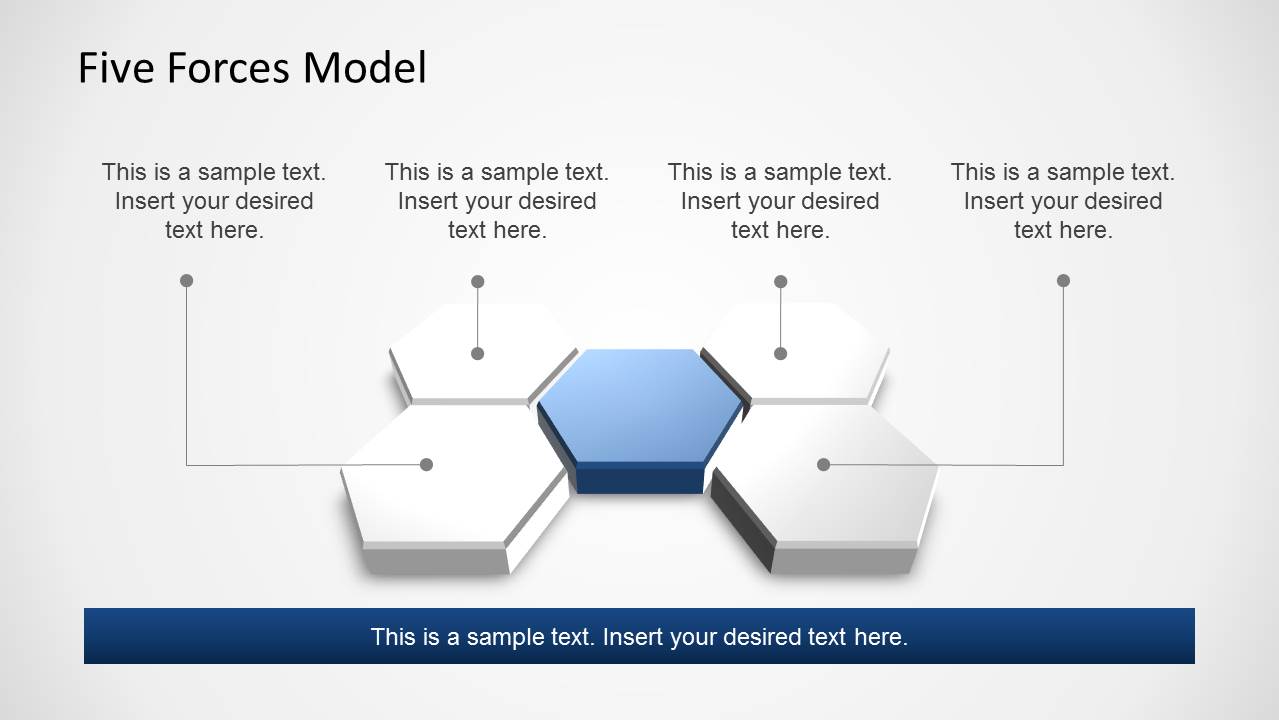
The different editable slides make it easy to visually present your content using professional layouts with 3D graphics that can help you present your model in a layout that is easy to understand for the audience.
What’s inside this template
Example presentation scenarios
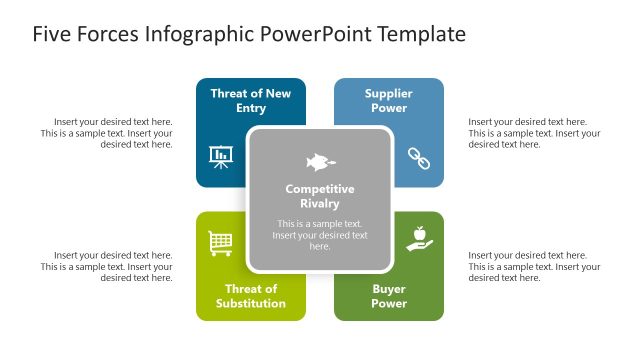
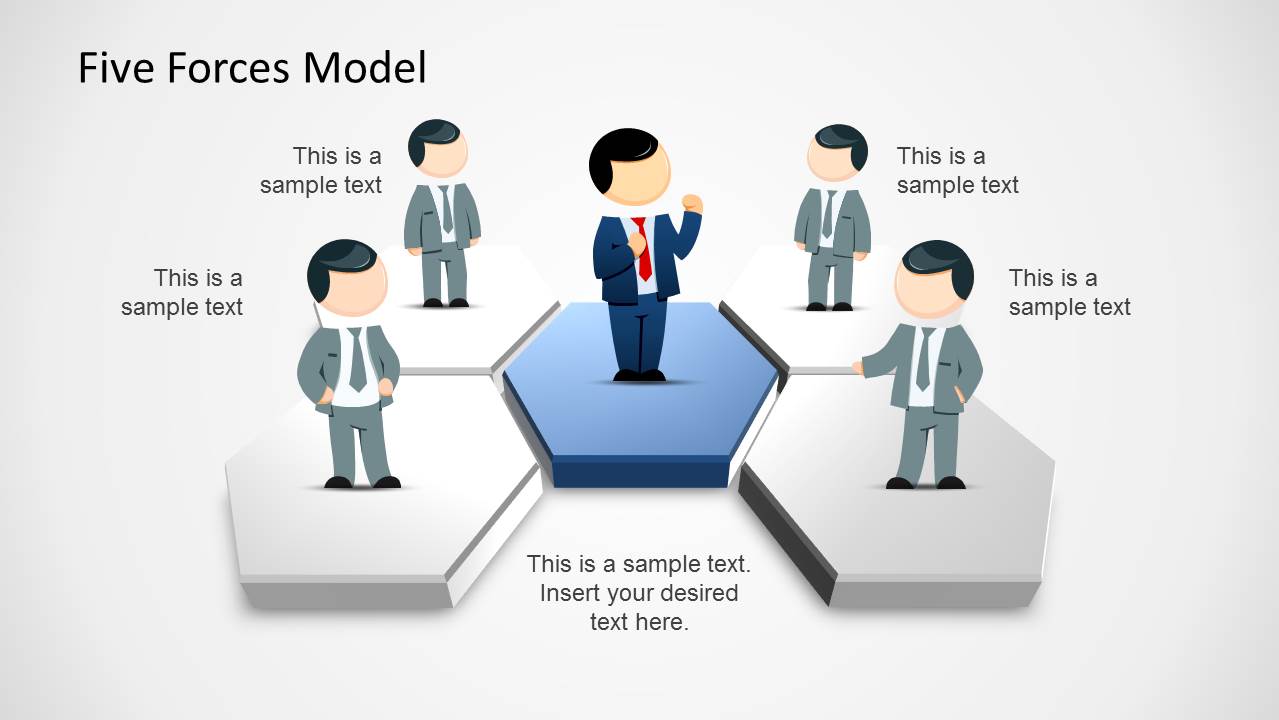
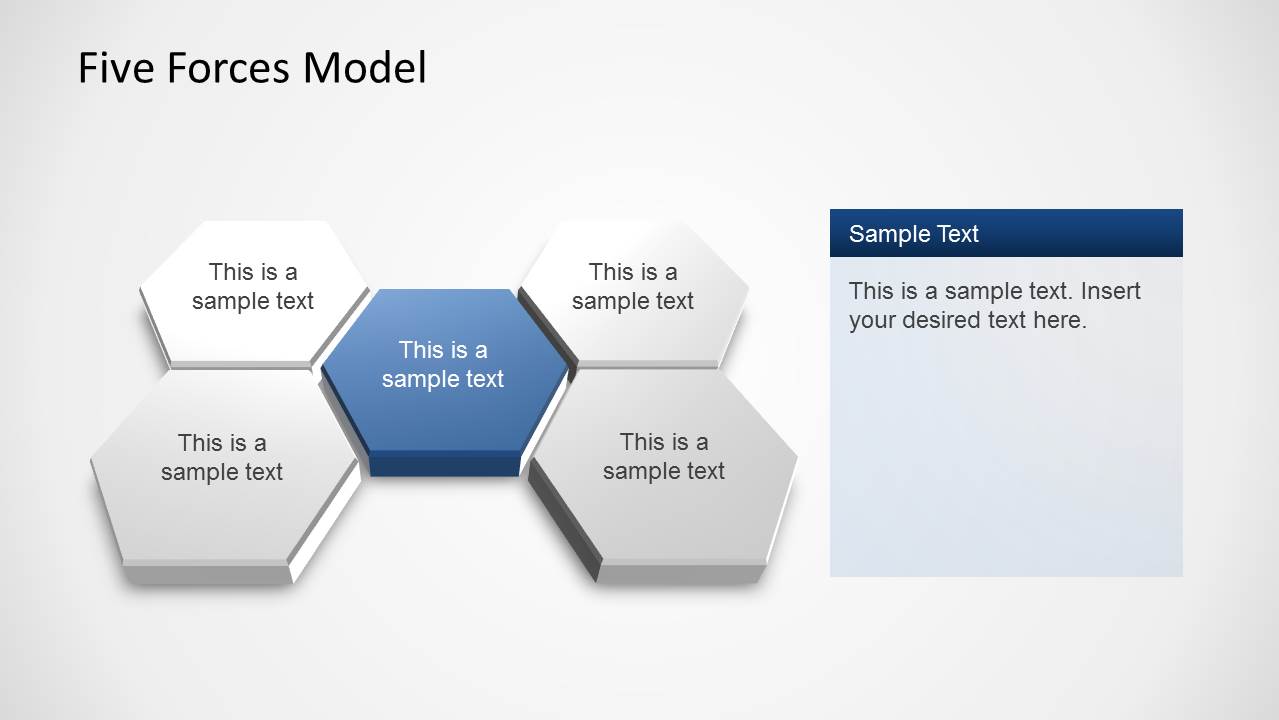
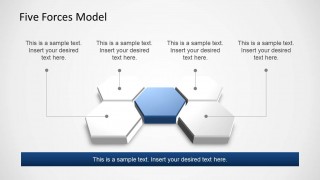
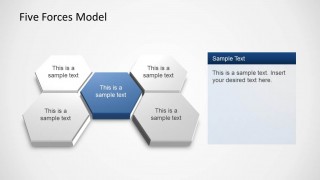
- A management consultant can use the hexagon force diagram to introduce how rivalry, buyers, suppliers, substitutes, and new entrants affect a client's industry position.
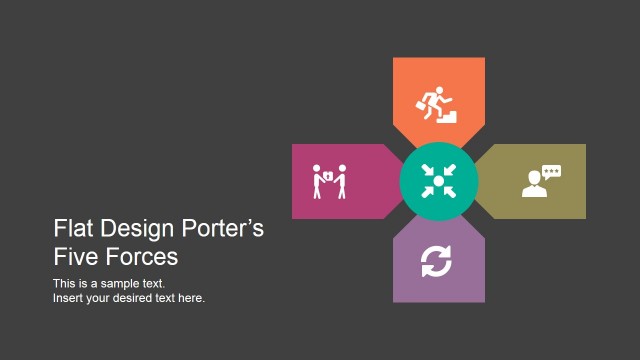
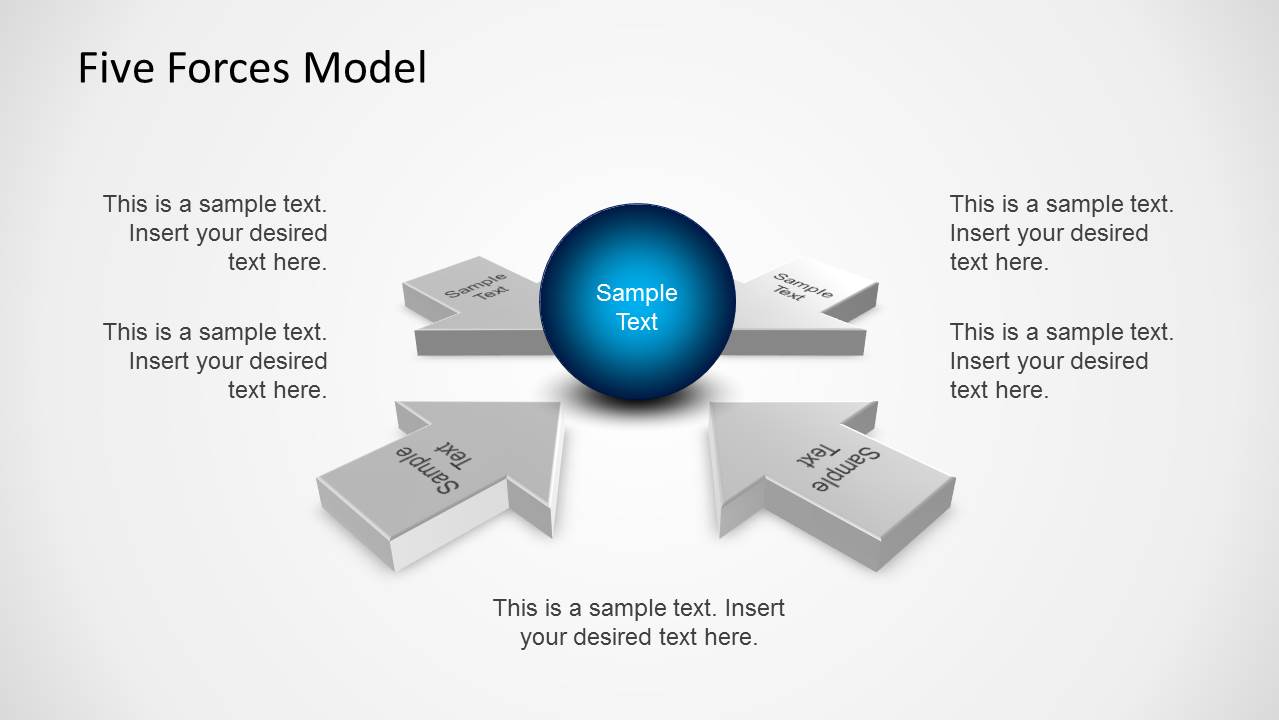
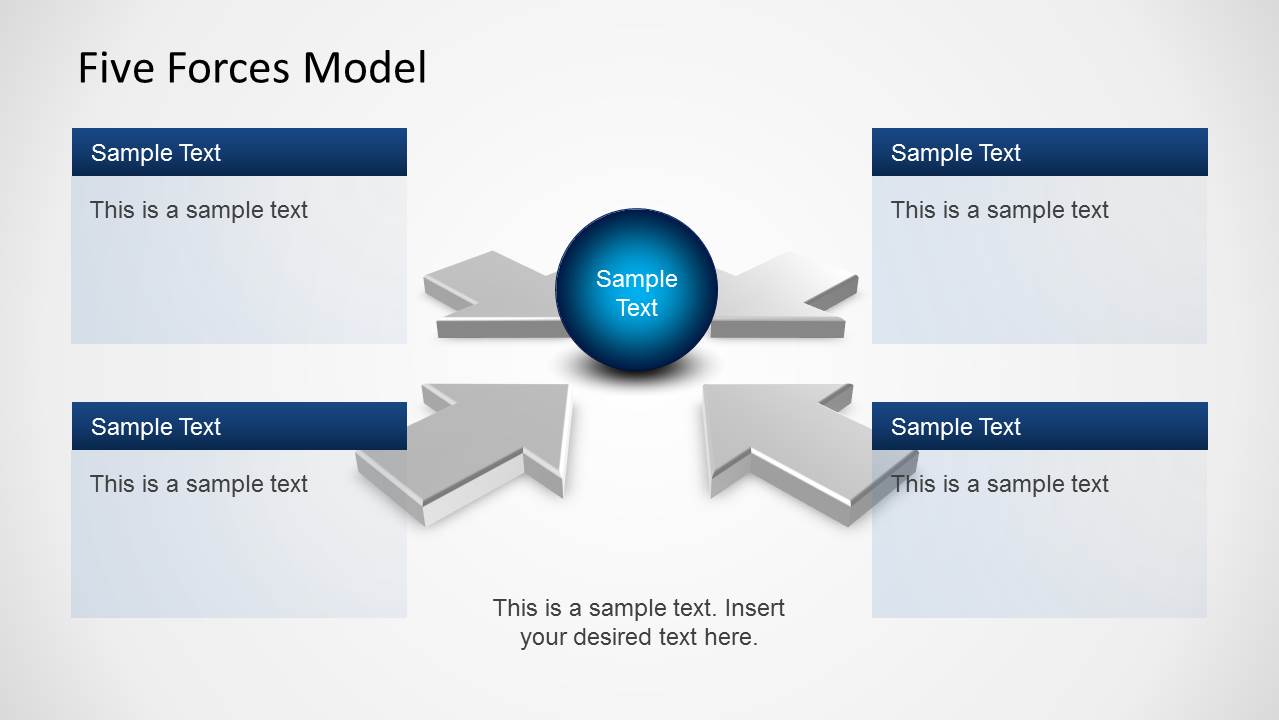
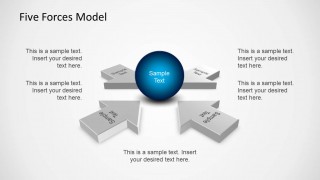
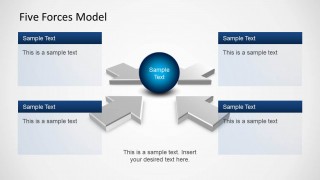
- A market analyst can use the four-arrow force map to compare competitive pressures before recommending whether a company should enter a new market.
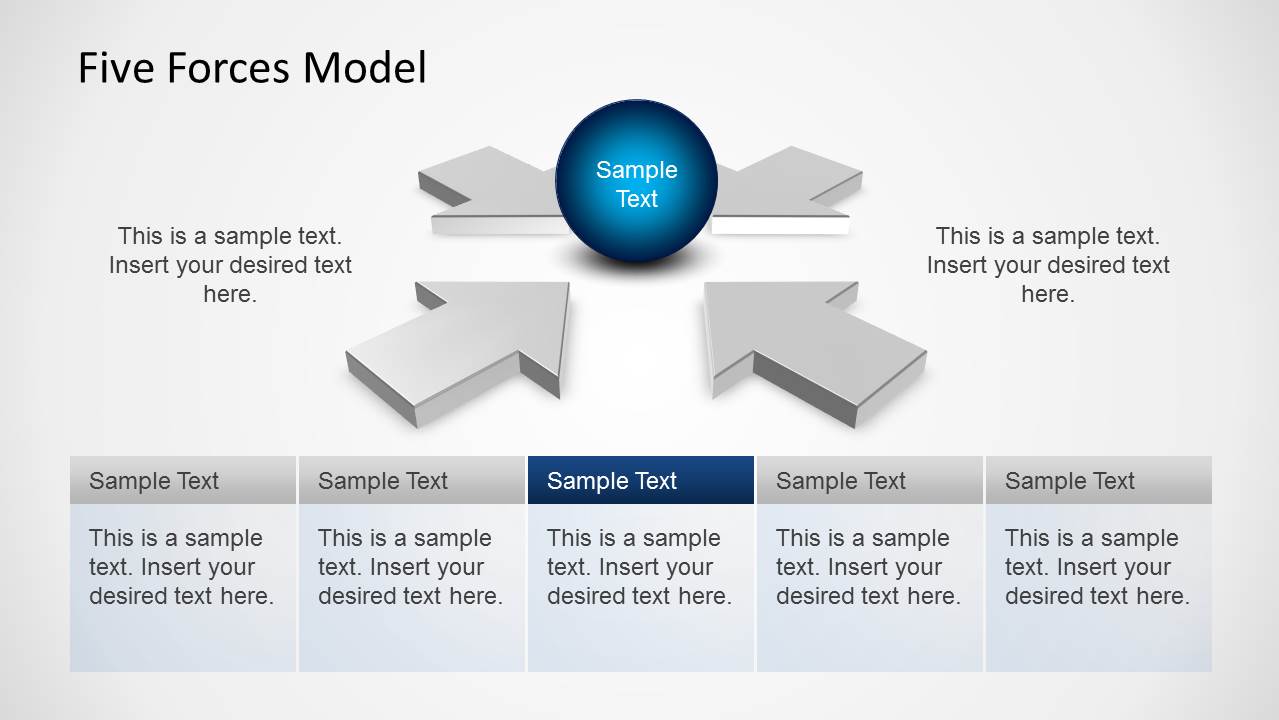
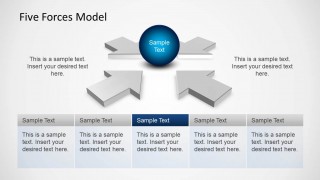
- An executive strategy team can use the five-column summary table to align leadership on the relative importance of each force during a planning meeting.
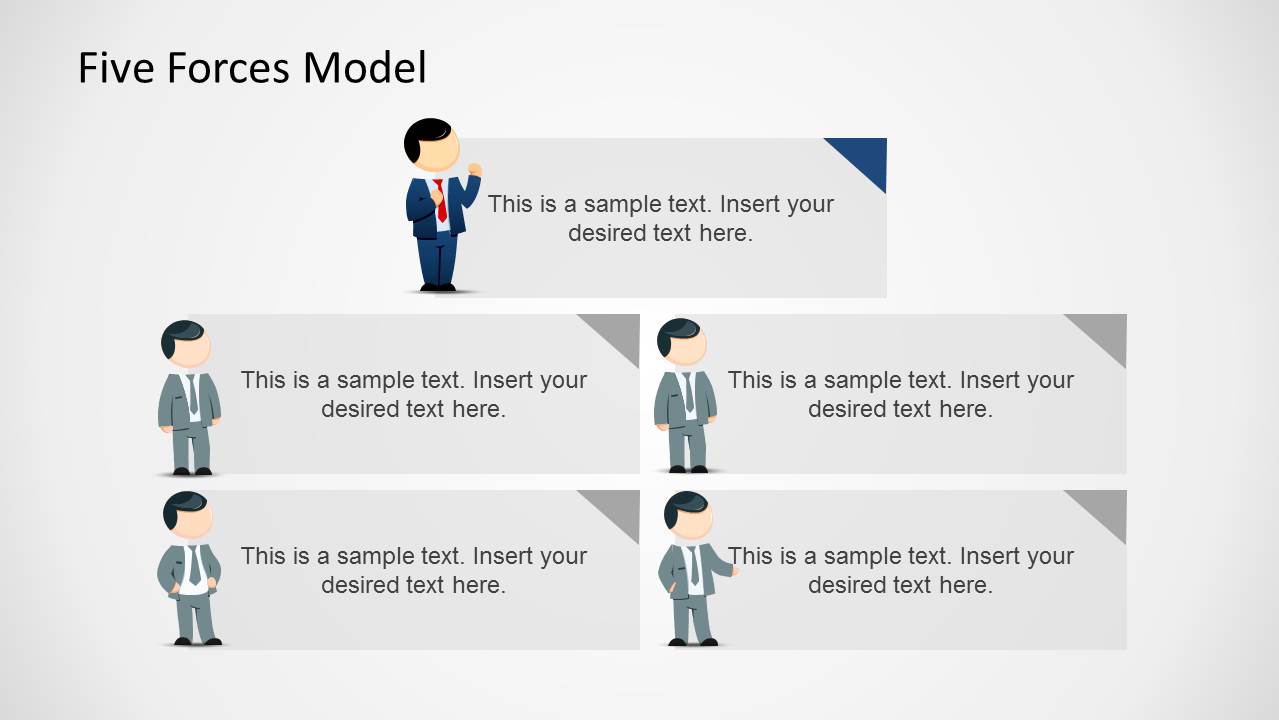
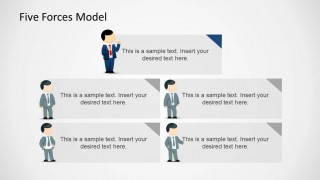
- An MBA instructor can use the presenter callout panels to teach the Five Forces framework and prompt students to discuss examples for each category.
Features
- 100% editable presentation template
- Compatible with Microsoft PowerPoint
- 16:9 aspect ratio slides
- Scalable vector shapes, icons and illustrations
- AI-Ready for Microsoft Copilot and Claude
- Instant access and download
Frequently asked questions
Q: How should a presenter explain the Five Forces message with this template?
A: Start with the central hexagon or sphere as the industry being analyzed, then move force by force around the diagram. Keep each callout to one implication, such as pricing pressure or switching cost. Finish with the five-column table so the audience can see the combined competitive picture before discussing strategic choices.
Q: Who is this template best suited for in a business presentation?
A: This template fits consultants, analysts, product leaders, and strategy teams that need to explain why an industry is attractive or difficult. The hexagon cluster and four-arrow maps work well for executive briefings because they separate each pressure point while keeping the central market or business question visible.
Q: Why use hexagons, arrows, and 3D platforms for Porter Five Forces?
A: The visual metaphor shows forces acting around a central company or market instead of listing them as unrelated bullets. Hexagons group the five categories cleanly, while arrows suggest pressure, movement, and interaction. This helps audiences understand that competitive advantage depends on the combined effect of several external forces.
5 Forces Model Template for PowerPoint
8-slide PowerPoint presentation template for Porter Five Forces analysis, competition mapping, and strategy discussion
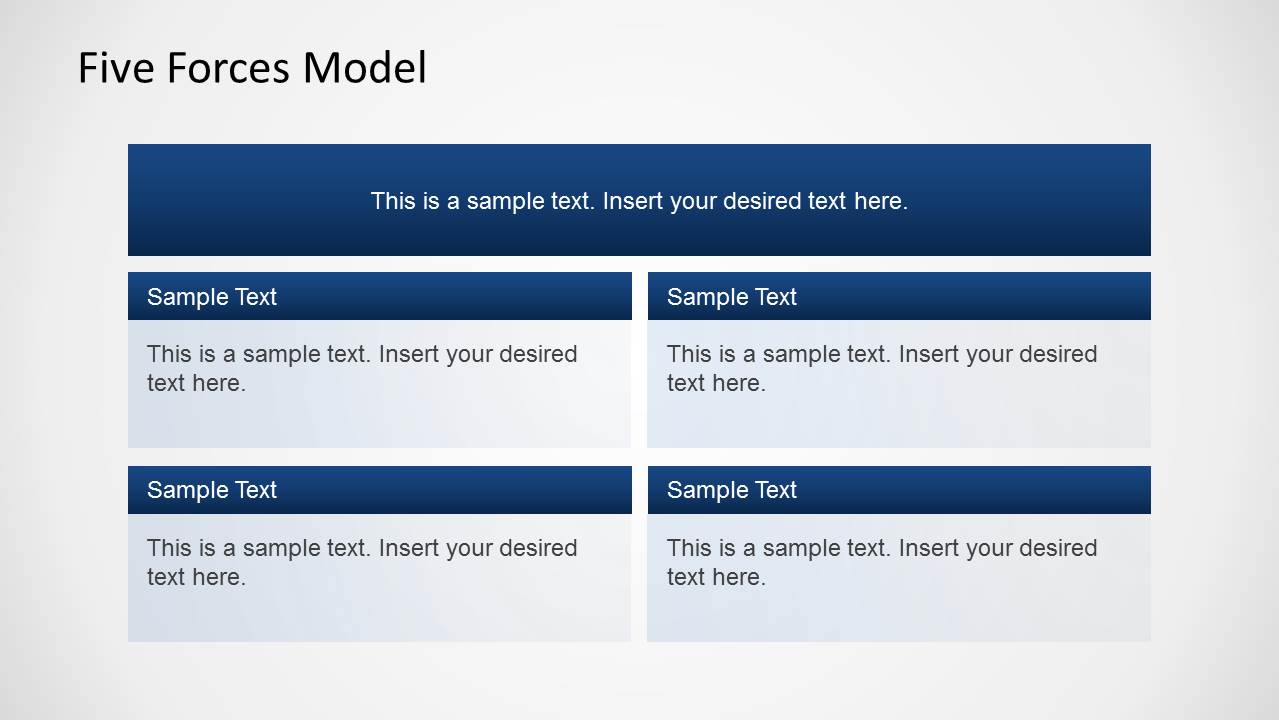
The 5 Forces Model Template for PowerPoint is an 8-slide strategy presentation for Porter Five Forces analysis. It includes hexagon force diagrams, four-arrow rivalry maps, presenter callout panels, and a five-column summary table for explaining competitive pressure. It is built for business strategists, consultants, and market analysts using Microsoft PowerPoint.
- Category
- Models
- Rating


 Loading...
- Aspect ratio
- 16:9
- Item ID
- 6475-02
- Colors
 Microsoft PowerPoint
  Microsoft Copilot
  Claude for PowerPoint
 Other formats supported
Subscribe today and get immediate
access to download our PowerPoint templates.