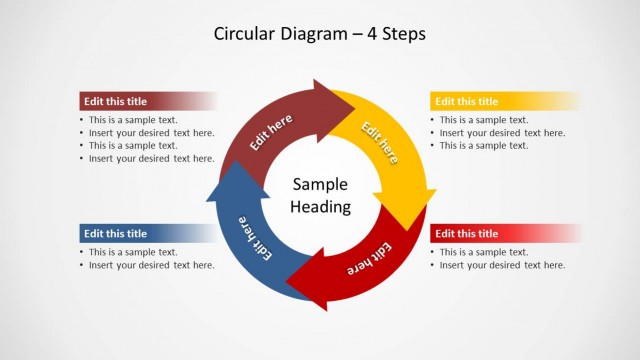
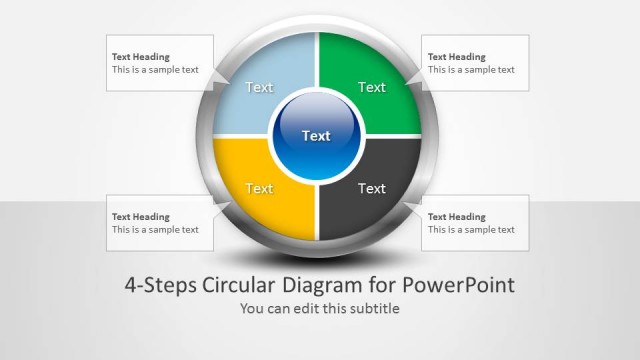
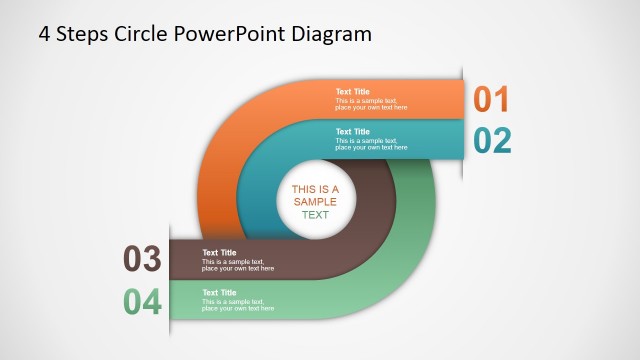
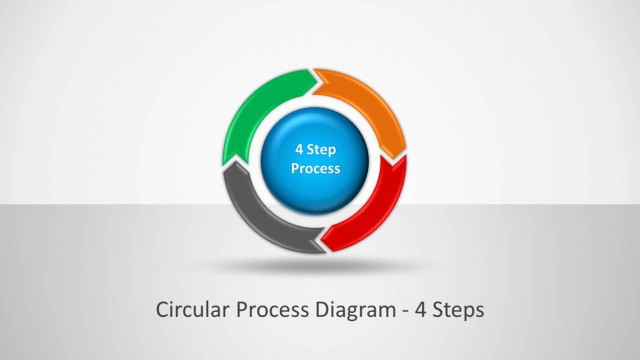
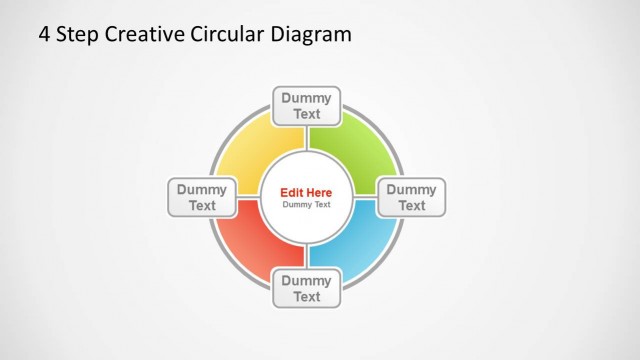
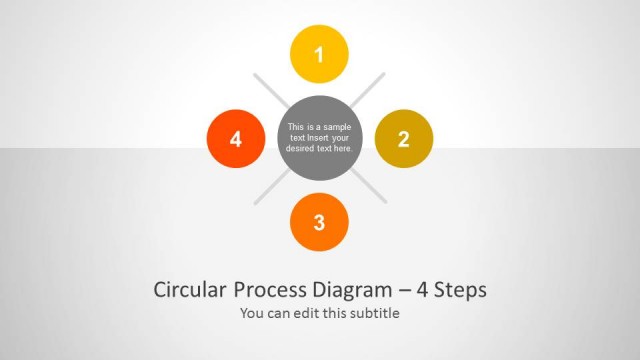
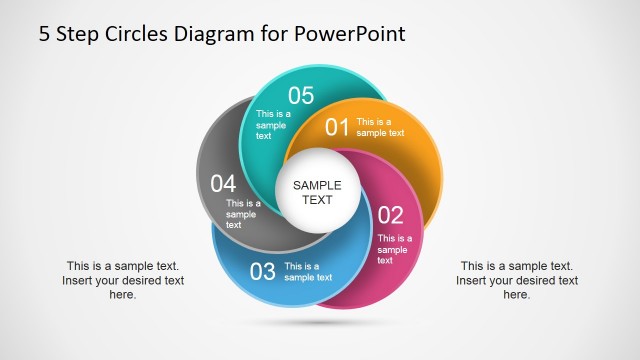
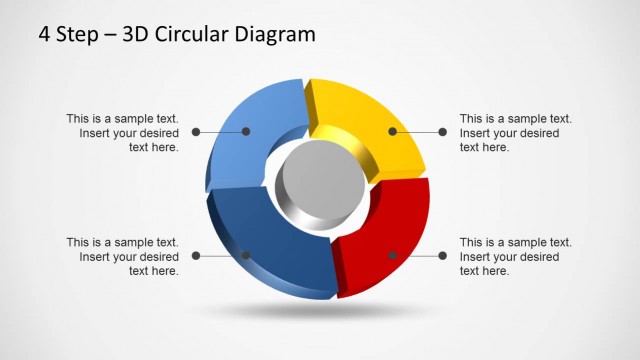
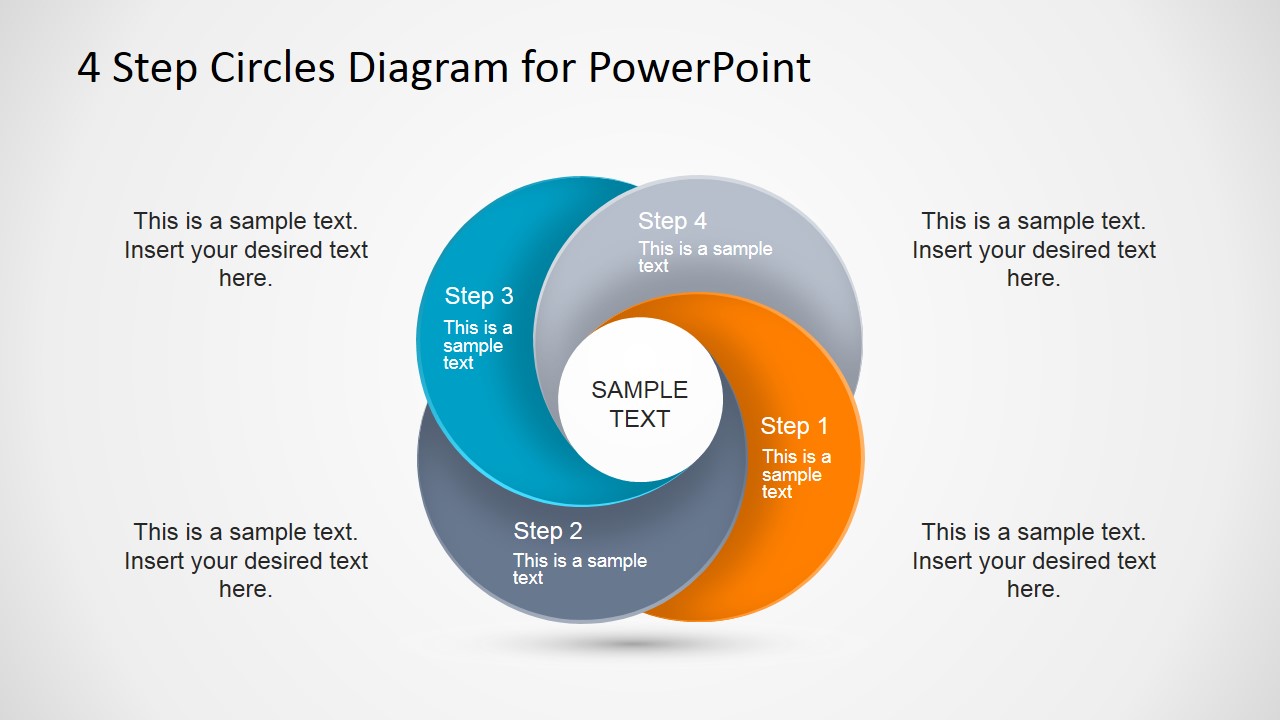
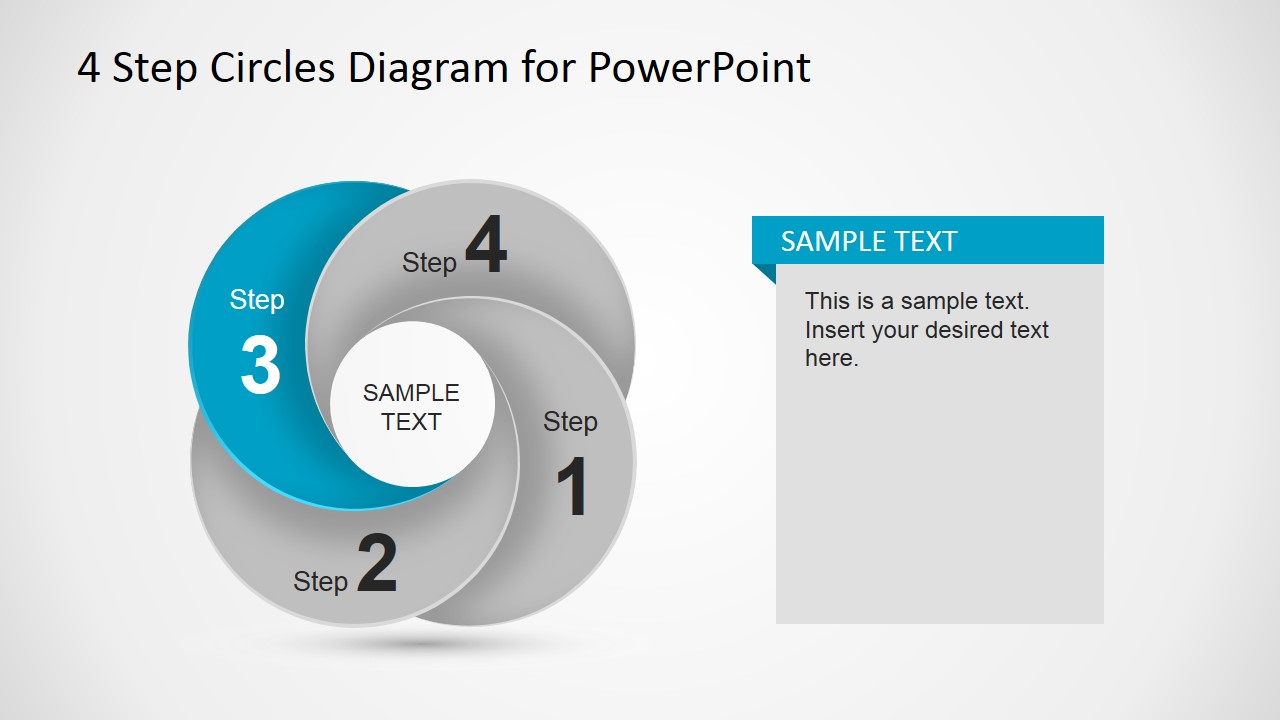
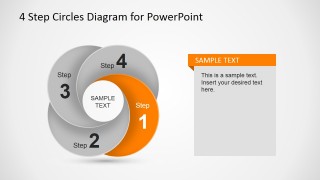
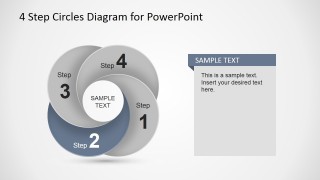
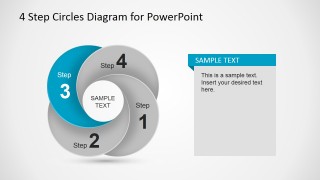
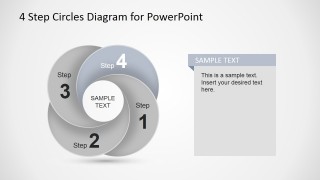
4 Step Circles Diagram for PowerPoint is a creative diagram design that you can download and use in your Microsoft PowerPoint presentations to describe a circular process of up to four steps. The circular diagram contains circles for each step that looks as petals and gives the idea of a dynamic effect.
What’s inside this template
Example presentation scenarios
- A consultant can use the full 4-step circle diagram to introduce a client methodology and then move through the step highlight slides to explain each stage in sequence.
- A project manager can present a recurring workflow by using the colored petal diagram for the overall cycle and the side text panels to describe owner actions for each step.
- A trainer can teach a four-part concept by starting with the complete cycle, then using the Step 1 through Step 4 emphasis slides to keep attention on one idea at a time.
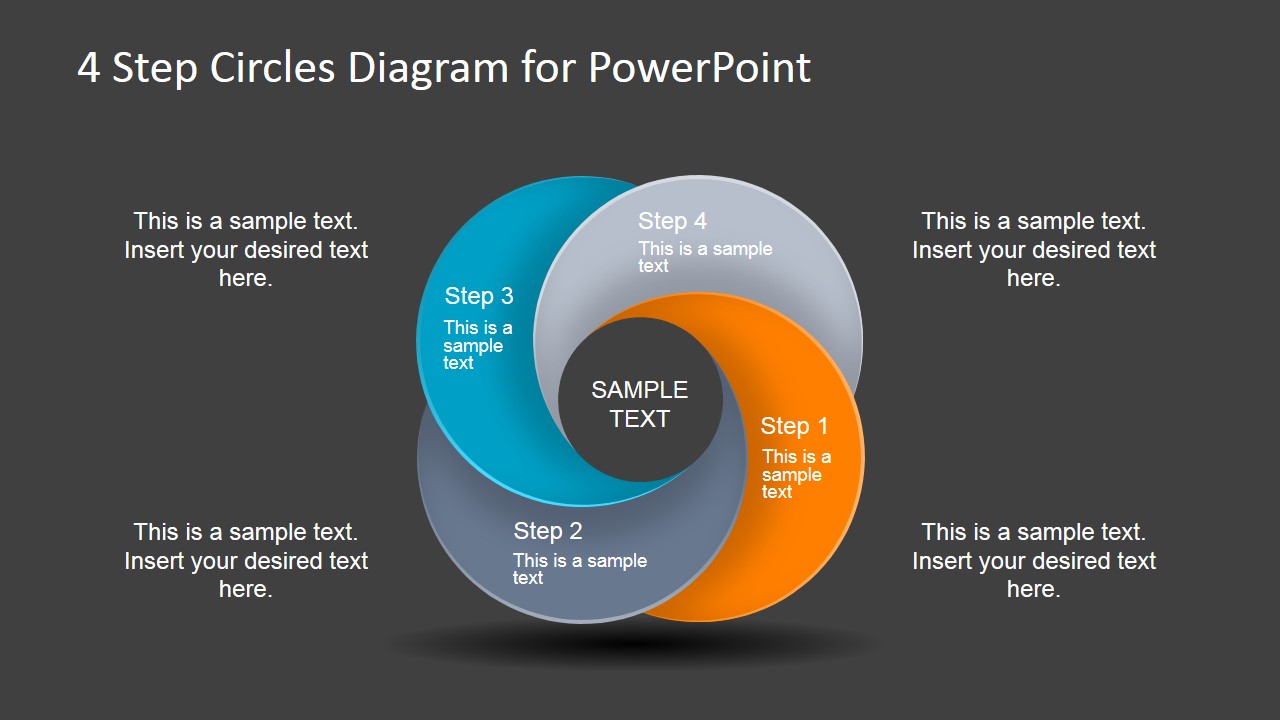
- An operations leader can summarize process priorities on the dark-background version when closing a team briefing and reinforcing the four connected actions.
Features
- 100% editable presentation template
- Compatible with Microsoft PowerPoint and Google Slides
- 16:9 aspect ratio slides
- Scalable vector shapes, icons and illustrations
- AI-Ready for Microsoft Copilot and Claude
- Instant access and download
Frequently asked questions
Q: How should I present the four-step cycle without making every step feel equal?
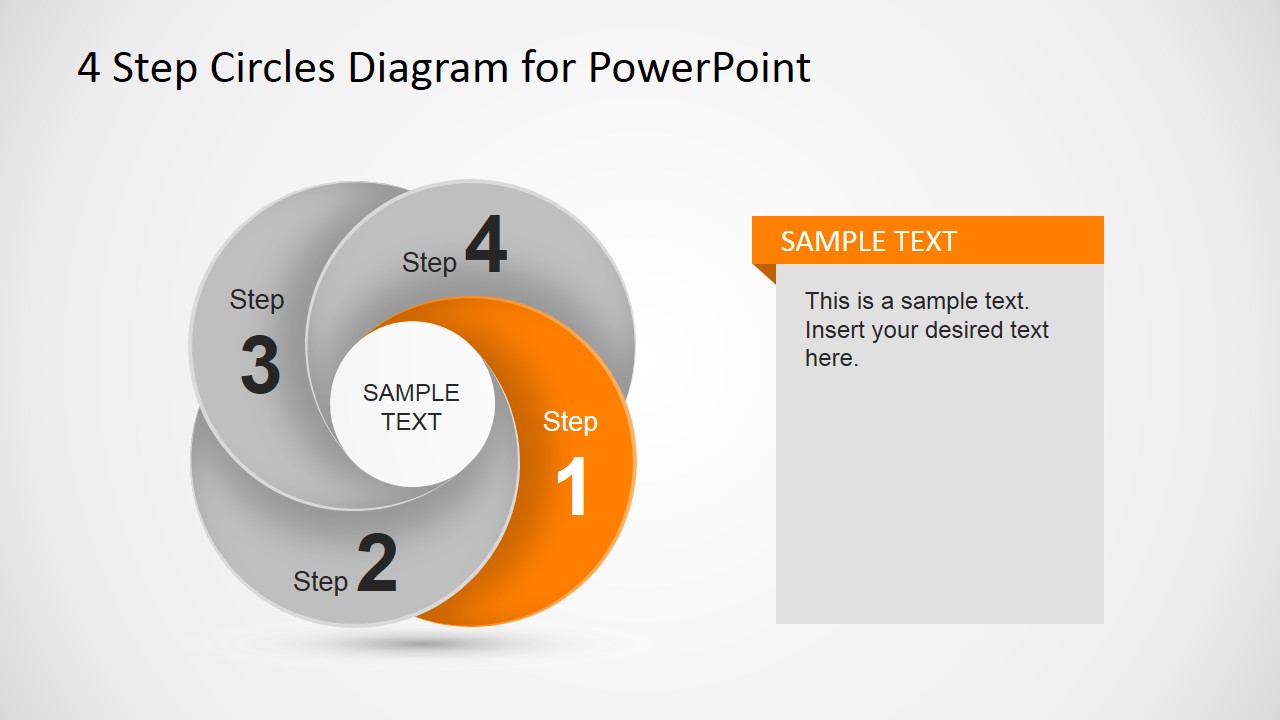
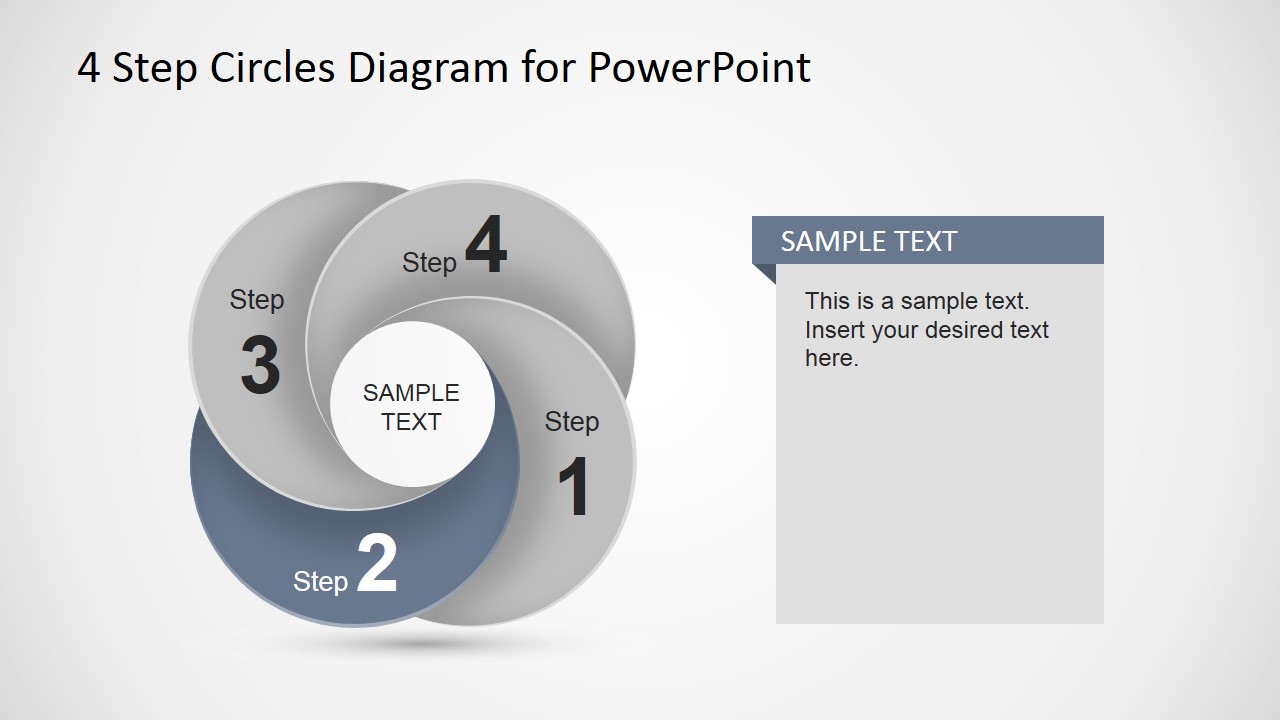
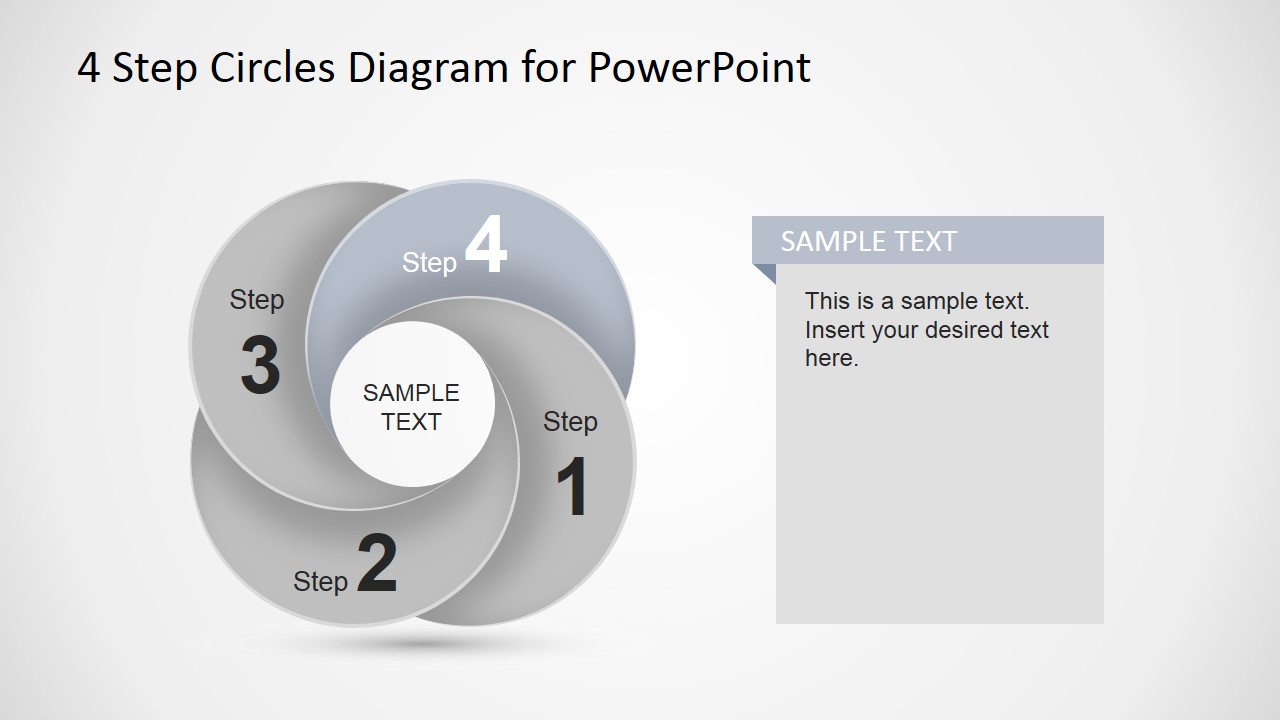
A: Start with the full circle petals diagram to orient the audience, then use the individual step highlight slides to control attention. Put the main action for each step in the highlighted petal and reserve the right text panel for decisions, owners, or outcomes. This keeps the circular relationship visible while allowing one step to lead each moment.
Q: Who is this template best suited for?
A: This template works best for presenters who need to explain a simple four-part model rather than report detailed data. Consultants, trainers, project managers, and operations teams can use it for methods, service stages, onboarding sequences, or improvement cycles where the audience needs to remember the order and connection between steps.
Q: Why use overlapping circles as the main visual metaphor?
A: The petal-like circles suggest movement, dependency, and repetition, which fits workflows and cycles better than a straight list. The center label gives the process a common theme, while the alternating color and grayscale focus slides show how each step belongs to the whole but deserves separate explanation.
You may also like:
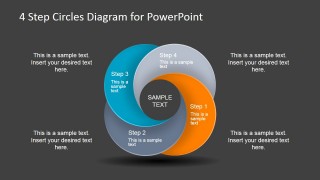
4 Step Circles Diagram for PowerPoint
6-slide presentation template with 4-step circle petals for process steps and sequence explanations
4 Step Circles Diagram for PowerPoint is a 6-slide diagram template for Microsoft PowerPoint and Google Slides. It shows a circular four-step petal process, step-by-step highlight slides with side text panels, and a dark-background summary version for presenters explaining cycles, workflows, stages, or grouped concepts.
- Category
- Diagrams
- Rating


 Loading...
- Aspect ratio
- 16:9
- Item ID
- 6736-02
- Colors
 Microsoft PowerPoint
  Microsoft Copilot
  Claude for PowerPoint
 Other formats supported
Subscribe today and get immediate
access to download our PowerPoint templates.