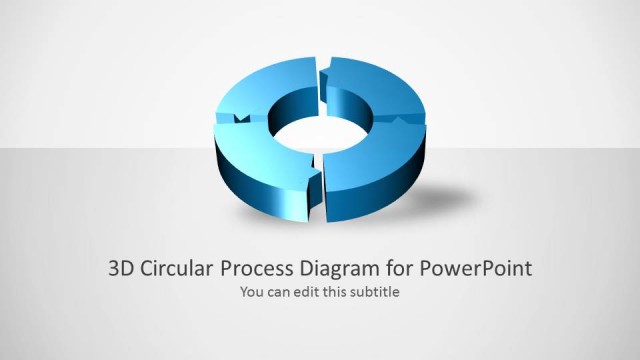
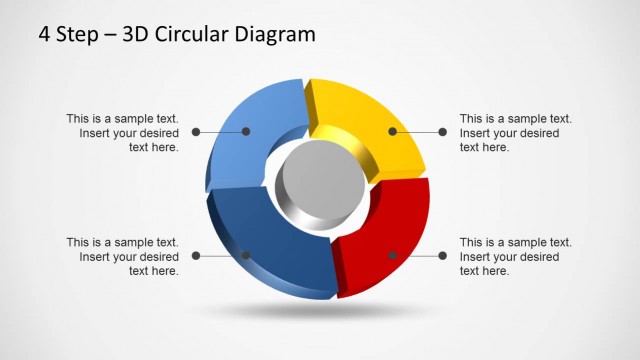
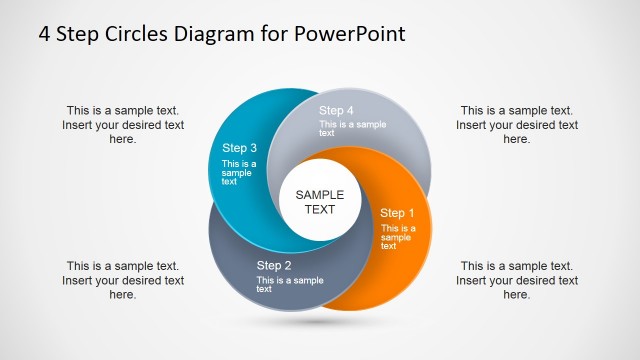
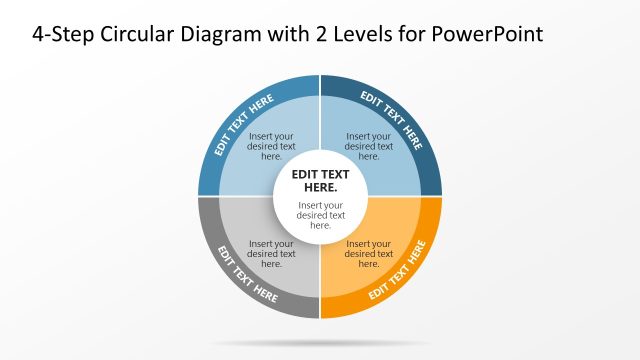
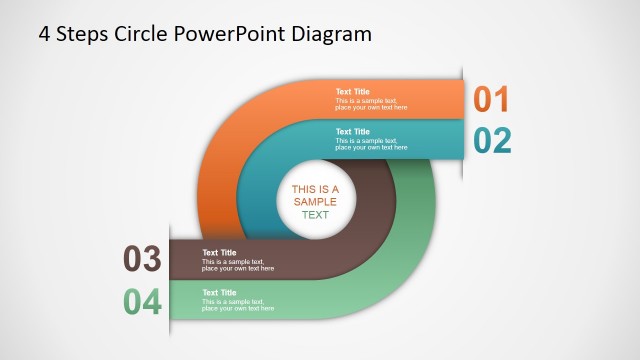
Create professional circular diagrams with the 4 Steps Circular Diagram Design for PowerPoint.
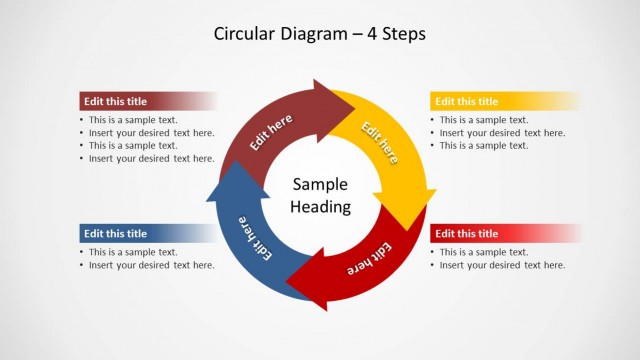
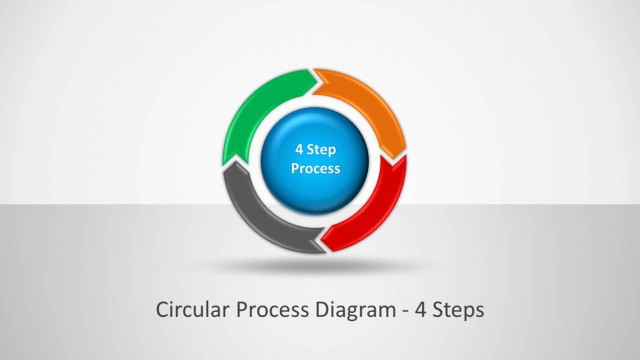
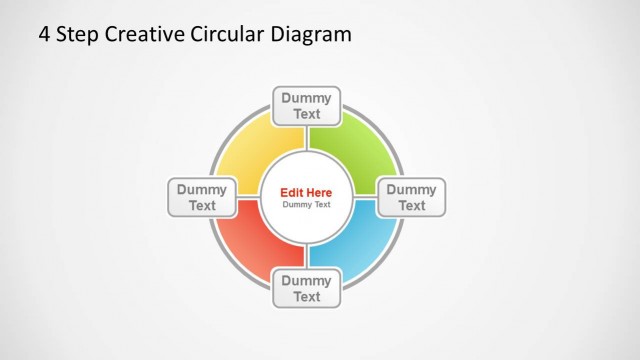
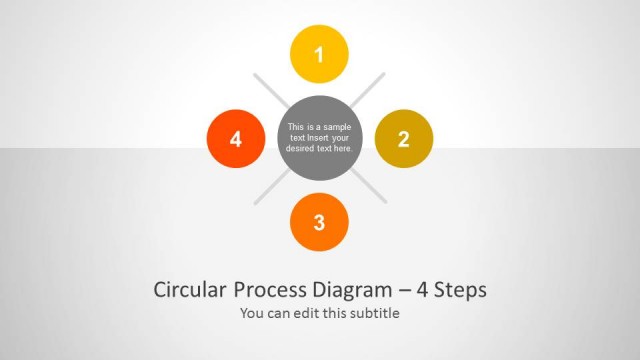
Using visually appealing sample four step circular diagrams you can create a diverse range of presentation slides to show each step of your process with precision and also to create individual circular diagrams with relevant text to briefly explain a process.
What’s inside this template
Example presentation scenarios
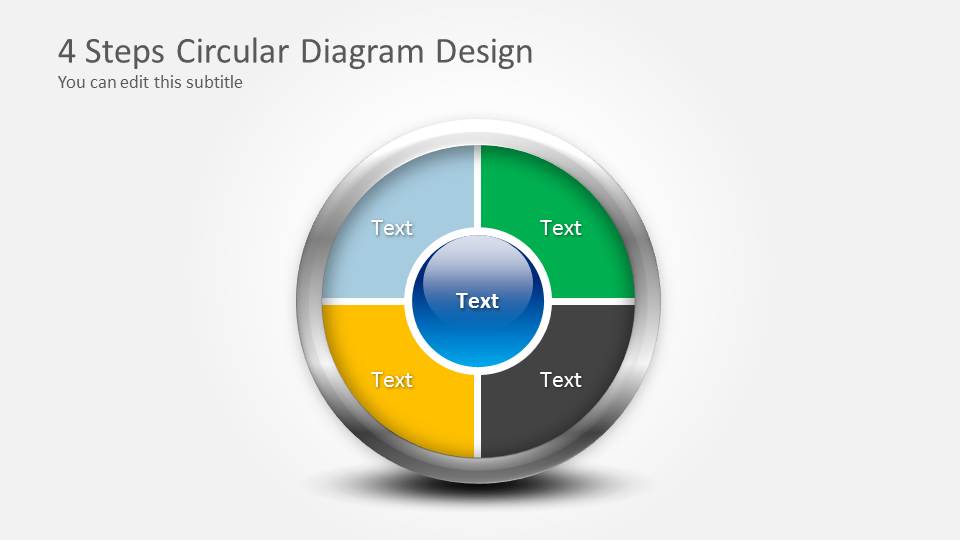
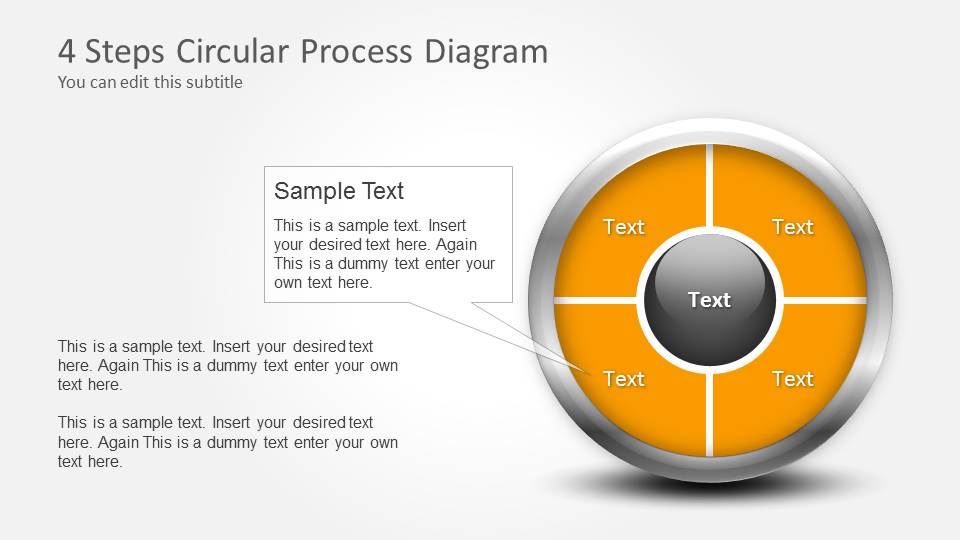
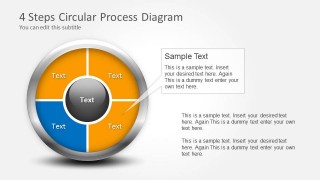
- A project manager can use the segmented circular process diagram to explain four recurring project phases and show how each phase feeds the next planning cycle.
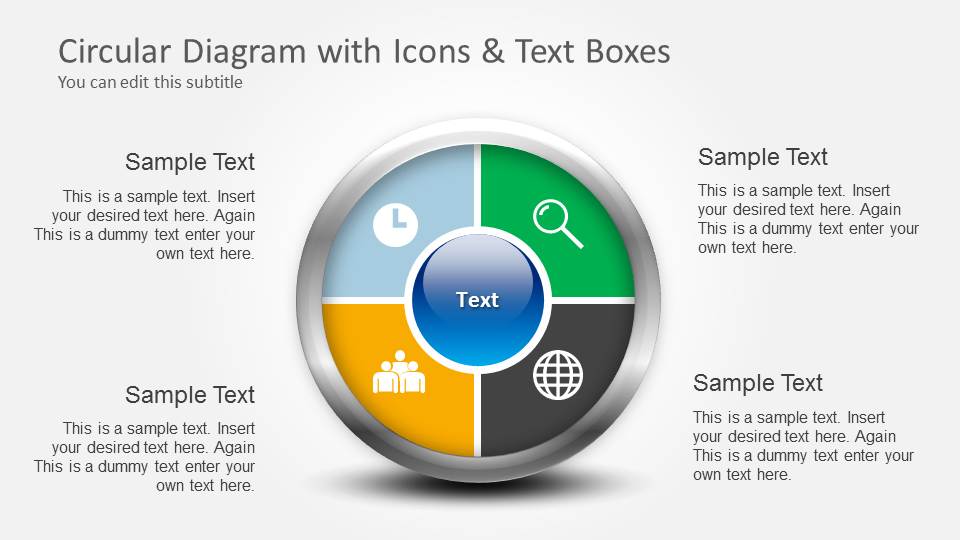
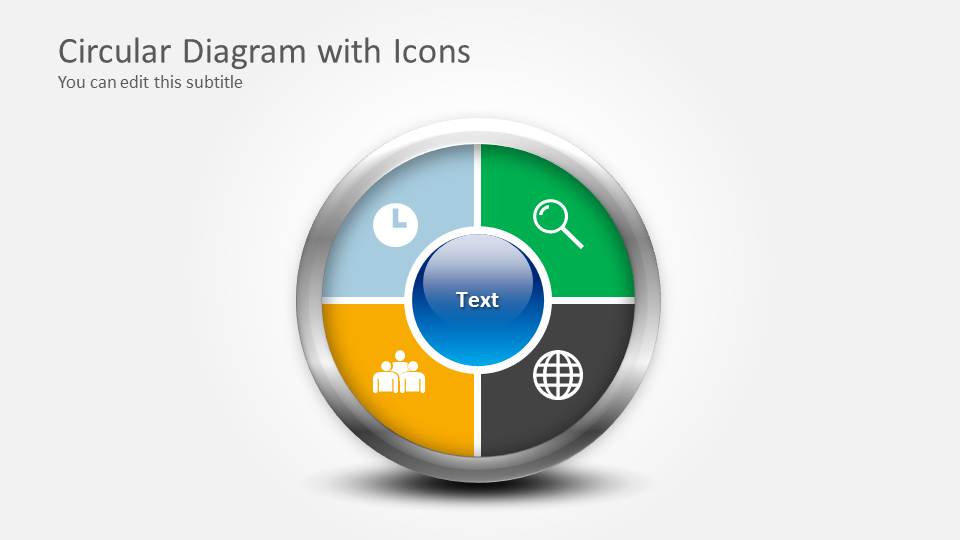
- A consultant can use the icon quadrant slide to summarize four parts of a business framework for an executive audience before moving into detailed recommendations.
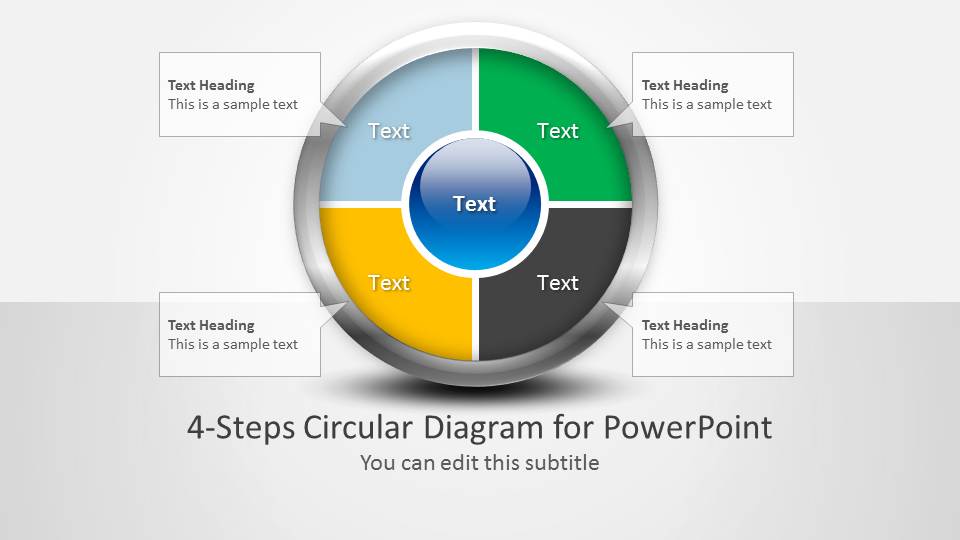
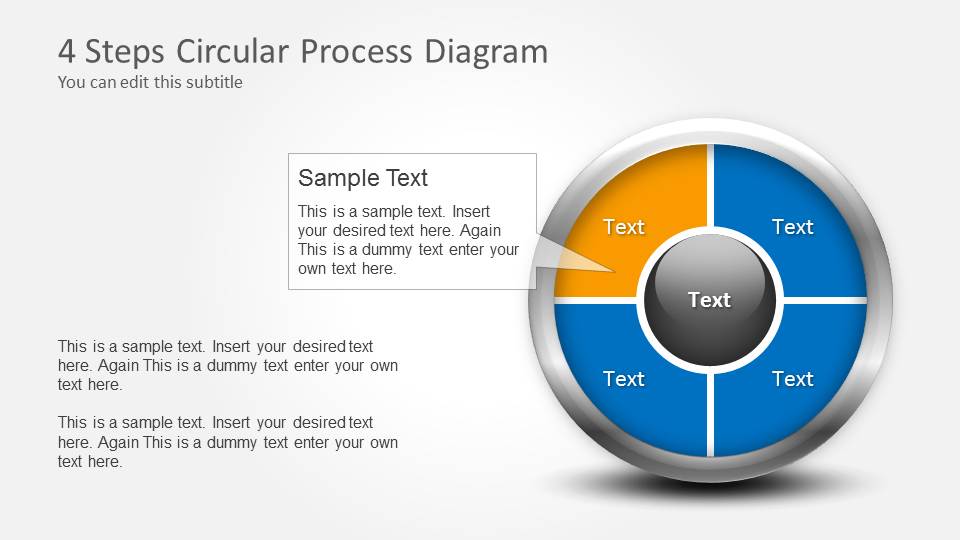
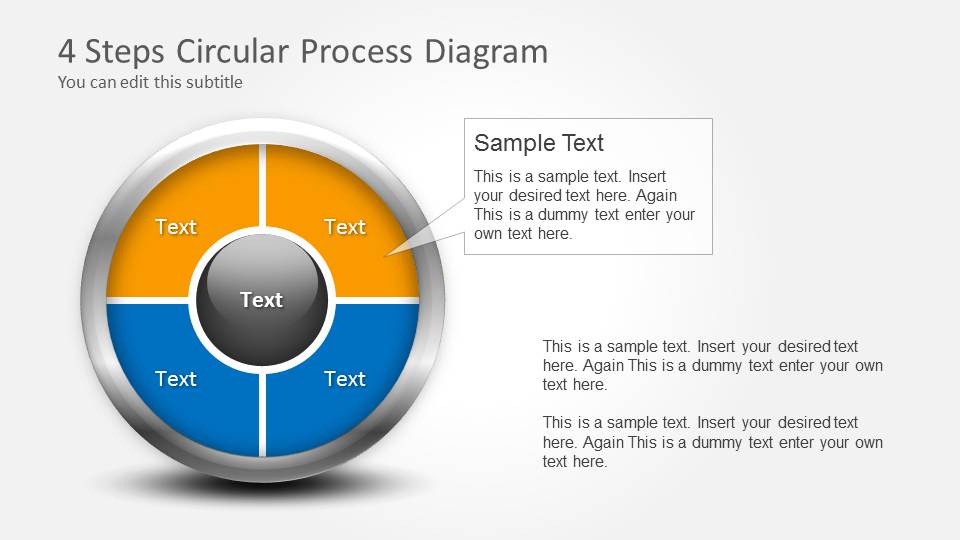
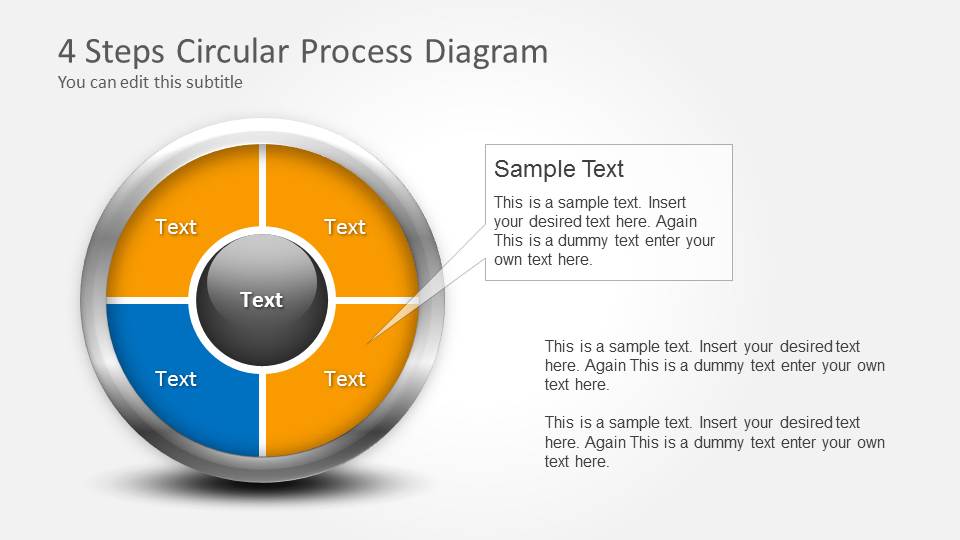
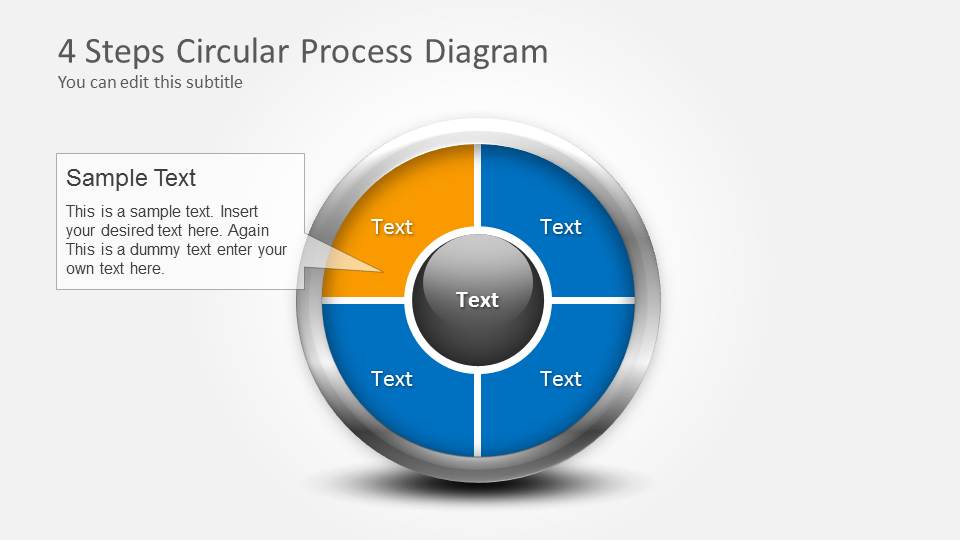
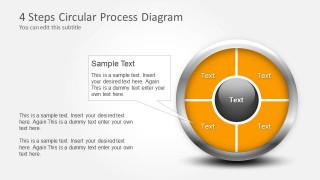
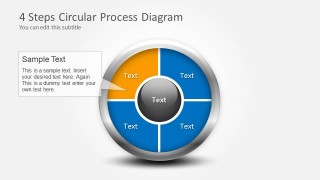
- An operations leader can use the callout layouts to focus attention on one step of a recurring workflow while keeping the full four-step cycle visible.
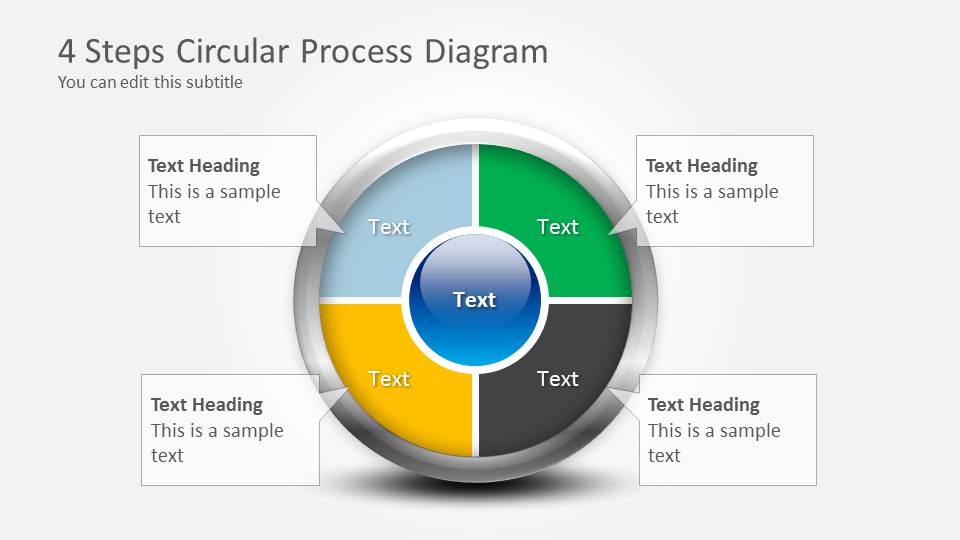
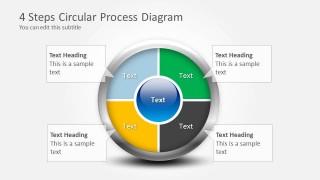
- A trainer can use the four external text heading boxes to teach a repeatable method and give each step a concise explanation.
Features
- 100% editable presentation template
- Compatible with Microsoft PowerPoint and Google Slides
- Scalable vector shapes, icons and illustrations
- AI-Ready for Microsoft Copilot and Claude
- Instant access and download
Frequently asked questions
Q: How should I present a four-step process with this circular diagram template?
A: Start with the full circle so the audience understands the complete cycle, then use the callout slides to focus on one segment at a time. Keep each segment label short and place supporting detail in the nearby text boxes. The visual works best when each step is similar in weight and part of a repeating process.
Q: Who is this template best suited for?
A: This template fits presenters who need to explain a simple, repeating four-part model without building a custom diagram. Project managers, consultants, trainers, and operations leaders can use the circular process layouts to explain workflows, review cycles, service models, planning loops, or four responsibilities that should be understood as connected parts.
Q: Why use a circular diagram instead of a straight process line?
A: The circle suggests continuity, recurrence, and balance, which makes it better than a straight line for feedback loops, review cycles, and ongoing management routines. The segmented ring keeps all four steps visible at once, while the center label helps define the shared theme that holds the process together.
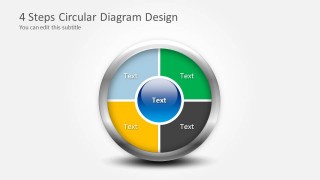
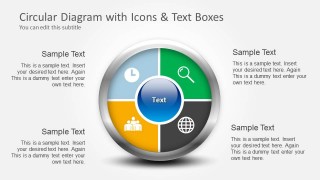

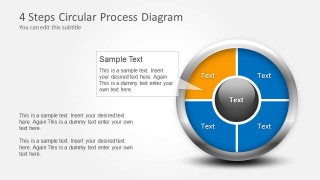
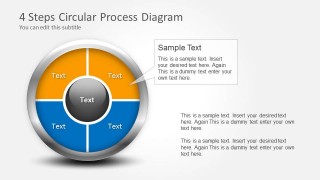
4 Steps Circular Diagram Design for PowerPoint
10-slide circular process diagram presentation template for 4-step cycles and text callouts
The 4 Steps Circular Diagram Design for PowerPoint is a 10-slide process diagram template built around four-part circular cycle visuals. It includes a cover slide, icon-based circle diagrams, text callout layouts, and segmented process circles for explaining recurring workflows, phases, or decision loops in PowerPoint.

 Loading...
 Microsoft PowerPoint
  Microsoft Copilot
  Claude for PowerPoint
 Other formats supported
Subscribe today and get immediate
access to download our PowerPoint templates.