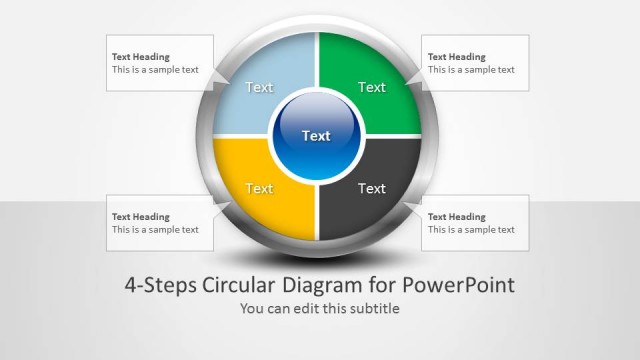
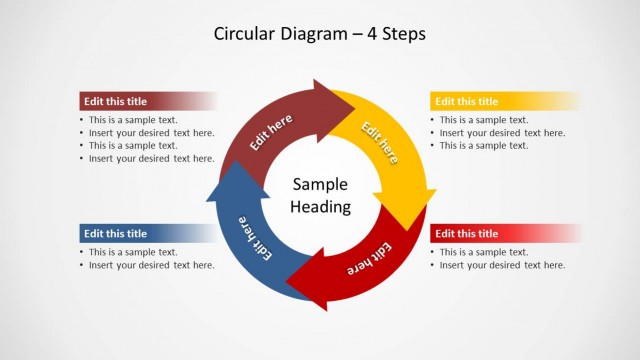
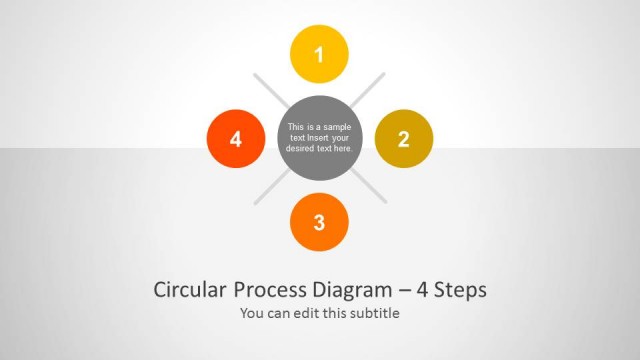
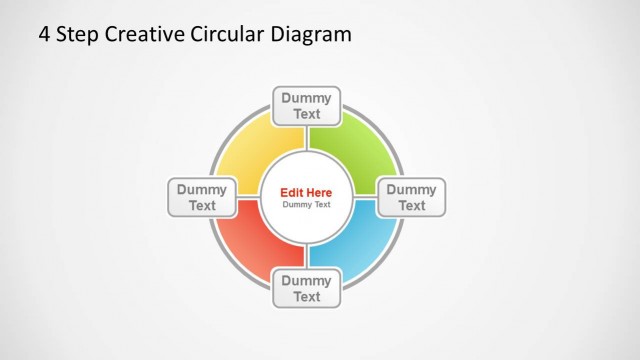
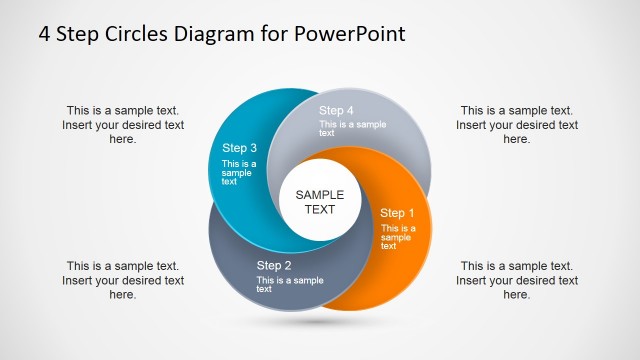
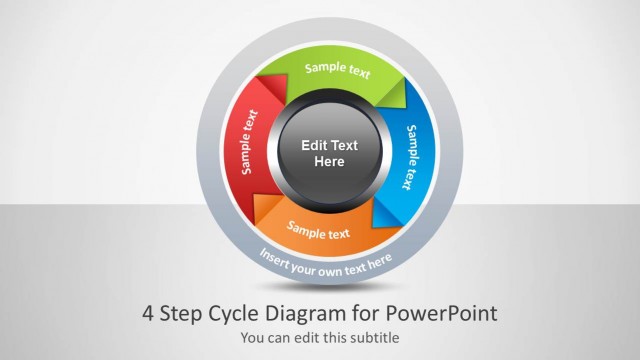
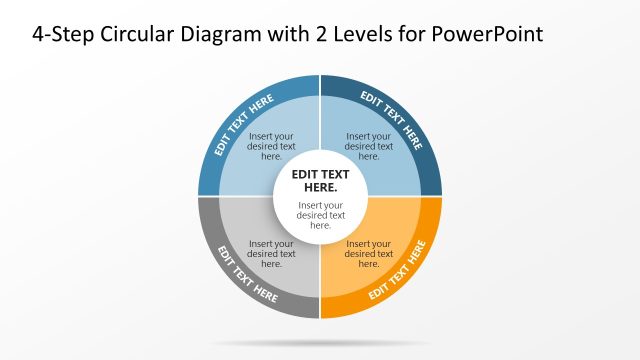
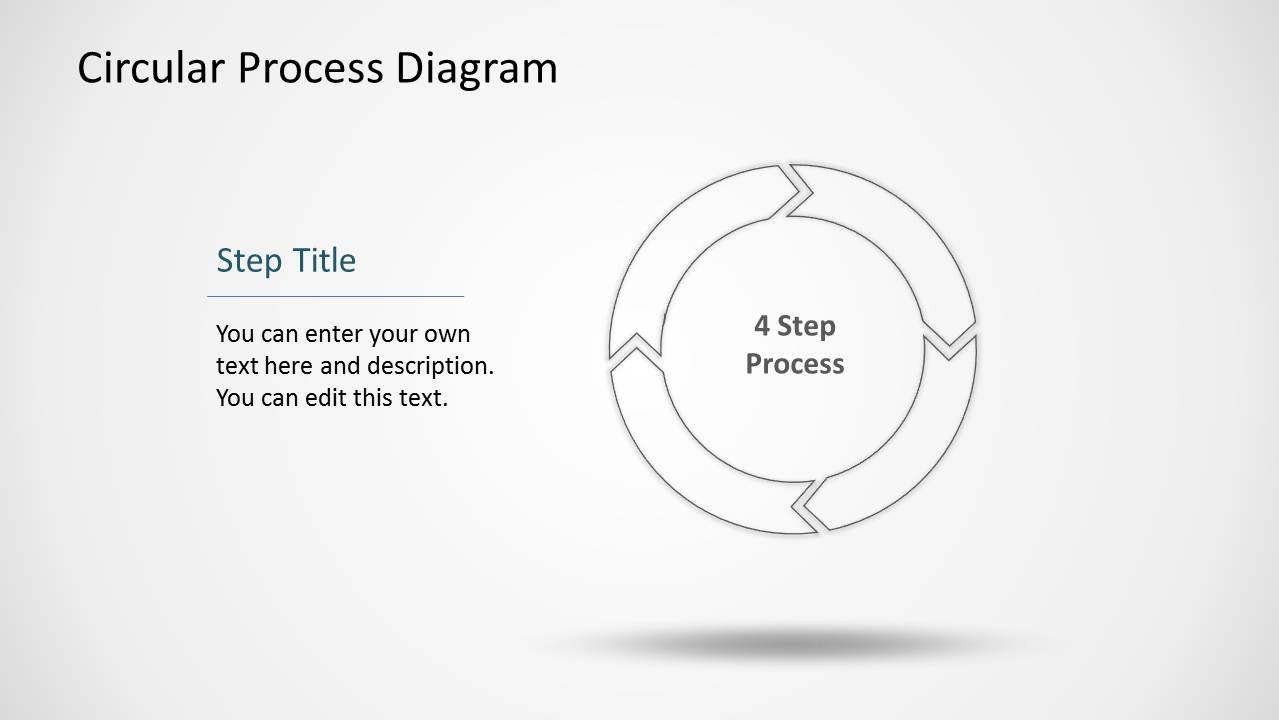
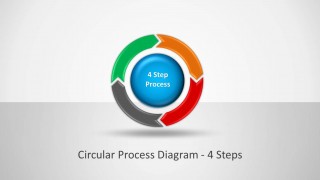
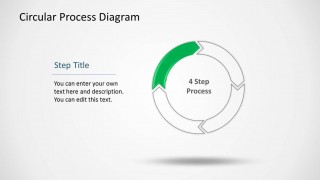
Circular Process Diagram with 4 Steps for PowerPoint is a circular diagram design for making visually appealing presentation diagrams using readymade, editable layouts.
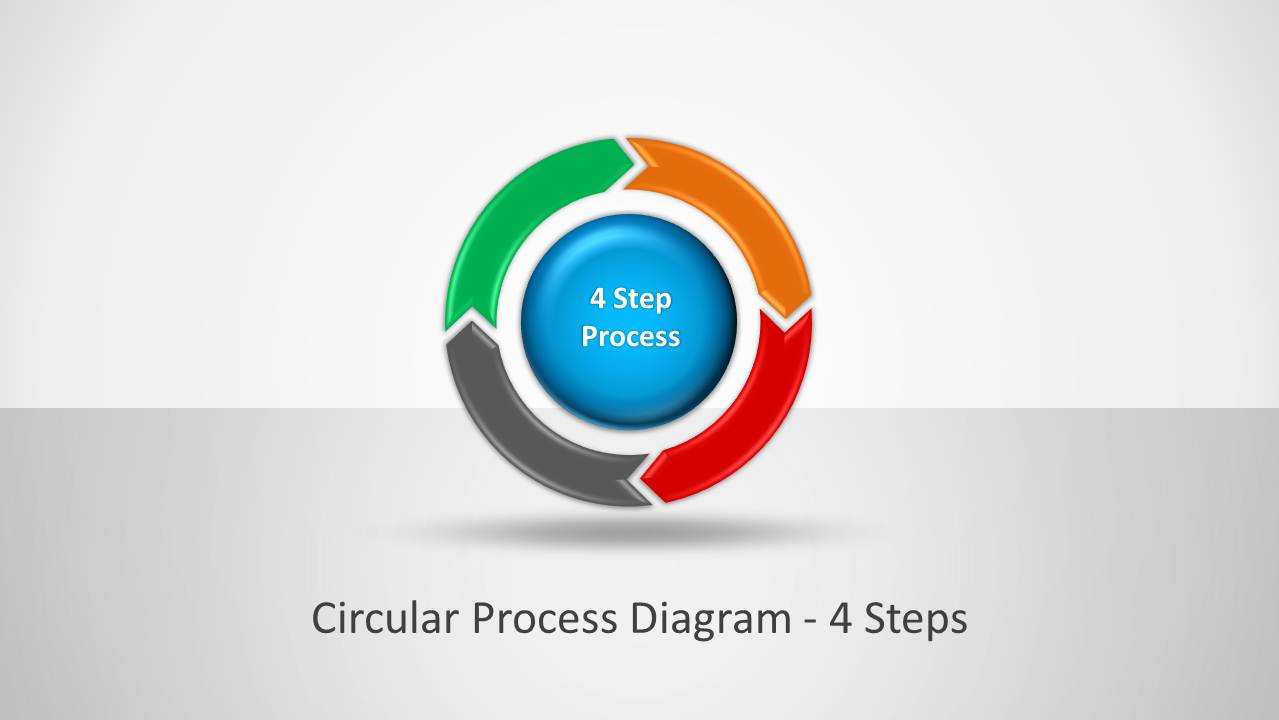
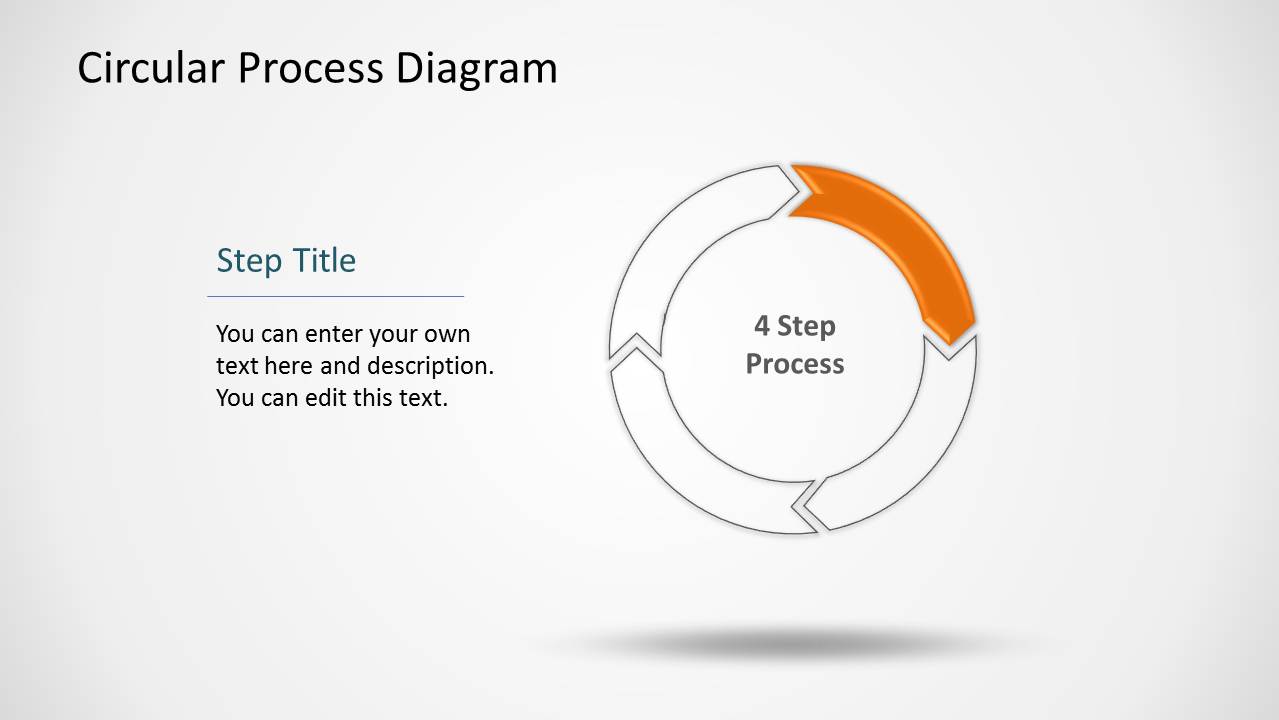
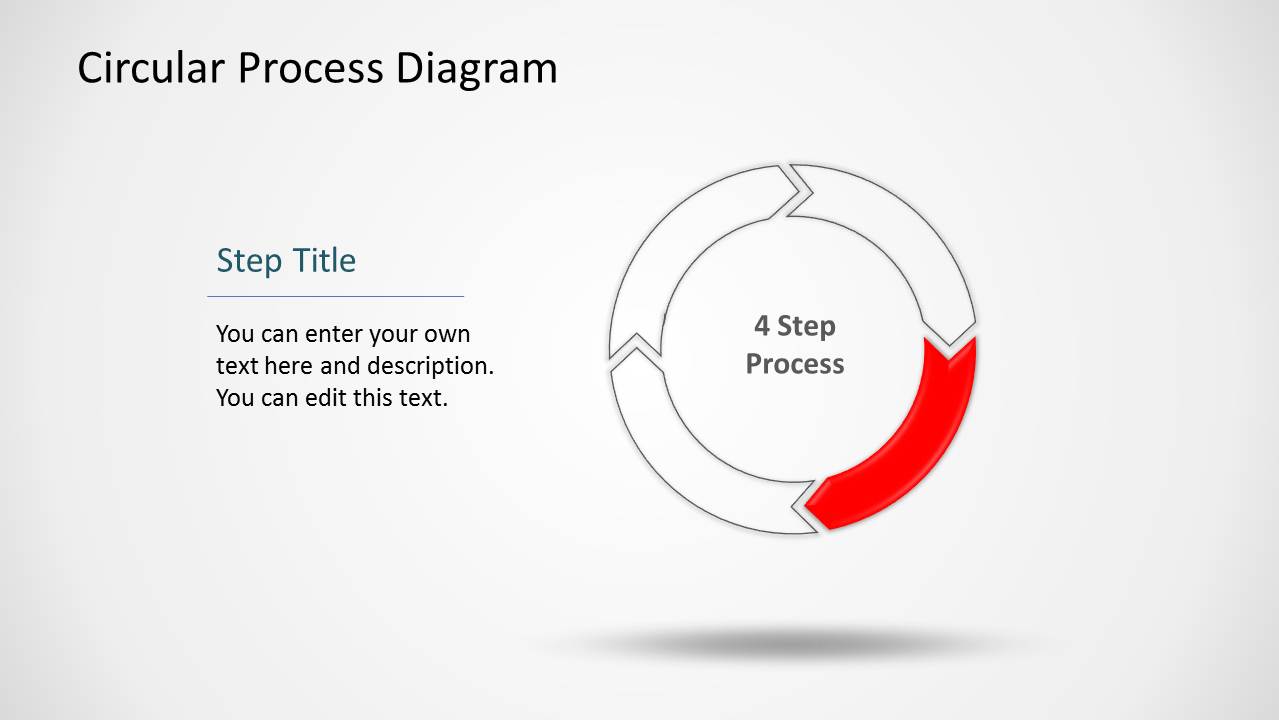
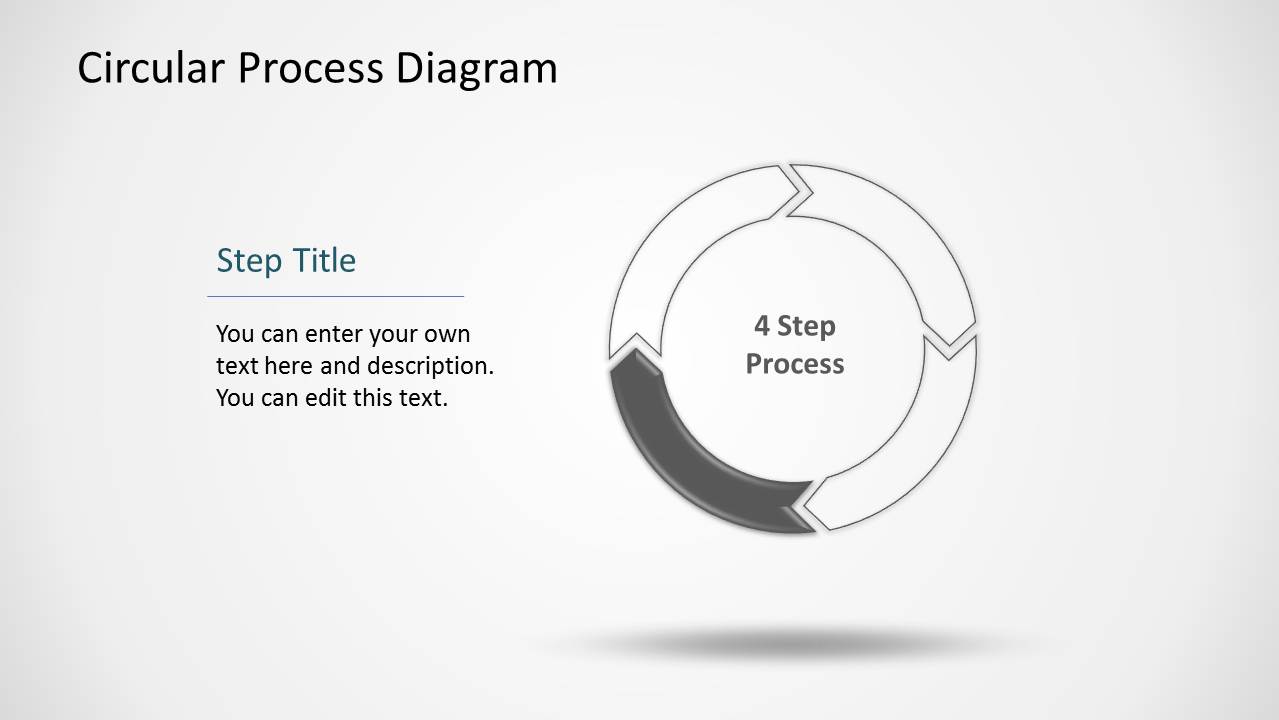
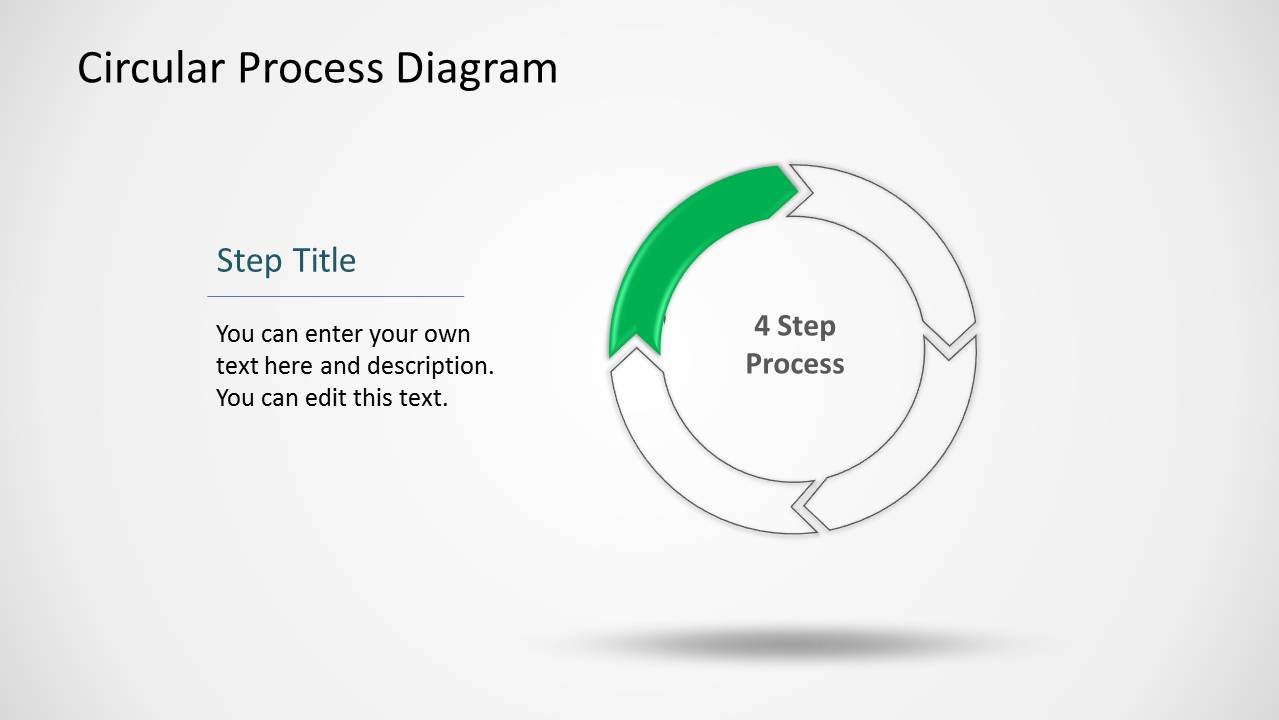
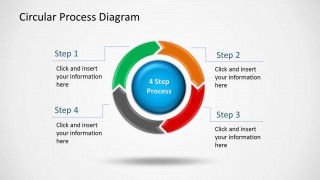
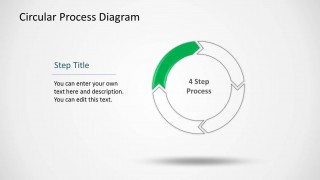
The colorful diagrams allow making a sequential presentation with a complete circular diagram, followed by a slide dedicated to each of the four steps in the process.
You can use this template to create and explain circular process diagrams, as well as make use of individual slides to incorporate circular diagrams to your presentations.
What’s inside this template
Example presentation scenarios
- A project manager can introduce a project lifecycle by using the full circular process overview, then move through the highlighted step slides to explain each phase.
- A consultant can present a client operating model by naming each step in the callout overview and using the individual segment slides to discuss responsibilities.
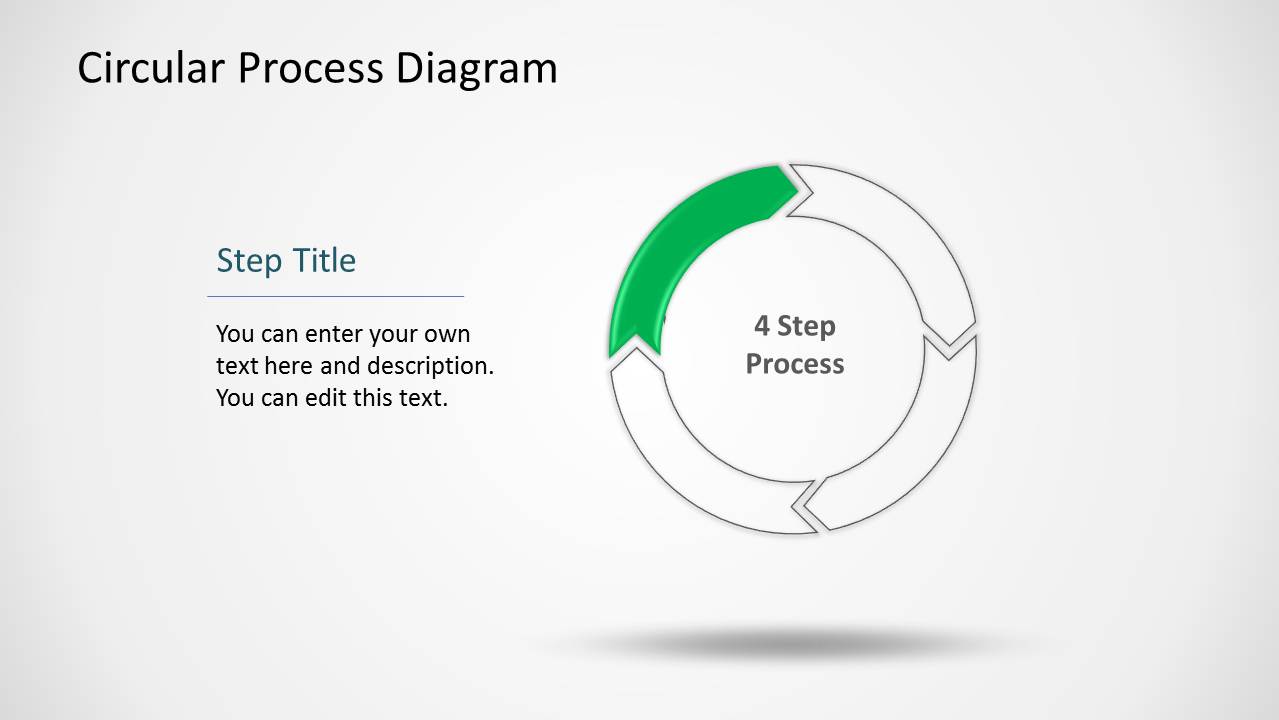
- A trainer can teach a repeatable procedure by showing the neutral cycle first, then focusing learners on one highlighted arrow segment at a time.
- An operations leader can summarize a service delivery cycle with the four-arrow diagram and use the editable text areas to list actions, owners, or checkpoints.
Features
- 100% editable presentation template
- Compatible with Microsoft PowerPoint and Google Slides
- Scalable vector shapes, icons and illustrations
- AI-Ready for Microsoft Copilot and Claude
- Instant access and download
Frequently asked questions
Q: How should I present the four-step cycle so the audience follows the logic?
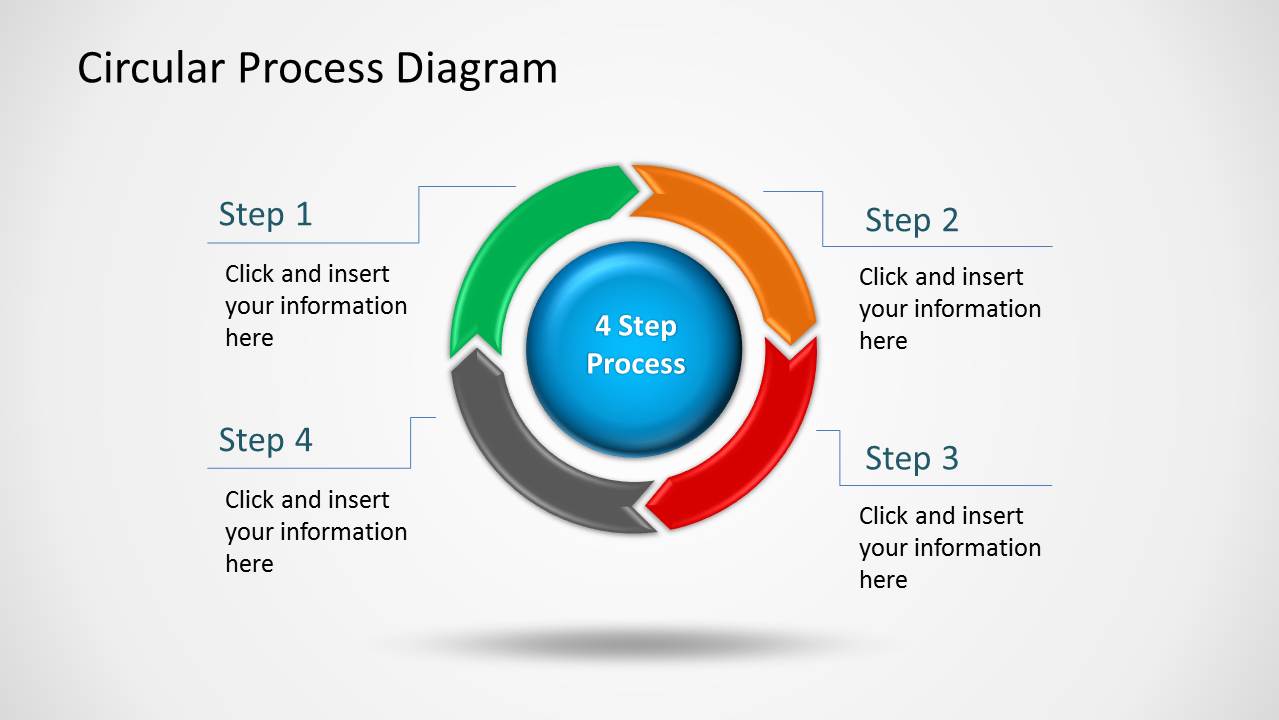
A: Start with Slide 2 to show the complete circular process and name all four steps before discussing details. Then use the highlighted segment slides to isolate one stage at a time. Keep each description action-oriented, such as plan, execute, review, and improve, so the cycle feels like a working process rather than a decorative diagram.
Q: Who is this process diagram best suited for?
A: This template fits presenters who need to explain a repeatable workflow, such as project managers, consultants, trainers, and operations leaders. It works best when the message has exactly four major stages and each stage needs a short explanation. The callout overview supports quick orientation, while the step detail slides support guided discussion.
Q: Why use a circular arrow diagram instead of a straight list?
A: The circular arrow metaphor signals continuity, feedback, and repetition. That makes it stronger than a linear list for processes that loop back, improve over time, or restart after completion. The highlighted segment slides preserve that cycle context while directing attention to one stage, which helps the audience understand both sequence and recurrence.




Circular Process Diagram with 4 Steps for PowerPoint
8-slide PowerPoint presentation template for circular process diagrams and four-step workflow explanations
Circular Process Diagram with 4 Steps for PowerPoint is an 8-slide process diagram template for explaining cyclical workflows. It includes a cover, a four-step circular arrow overview, a callout process diagram, and highlighted step detail slides for presenting one stage at a time in PowerPoint.


 Loading...
 Microsoft PowerPoint
  Microsoft Copilot
  Claude for PowerPoint
 Other formats supported
Subscribe today and get immediate
access to download our PowerPoint templates.