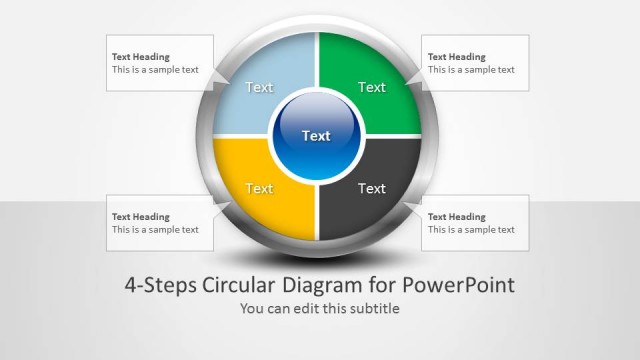
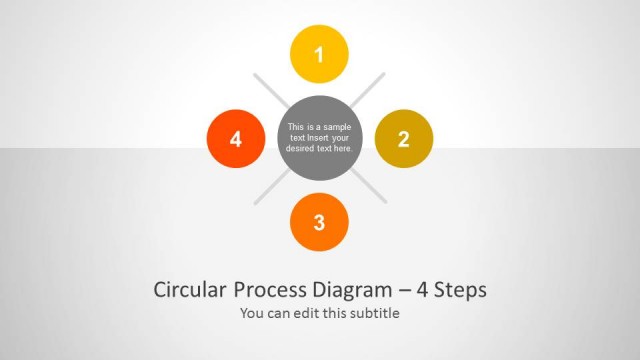
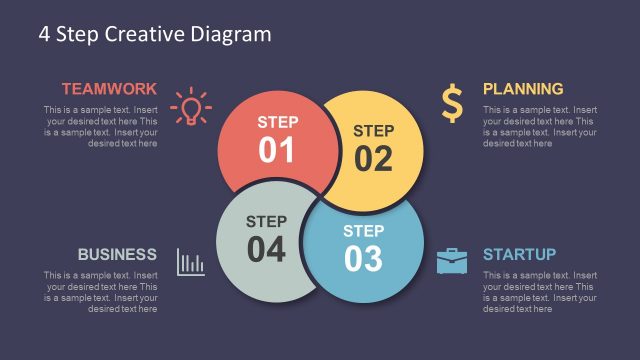
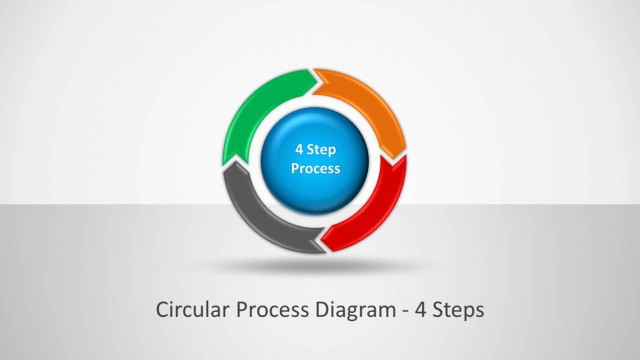
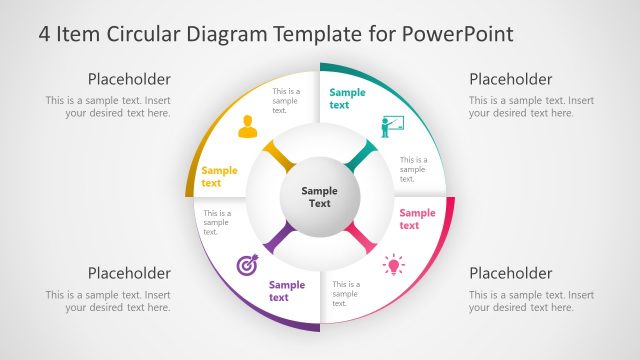
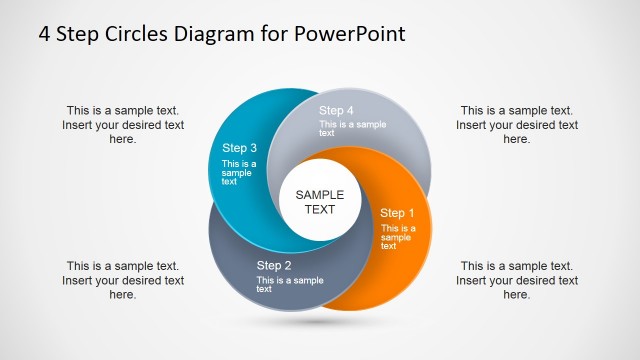
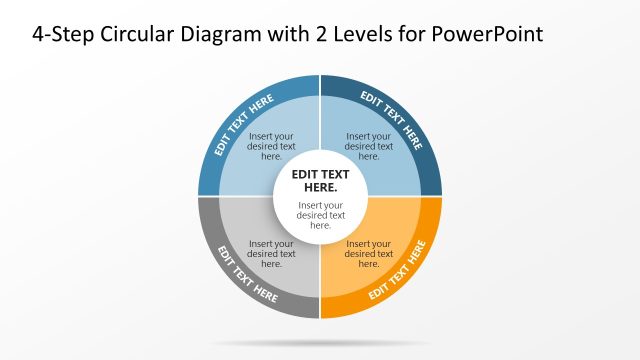
4 Step Creative Circular Diagram for PowerPoint– Circular diagrams display process, relationships and factors of multiple concepts through circle PowerPoint shapes. The graphical representation of textual items makes reports a lot easier to comprehend. The PowerPoint template is uniquely designed to accommodate 4 steps processes.
The PowerPoint design is perfect for 4-step procedures and systems. It can capture the switch of every phase from start, implementation and completion. The generic design is ideal for any subject matter. The variation can be of science, history, business, organization, environment, community, etc. The fully customizable features make it reusable and functional. The user can quickly alter color combinations and placement. The objects can be dragged around. The idea is to allow a personal touch to every professional report. The presenter can apply certain specifics to develop creative and stunning lectures.
The flow of a process is what circular diagrams illustrate in general. These actions can have a start and finish, or they can be cyclical with a continuous activity. Some models are Water Cycle which is composed of 3 steps and Natural Selection with 5 steps. There is one major concept and the encircling ideas support this concept.
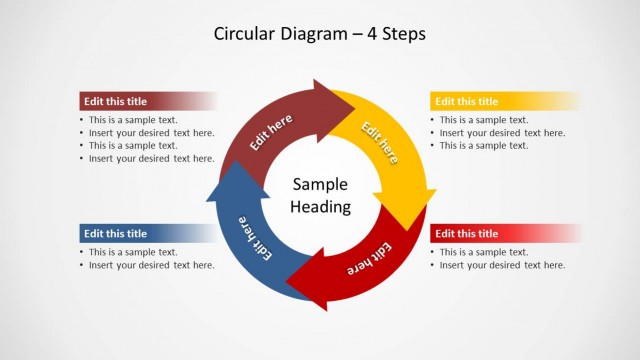
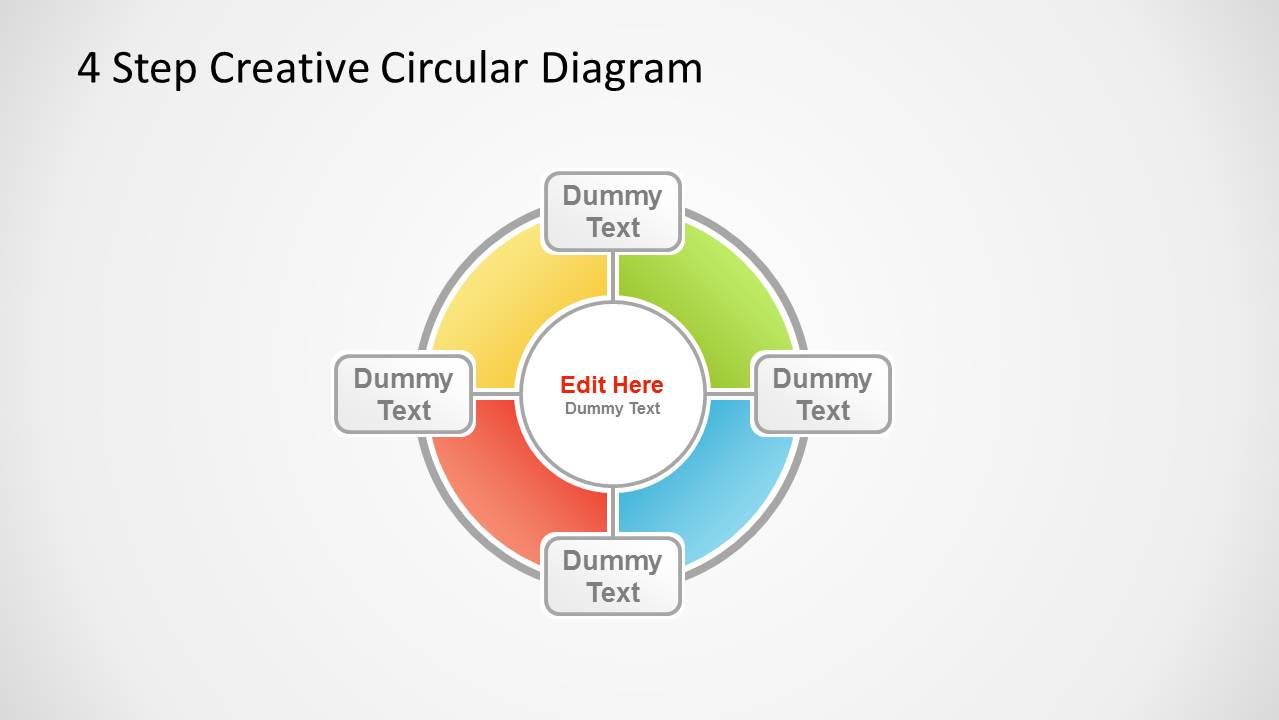
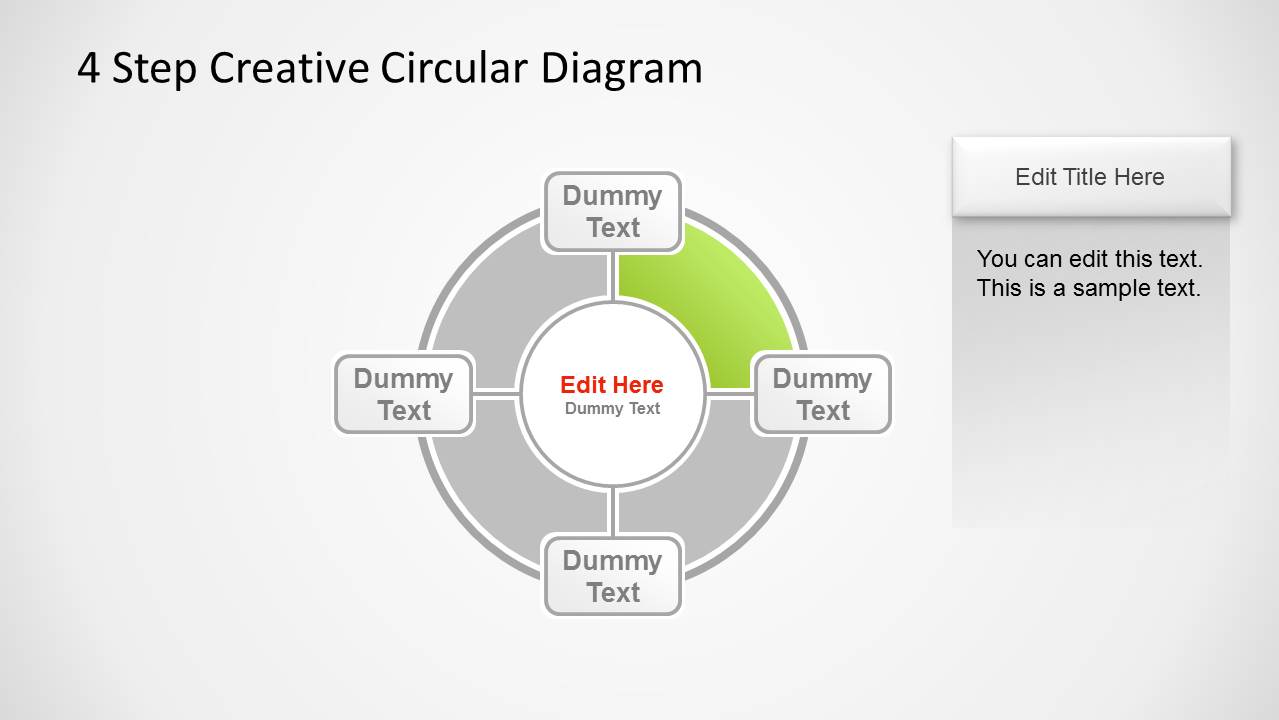
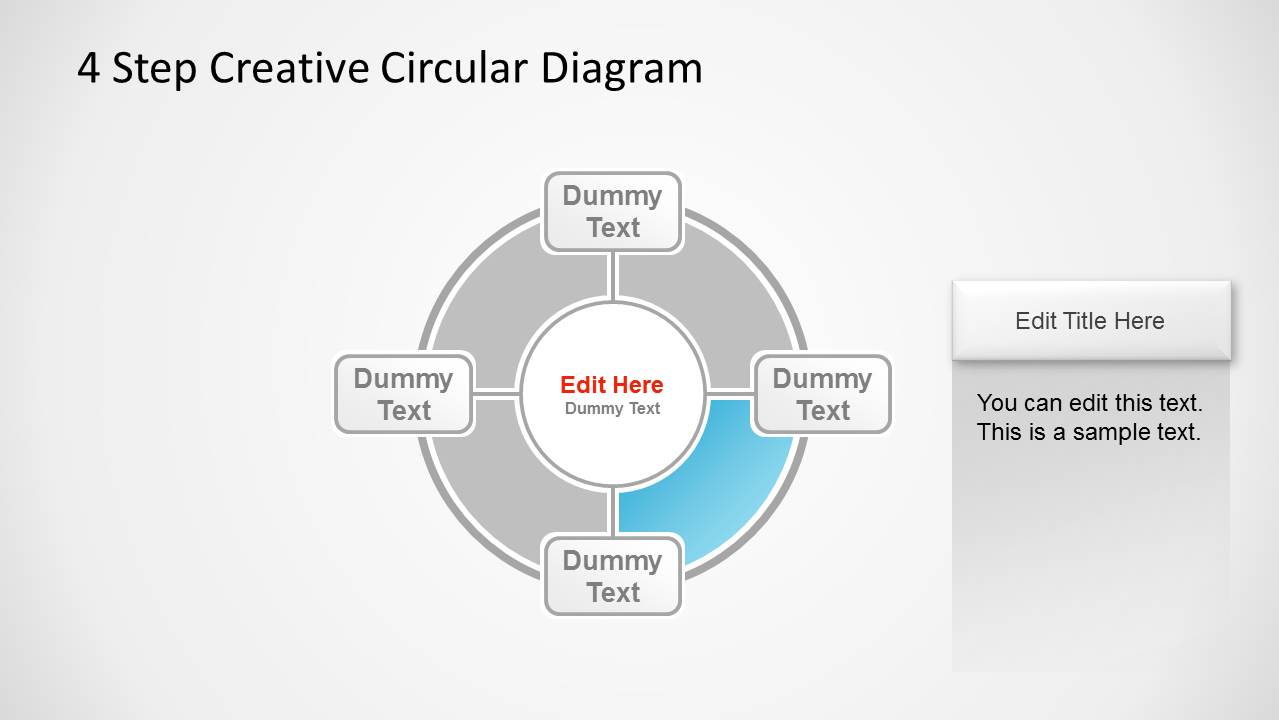
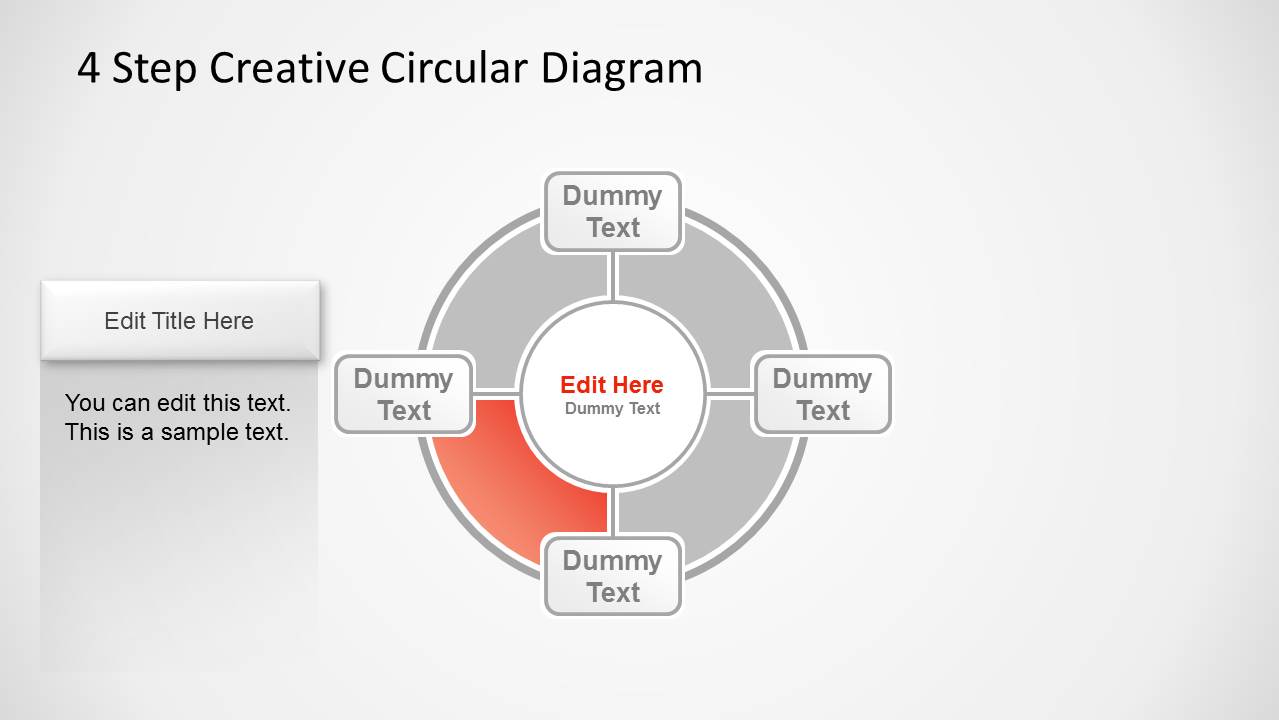
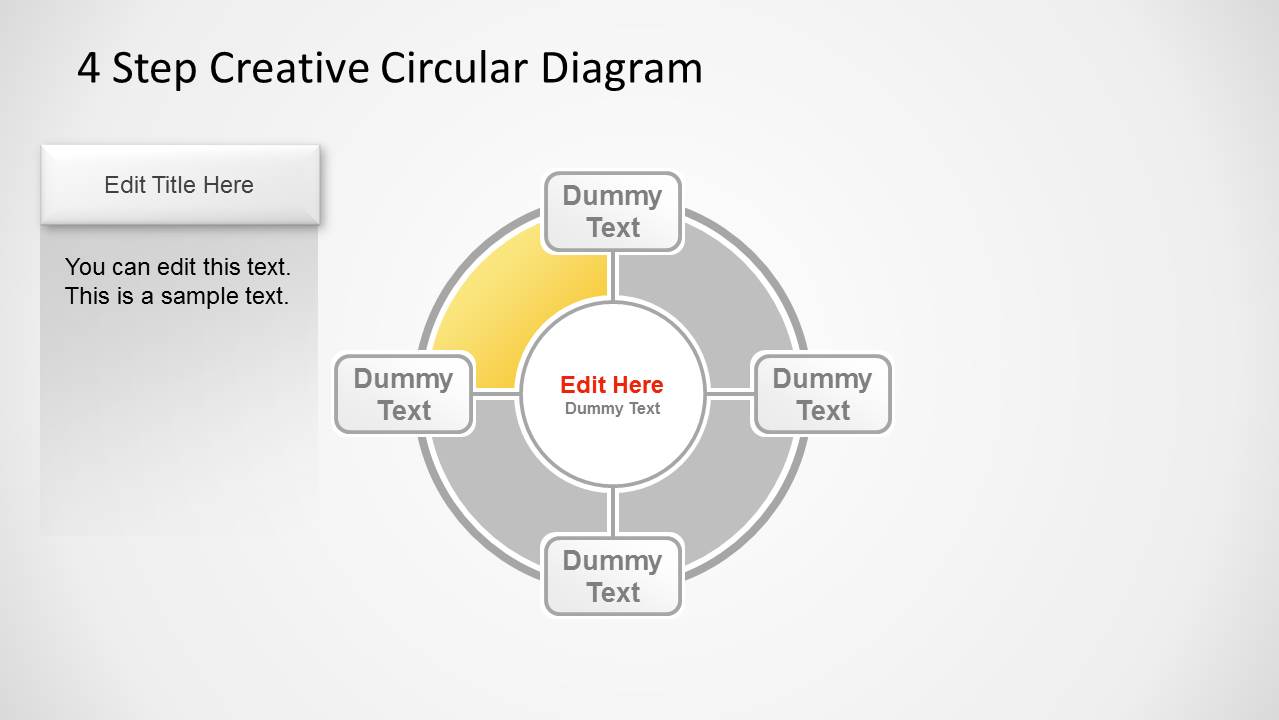
There are 5 slide designs in the PowerPoint template. The first slide showcases the entire process. It is a summary of all the steps that are assumed to be complete. Each color corresponds to a particular step. In the center, the user can enter the title of the key topic. In between the arc figures are rectangular text boxes. Green represents the first task as shown on the 2nd slide. In the featured text placeholder, the speaker can detail important information relative to the step. The colors and steps of the remaining layouts are as follows:
Blue- second
Red- third
Yellow- fourth
4 Step Creative Circular Diagram for PowerPoint can surely impress global audiences. 5 Step Circular Puzzle Diagram Template for PowerPoint is downloadable at the SlideModel gallery.
What’s inside this template
Example presentation scenarios
- A project manager can use the overview cycle and four highlighted step slides to explain a repeatable implementation process to stakeholders.
- A trainer can present a learning workflow by placing the core concept in the center and describing each phase in the side detail panels.
- A consultant can use the colored circular callouts to compare four factors that support one central recommendation during a client workshop.
- An operations lead can map a recurring review cycle and use each highlighted segment slide to assign actions, owners, or decision points.
Features
- 100% editable presentation template
- Compatible with Microsoft PowerPoint and Google Slides
- Scalable vector shapes, icons and illustrations
- AI-Ready for Microsoft Copilot and Claude
- Instant access and download
Frequently asked questions
Q: How should a presenter explain the four-step cycle without making every step feel equal?
A: Start with the full cycle slide to define the central concept and name the four steps. Then move through the highlighted segment slides, using the gray segments as context and the colored segment as the active topic. Add only the decision, action, or outcome for that phase in the side panel.
Q: Who is this circular diagram best suited for?
A: This template fits presenters who need to explain a compact four-part model rather than a data-heavy report. Project managers, trainers, consultants, and operations leads can use it for procedures, recurring workflows, framework introductions, or factor maps where one central idea is supported by four connected parts.
Q: Why does the circular structure help communicate the process?
A: The circle signals connection and recurrence, so the audience sees the four items as parts of one system instead of separate bullets. The highlighted step slides preserve the full diagram in gray, which keeps orientation while directing attention to one colored phase and its explanation.
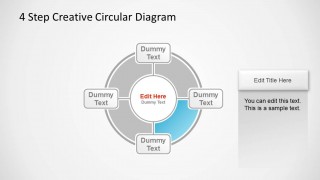
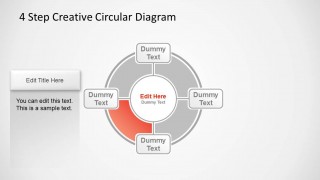
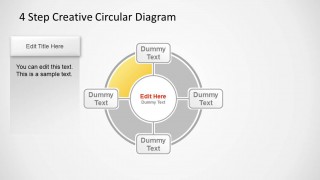
4 Step Creative Circular Diagram for PowerPoint
5-slide PowerPoint diagram template for four-step cycle processes with circular callouts and step details
This 5-slide PowerPoint circular diagram template presents a four-step cycle with a central topic, four outer text callouts, and one detail panel per highlighted segment. It suits presenters explaining phased processes, recurring systems, or relationship maps. The diagram uses editable PowerPoint shapes and vector graphics for recoloring and resizing.

 Loading...
 Microsoft PowerPoint
  Microsoft Copilot
  Claude for PowerPoint
 Other formats supported
Subscribe today and get immediate
access to download our PowerPoint templates.