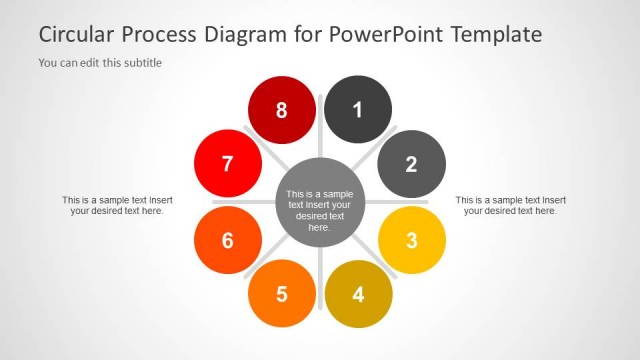
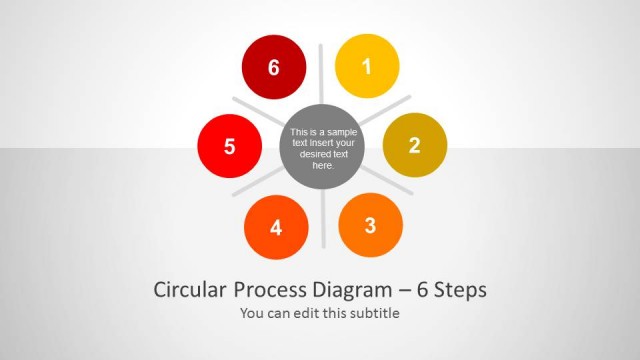
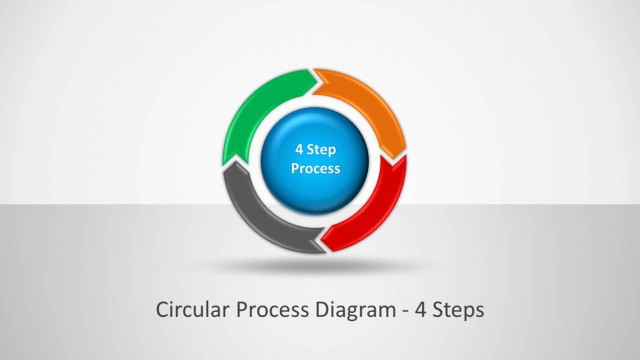
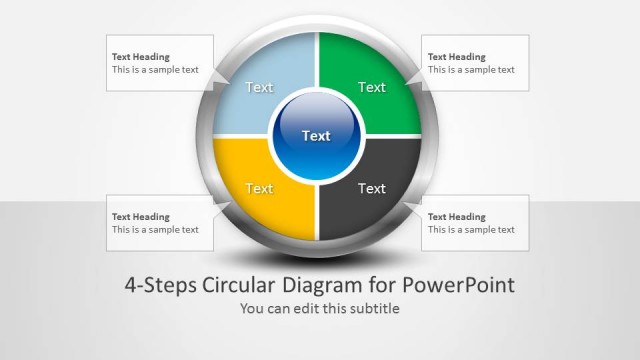
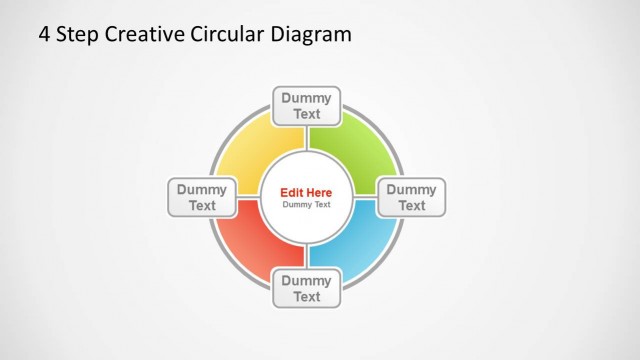
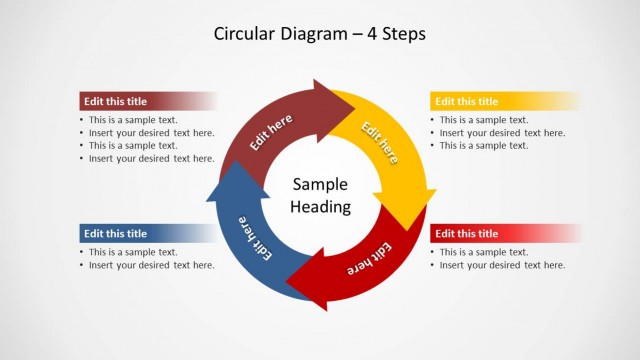
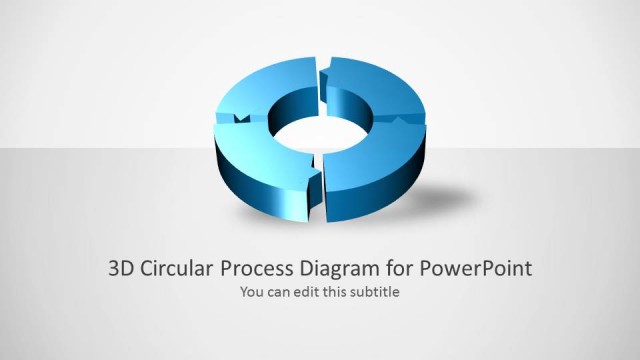
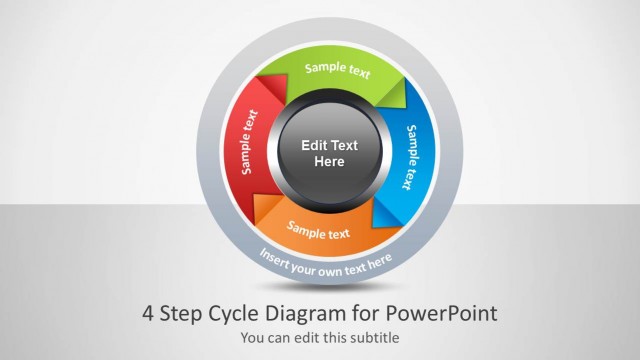
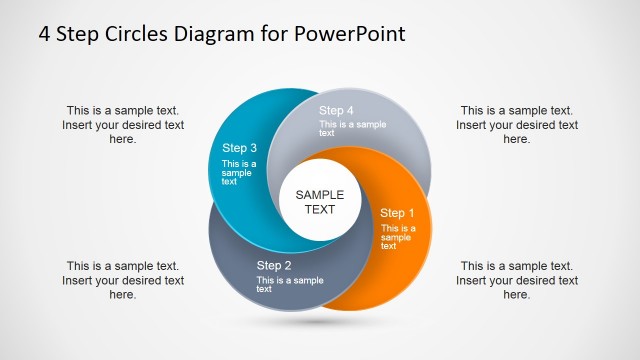
Creative Circular Process Diagram for PowerPoint is a 4 step diagram template for making circular process diagrams.
This diagram template offers creative circular diagrams which can be easily edited to suit your requirements. You can change the size, shape, position and color of these diagrams to depict a process with neatly crafted shapes, which can give your presentation a professional look and help you create circular diagrams in a short time frame.
You can also create 4 step diagrams using a range of other professional PowerPoint templates from our collection of 4 Step Diagram Templates for PowerPoint.
What’s inside this template
Example presentation scenarios
- A project manager can explain a four-phase delivery workflow by using the full circular cycle with side callouts to describe each phase and its outcome.
- A consultant can introduce a client improvement method by opening with the central hub diagram, then moving to the detailed callout slide for stage-by-stage discussion.
- A marketing lead can present a campaign planning cycle by assigning research, planning, launch, and review to the four numbered circular nodes.
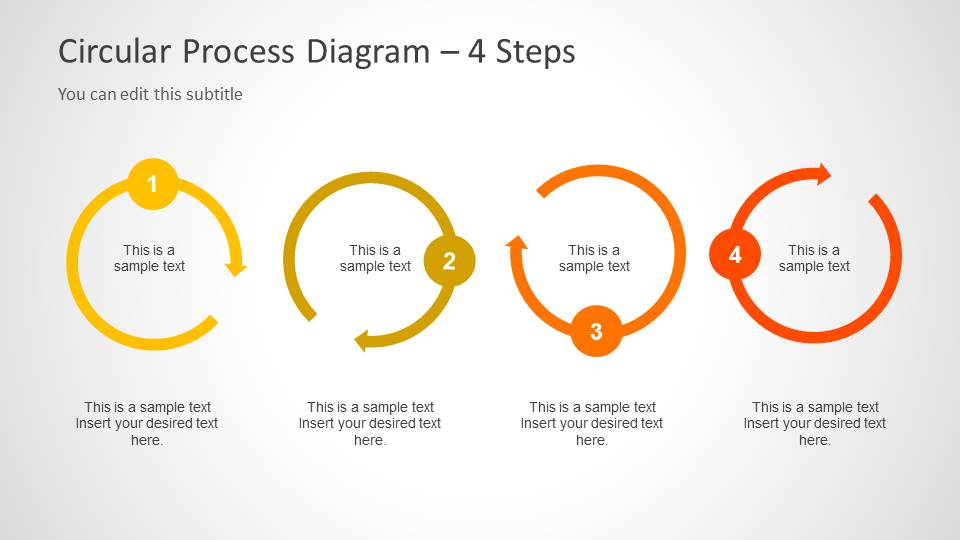
- A training facilitator can teach a repeatable operating procedure by using the four separate arrow loops to give each step equal visual weight.
Features
- 100% editable presentation template
- Compatible with Microsoft PowerPoint and Google Slides
- Scalable vector shapes, icons and illustrations
- AI-Ready for Microsoft Copilot and Claude
- Instant access and download
Frequently asked questions
Q: How should I present the four stages so the audience follows the cycle clearly?
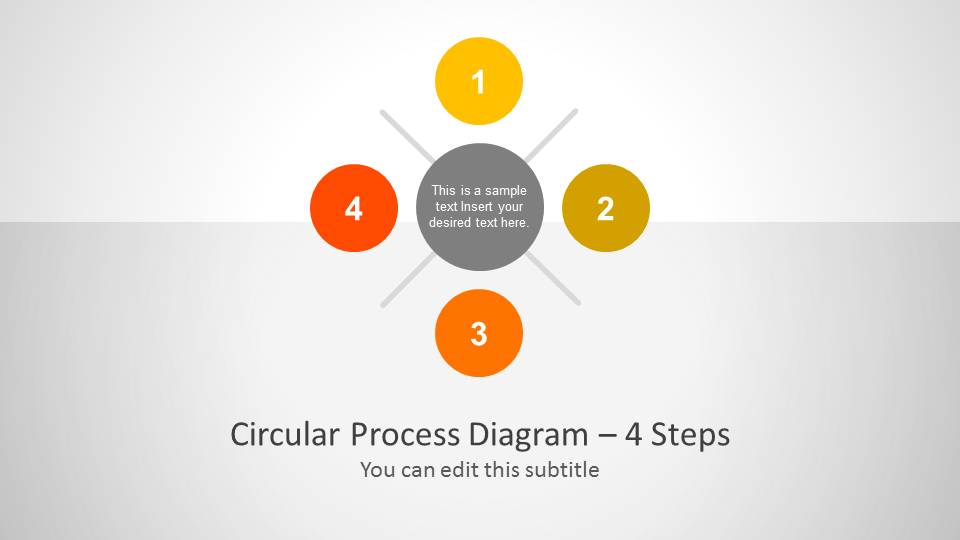
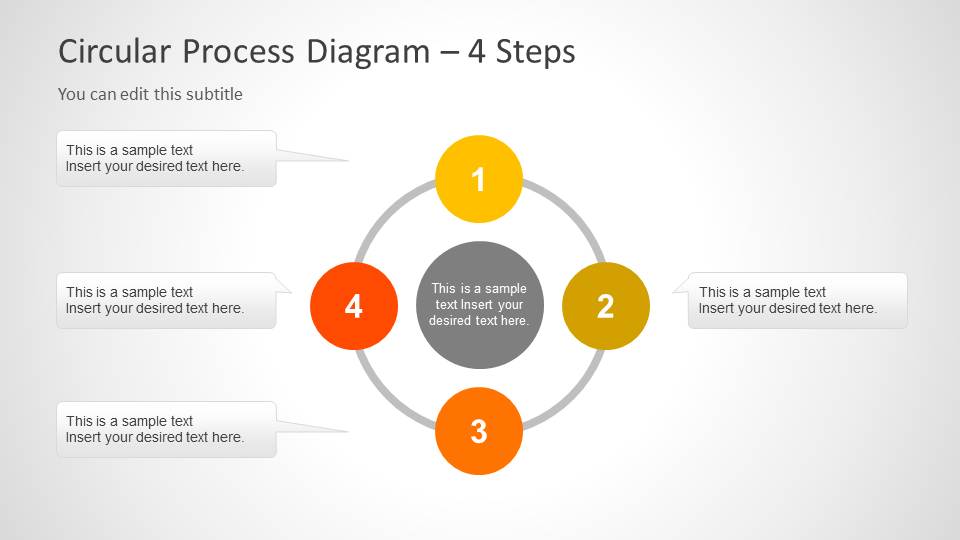
A: Start with the central hub slide to name the process and define the overall objective. Use the circular cycle with callouts to explain each numbered stage in sequence. Keep each callout to one core action or decision, then close with the separate loop diagrams if the stages need individual emphasis.
Q: Who is this circular process template best suited for?
A: It is best for presenters explaining a repeatable four-step method to business, operations, project, consulting, or training audiences. The layout works well when each stage depends on the previous one and the final step returns to the beginning, such as review cycles, improvement loops, or recurring team workflows.
Q: Why use a circular visual metaphor instead of a numbered list?
A: The circular arrows show recurrence, feedback, and continuity more clearly than a vertical list. The numbered nodes preserve order, while the circle signals that the process does not simply end at step four. This makes the design effective for workflows, learning cycles, planning loops, and iterative methods.
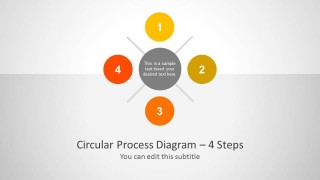
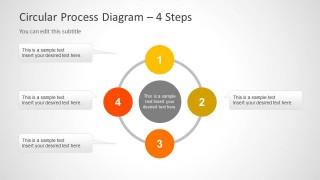
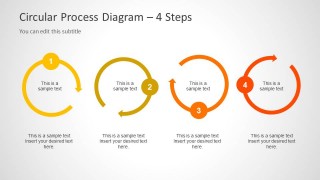
Creative Circular Process Diagram for PowerPoint – 4 Steps
3-slide presentation template for 4-step circular process cycles, numbered nodes, and callouts
This is a 3-slide PowerPoint template for explaining a four-step circular process. It includes a cover-style central hub diagram, a full circular cycle with four side callouts, and four separate arrow loop diagrams. It suits presenters who need to show recurring workflows, stages, or process cycles.


 Loading...
 Microsoft PowerPoint
  Microsoft Copilot
  Claude for PowerPoint
 Other formats supported
Subscribe today and get immediate
access to download our PowerPoint templates.