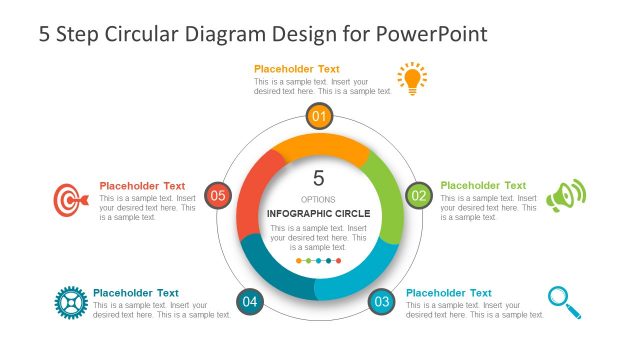
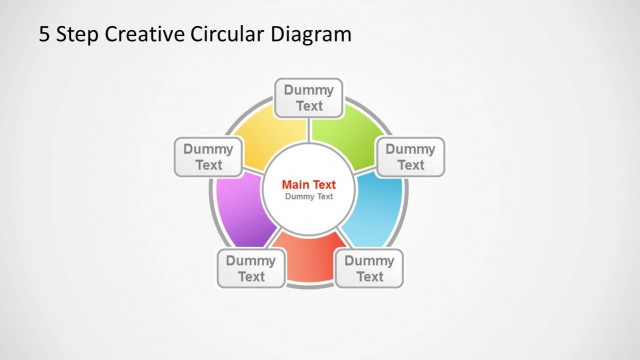
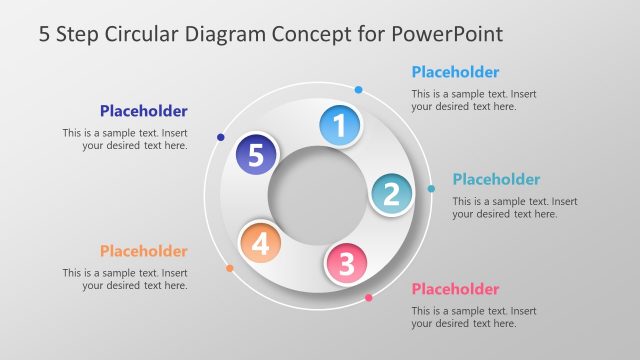
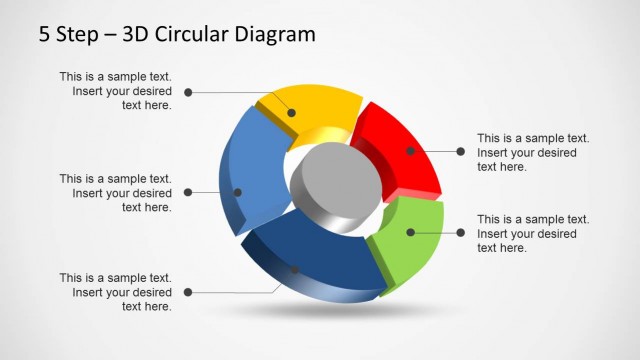
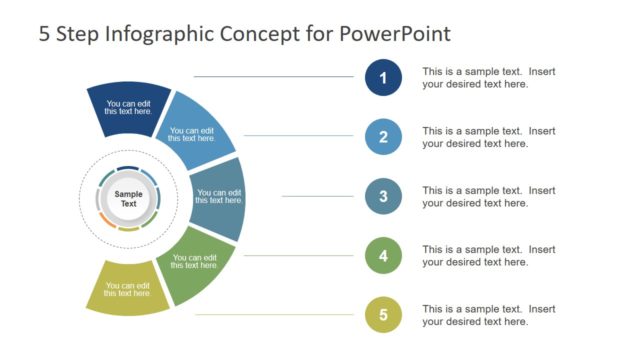
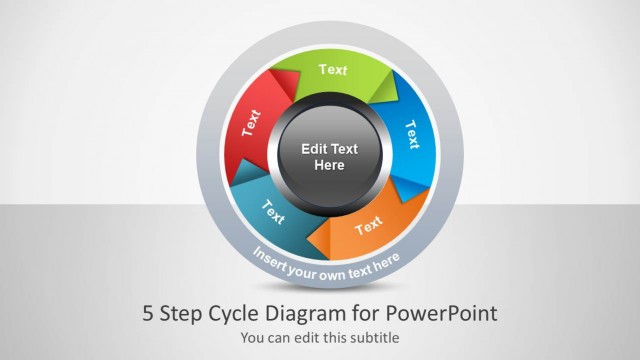
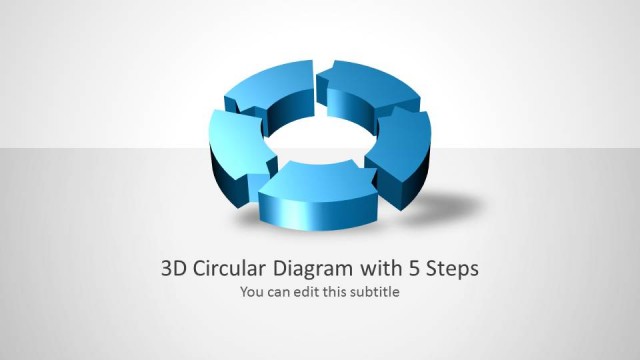
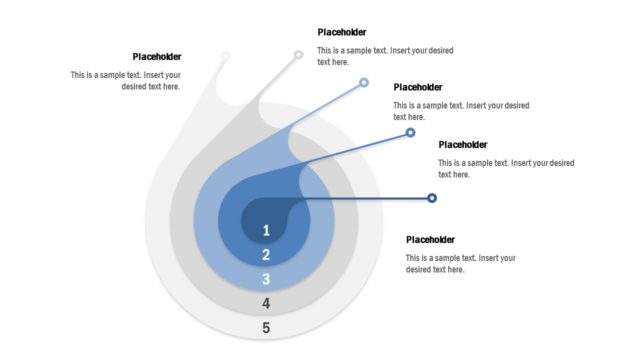
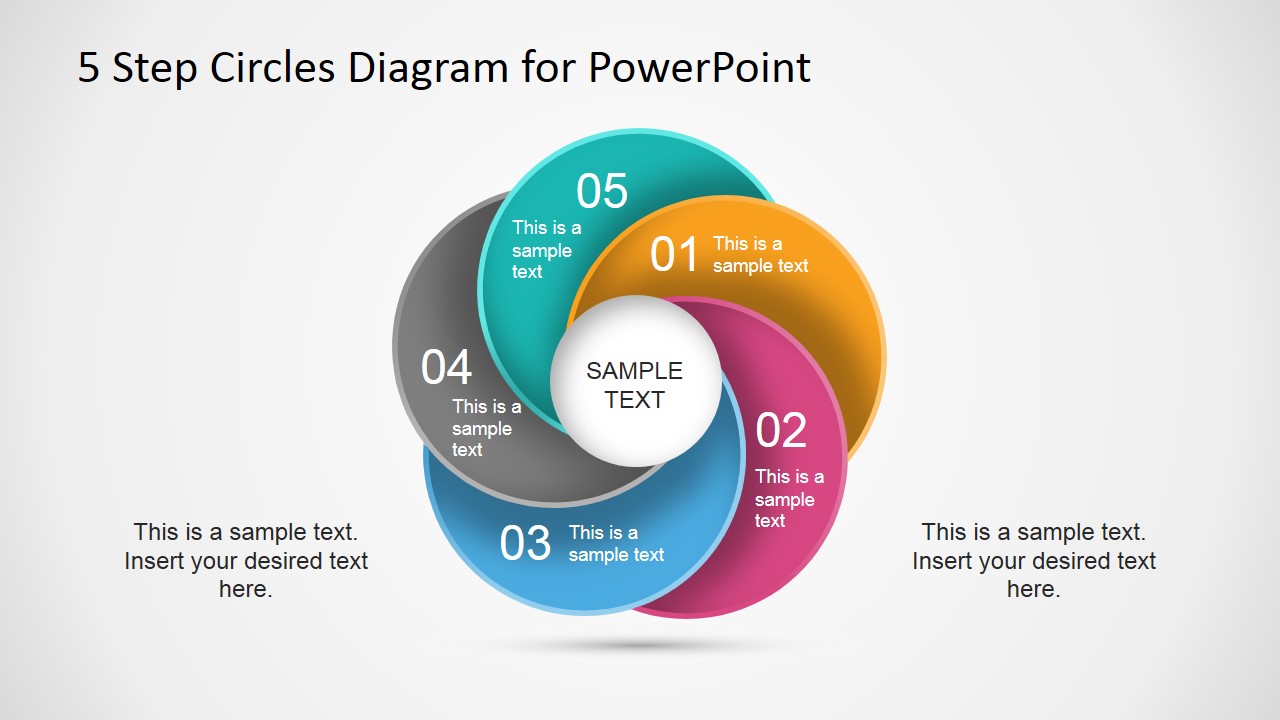
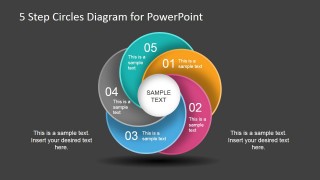
5 Step Circles Diagram for PowerPoint is a variant design of the previous published 4 Steps Circles Diagram for PowerPoint that you can use to describe a process of up to five steps.
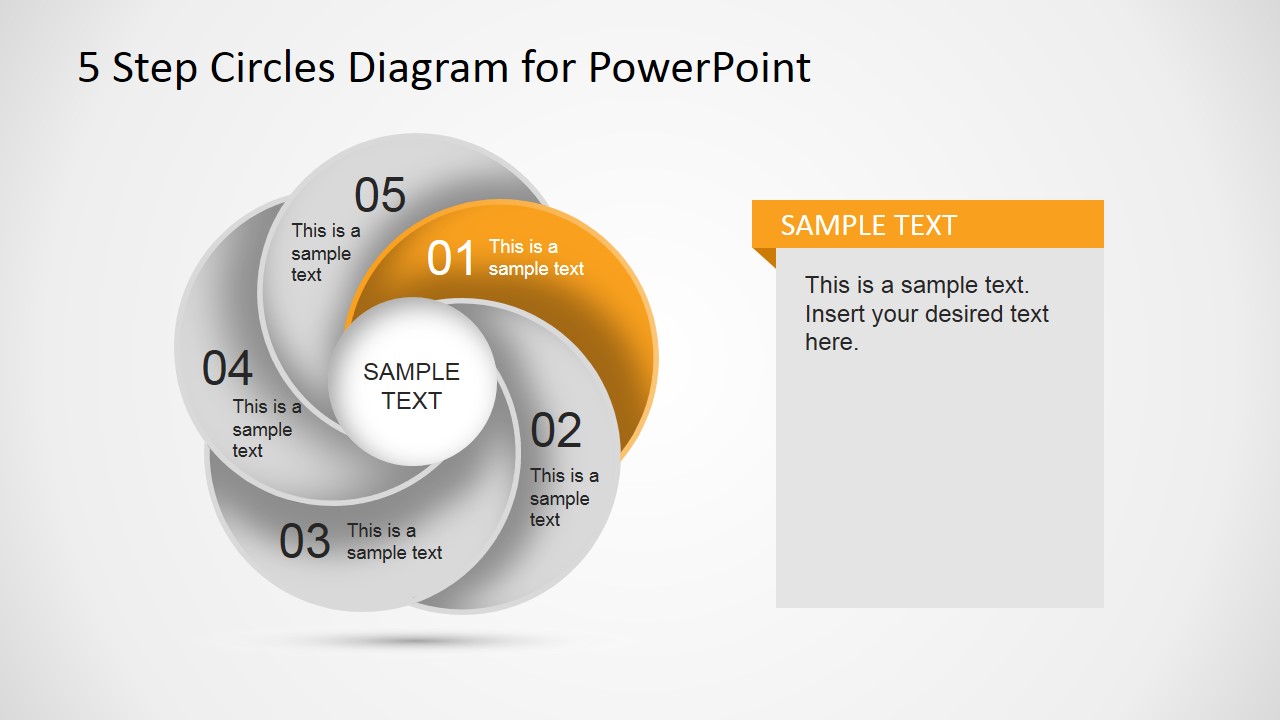
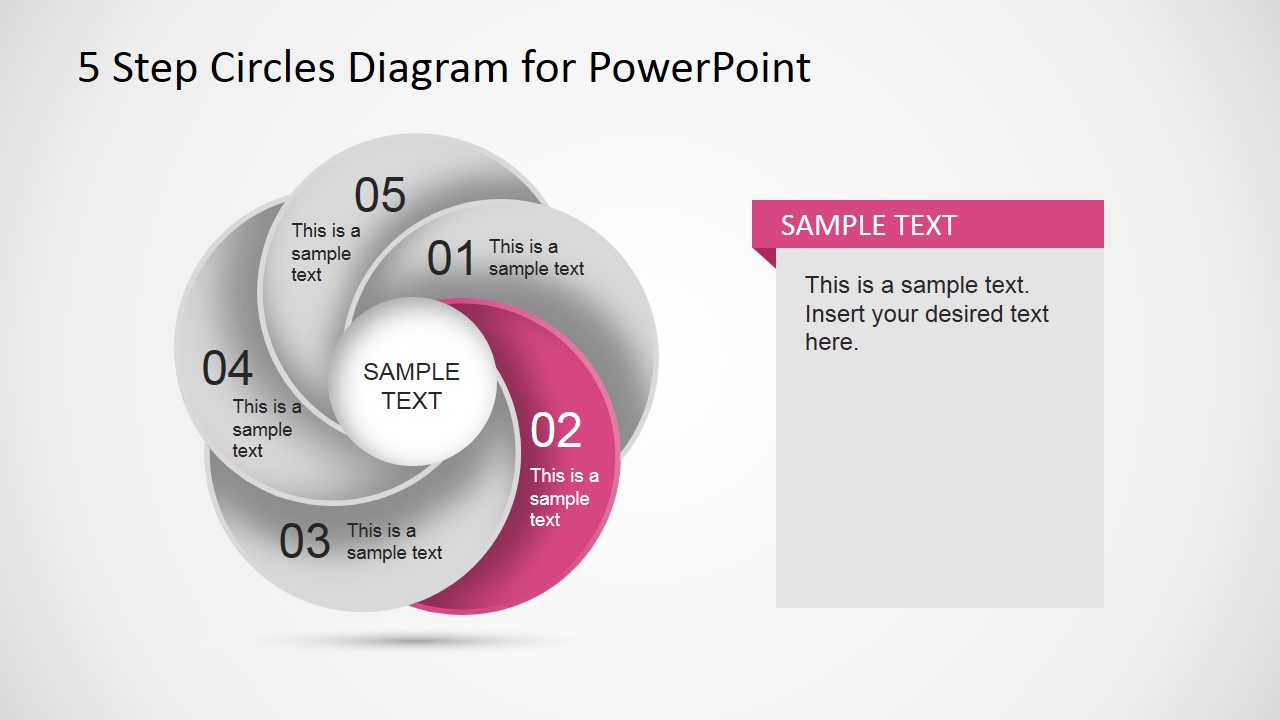
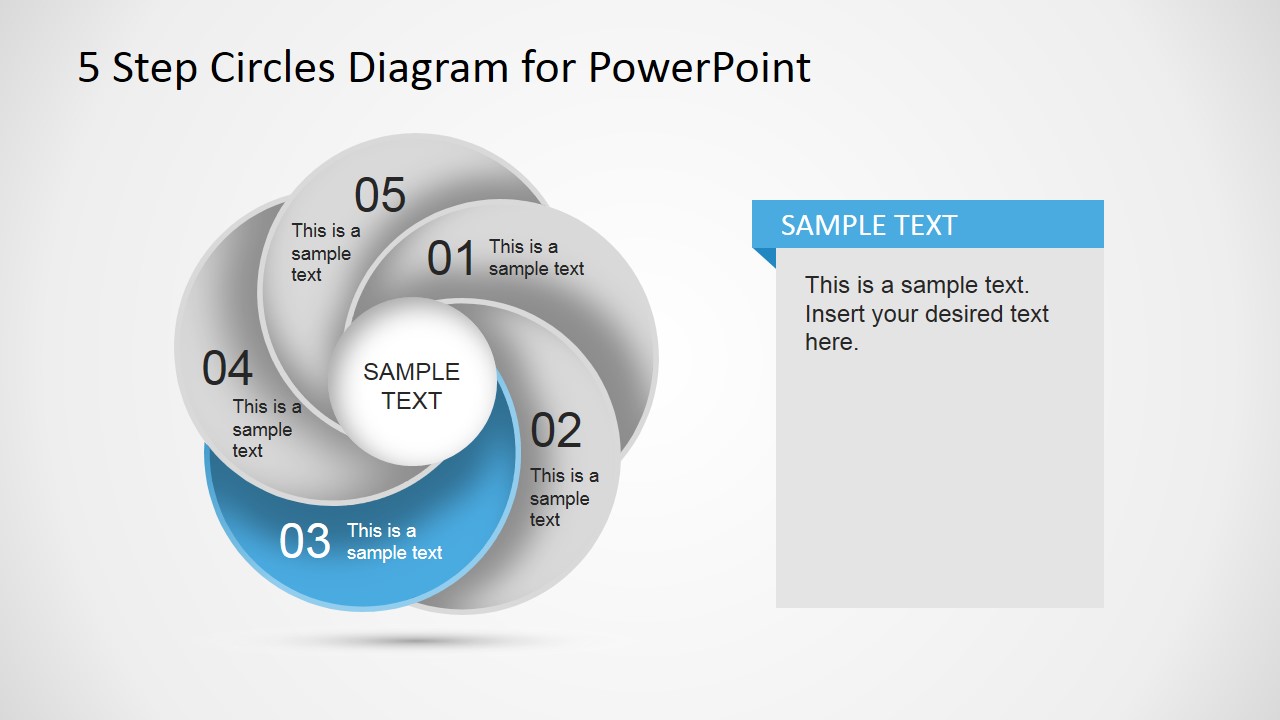
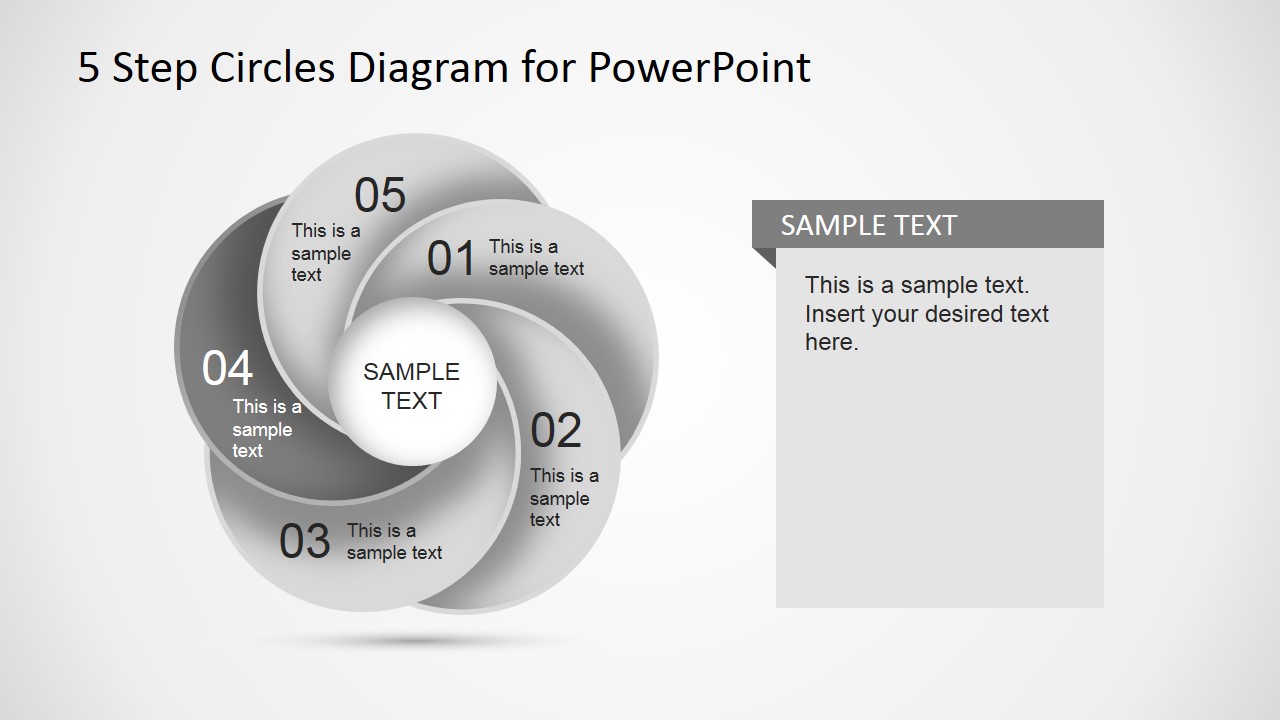
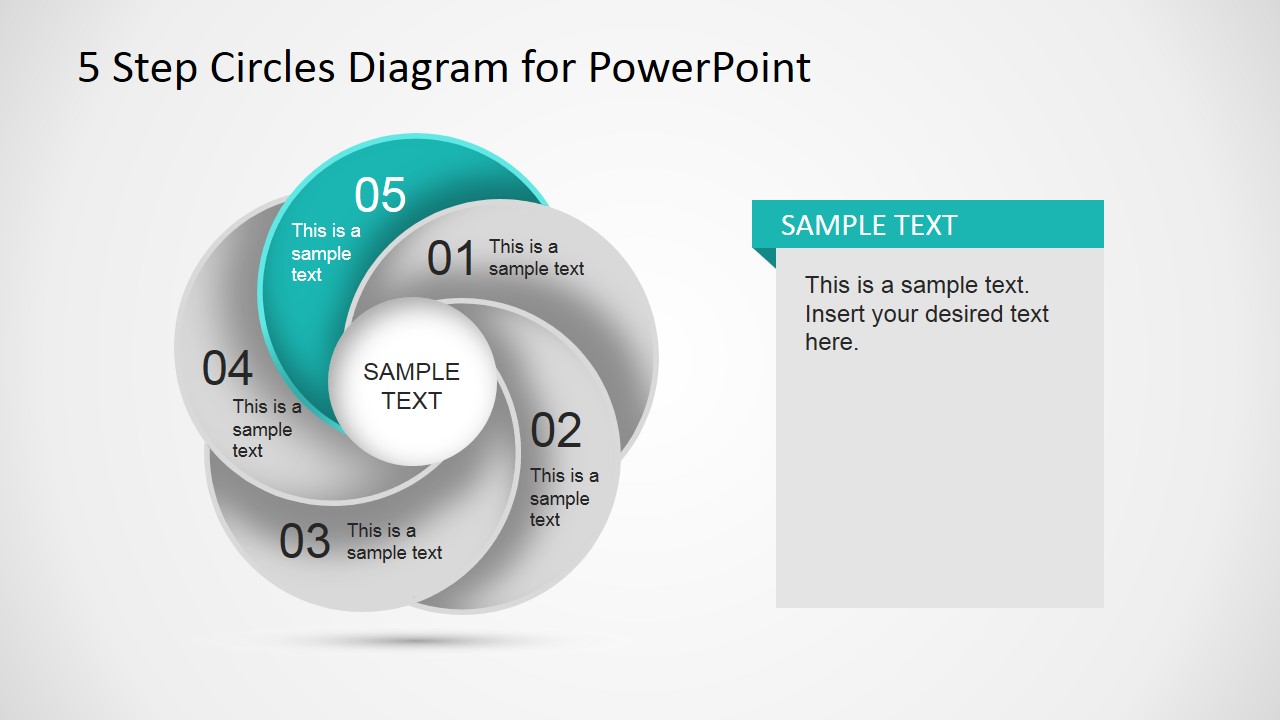
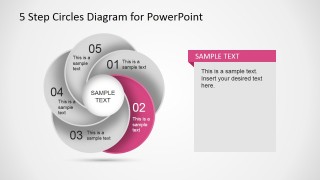
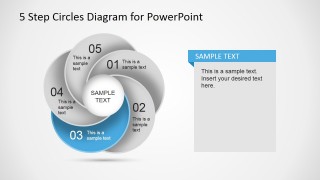
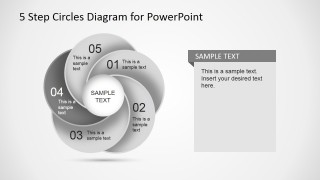
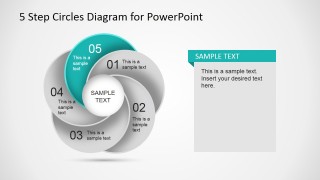
It contains several slide designs with the same diagram but each slide highlighting an step so you can use the diagrams throughout your presentation to describe a circular process flow or cycle.
Alternatively you can download other circular diagram designs for PowerPoint or get our free slides to see how we create the PowerPoint templates with editable objects.
What’s inside this template
Example presentation scenarios
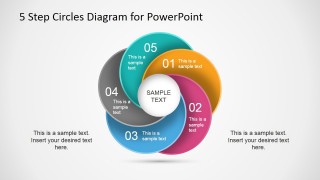
- A project manager can present an implementation cycle to sponsors by using the full-color five-step diagram for the overview and the highlighted step slides for stage-by-stage discussion.
- A training facilitator can teach a repeatable workflow by assigning each lesson segment to a numbered circle and using the right-side callout panels for instructions or examples.
- A consultant can explain a client operating model by mapping each phase to the circular cycle and using the gray inactive steps to keep attention on the current discussion point.
- A marketing team lead can describe a campaign feedback loop by placing planning, execution, measurement, optimization, and reporting into the five numbered circle segments.
Features
- 100% editable presentation template
- Compatible with Microsoft PowerPoint and Google Slides
- 16:9 aspect ratio slides
- Scalable vector shapes, icons and illustrations
- AI-Ready for Microsoft Copilot and Claude
- Instant access and download
Frequently asked questions
Q: How should a presenter explain the five-step cycle without making the diagram feel repetitive?
A: Start with the full-color cycle to establish the complete process, then move through the highlighted step slides as talking points. Keep each callout panel focused on one decision, action, or output for that stage. The gray inactive segments help the audience understand where they are in the cycle while preserving the big-picture context.
Q: Who is this circle diagram best suited for?
A: This template fits presenters who need to explain a repeatable five-stage model rather than a one-time schedule. Project managers, trainers, consultants, and operations leaders can use it for onboarding workflows, service cycles, improvement loops, or implementation methods where each stage connects back to the next round of action.
Q: Why use overlapping circles instead of a numbered list?
A: The overlapping circular segments suggest continuity, dependency, and recurrence, which a straight list does not show as clearly. The design makes each step visible as part of the whole process while the colored highlight slides create a controlled focus path. That visual metaphor is useful when the message is about cycles, iteration, or ongoing improvement.

5 Step Circles Diagram for PowerPoint
7-slide presentation template for five-step circle cycles, process flows, and highlighted sequence diagrams
5 Step Circles Diagram for PowerPoint is a 7-slide circular process template for presenting up to five sequential steps. It includes a full-color cycle diagram, highlighted single-step callout layouts, and a dark-background variant. Designed for business, training, and project presenters, it is provided for Microsoft PowerPoint and Google Slides.
- Category
- Diagrams
- Rating


 Loading...
- Aspect ratio
- 16:9
- Item ID
- 6736-02
- Colors
 Microsoft PowerPoint
  Microsoft Copilot
  Claude for PowerPoint
 Other formats supported
Subscribe today and get immediate
access to download our PowerPoint templates.