Slide 2 of 5 from 3D Risk Coverage PowerPoint Template
Template of 3D Umbrella Graphics
Umbrella Protection Overview in Risk Management
- Diagram
- Other
- Concept Explanation Slide
- 16:9
- 100% Editable
What’s on This Slide
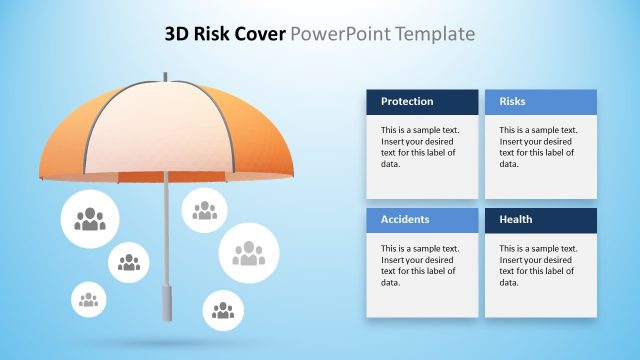
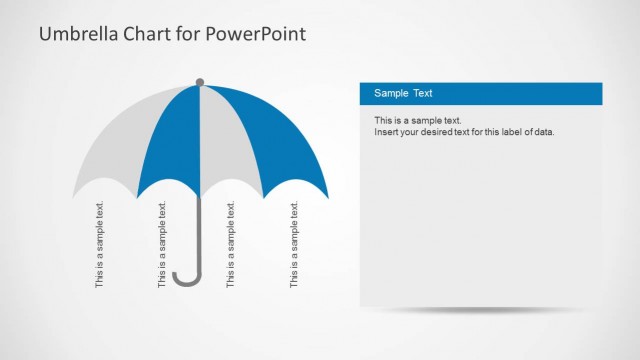
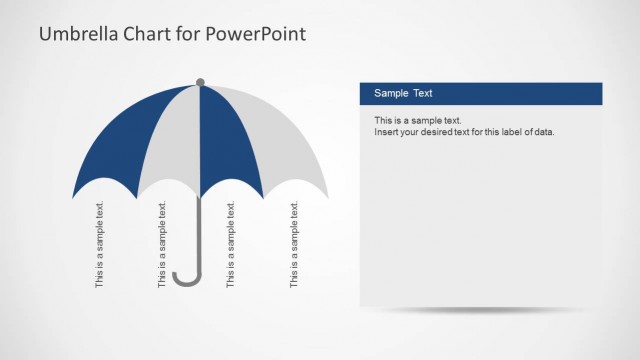
The layout features a 3D umbrella graphic positioned centrally, with a light blue gradient background. To the left, a rectangular text box contains a title labeled 'Umbrella Protection' in a blue header. Below the title, there are text placeholders aligned vertically, allowing for multiple lines of text. The umbrella has three vertical text placeholders hanging from its structure, each labeled with 'This is a sample text.' The overall composition emphasizes the umbrella as a protective symbol, with a clear visual hierarchy between the title and the content area.
How to Use It
This layout serves as an overview for discussing risk management strategies, particularly focusing on umbrella protection. It fits well after an introductory slide and before detailed analysis or case studies. This structure is useful for presenting insurance coverage options or risk mitigation strategies in business contexts. It can be employed in discussions about incident management or insurance policies, providing a clear visual representation of protection concepts.
Text Placeholders & Capacity
Keep your copy within these limits so it fits without resizing. Node body slots can hold roughly 10 words each without overflow.
| Placeholder | Count | Max characters (approx.) |
|---|---|---|
| Slide title | 1 | 30 |
| Item heading | 1 | 30 |
| Item body | 3 | 50 |
Slide Keywords
Download unlimited PowerPoint templates, charts and graphics for your presentations with our annual plan.
DOWNLOADReturn to 3D Risk Coverage PowerPoint Template.