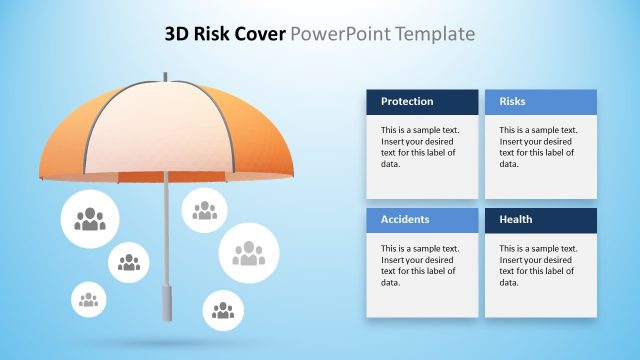
Slide 5 of 5 from 3D Risk Coverage PowerPoint Template
Slide of Risk Coverage in 3D
3D Risk Coverage Overview Slide
- Text Layout
- List Blocks
- Overview Slide
- 16:9
- 100% Editable
What’s on This Slide
The slide features a central 3D umbrella graphic with four sections beneath it. The umbrella is orange and white, positioned at the top center. Below, there are four rectangular text boxes aligned horizontally. Each box is labeled: 'Protection', 'Risks', 'Accidents', and 'Health', with the labels in bold, dark blue text. The boxes are light blue with white backgrounds and contain sample text placeholders aligned left. The background is a light blue gradient with soft clouds, creating a clear visual hierarchy.
How to Use It
This layout serves as a summary or overview of risk coverage categories. It fits well at the end of a presentation to recap key points. In business contexts, it can be used to present insurance options, risk management strategies, or incident response plans. The structured layout allows for easy comparison of different risk categories, making it suitable for discussions on protection and risk assessment.
Text Placeholders & Capacity
Keep your copy within these limits so it fits without resizing. Node body slots can hold about 20-25 words each.
| Placeholder | Count | Max characters (approx.) |
|---|---|---|
| Item heading | 4 | 30 |
| Item body | 4 | 100 |
Slide Keywords
Download unlimited PowerPoint templates, charts and graphics for your presentations with our annual plan.
DOWNLOADReturn to 3D Risk Coverage PowerPoint Template.