Slide 4 of 5 from 3D Risk Coverage PowerPoint Template
Risk Coverage PowerPoint Presentation
Upside Down Umbrella Slide for Risk Coverage
- Diagram
- Other
- Strategy Slide
- 16:9
- 100% Editable
What’s on This Slide
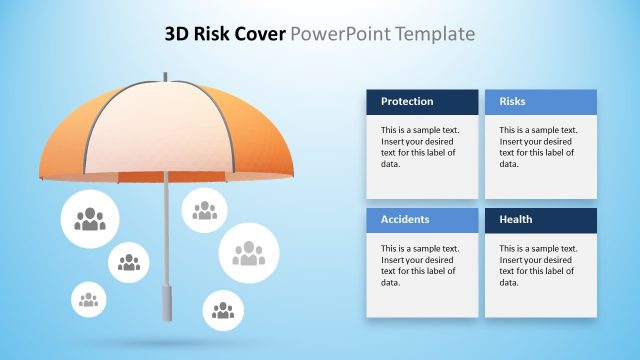
The slide features a large, 3D upside-down umbrella positioned on the right side, with a light blue gradient background. To the left, there is a rectangular text box with a dark gray background, containing two text placeholders for labels and descriptions. The umbrella has several circular icons representing people, arranged around it. The visual hierarchy emphasizes the umbrella as the main element, while the text box serves as a secondary focus. The overall composition balances the graphic and textual elements, creating a clear visual structure.
How to Use It
This layout serves to illustrate risk coverage concepts, particularly in incident management contexts. It fits well in a presentation sequence after discussing risk factors and before presenting solutions. This slide can be used to highlight specific risk areas or stakeholder responsibilities, making it suitable for business scenarios like insurance presentations or risk management discussions. It effectively communicates complex ideas visually while providing space for detailed explanations.
Text Placeholders & Capacity
Keep your copy within these limits so it fits without resizing. Body slots can hold roughly 25-30 words each.
| Placeholder | Count | Max characters (approx.) |
|---|---|---|
| Slide title | 1 | 30 |
| Body paragraph | 2 | 150 |
Slide Keywords
Download unlimited PowerPoint templates, charts and graphics for your presentations with our annual plan.
DOWNLOADReturn to 3D Risk Coverage PowerPoint Template.