Slide 4 of 10 from Umbrella Chart Diagram for PowerPoint
6192-01-umbrella-chart-4
Umbrella Chart Diagram for PowerPoint
- Diagram
- Umbrella
- Concept Explanation Slide
- 16:9
- 100% Editable
The Umbrella Chart Diagram slide from the Umbrella Chart Diagram for PowerPoint template offers a clear visual layout ideal for project overviews and strategic planning. This slide uses editable shapes and vector icons to represent grouped concepts under a central theme, making it a useful addition to business presentations and slide decks that require structured concept categorization.
What’s on This Slide
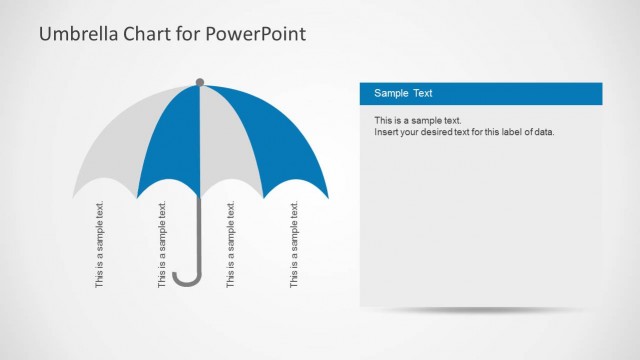
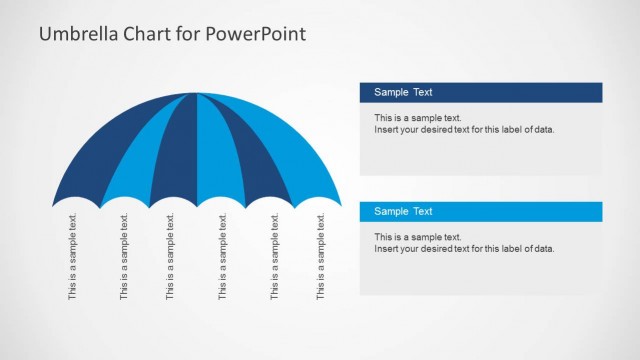
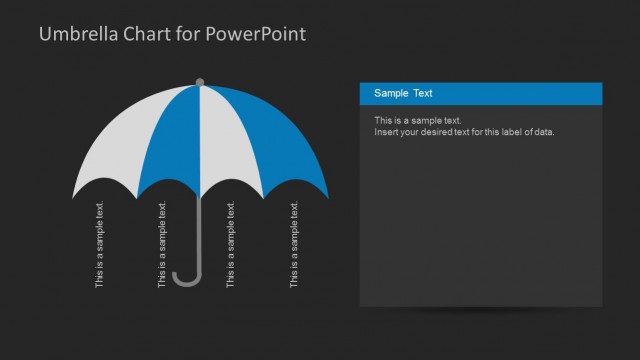
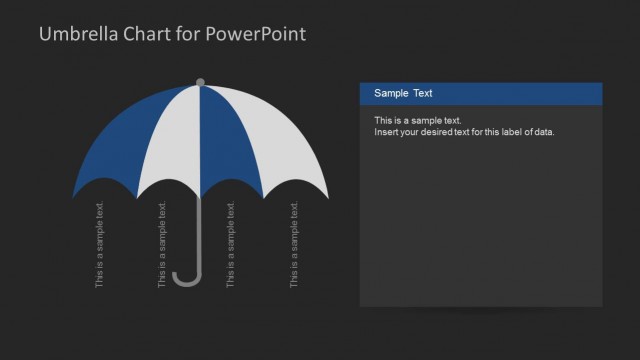
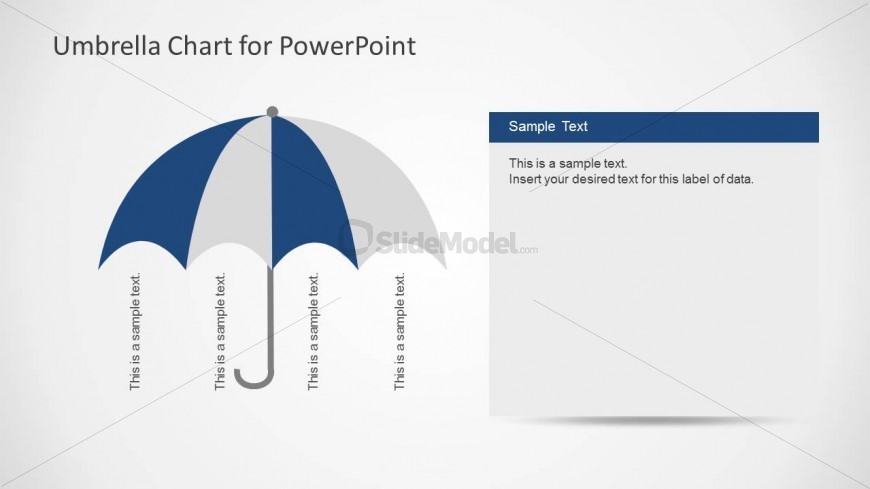
The slide features an umbrella diagram positioned on the left side, with a blue and gray color scheme. The umbrella has five segments, each labeled with sample text aligned vertically. The handle of the umbrella extends downward. On the right side, there is a rectangular text box containing a header labeled 'Sample Text' and a body text placeholder for additional information. The overall layout is balanced, with the umbrella diagram occupying the left half and the text box the right half, creating a clear visual separation between the two elements.
How to Use It
This layout serves as a visual representation of grouped ideas under a central theme, suitable for illustrating concepts or categories. It fits well in a presentation sequence after introducing a topic and before detailing specific elements. This structure is ideal for business scenarios such as project overviews, strategic planning, or summarizing key points in a visually engaging manner, allowing for clear communication of complex information.
Text Placeholders & Capacity
Keep your copy within these limits so it fits without resizing. Node labels can hold about 20 characters each, while the body text can accommodate roughly 100 characters.
| Placeholder | Count | Max characters (approx.) |
|---|---|---|
| Slide title | 1 | 30 |
| Item heading | 5 | 20 |
| Body paragraph | 1 | 100 |
Slide Keywords
Download unlimited PowerPoint templates, charts and graphics for your presentations with our annual plan.
DOWNLOADReturn to Umbrella Chart Diagram for PowerPoint.