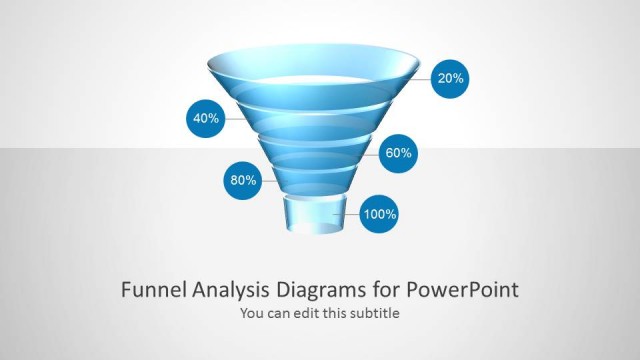
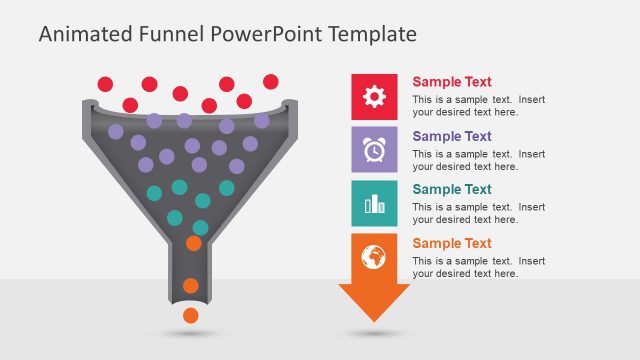
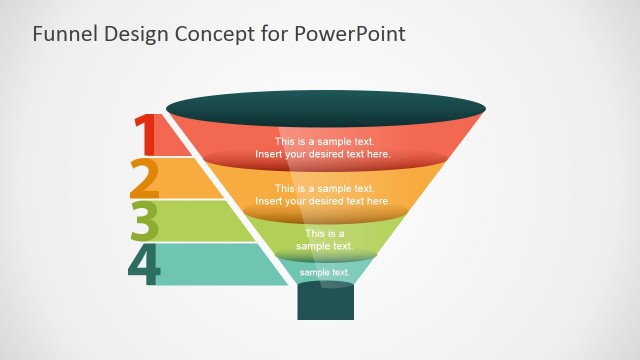
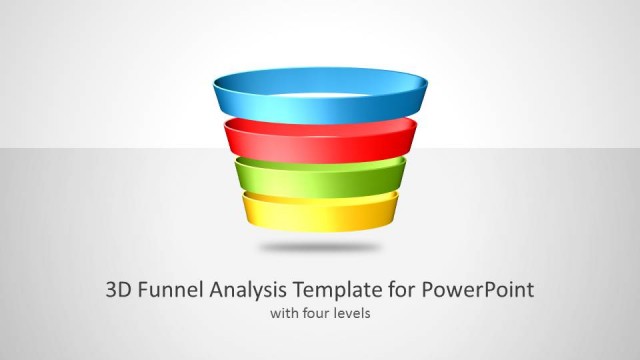
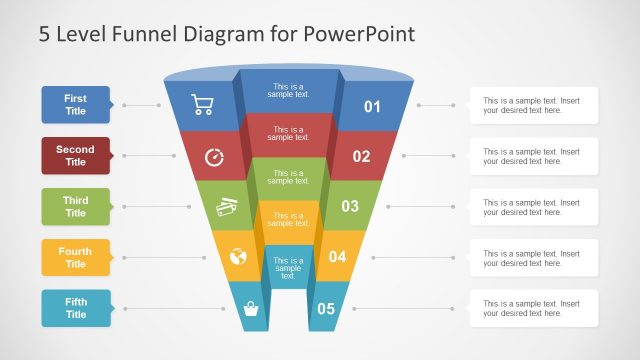
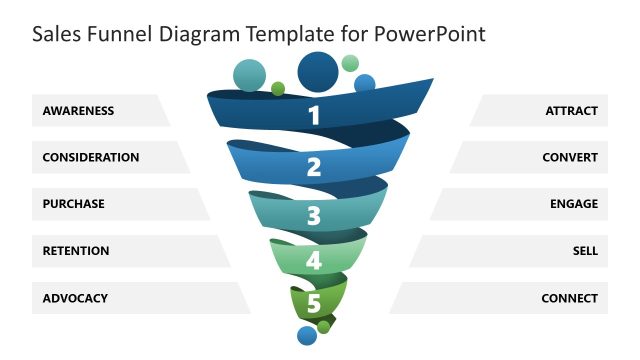
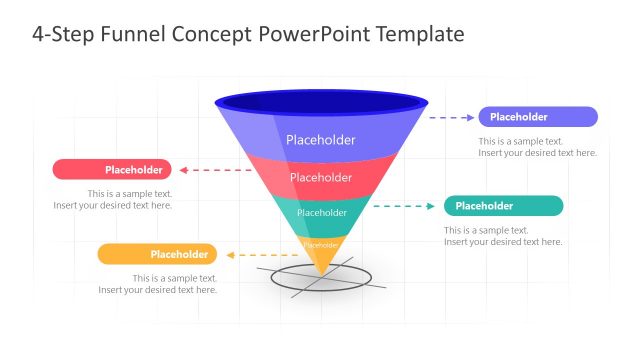
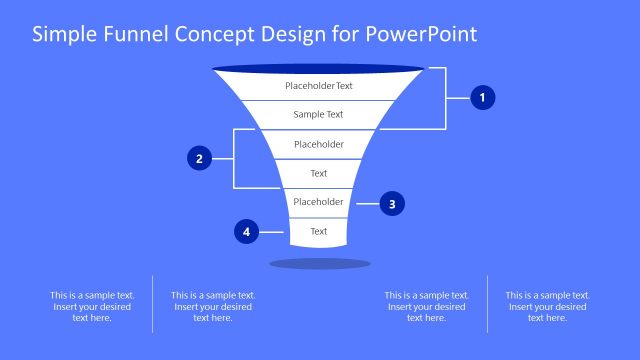
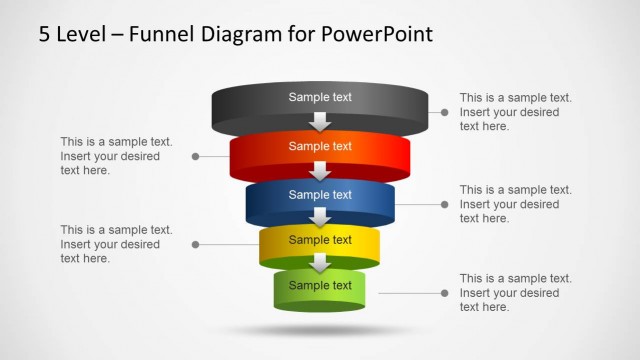
Creative Funnel Diagram Template for PowerPoint is a presentation diagram design for Microsoft PowerPoint that you can use to make slides with creative funnel diagrams for sales presentations, marketing presentations or any other presentation where you want to present a funnel analysis.
Funnel analyses are an effective way to calculate conversion rates on specific user behaviors and it is widely used in many different sectors.
When you build a funnel in PowerPoint, you should have the ability to establish the funnel goal as a goal event and then each step leading towards this goal. This funnel PowerPoint template has editable elements as PowerPoint shapes that help you to make a funnel diagram that is easy to edit for your own presentations. Instead of using SmartArt graphics for PowerPoint, we have created the creative funnel diagram template for PowerPoint as simple PowerPoint shapes that you can copy and paste into your own presentations.
What’s inside this template
Example presentation scenarios
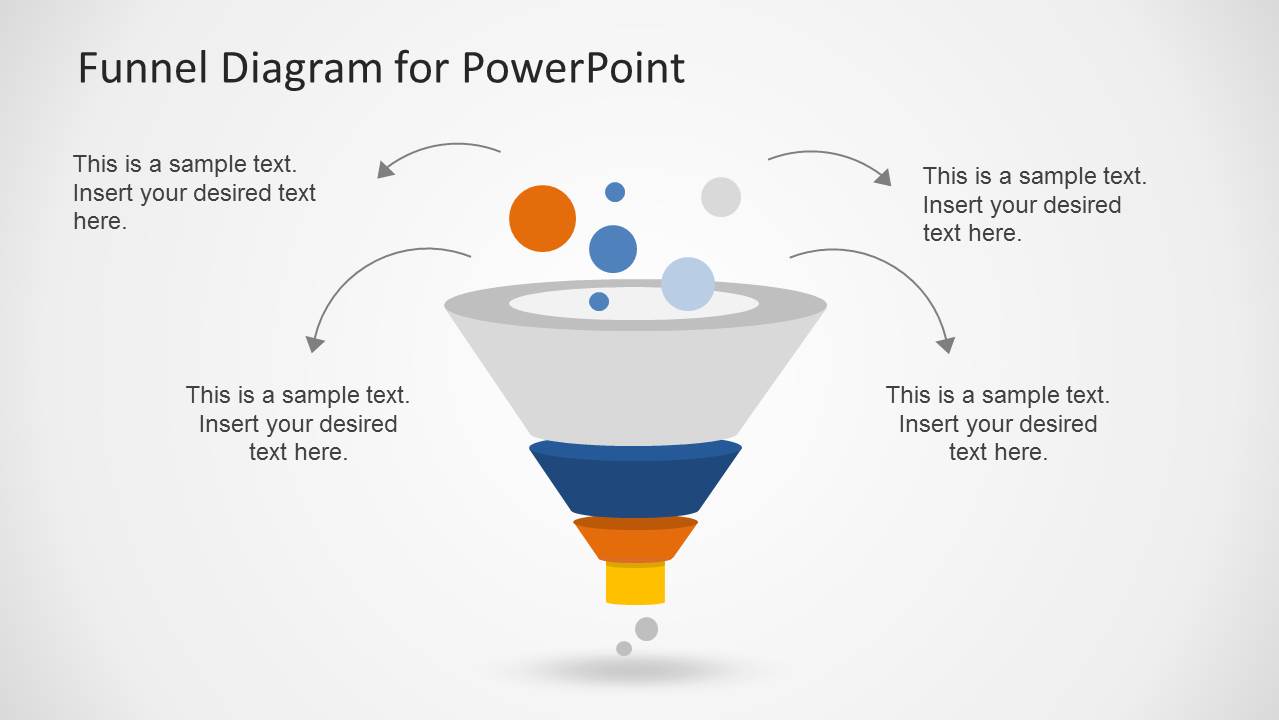
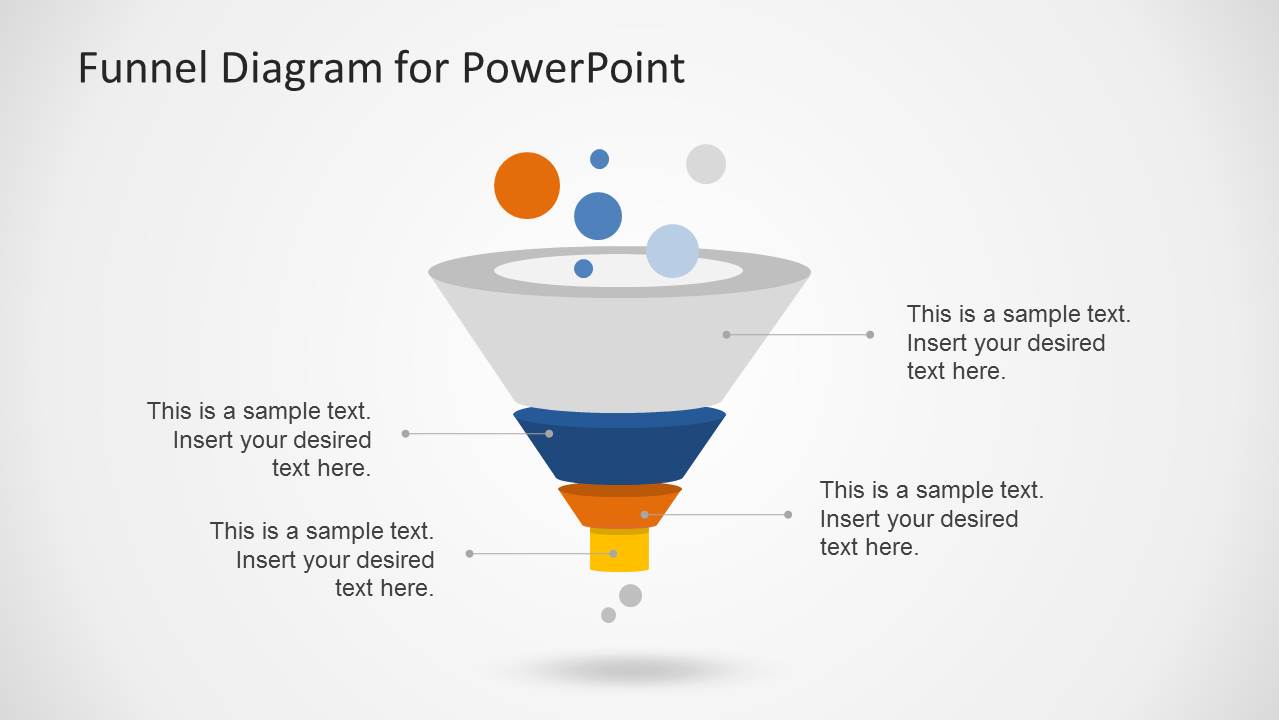
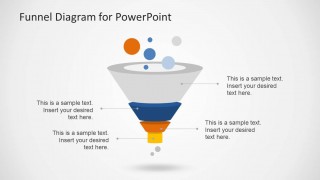
- A sales manager can explain pipeline movement to executives by using the four-level funnel and side callouts to name qualification stages and expected next actions.
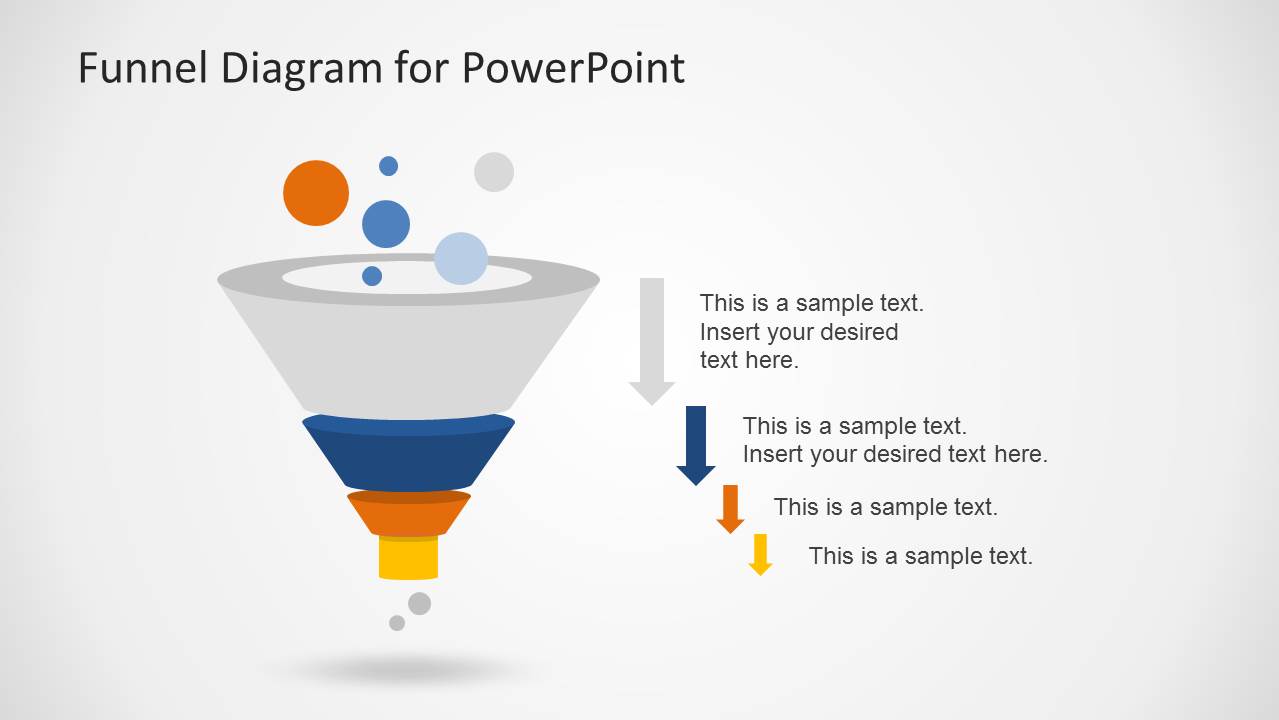
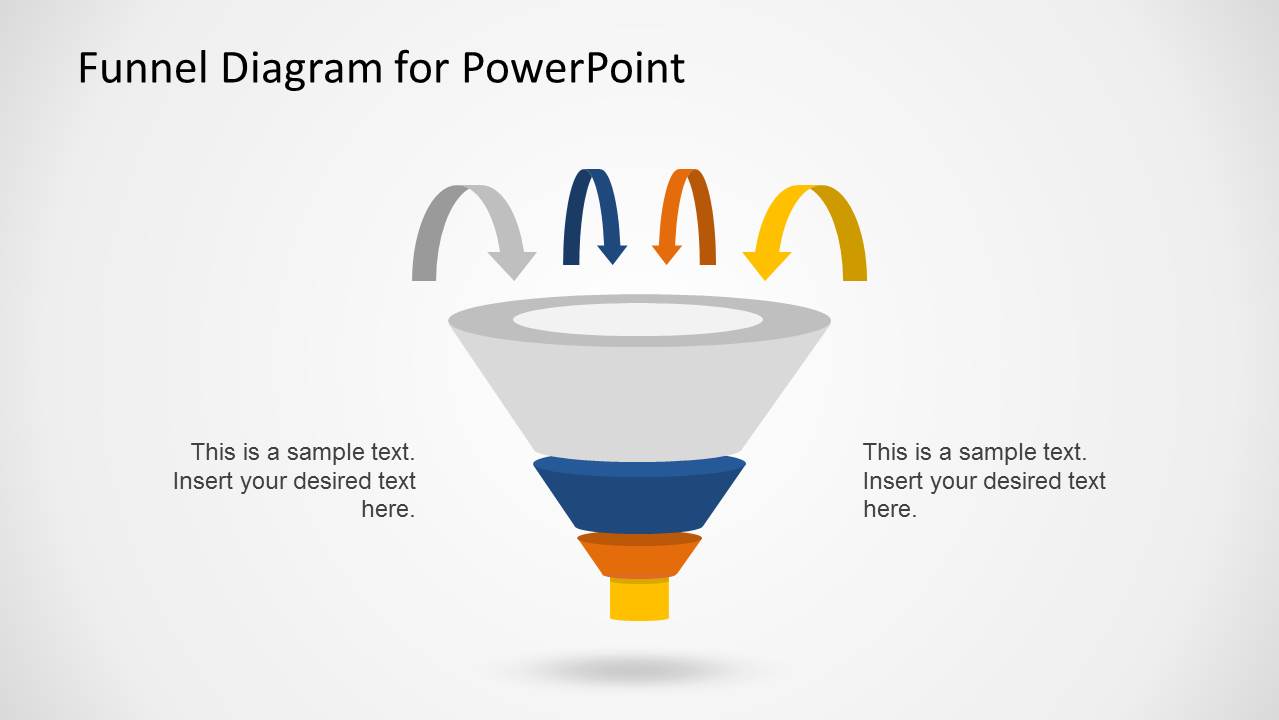
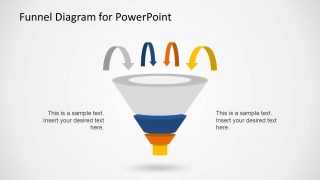
- A marketing presenter can report campaign drop-off by using the arrow-based funnel layout to show how prospects move from awareness to conversion.
- A consultant can map a client's customer journey by adapting the segmented funnel and connector callouts to compare stage definitions across teams.
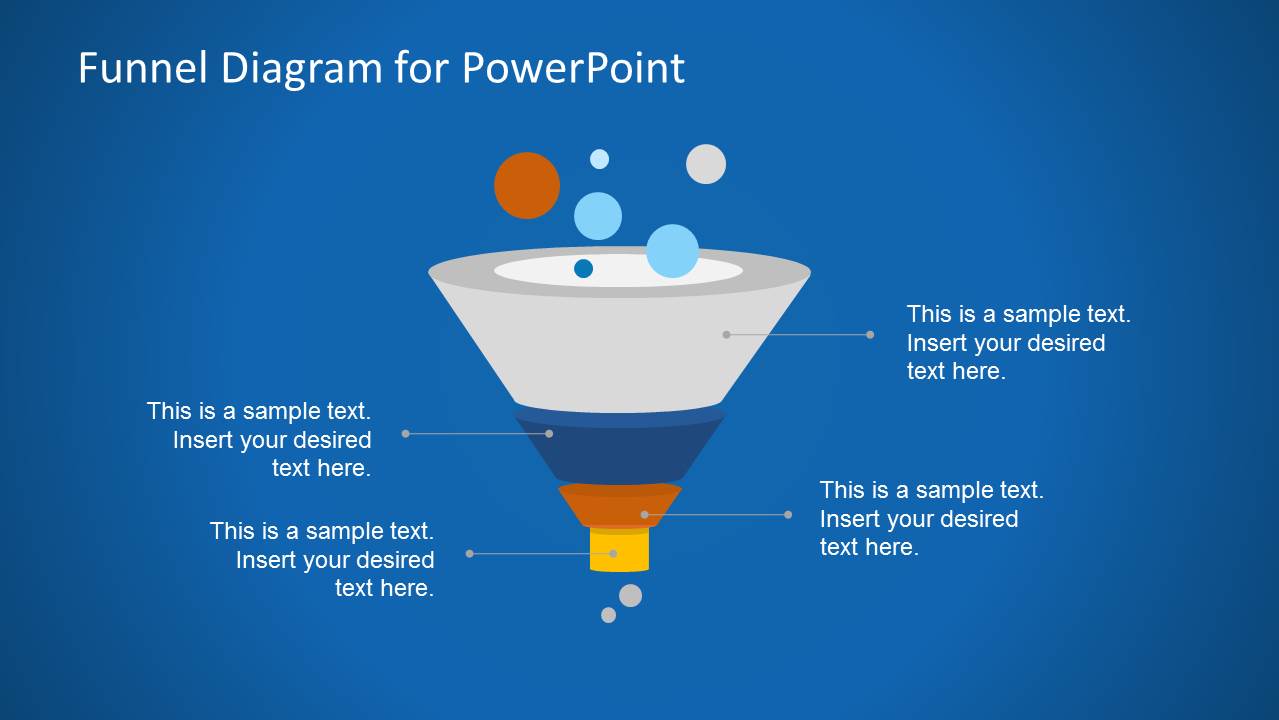
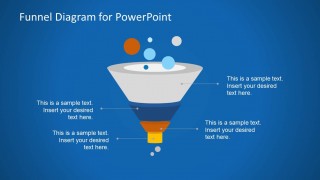
- A startup founder can present lead generation logic to investors by using the dark background funnel slide as a concise visual for traction and conversion flow.
Features
- 100% editable presentation template
- Compatible with Microsoft PowerPoint
- 16:9 aspect ratio slides
- Scalable vector shapes, icons and illustrations
- AI-Ready for Microsoft Copilot and Claude
- Instant access and download
Frequently asked questions
Q: How should a presenter explain a funnel message with this template?
A: Start by naming the outcome at the bottom of the funnel, then work backward through the stages that feed it. Use the wide top section for the largest audience or input pool, the middle sections for filtering or qualification, and the bottom section for the goal event. Keep each callout short so the diagram remains the main explanation.
Q: Who gets the most value from this funnel diagram template?
A: Sales, marketing, and business development presenters benefit most when they need to explain how prospects, users, or opportunities narrow through a staged process. The layouts fit executive updates, campaign reviews, and consulting sessions because the funnel metaphor makes conversion loss and stage progression easy to discuss without requiring a dense data dashboard.
Q: Why does the funnel metaphor work well for conversion presentations?
A: The funnel shape gives the audience an immediate visual cue: many inputs enter at the top and fewer outcomes leave at the bottom. The template reinforces that idea with descending layers, arrows, and callout lines. This reduces explanation time and helps the presenter focus on stage meaning, friction points, and decisions.
Creative Funnel Diagram Template for PowerPoint
6-slide presentation template for sales funnel diagrams, conversion stages, and callout layouts
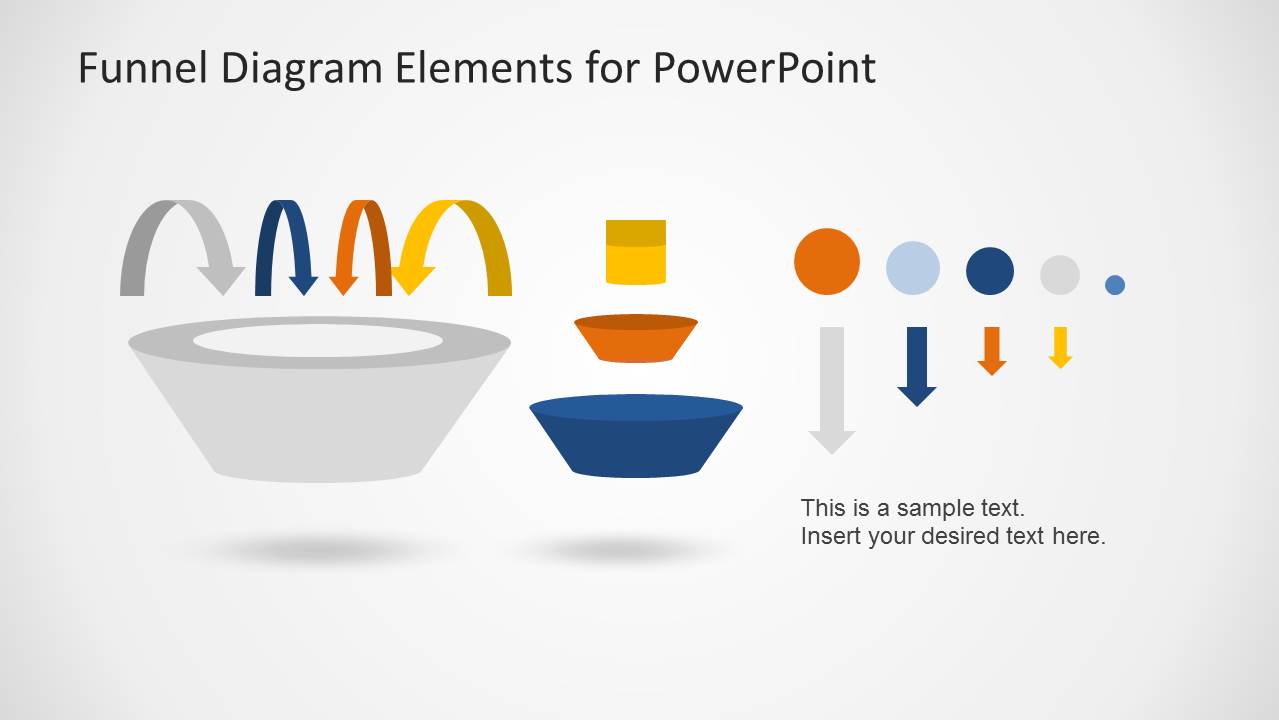
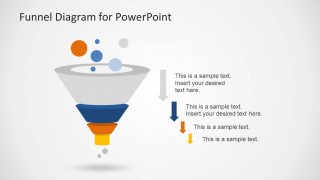
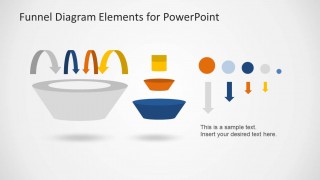
Creative Funnel Diagram Template for PowerPoint is a 6-slide 16:9 diagram deck for Microsoft PowerPoint. It includes a four-level funnel with callouts, directional arrow funnel, dark background funnel, and a component elements slide. Sales and marketing teams can present conversion stages, drop-off points, and funnel analysis.
- Category
- Diagrams
- Rating


 Loading...
- Aspect ratio
- 16:9
- Item ID
- 6582-02
- Colors
 Microsoft PowerPoint
  Microsoft Copilot
  Claude for PowerPoint
 Other formats supported
Subscribe today and get immediate
access to download our PowerPoint templates.