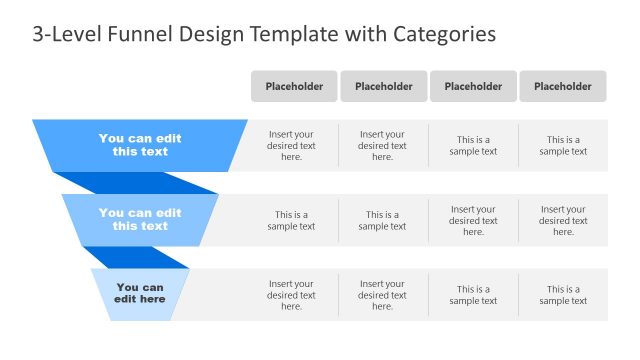
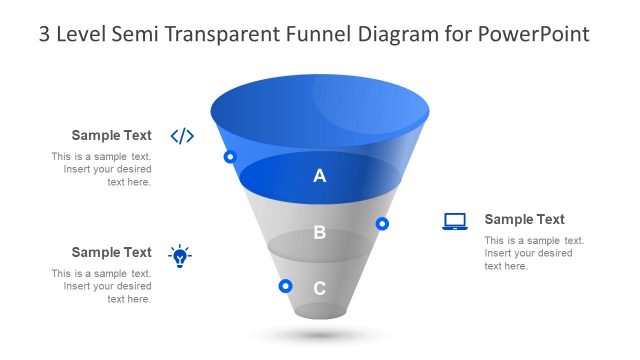
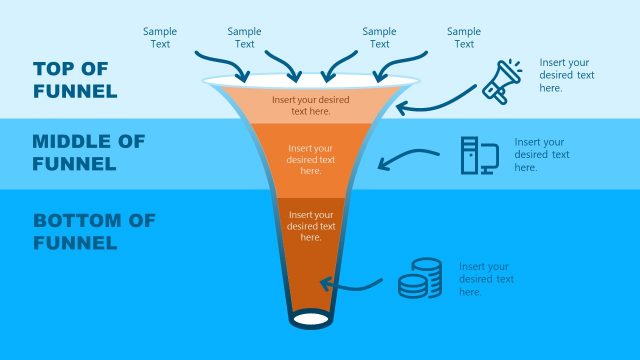
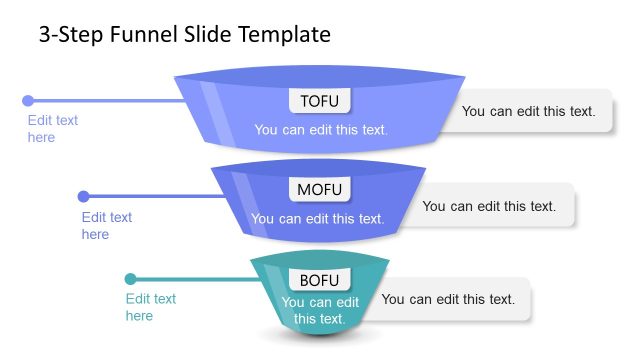
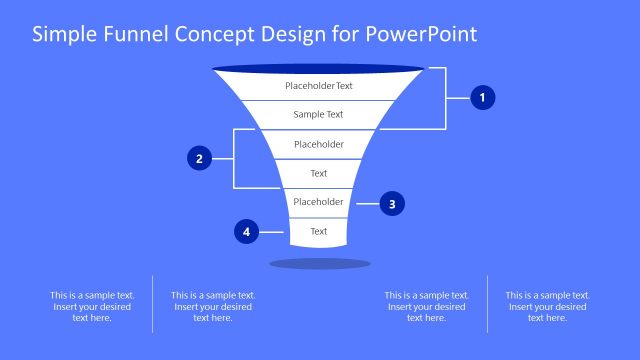
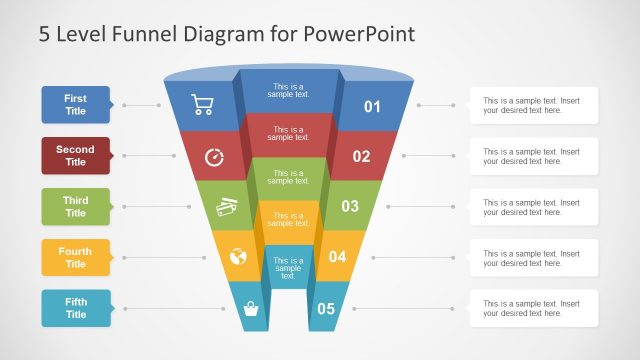
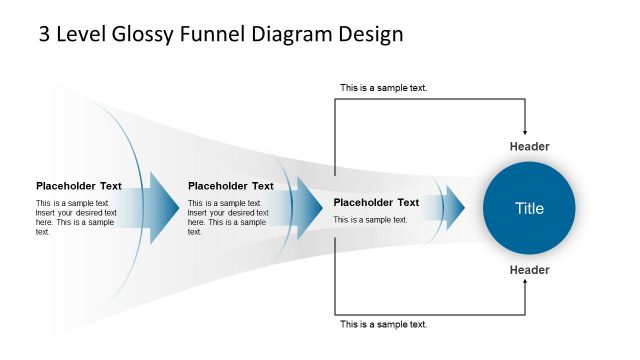
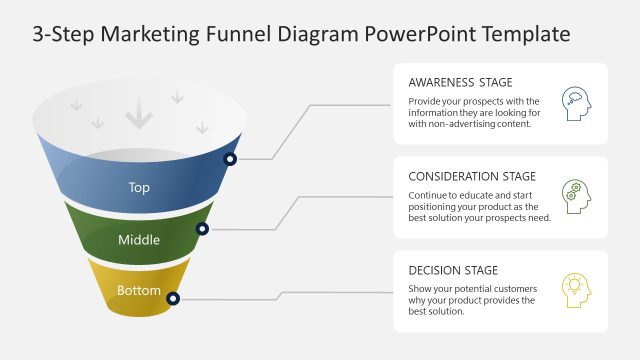
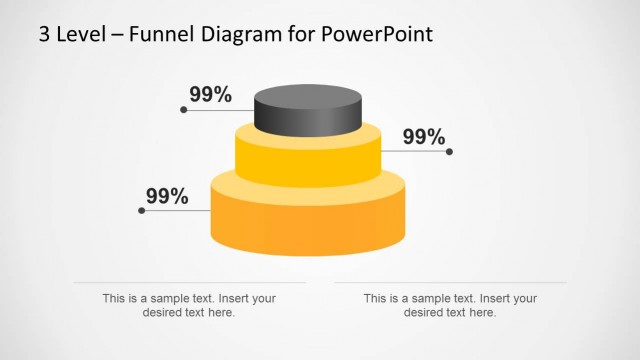
3 Level Funnel Diagram Template for PowerPoint is a presentation template with a nice funnel diagram design that you can use to prepare presentations on marketing plans with awesome marketing or sales funnel analysis slides.
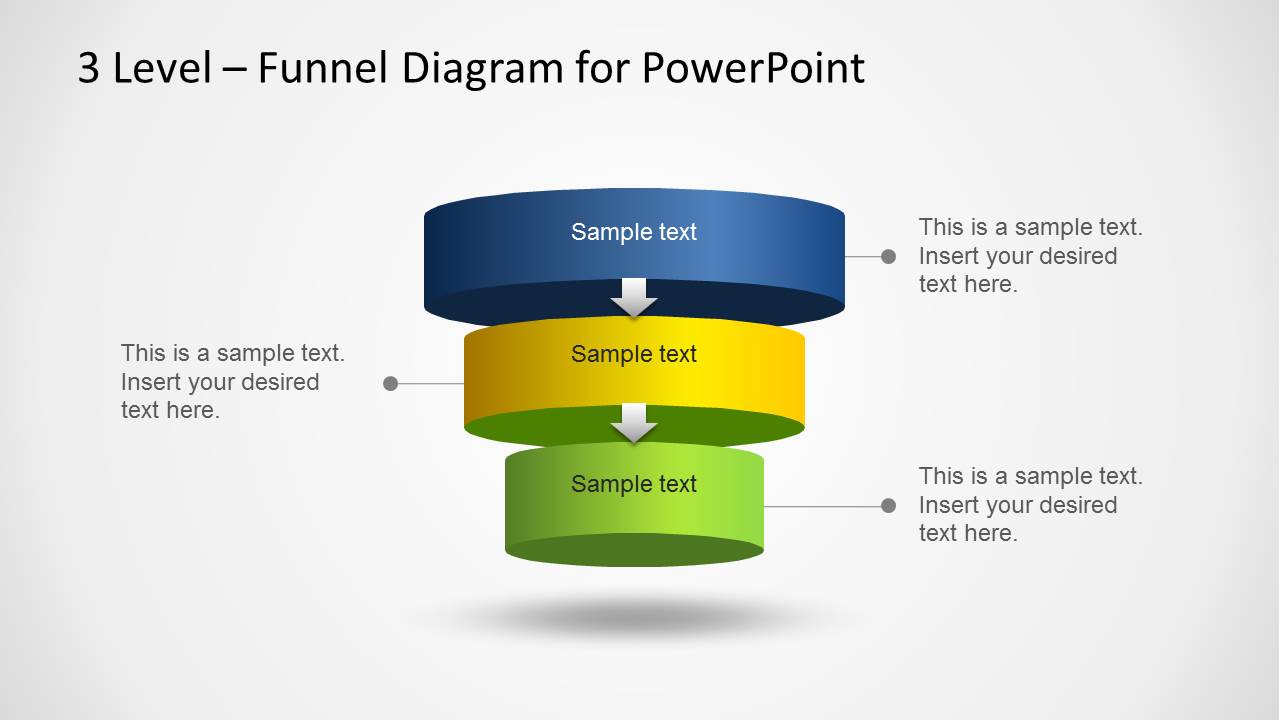
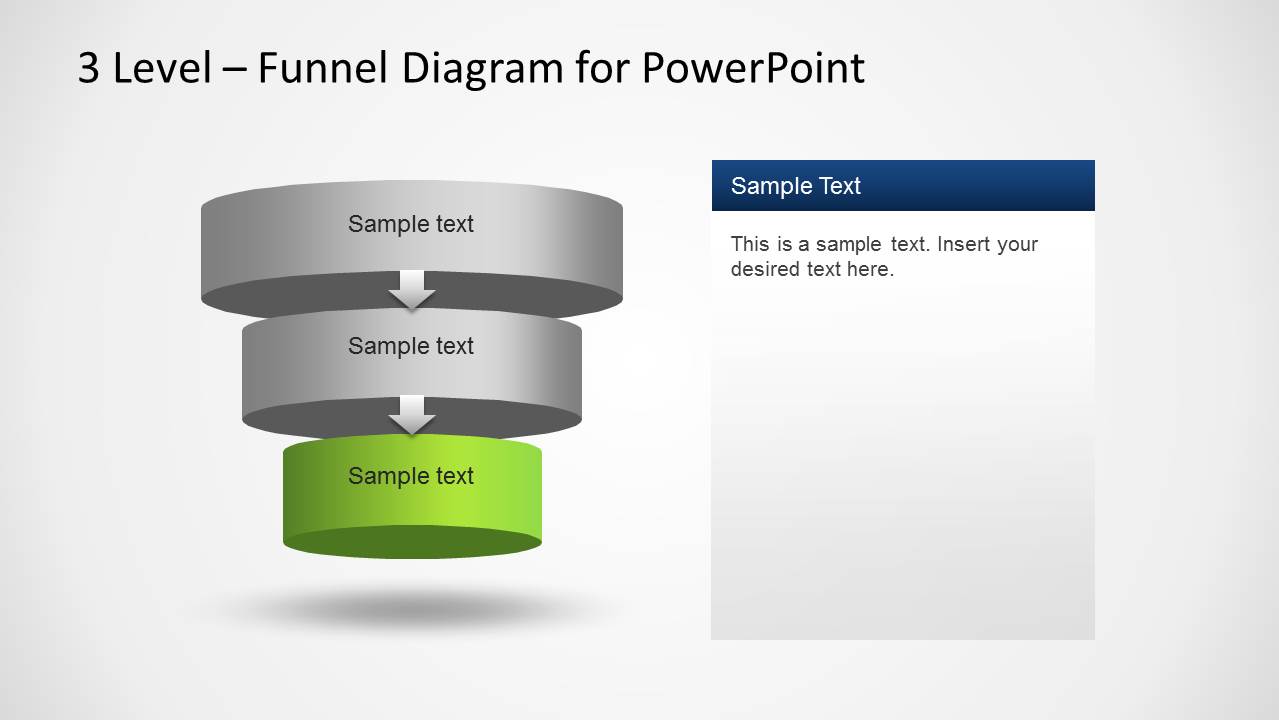
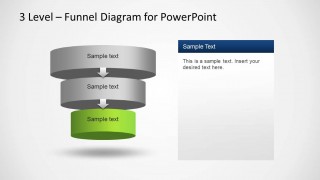
Created to be a neat and professional ppt template for presenting a process in its different steps. In several situations, a simple and clean PowerPoint template is required to explain a process. An example usage scenario would be a Marketing Manager describing the online marketing funnel to an executive audience. Three different stages of any process are Initiation, Progression and Termination. The three small cylinders show these three steps and each has a volume to explain. They are connected in the flow by the arrow heads. In the Marketing context, the Marketing Manager could explain the strategies behind Acquisition, Conversion and Retention.
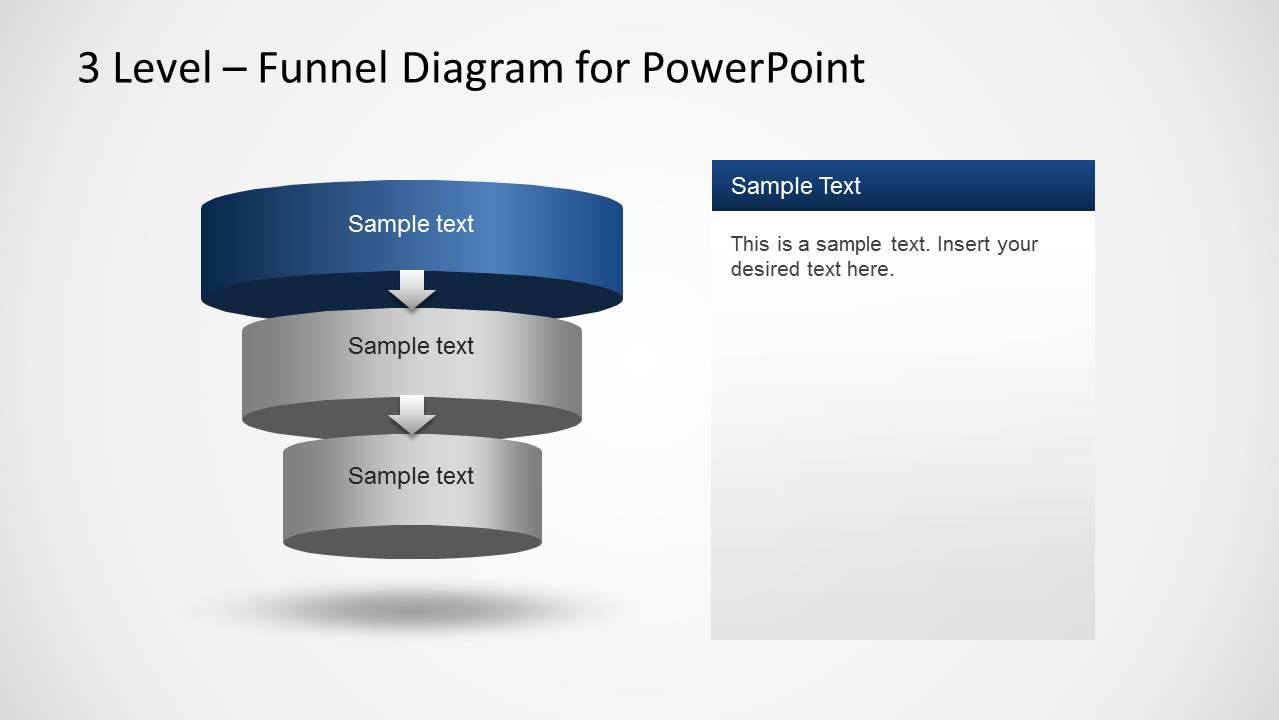
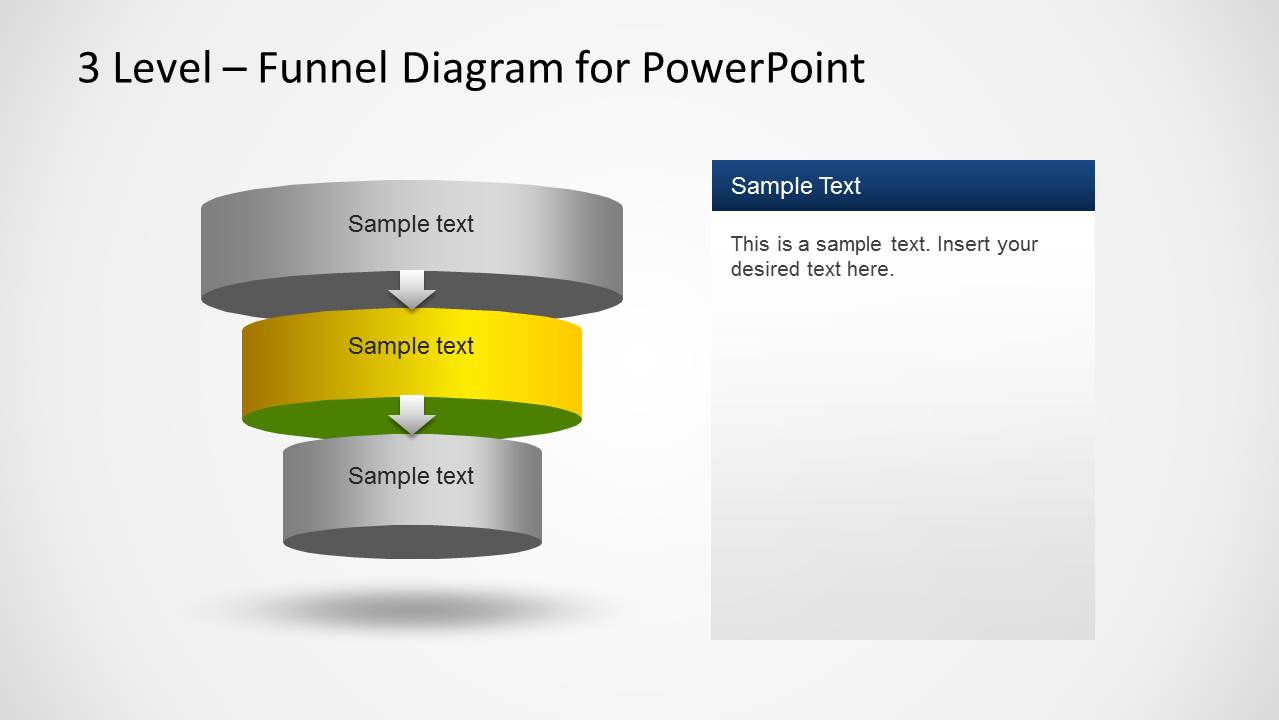
Explaining a project can be described as the art of presenting one step at a time; the 3 level process flow template for PowerPoint guides the user through the crafting of this message . Starting with an overview of the process and following with the different stages involved. Once done, the layout changes to highlight one point and fade others away. This simple effect makes it suitable for students to elaborate their projects. The first step is highlighted first and once that is done, the layout changes to highlight second one and move on to the last one once completed.
Another feature of this template is that it can also be used as an organizational chart template with the cylinders and arrows showing the flow of authority from the top management to the worker level. The order is passed on from the top management to the lower management and they distribute the work to workers and labors. The layout of the slides allows the user to add text adjacent to the level required giving the necessary explanation to convey the message clearly.
Impress your audience with the 3 Level Funnel Diagram Template for PowerPoint and create presentations that appeal to executives.
What’s inside this template
Example presentation scenarios
- A marketing manager can present an acquisition, conversion, and retention model to executives using the full three-level funnel and the stage-highlight slides.
- A sales leader can explain a simplified purchase funnel to a team by assigning the blue, yellow, and green cylinder levels to pipeline stages.
- A project manager can teach a three-phase workflow by using the overview slide first, then the focus slides to discuss responsibilities at each phase.
- A consultant can summarize a client process assessment by pairing each highlighted funnel level with the editable side text panel for findings and recommendations.
Features
- 100% editable presentation template
- Compatible with Microsoft PowerPoint and Google Slides
- Scalable vector shapes, icons and illustrations
- AI-Ready for Microsoft Copilot and Claude
- Instant access and download
Frequently asked questions
Q: How should a presenter explain the three funnel levels without overloading the audience?
A: Start with Slide 1 as the map of the full process, then use Slides 2 through 4 to discuss one level at a time. Keep each cylinder label short, such as a stage name, and place only the key explanation or decision point in the side panel so attention stays on the active level.
Q: Who is this template best suited for?
A: This template fits presenters who need to explain a simple three-stage progression rather than a detailed data model. Marketing managers, sales leaders, consultants, and project managers can use it when the goal is to make a funnel, hierarchy, or process easy to follow in a short executive or team briefing.
Q: Why does the stacked cylinder funnel metaphor work for a staged process?
A: The cylinder stack gives each stage a visible level, while the downward arrowheads show movement from one step to the next. The focus slides gray out inactive levels, which reduces visual competition and helps the audience understand that the presenter is discussing one stage inside a larger connected system.
3 Level Funnel Diagram Template for PowerPoint
4-slide PowerPoint diagram template for three-level sales funnel and process flow presentations
This is a 4-slide PowerPoint diagram template for explaining a three-step funnel or staged process. It includes a full 3D cylinder funnel with callout labels, plus three focus slides that gray out other levels and highlight the top, middle, or bottom stage for sales, marketing, project, or operations presenters.


 Loading...
 Microsoft PowerPoint
  Microsoft Copilot
  Claude for PowerPoint
 Other formats supported
Subscribe today and get immediate
access to download our PowerPoint templates.