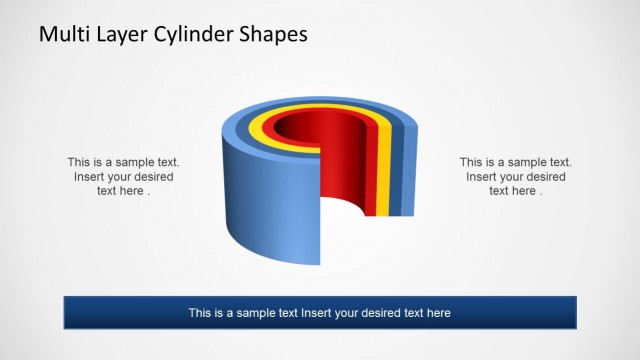
3D Cylinder Shapes for PowerPoint lets you create awesome diagrams for your presentations. This 3D template for PowerPoint comes with vibrant slide designs that are easy on the eyes and can help you present complex models in an easy to grasp format.
The slide designs in this template are easy to customize and the scope of customization can be very little to highly complex depending upon the preferences of the presenter.
Alternatively you can download other cylinder PowerPoint templates like the 3D Cylinder template for PowerPoint.
What’s inside this template
Example presentation scenarios
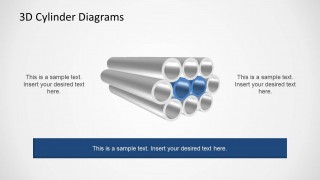
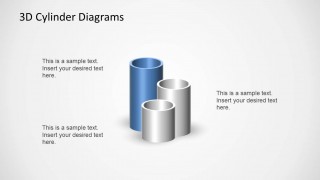
- An engineering presenter can use the pipeline bundle layout to explain grouped conduits, process channels, or infrastructure components in a technical overview.
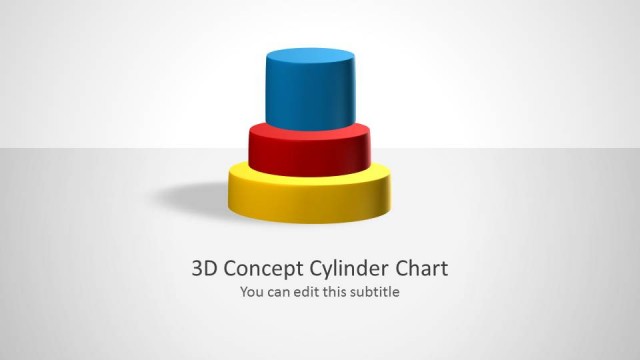
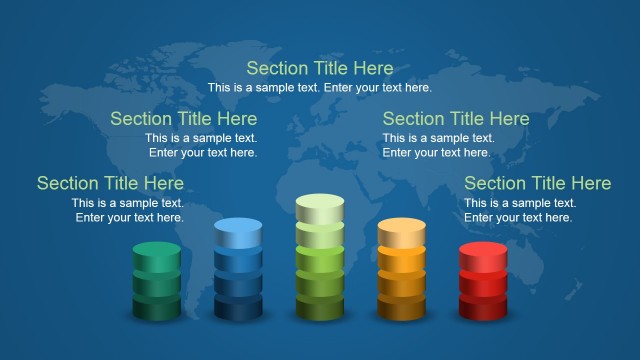
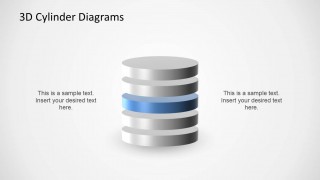
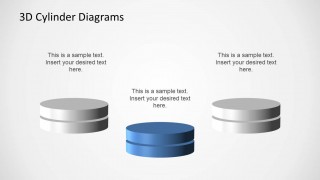
- An operations manager can use the stacked cylinder layer diagram to show capacity, storage levels, database tiers, or sequential operational layers.
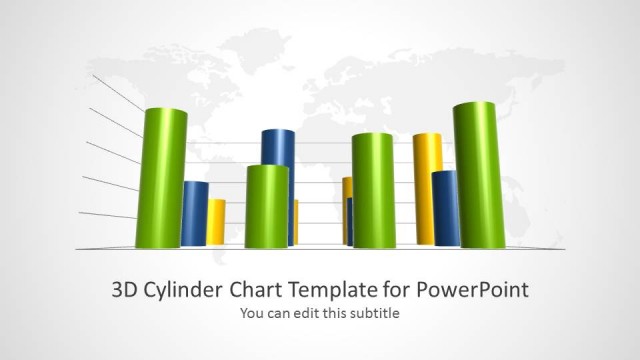
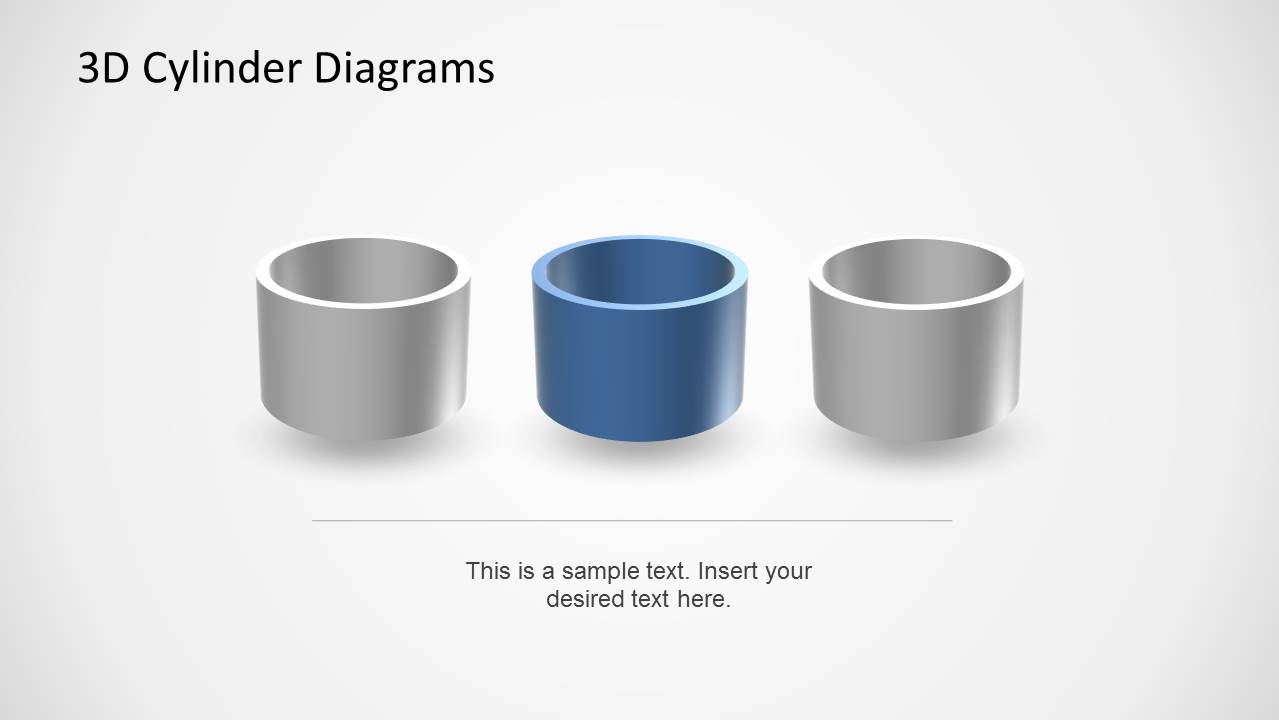
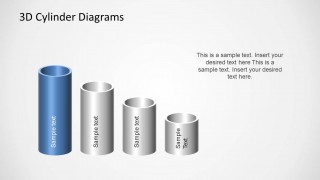
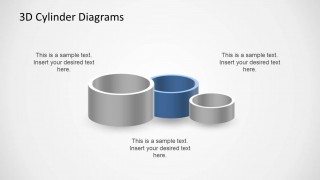
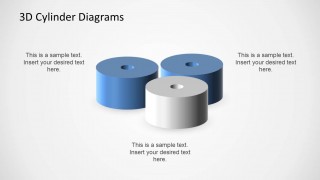
- A consultant can use the vertical cylinder comparison layouts to compare component sizes, maturity levels, volumes, or priority groups in a client presentation.
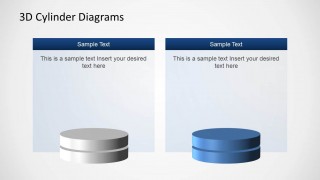
- A technology trainer can use the two-column content card slide to compare two concepts while keeping the cylinder metaphor tied to each explanation.
Features
- 100% editable presentation template
- Compatible with Microsoft PowerPoint
- 16:9 aspect ratio slides
- Scalable vector shapes, icons and illustrations
- AI-Ready for Microsoft Copilot and Claude
- Instant access and download
Frequently asked questions
Q: How should a presenter choose the right cylinder layout for the message?
A: Start by naming the relationship you need to explain. Use the pipeline bundle for flow, grouping, or connected infrastructure. Use the stacked cylinder diagram for layers, capacity, or database-like structure. Use the vertical cylinder comparison slides when differences in height, scale, or priority are the main point.
Q: Who gets the most value from this 3D cylinder template?
A: This template fits presenters who need to explain abstract technical or operational ideas without showing detailed engineering drawings. Consultants, engineers, operations leaders, and technology teams can use the cylinder shapes to simplify discussions about pipelines, storage, components, layers, and grouped resources for a business audience.
Q: Why use cylinders as the main visual metaphor?
A: Cylinders suggest volume, containers, pipes, stacks, and modules, so they work well for concepts involving capacity, flow, storage, or grouped components. The 3D styling gives each object weight and separation, helping the audience distinguish parts of a system without needing dense labels or complex schematics.


3D Cylinder Shapes for PowerPoint
10-slide PowerPoint presentation template with 3D cylinders, pipeline bundles, and stack diagrams
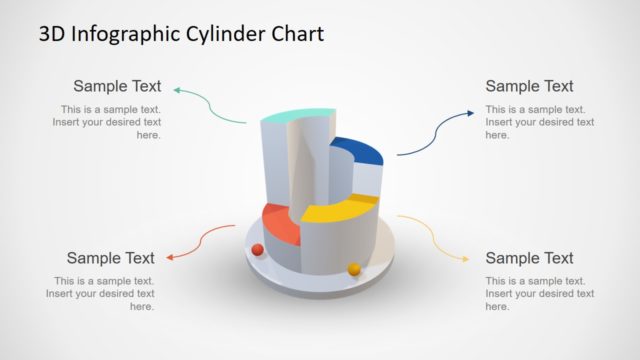
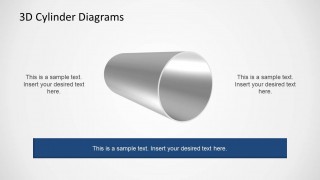
3D Cylinder Shapes for PowerPoint is a 10-slide presentation template for building conceptual geometry diagrams in Microsoft PowerPoint. It includes single cylinder views, pipeline bundles, stacked cylinder database forms, comparative cylinder groups, and two-panel content cards for presenters explaining systems, capacity, processes, or component relationships.
- Category
- Shapes
- Rating


 Loading...
- Aspect ratio
- 16:9
- Item ID
- 6420-01
- Colors
 Microsoft PowerPoint
  Microsoft Copilot
  Claude for PowerPoint
 Other formats supported
Subscribe today and get immediate
access to download our PowerPoint templates.