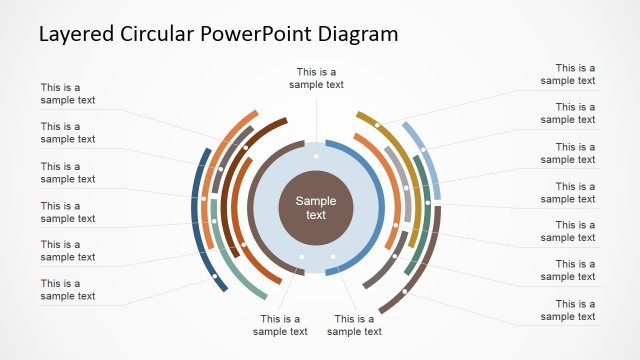
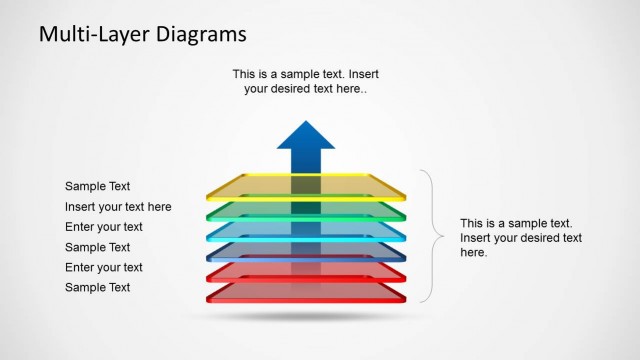
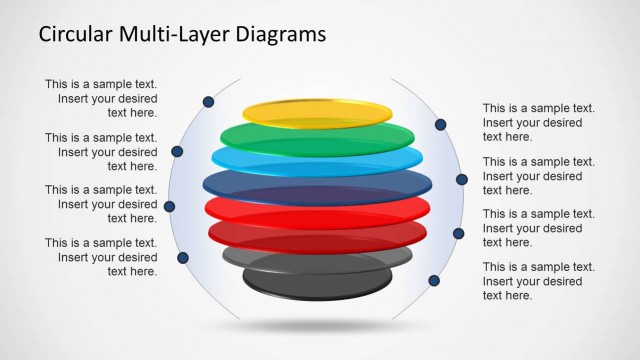
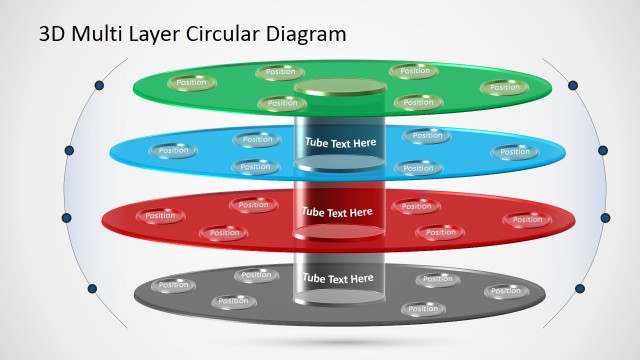
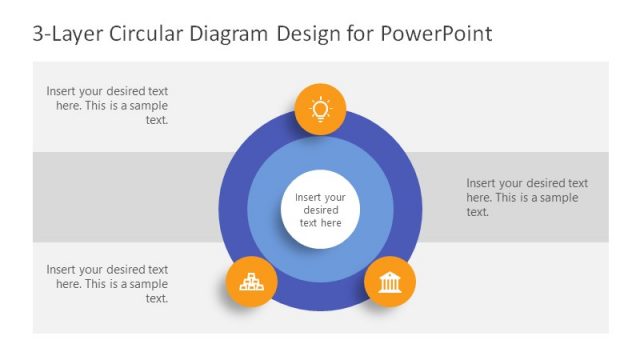
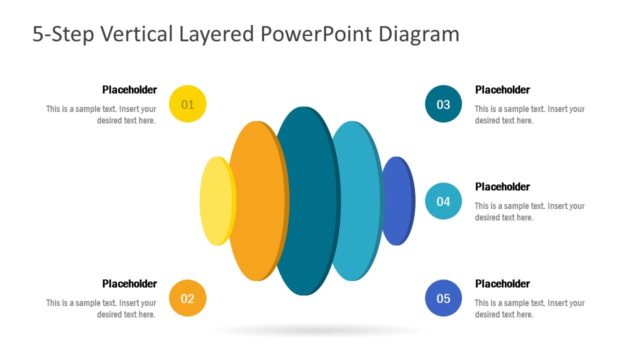
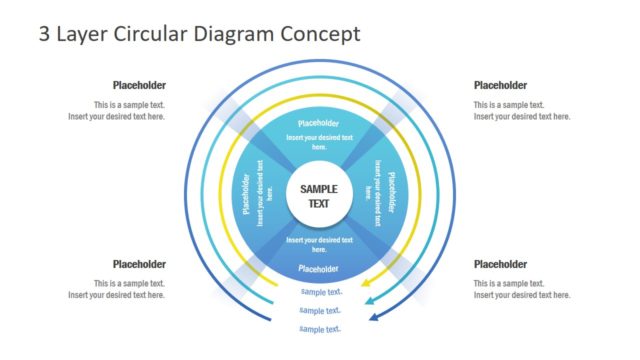
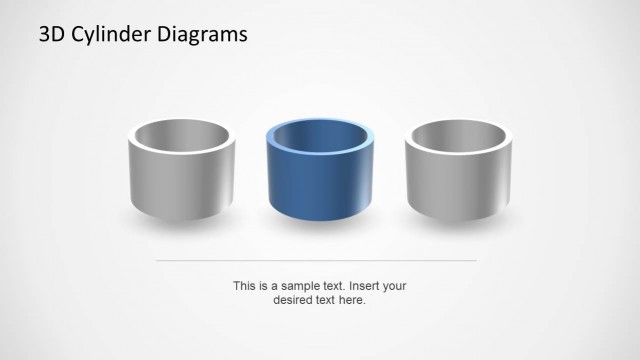
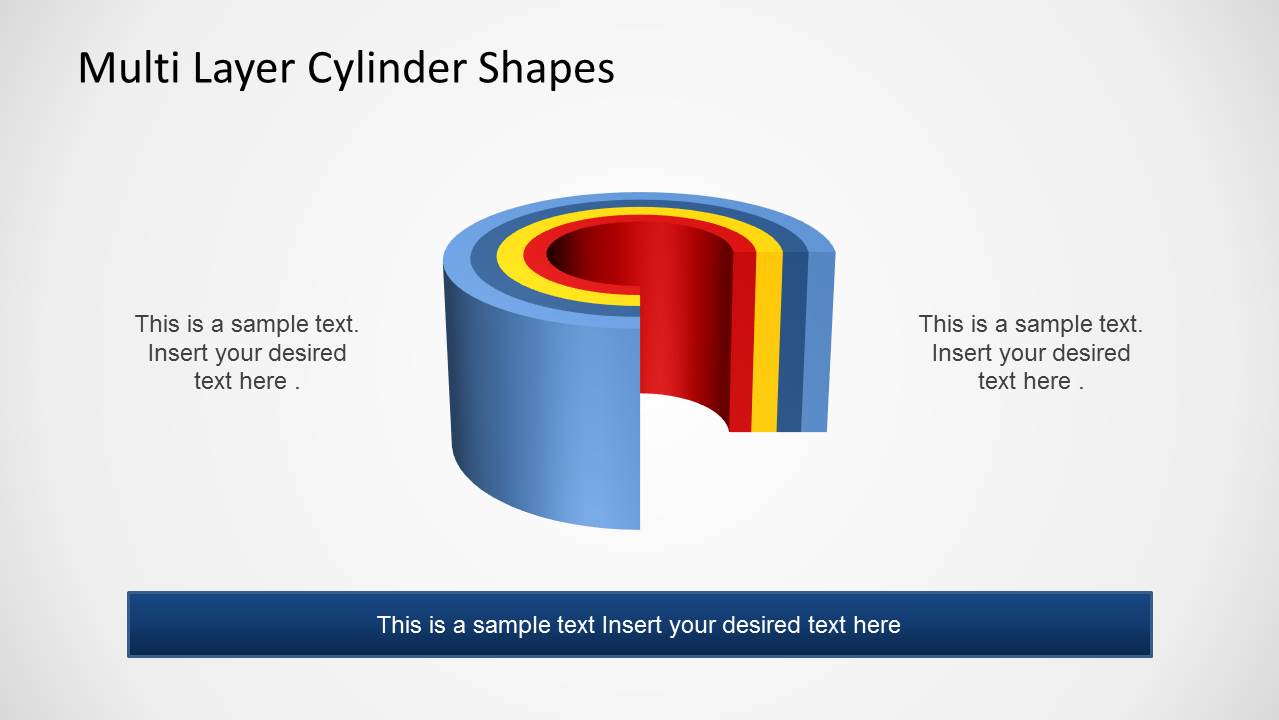
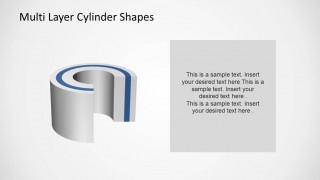
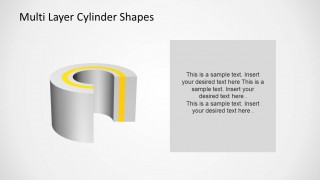
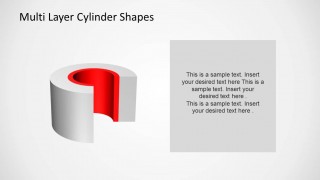
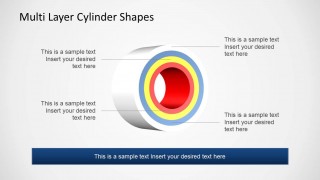
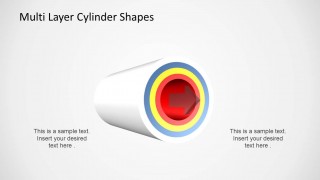
Layered Cylinder Diagrams for PowerPoint is a presentation that contains editable figures of concentric cylinders as a cutaway diagram for PowerPoint. Each layer is editable, enabling the user to customize colors and size. The layered appearance is ideal for presenting processes or self contained content.
The template contains individual layer slides and summary slides showing each layer inside the other. Impress your audience with this professional PowerPoint template. Alternatively you can download other creative slide designs and presentation templates for Microsoft Office & PowerPoint.
What’s inside this template
Example presentation scenarios
- A product manager can present a layered product architecture by using the overview cutaway cylinder to show how the outer layer, middle layers, and core component relate.
- A cybersecurity presenter can explain defense-in-depth by assigning each cylinder ring to a security control and using the cross-section callouts to describe responsibilities.
- An operations consultant can map a multi-stage process by using the separate cylinder components slide to compare each layer before showing how they fit into the full system.
- A technical trainer can introduce a complex system with the full multi-layer cylinder, then move through the individual cutaway slides to explain one layer at a time.
Features
- 100% editable presentation template
- Compatible with Microsoft PowerPoint and Google Slides
- 16:9 aspect ratio slides
- Scalable vector shapes, icons and illustrations
- AI-Ready for Microsoft Copilot and Claude
- Instant access and download
Frequently asked questions
Q: How should a presenter explain a layered model with this template?
A: Start with the full cutaway cylinder so the audience sees the complete structure before naming individual layers. Then use the focused layer slides to explain one ring at a time. Close with the horizontal cross-section or separated cylinders when you need to compare responsibilities, dependencies, or boundaries between the layers.
Q: Who is this template best suited for?
A: This template fits presenters who need to make invisible structure visible, such as consultants, product managers, engineers, trainers, or cybersecurity teams. It is especially useful when a simple list would hide the relationship between outer protections, middle stages, and a central core or outcome.
Q: Why use a cylinder metaphor instead of a flat stacked diagram?
A: The cylinder metaphor suggests containment, depth, and protection, which helps audiences understand that each layer wraps around or supports another layer. The cutaway view exposes the inside without losing the sense of a complete system, making it easier to discuss hierarchy, dependencies, and core components in one visual.


Layered Cylinder Diagrams for PowerPoint
8-slide presentation template with layered cylinder diagrams, cutaway views, and multi-layer process visuals
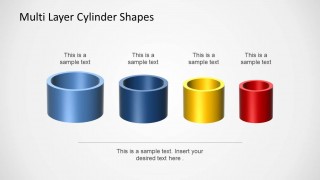
Layered Cylinder Diagrams for PowerPoint is an 8-slide diagram template for showing nested systems, process layers, or component structures. The deck includes cutaway cylinder views, isolated layer slides, horizontal pipe cross-sections, and separate cylinder components for comparison. It is built for business, technical, and training presenters using Microsoft PowerPoint or Google Slides.
- Category
- Diagrams
- Rating


 Loading...
- Aspect ratio
- 16:9
- Item ID
- 6423-01
- Colors
 Microsoft PowerPoint
  Microsoft Copilot
  Claude for PowerPoint
 Other formats supported
Subscribe today and get immediate
access to download our PowerPoint templates.