Slide 3 of 5 from 3D Concept Cubes for PowerPoint
6018-3d-concept-cubes-powerpoint-3
3D Group Cubes for Presentations
- Diagram
- Comparison Split
- Comparison Slide
- 16:9
- 100% Editable
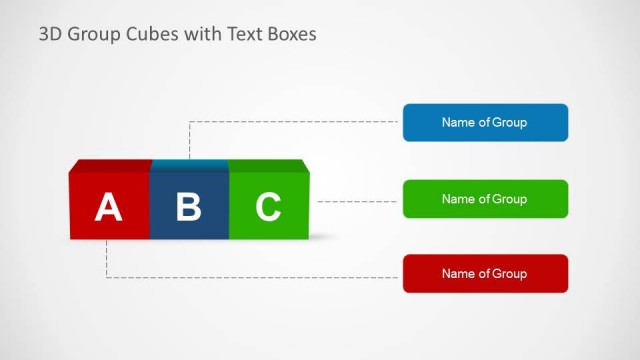
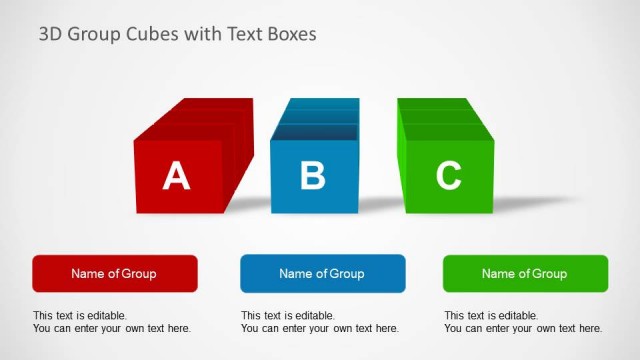
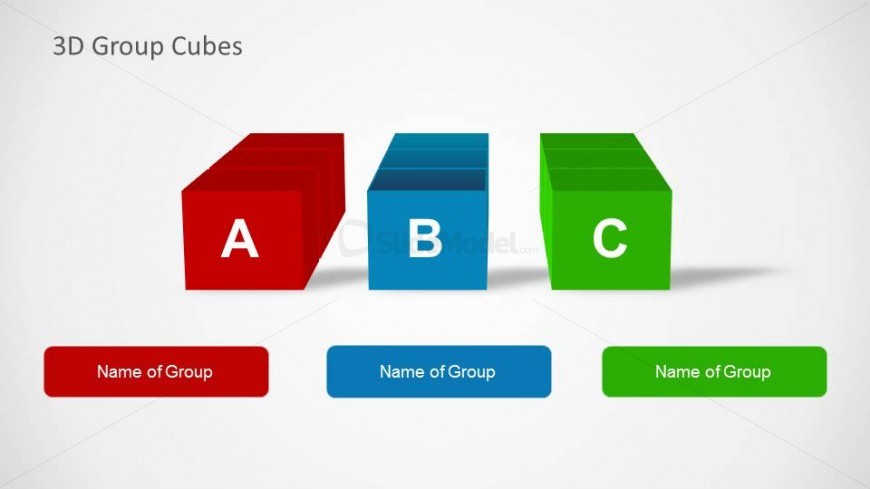
The 3D Group Cubes slide from the 3D Concept Cubes for PowerPoint template offers a clear visual comparison tool using three distinct colored cubes. Ideal for business presentations, this slide layout supports group categorization, product comparison, or team structure explanations with editable shapes and placeholders for descriptive text. Its design enhances clarity in corporate presentations and pitch decks by emphasizing dimensionality and color-coded differentiation.
What’s on This Slide
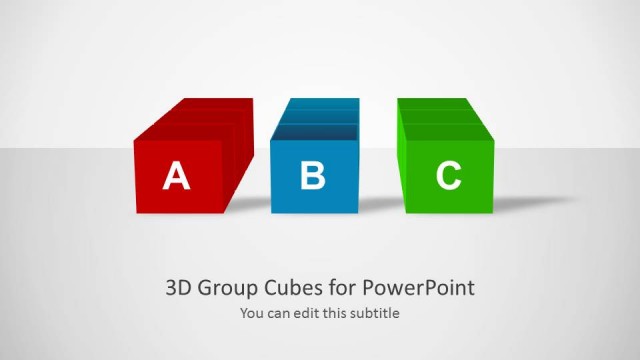
The layout features three 3D cubes arranged horizontally. The left cube is red, labeled 'A,' the center cube is blue, labeled 'B,' and the right cube is green, labeled 'C.' Below each cube, there are rectangular placeholders for text, aligned centrally, labeled 'Name of Group.' The background is light gray, providing contrast to the colorful cubes. The overall composition emphasizes the cubes' dimensions, with a slight shadow effect enhancing their 3D appearance. The title '3D Group Cubes' is positioned at the top center, establishing the slide's theme.
How to Use It
This layout serves to categorize or compare three distinct groups using 3D visual elements. It fits well in a presentation sequence after introducing a concept, allowing for a clear visual representation of grouped ideas. Business scenarios include product categorization, team structures, or project phases. Each cube can represent a different category, making it suitable for discussions in marketing, project management, or educational contexts where visual differentiation is essential.
Text Placeholders & Capacity
Keep your copy within these limits so it fits without resizing. Node labels can hold about 10 characters each, while group names can fit around 15 characters.
| Placeholder | Count | Max characters (approx.) |
|---|---|---|
| Slide title | 1 | 20 |
| Item heading | 3 | 10 |
| Cell | 3 | 15 |
Slide Keywords
Download unlimited PowerPoint templates, charts and graphics for your presentations with our annual plan.
DOWNLOADReturn to 3D Concept Cubes for PowerPoint.