Slide 1 of 5 from 3D Concept Cubes for PowerPoint
6018-3d-concept-cubes-powerpoint-1
3D Group Cubes for PowerPoint
- Diagram
- Other
- Context Slide
- 16:9
- 100% Editable
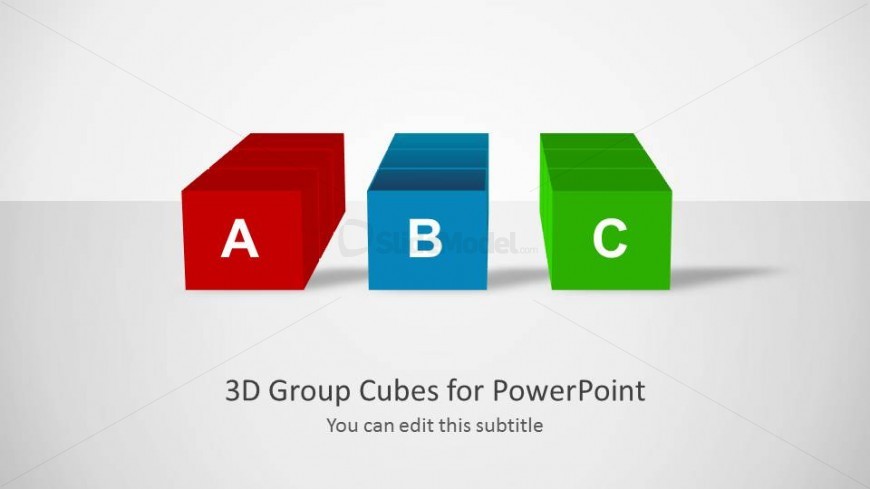
The 3D Group Cubes slide from the 3D Concept Cubes for PowerPoint template offers a clear visual method to introduce grouped ideas or categories. This slide layout uses editable shapes and vector icons to emphasize distinct concepts, making it suitable for corporate presentations and business presentation slide decks. Its design supports effective communication of product features, project phases, or strategic initiatives within professional slide templates.
What’s on This Slide
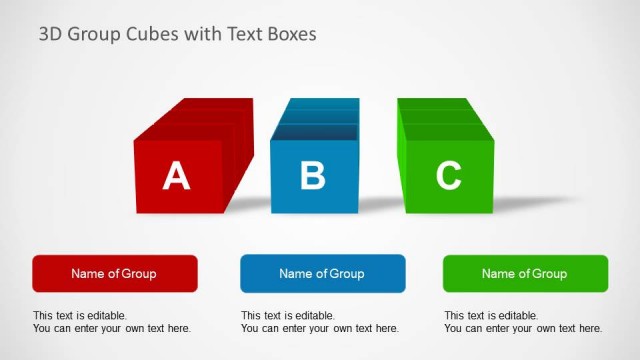
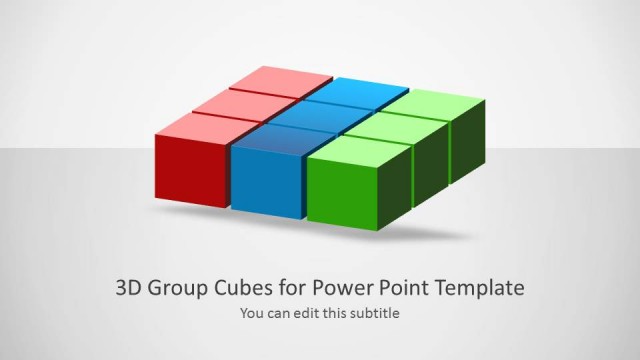
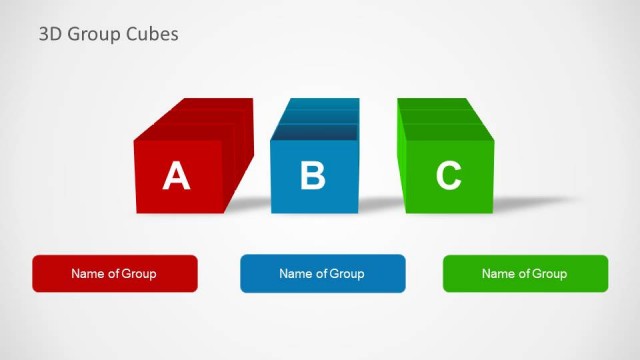
The slide features three 3D cubes arranged horizontally. The left cube is red with the label 'A', the center cube is blue with the label 'B', and the right cube is green with the label 'C'. Each cube has a flat top and a slight perspective to emphasize depth. Below the cubes, there is a title placeholder centered at the bottom, stating '3D Group Cubes for PowerPoint', along with a subtitle placeholder that reads 'You can edit this subtitle'. The background is a light gradient, enhancing the visibility of the cubes.
How to Use It
This layout serves as an introductory slide to present grouped concepts or categories. It is suitable for a presentation sequence that begins with an overview or introduction, followed by detailed explanations of each cube's content. This structure is effective in business scenarios where distinct categories need to be highlighted, such as product features, project phases, or strategic initiatives. It can also be used to compare different options or ideas visually.
Text Placeholders & Capacity
Keep your copy within these limits so it fits without resizing. Title and subtitle slots can accommodate concise text, roughly 6-10 words each.
| Placeholder | Count | Max characters (approx.) |
|---|---|---|
| Slide title | 1 | 30 |
| Subtitle | 1 | 40 |
| Item heading | 3 | 1 |
Slide Keywords
Download unlimited PowerPoint templates, charts and graphics for your presentations with our annual plan.
DOWNLOADReturn to 3D Concept Cubes for PowerPoint.