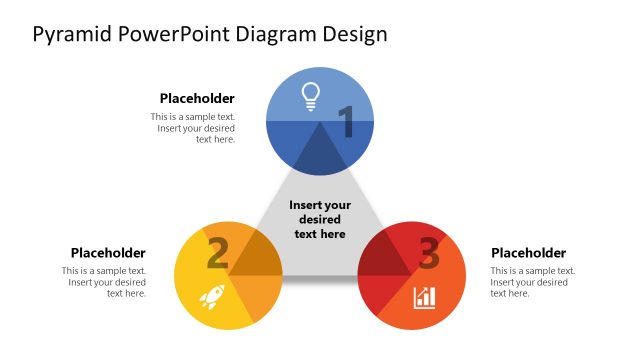
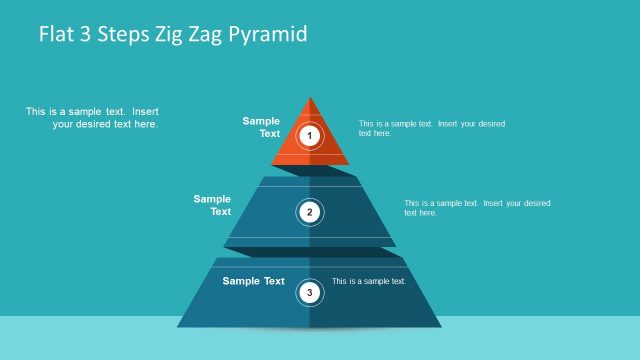
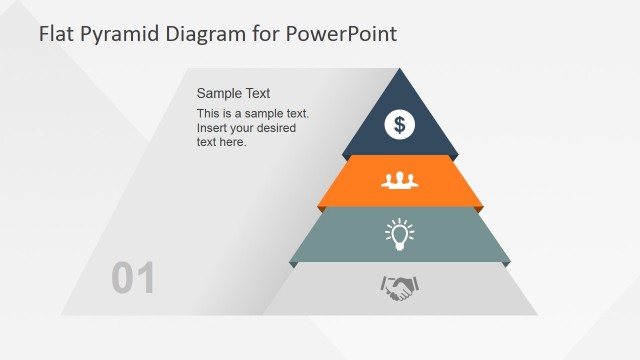
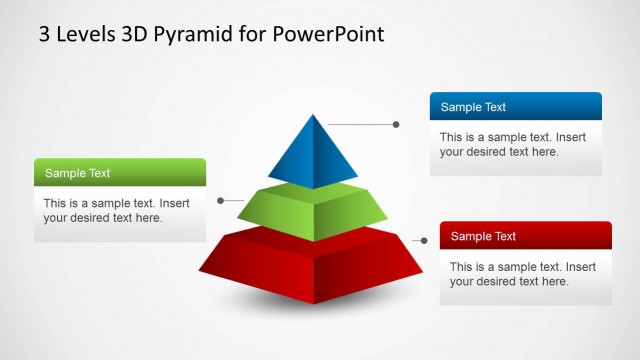
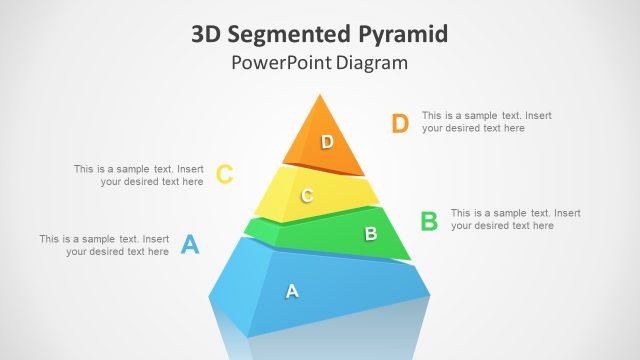
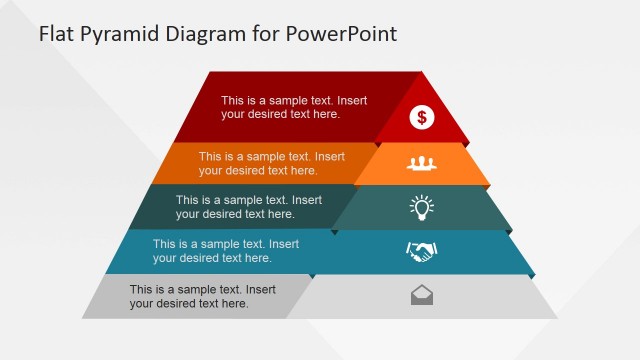
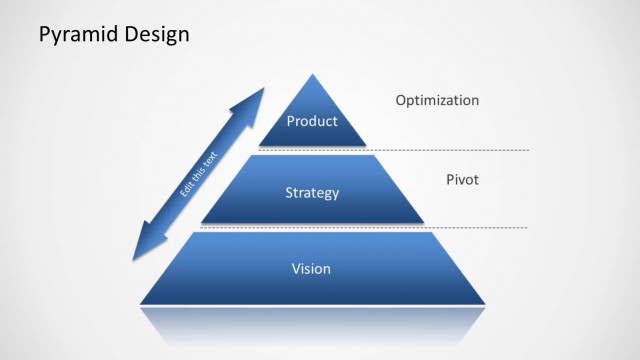
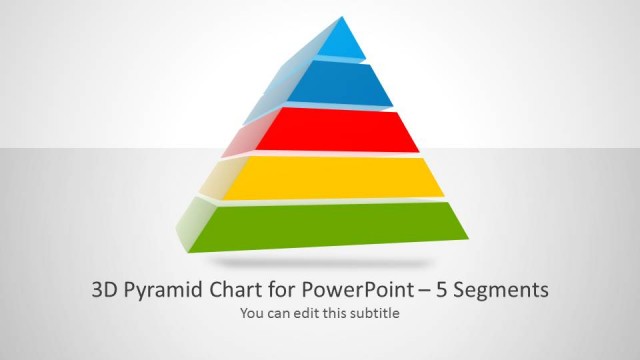
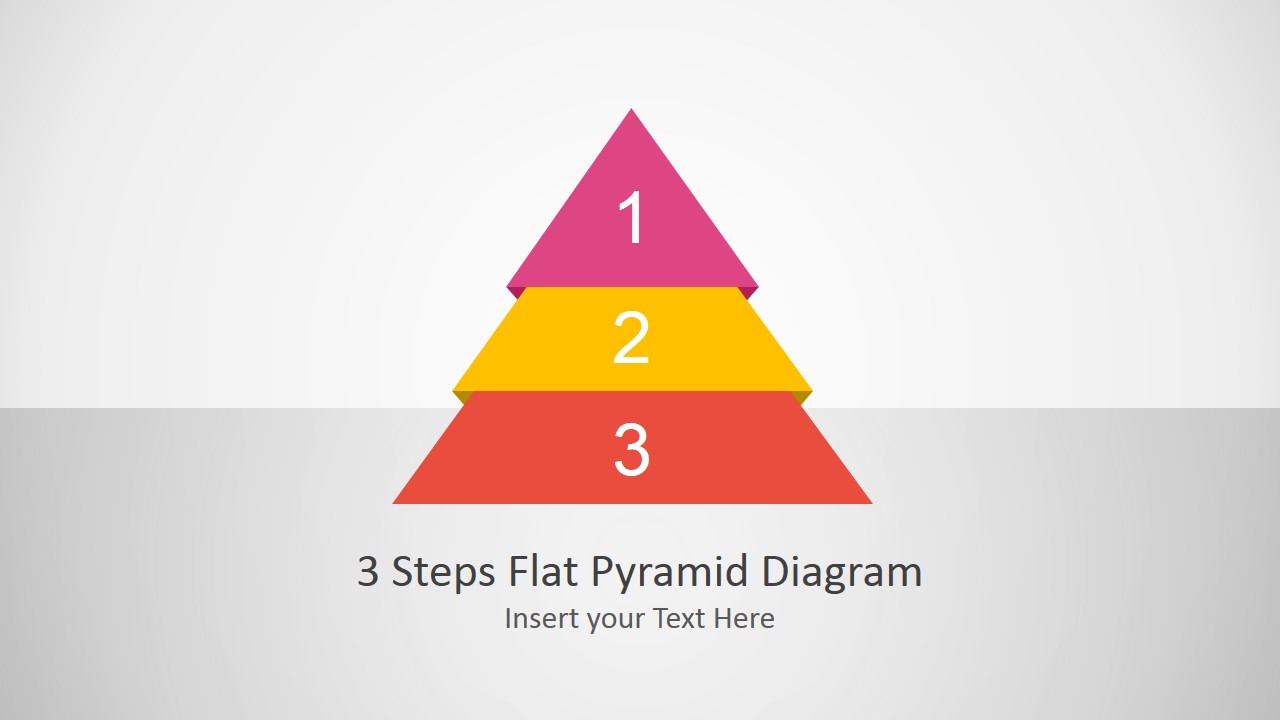
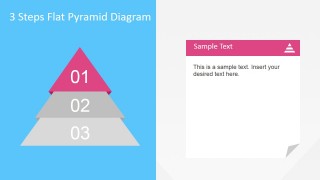
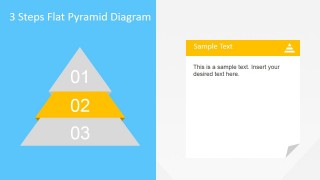
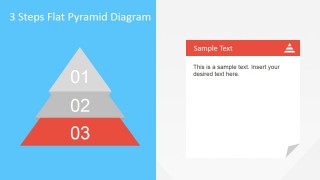
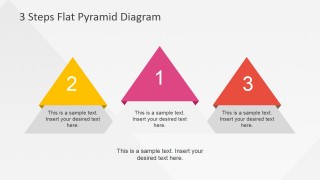
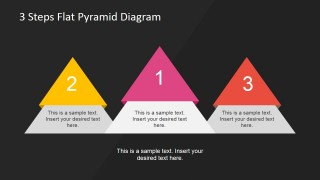
3 Steps Flat Pyramid Diagram template for PowerPoint is a modern presentation with a flexible Pyramid Diagram. The Pyramid is created with 3 Steps represented, each with a Pyramid Section. All the objects of this presentation are created as PowerPoint Shapes, allowing full customization of the pyramid template design. The 3 Steps Flat Pyramid Diagram can be used in table of content, during the definition of a 3 steps process, or even in describing layered models.
The flat design consists of a 3D model using flat shapes, lighting effects, and perspective drawing. 3D effects are not used in this design. This pyramid template is also compatible with Google Slides.
Impress your audience with this professional 3 Steps Flat Pyramid Diagram that appeals to global audiences.
What’s inside this template
Example presentation scenarios
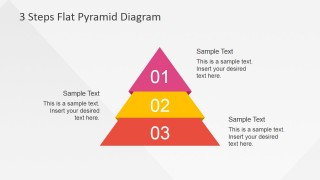
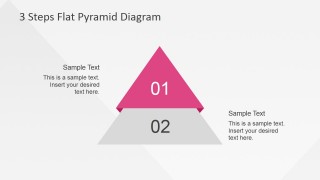
- A consultant can use the annotated pyramid to explain three layers of a strategy model and add callout text for the business meaning of each level.
- A product manager can use the split text-card layouts to present three roadmap priorities, highlighting one pyramid segment at a time while keeping supporting notes visible.
- A trainer can use the title pyramid as a module opener and the three mini pyramid modules to summarize separate learning steps at the end of a lesson.
- An executive presenter can use the highlighted pyramid variants to compare top, middle, and base priorities during a planning or operating model discussion.
Features
- 100% editable presentation template
- Compatible with Microsoft PowerPoint and Google Slides
- 16:9 aspect ratio slides
- Scalable vector shapes, icons and illustrations
- AI-Ready for Microsoft Copilot and Claude
- Instant access and download
Frequently asked questions
Q: How should I present a three-step process with this pyramid without overcrowding the slide?
A: Treat each pyramid level as one clear idea, not a paragraph. Use the full pyramid slide to introduce the complete structure, then move to the highlighted segment slides to explain one level at a time. Keep the text cards short and use the surrounding callouts for context, examples, or decisions tied to each stage.
Q: Which presentation situations fit this template best?
A: This template fits short business explanations where three ranked items must be understood quickly: strategy pillars, capability levels, priority tiers, training stages, or maturity steps. It is strongest for consultants, managers, and trainers who need a visual hierarchy rather than a detailed report or spreadsheet-style comparison.
Q: Why use a pyramid metaphor instead of a simple numbered list?
A: A pyramid shows order, dependency, and relative position in one visual. The base can represent foundation or scale, the middle can represent development, and the top can represent the highest priority or outcome. The highlighted segment variations help the presenter focus attention while preserving the audience's memory of the full model.


3 Steps Flat Pyramid Diagram Template for PowerPoint
8-slide pyramid diagram presentation template for three-step processes, layers, and priority models
The 3 Steps Flat Pyramid Diagram Template for PowerPoint is an 8-slide diagram template for explaining ranked layers, process stages, or priorities. It includes a title pyramid, annotated 3-level pyramid, split text-card layouts, highlighted-step variants, and three separate pyramid modules. Built for Microsoft PowerPoint and Google Slides.
- Category
- Diagrams
- Rating


 Loading...
- Aspect ratio
- 16:9, 4:3
- Item ID
- 6643-02
- Colors
 Microsoft PowerPoint
  Microsoft Copilot
  Claude for PowerPoint
 Other formats supported
Subscribe today and get immediate
access to download our PowerPoint templates.