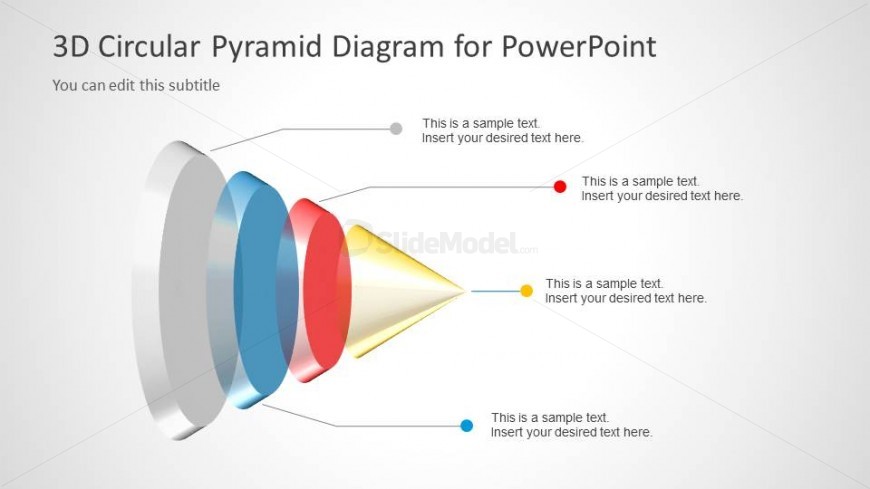
Slide 4 of 5 from 3D Circular Pyramid Diagram for PowerPoint
6089-02-3d-circular-pyramid-diagram-4
3D Circular Pyramid Diagram for Presentations
- Diagram
- Other
- Concept Explanation Slide
- 16:9
- 100% Editable
The 3D Circular Pyramid Diagram slide from the 3D Circular Pyramid Diagram for PowerPoint template offers a clear visual tool for presenting hierarchical data and processes. This slide layout includes editable shapes and vector icons that enhance clarity when showcasing product features or business strategies. Ideal for corporate presentations and pitch deck templates, it integrates seamlessly with other slide templates to support detailed analysis and structured communication.
What’s on This Slide
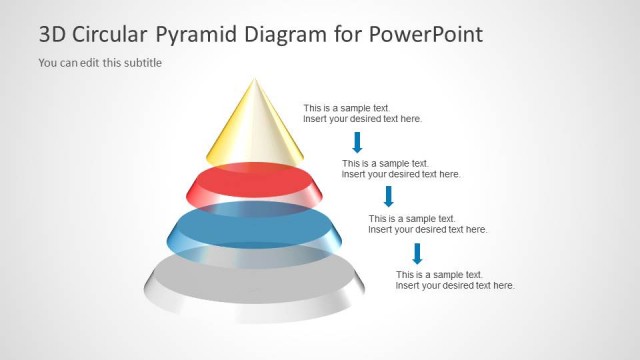
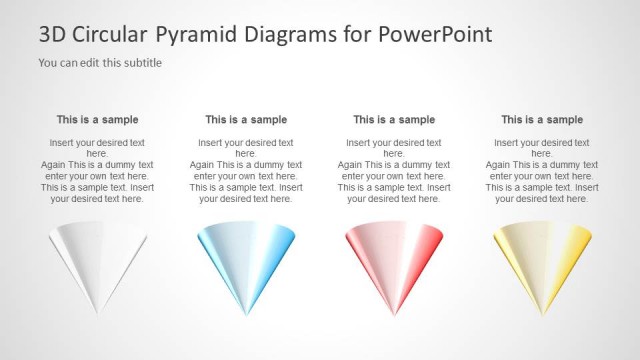
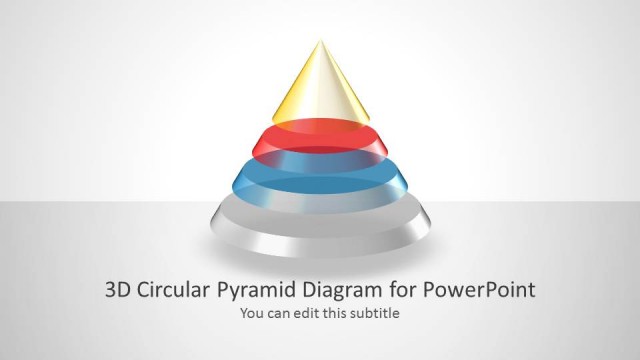
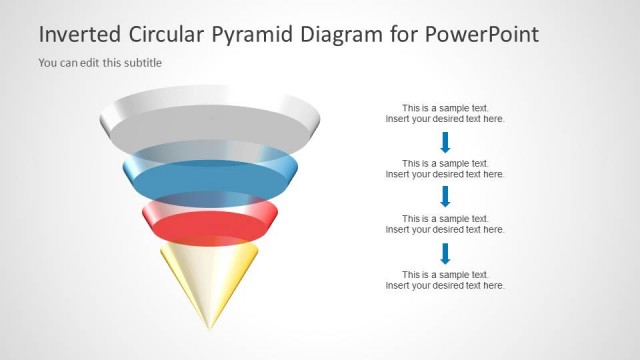
The layout features a 3D circular pyramid diagram positioned centrally. The pyramid is segmented into three colored layers: blue, red, and yellow, with a smooth gradient effect. Each segment has a corresponding text placeholder aligned to the right, with connecting lines pointing from the pyramid to the text. The top of the pyramid is pointed, while the base is wider, creating a conical shape. There are additional text placeholders above and below the diagram for a title and subtitle. The background is light gray, enhancing the pyramid's visibility.
How to Use It
This layout serves as a visual representation of hierarchical or segmented data, making it suitable for illustrating concepts like processes, strategies, or frameworks. It fits well in a presentation sequence after introducing a problem or concept, leading into detailed analysis or solutions. Common business scenarios include presenting project phases, product features, or organizational structures. It can be used individually to highlight specific aspects of a broader topic.
Text Placeholders & Capacity
Keep your copy within these limits so it fits without resizing. Text slots are moderate, roughly 8-10 words each.
| Placeholder | Count | Max characters (approx.) |
|---|---|---|
| Slide title | 1 | 40 |
| Subtitle | 1 | 40 |
| Item body | 3 | 50 |
Slide Keywords
Download unlimited PowerPoint templates, charts and graphics for your presentations with our annual plan.
DOWNLOADReturn to 3D Circular Pyramid Diagram for PowerPoint.