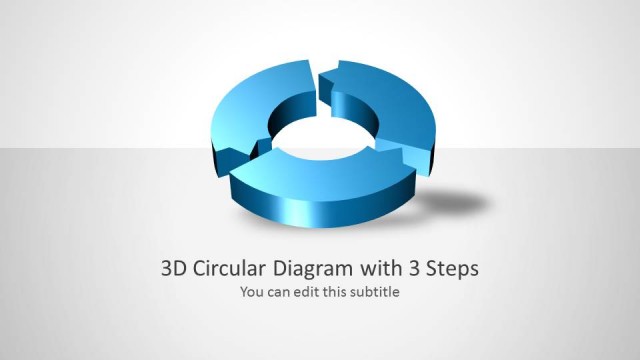
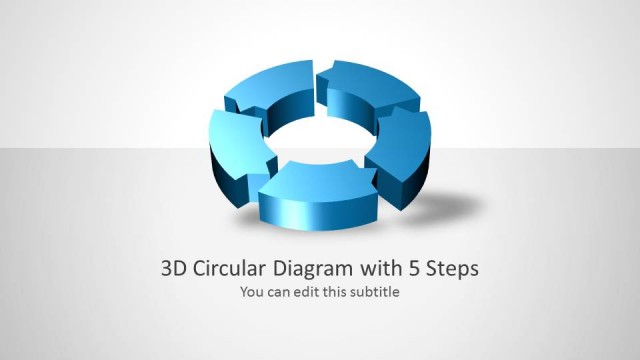
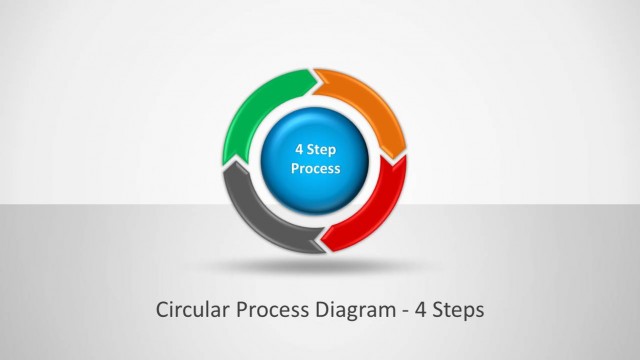
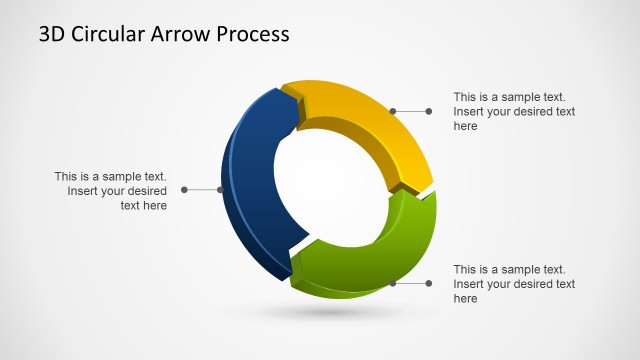
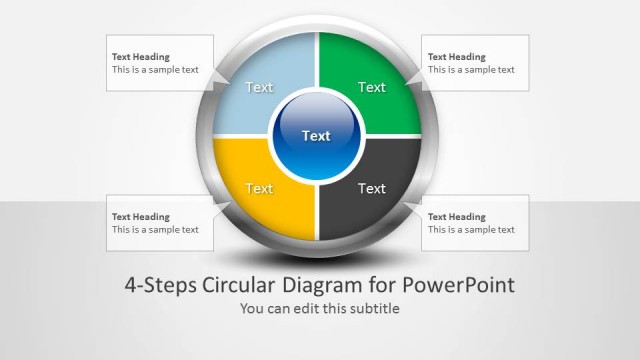
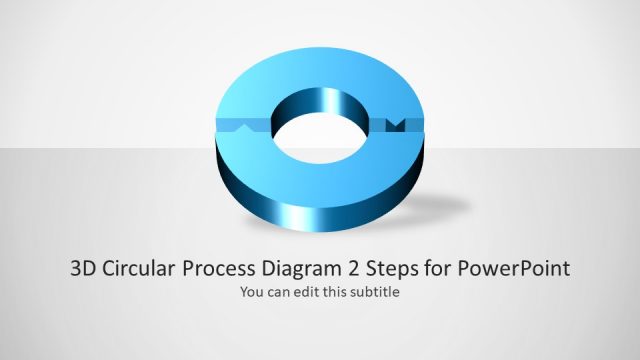
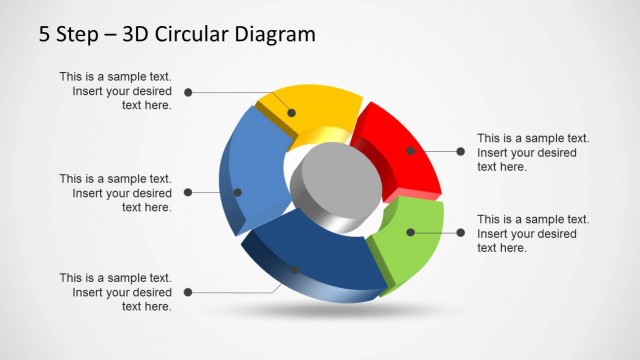
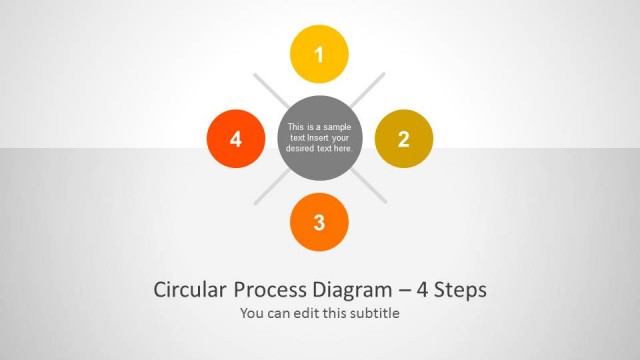
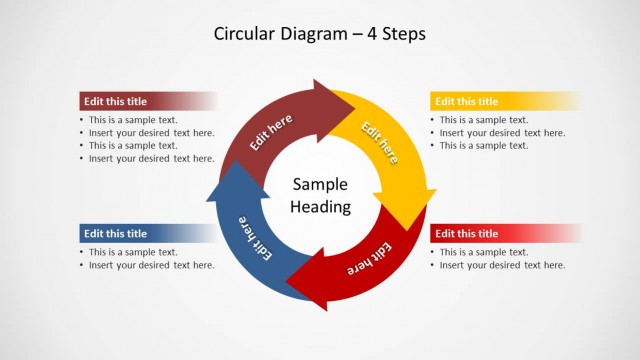
This is a 3D Circular Process diagram for PowerPoint presentations with 4 steps. You can use this awesome 3D diagram in PowerPoint to model and describe a circular process of three steps.
The 3D circular process template comes with different slide designs showing a different state for the diagram, which makes it good to describe a process step on each slide.
What’s inside this template
Example presentation scenarios
- An operations manager can use the full cycle overview to explain how four workflow stages repeat across a production or service process.
- A consultant can use the step-highlight slides to walk an executive audience through diagnosis, planning, action, and review phases without overcrowding one slide.
- A trainer can use the 3D circular diagram to teach a repeatable procedure, dedicating one slide to each process stage and its required actions.
- A project lead can use the overview and highlighted segments to align team members on where responsibilities change across a cyclical project routine.
Features
- 100% editable presentation template
- Compatible with Microsoft PowerPoint and Google Slides
- 16:9 aspect ratio slides
- Scalable vector shapes, icons and illustrations
- AI-Ready for Microsoft Copilot and Claude
- Instant access and download
Frequently asked questions
Q: How should a presenter explain the four-step process without making the 3D cycle feel repetitive?
A: Start with the overview slide to define the complete cycle, then use the step-highlight slides as separate talking points. Keep each callout focused on one decision, action, or owner. This approach prevents the audience from rereading the same diagram and turns the repeated ring shape into a visual anchor for sequence.
Q: Who is this circular process template best suited for?
A: It is best for presenters who need to explain a repeatable process rather than a one-time plan. Operations leaders, consultants, trainers, and project managers can use the four highlighted stages to describe continuous improvement, recurring team routines, customer lifecycle steps, or governance cycles in a concise business presentation.
Q: Why use a 3D circular arrow diagram instead of a flat list?
A: The circular arrow metaphor signals recurrence, dependency, and forward motion more clearly than a numbered list. The gray-and-blue step-highlight slides let the presenter isolate one segment while keeping the whole cycle visible, which helps the audience understand both the current focus and its place in the larger process.
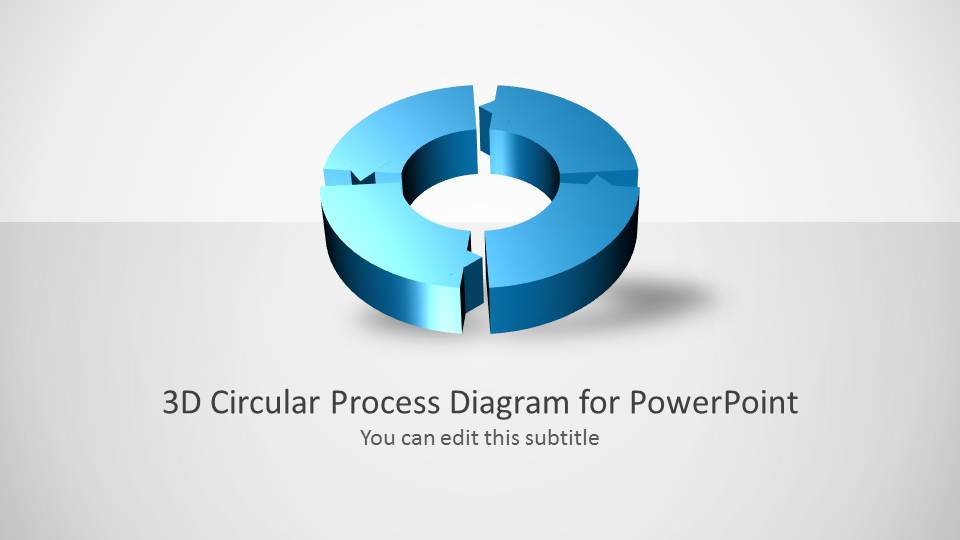


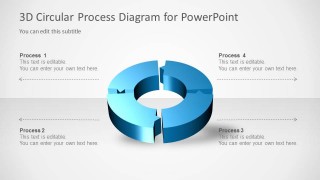
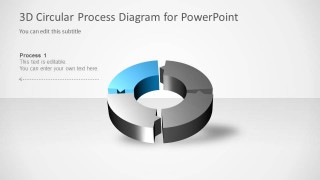
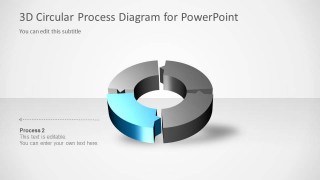
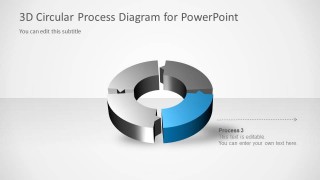
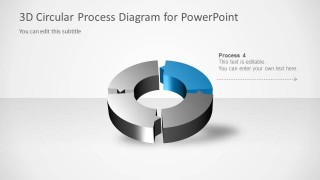
3D Circular Process Diagram 4 Steps for PowerPoint
6-slide presentation template with a 3D circular process diagram and four-step cycle highlights
3D Circular Process Diagram 4 Steps for PowerPoint is a 6-slide process diagram template for explaining a recurring four-step cycle. It includes a cover slide, a full cycle overview, and individual step-highlight slides with callout labels. It is built for business, operations, training, and strategy presenters in Microsoft PowerPoint and Google Slides.
- Category
- Process Diagrams
- Rating

 Loading...
- Aspect ratio
- 16:9
- Item ID
- 6015-04
- Colors
 Microsoft PowerPoint
  Microsoft Copilot
  Claude for PowerPoint
 Other formats supported
Subscribe today and get immediate
access to download our PowerPoint templates.