Slide 6 of 6 from 3D Circular Process Diagram 4 Steps for PowerPoint
6015-04-circular-diagram-wide-6
3D Circular Process Diagram for PowerPoint
- Diagram
- Circular Cycle
- Process Slide
- 16:9
- 100% Editable
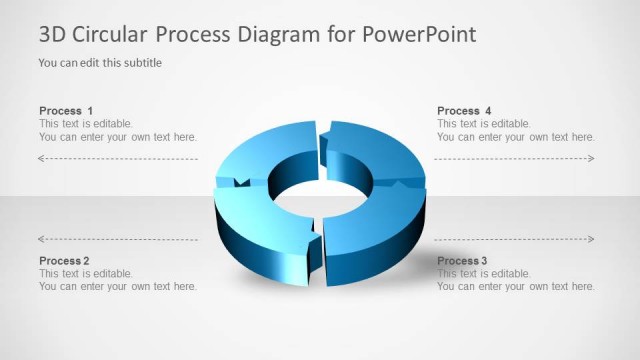
The 3D Circular Process Diagram slide from the 3D Circular Process Diagram 4 Steps for PowerPoint template offers a clear visual for illustrating cyclical workflows. This editable slide features a segmented circular diagram ideal for business presentations, training sessions, and project stage explanations. Its design supports concise communication of sequential processes, making it a practical choice within professional slide decks and corporate presentation templates.
What’s on This Slide
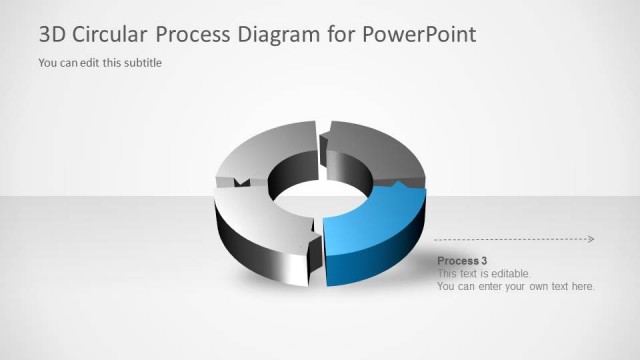
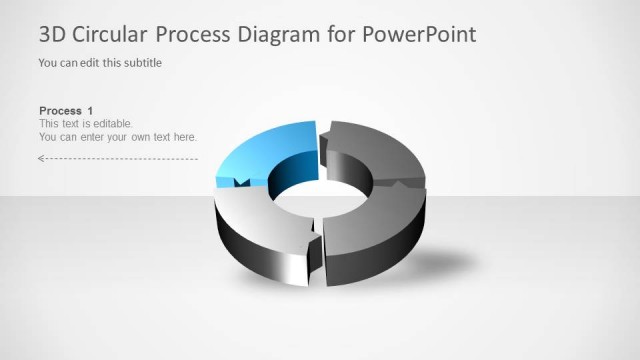
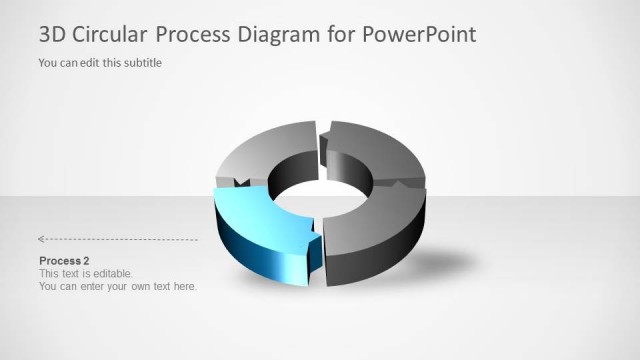
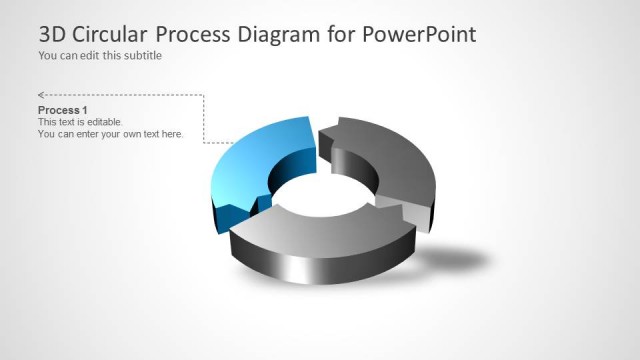
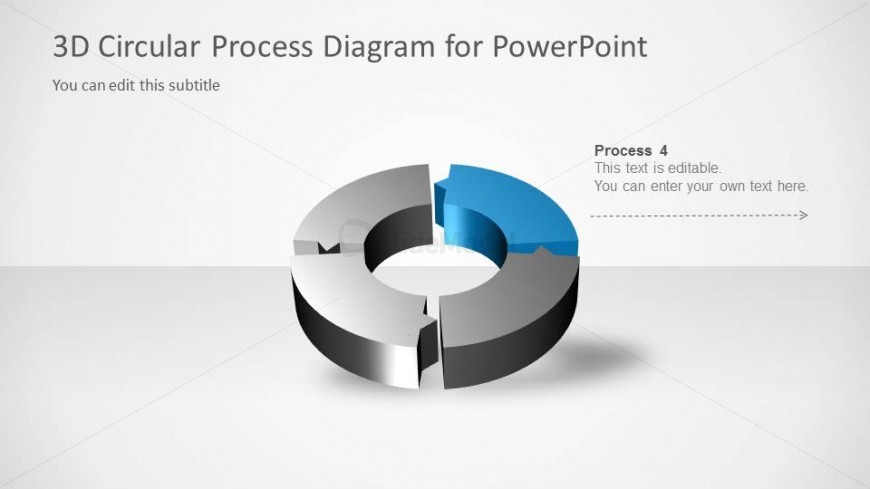
The slide features a 3D circular diagram divided into four segments, with the fourth segment highlighted in blue. The diagram is centered on the slide, with a light background. The title is positioned at the top left, while a subtitle placeholder is directly beneath it. To the right of the diagram, there is a text placeholder labeled 'Process 4,' which is editable. Below this label, additional editable text is provided, allowing for further explanation. The overall layout emphasizes the circular flow of the process.
How to Use It
This layout serves to illustrate a four-step process, making it suitable for presentations that require a visual representation of cyclical workflows. It fits well in a sequence following introductory slides or problem statements, providing clarity on the final step of a process. This structure is ideal for business, training, or operational contexts where explaining sequential actions is necessary, such as project management or training programs.
Text Placeholders & Capacity
Keep your copy within these limits so it fits without resizing. Node body slots can hold approximately 100 characters each.
| Placeholder | Count | Max characters (approx.) |
|---|---|---|
| Slide title | 1 | 30 |
| Subtitle | 1 | 50 |
| Item heading | 1 | 15 |
| Item body | 1 | 100 |
Slide Keywords
Download unlimited PowerPoint templates, charts and graphics for your presentations with our annual plan.
DOWNLOADReturn to 3D Circular Process Diagram 4 Steps for PowerPoint.