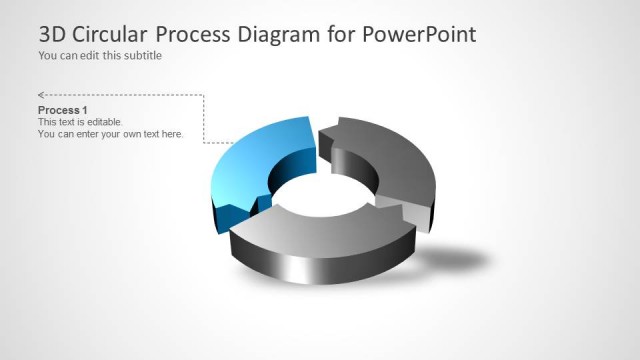
Slide 4 of 6 from 3D Circular Process Diagram 4 Steps for PowerPoint
6015-04-circular-diagram-wide-4
3D Circular Process Diagram for PowerPoint
- Diagram
- Circular Cycle
- Process Slide
- 16:9
- 100% Editable
What’s on This Slide
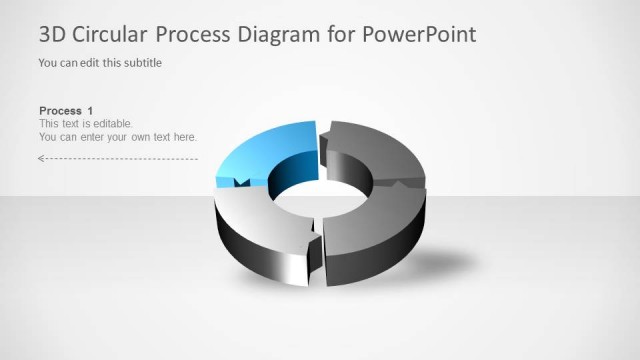
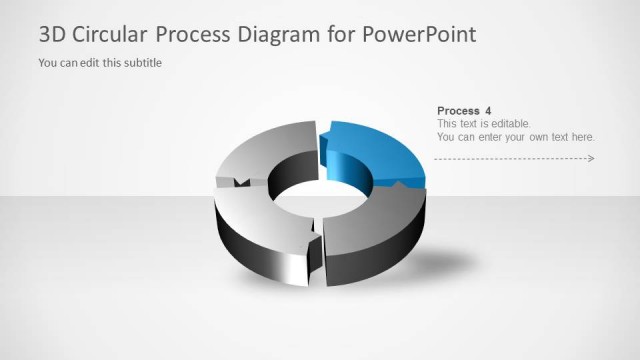
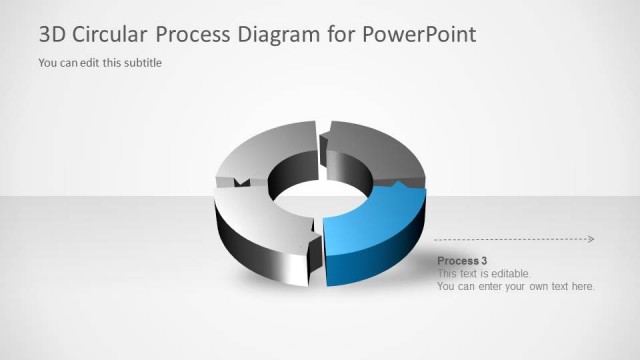
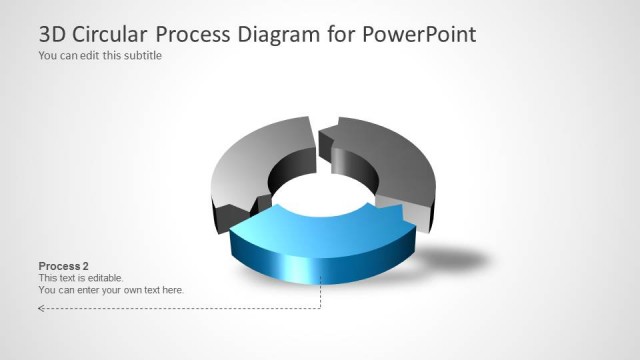
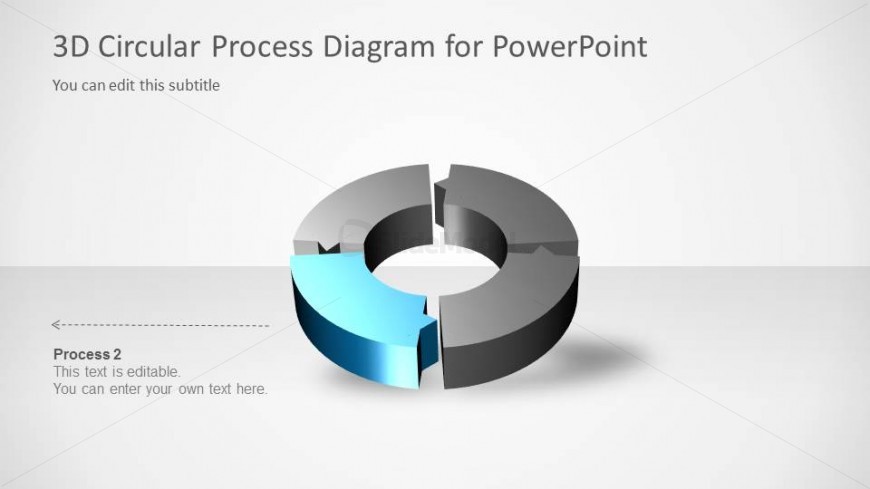
The slide features a 3D circular diagram divided into four segments, with one segment highlighted in blue. The highlighted segment is positioned at the bottom left, while the remaining segments are in shades of gray. The title is located at the top center, with a subtitle placeholder directly beneath it. A label for 'Process 2' is placed on the left side, accompanied by an editable text placeholder below it. The overall layout is balanced, with a clean white background enhancing the visual hierarchy of the elements.
How to Use It
This layout serves to illustrate a four-step process, making it suitable for presentations focused on workflows or cycles. It fits within a sequence that introduces a process and highlights individual steps. This slide can be effectively used in business contexts such as project management, operational strategies, or training sessions, where clear visual representation of processes is essential. It allows for easy customization of text to fit specific content needs.
Text Placeholders & Capacity
Keep your copy within these limits so it fits without resizing. Node body slots can accommodate roughly 15-20 words each.
| Placeholder | Count | Max characters (approx.) |
|---|---|---|
| Slide title | 1 | 30 |
| Subtitle | 1 | 50 |
| Item heading | 1 | 20 |
| Item body | 1 | 100 |
Slide Keywords
Download unlimited PowerPoint templates, charts and graphics for your presentations with our annual plan.
DOWNLOADReturn to 3D Circular Process Diagram 4 Steps for PowerPoint.