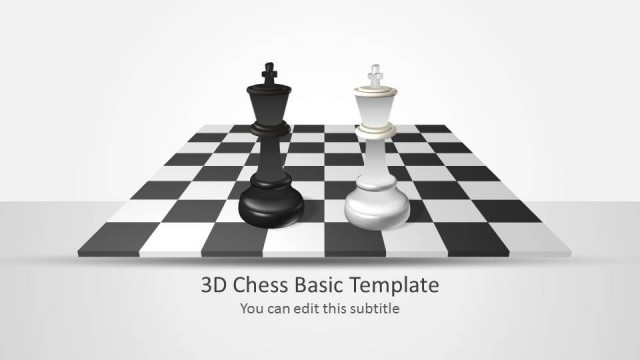
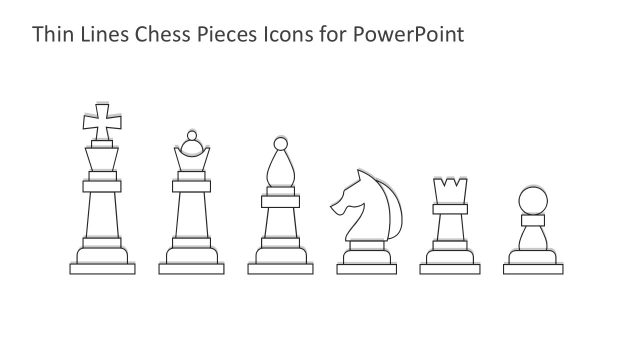
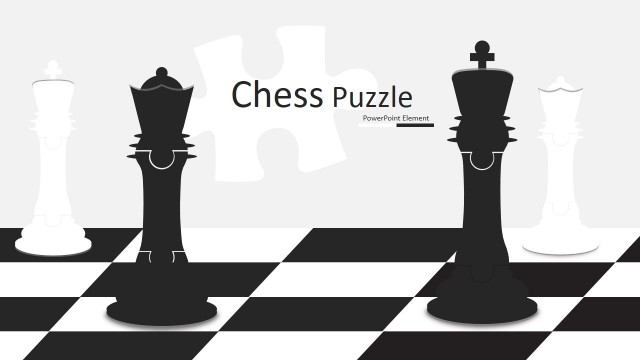
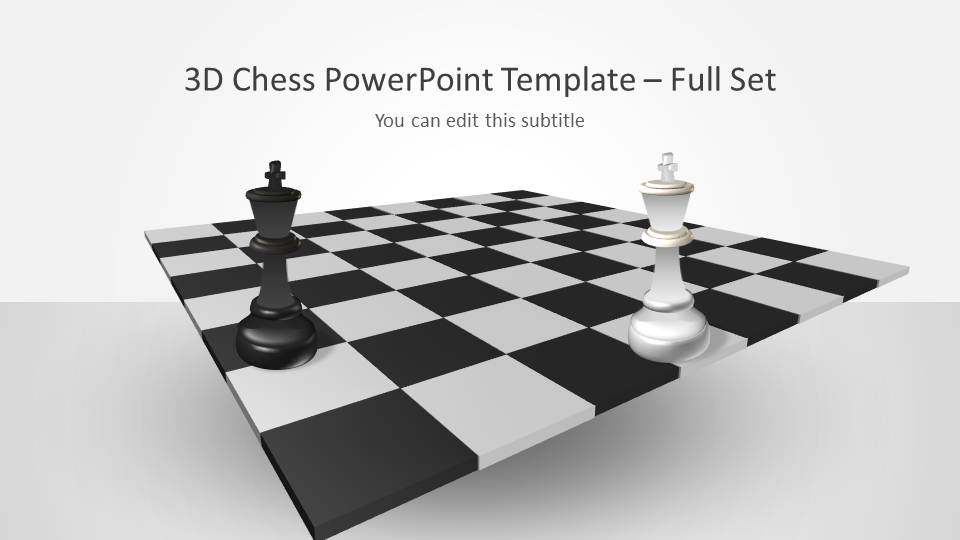
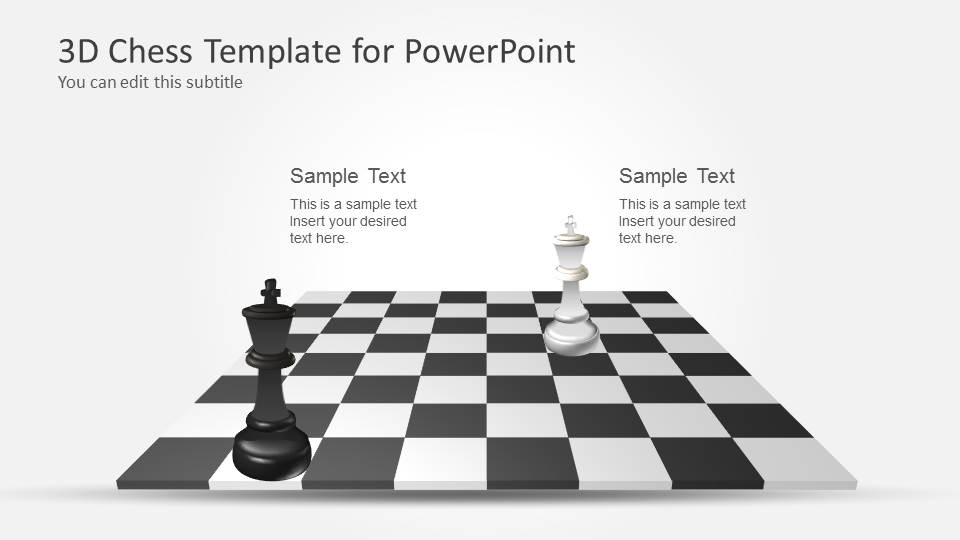
3D Chess PowerPoint Template with Full Set is an awesome chess set that you can use to make presentations on strategy and chess games.
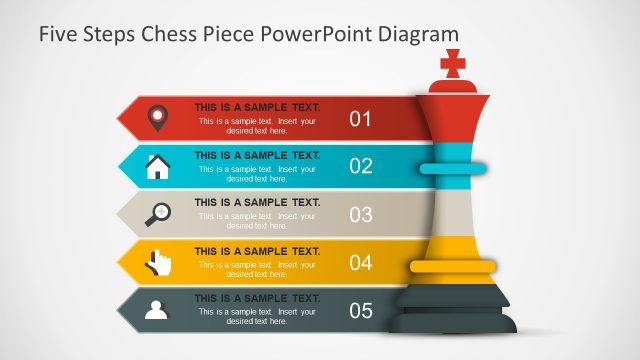
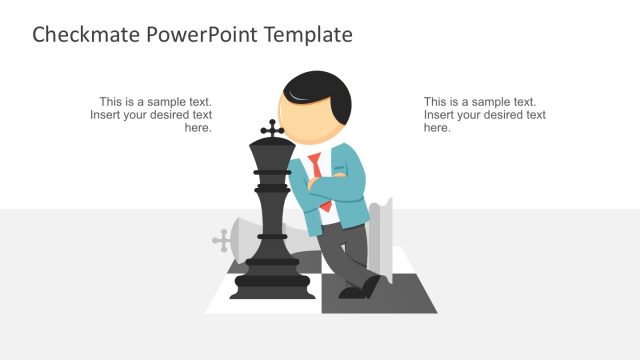
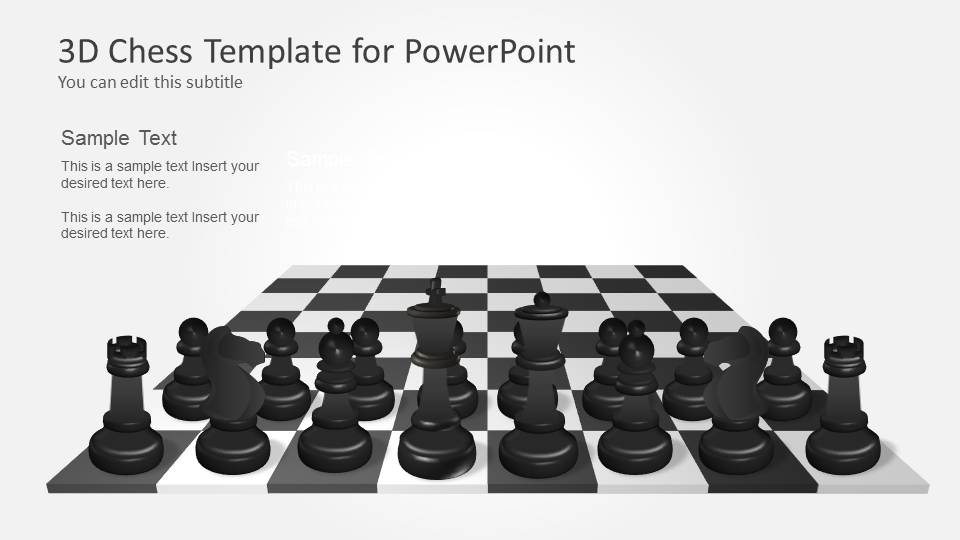
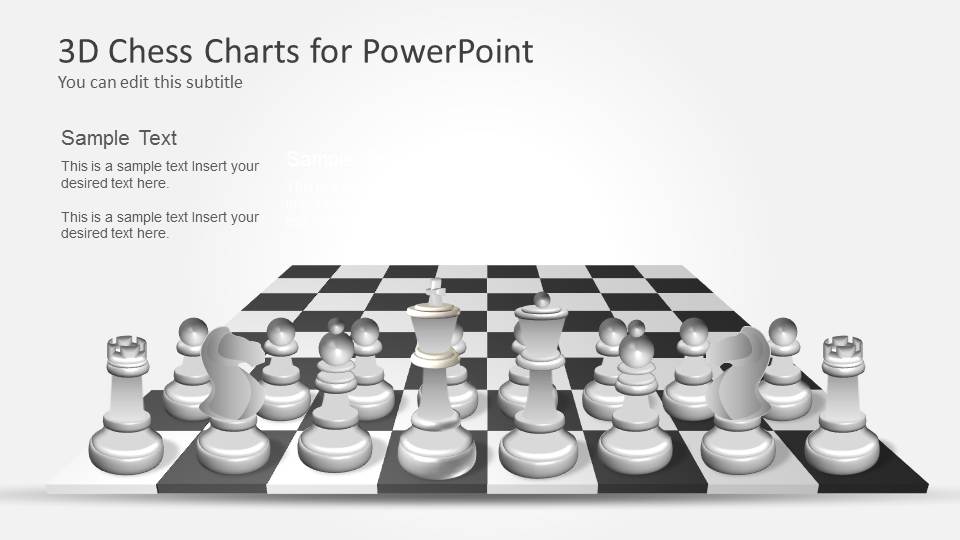
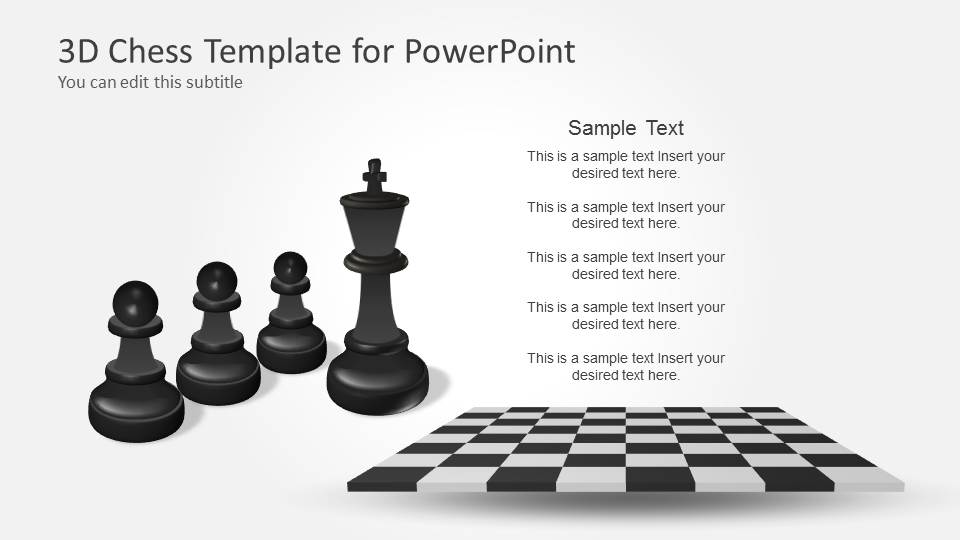
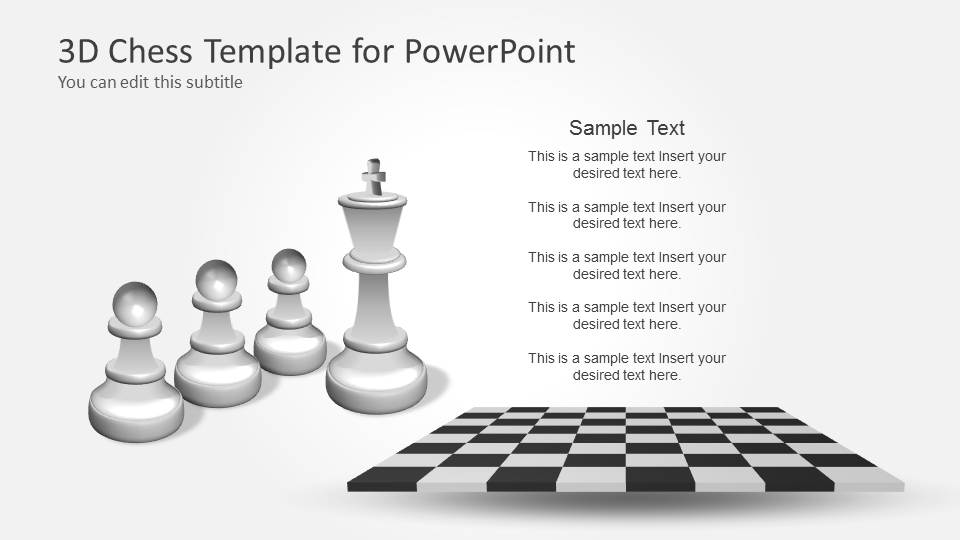
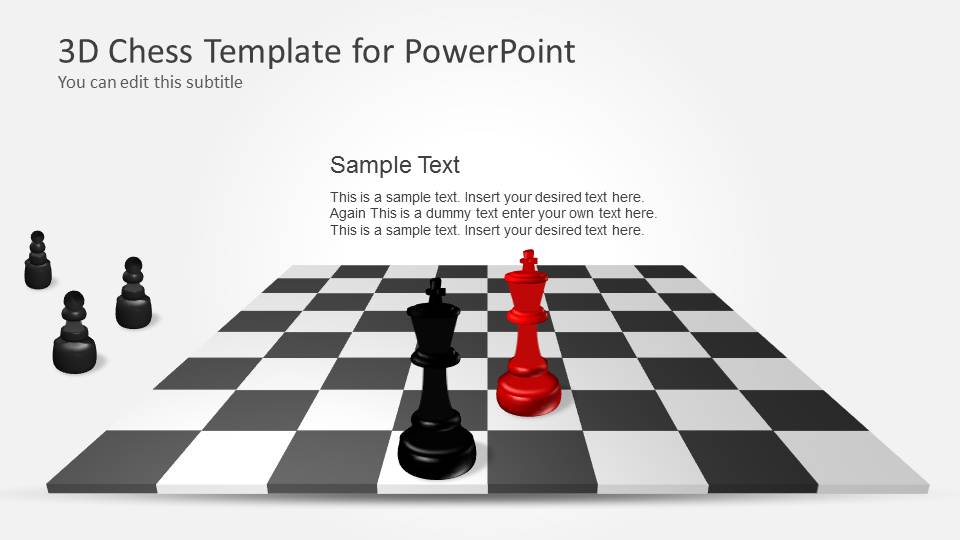
This chess set for PowerPoint contains useful slide designs with chess pieces, chess boards and different layouts that you can use to prepare presentations.
Alternatively you can download the basic 3D Chess template for PowerPoint.
What’s inside this template
Example presentation scenarios
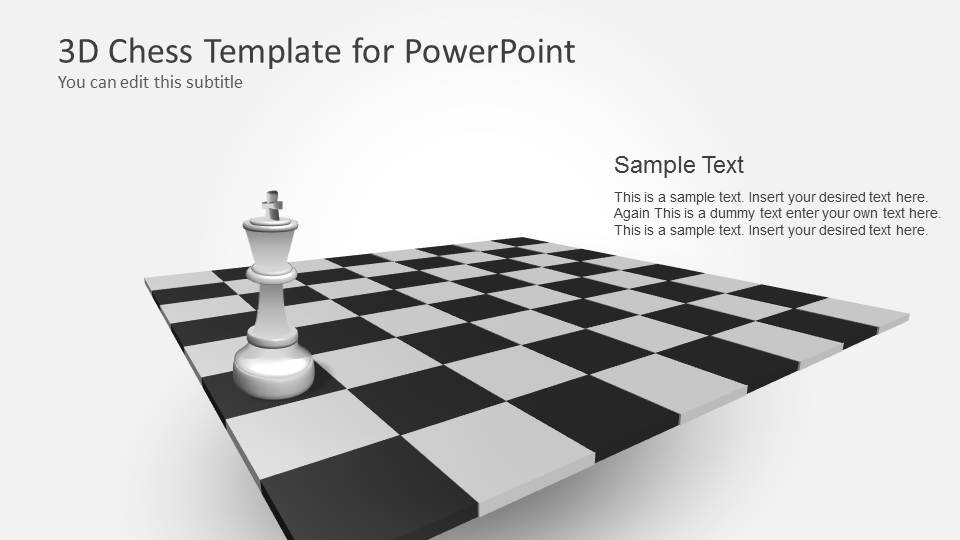
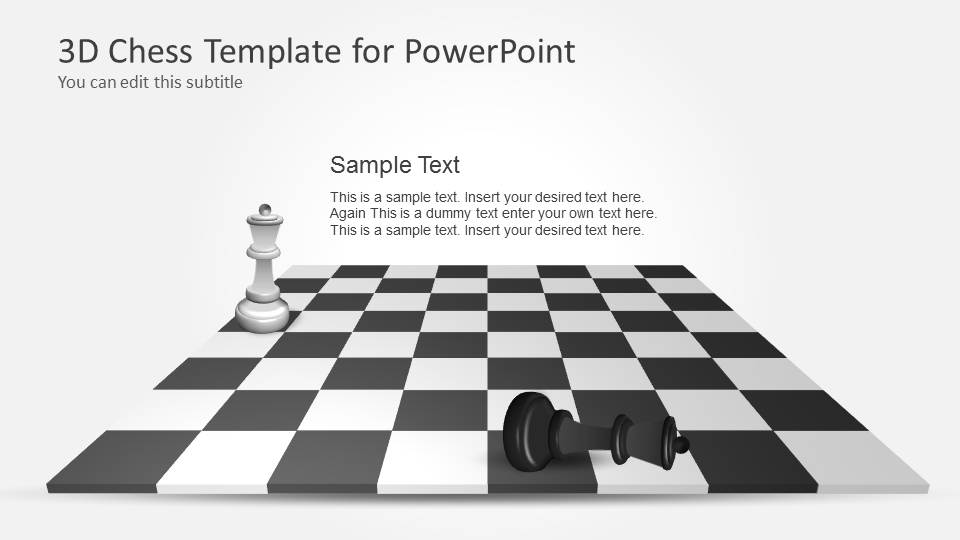
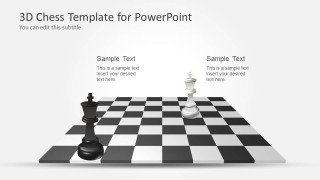
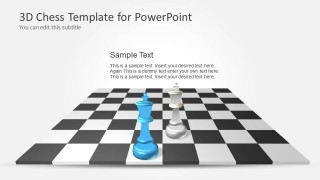
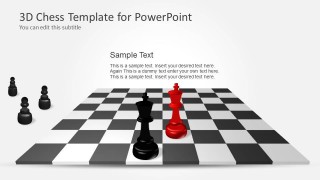
- A strategy consultant can present competitive positioning by using the opposing kings, full chessboard scenes, and highlighted piece layouts to explain current stance, next moves, and risks.
- An executive team can discuss market entry options by assigning each chess piece to a strategic asset and using the board scenes to show possible paths and trade-offs.
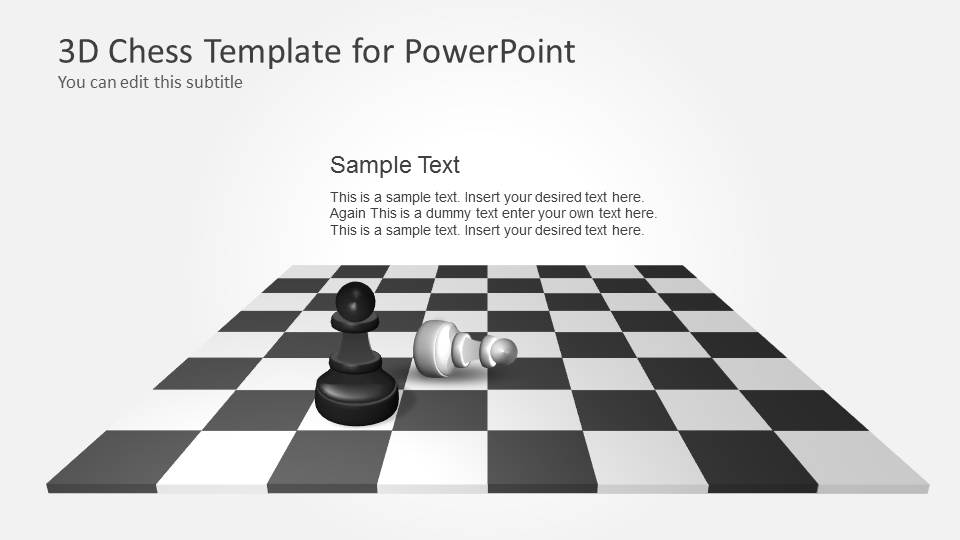
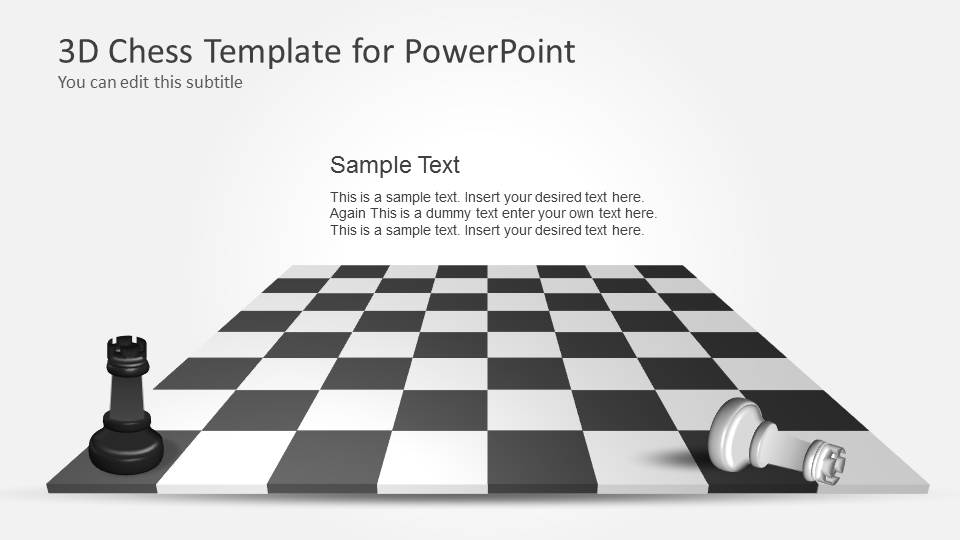
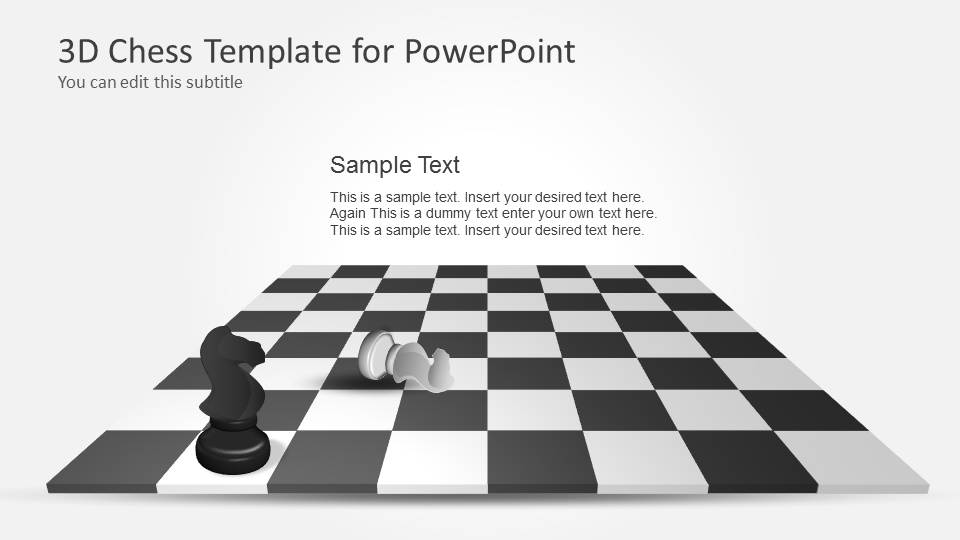
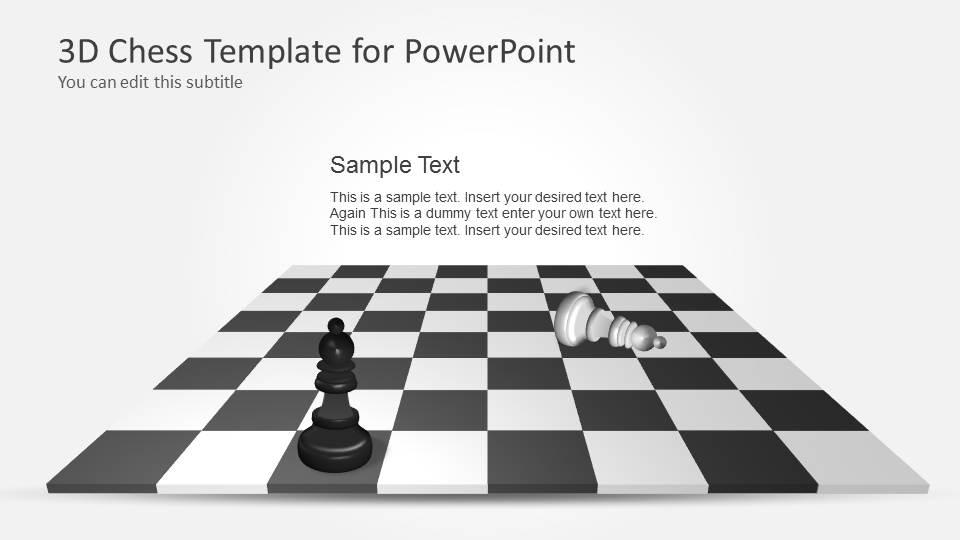
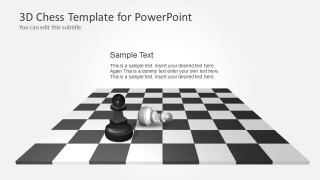
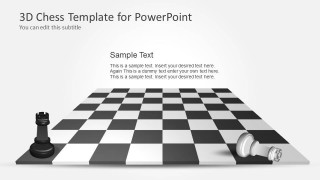
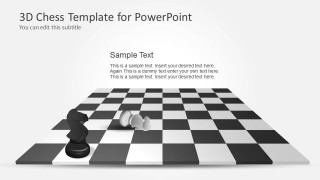
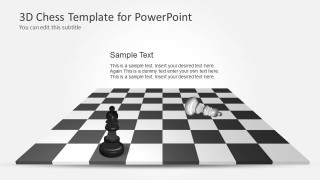
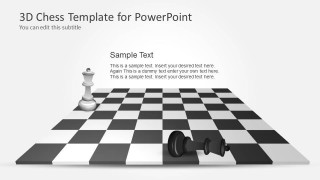
- A trainer can teach decision-making by using the fallen-piece slides to show consequences, missed opportunities, or the cost of a poor move.
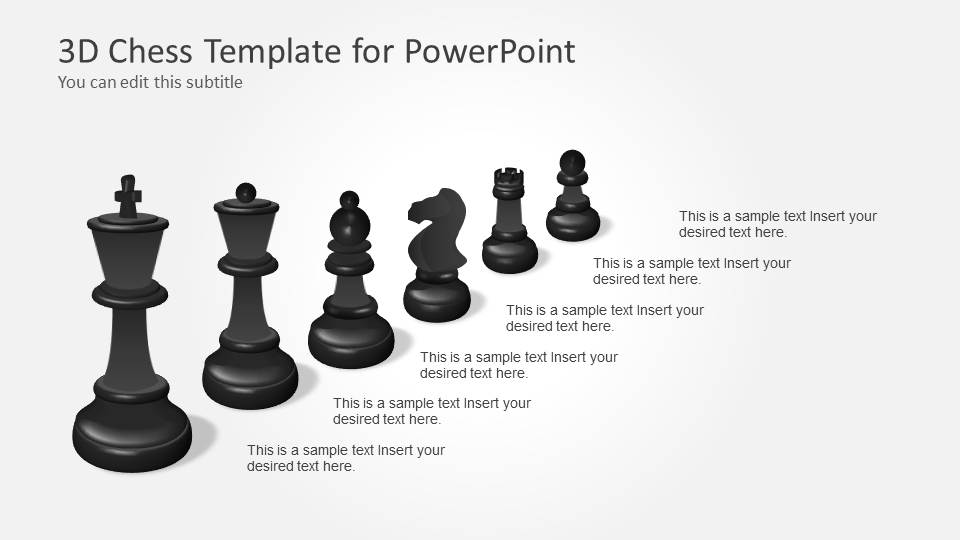
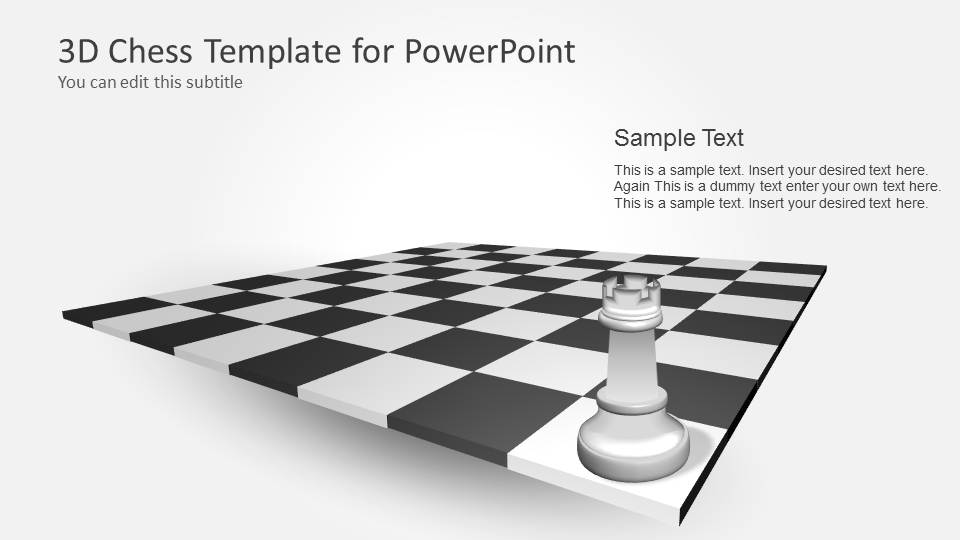
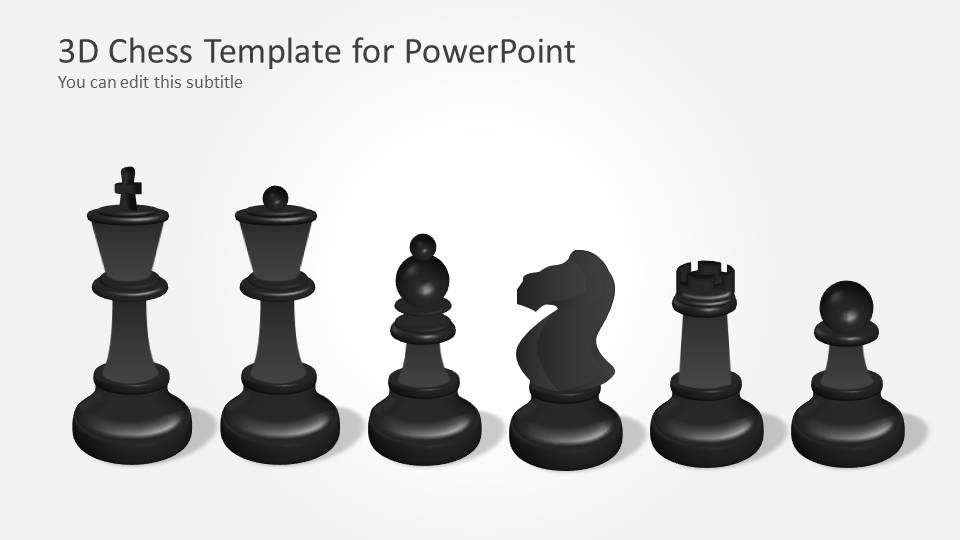
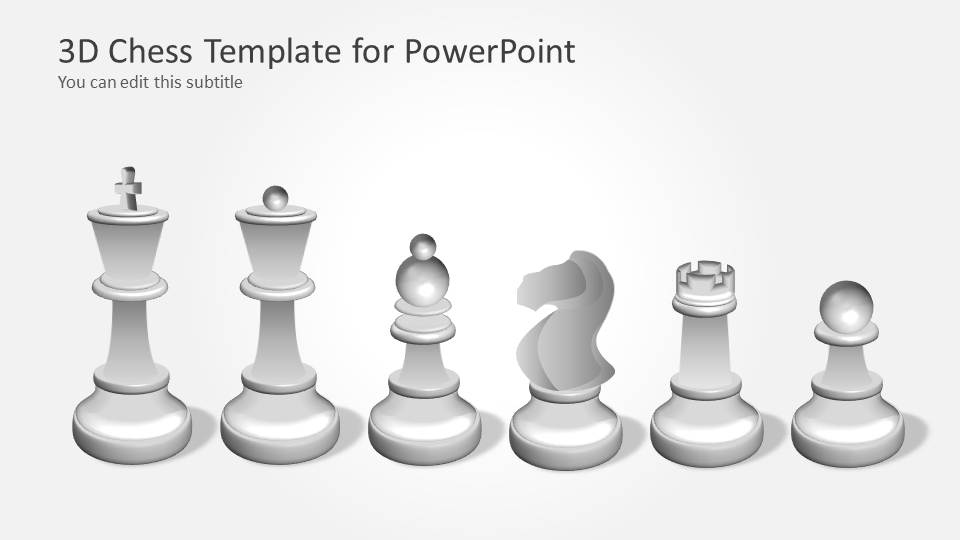
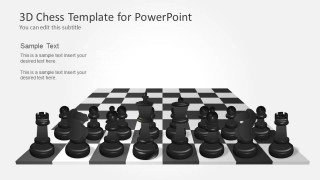
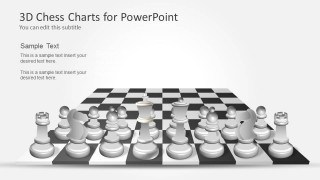
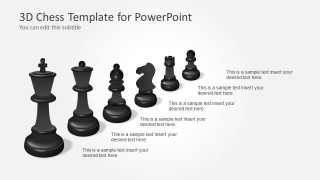
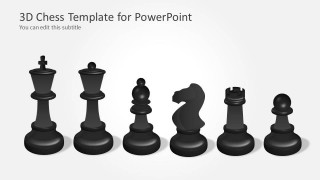
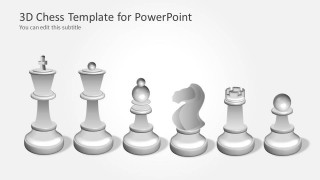
- A chess instructor can explain piece roles and board situations with the isolated black and white piece set slides, then move into board-based examples.
Features
- 100% editable presentation template
- Compatible with Microsoft PowerPoint
- 16:9 aspect ratio slides
- Scalable vector shapes, icons and illustrations
- AI-Ready for Microsoft Copilot and Claude
- Instant access and download
Frequently asked questions
Q: How should a presenter communicate a business strategy with chess visuals without overcomplicating the message?
A: Assign one clear meaning to each visual: the board as the market, the king as the objective, pawns as operational moves, and fallen pieces as trade-offs. Use the simpler board scenes for the main argument, then reserve the full piece set slides for explaining roles, responsibilities, or strategic options.
Q: Who is this chess template best suited for in a professional setting?
A: It fits presenters who need to explain competition, choice, and planned action rather than report heavy data. Consultants, executives, product leaders, and trainers can use the opponent scenes, highlighted pieces, and captured-piece layouts to make strategy discussions more concrete for leadership teams or workshop participants.
Q: Why does the chessboard metaphor work well for strategy presentations?
A: Chess gives the audience a familiar model for limited resources, foresight, sacrifice, defense, and winning positions. The template reinforces that metaphor through perspective boards, isolated piece sets, and fallen-piece scenes, helping the presenter show cause and effect instead of only listing strategic points.

3D Chess PowerPoint Template with Full Set
19-slide presentation template for chessboard strategy, game plans, and 3D chess piece metaphors
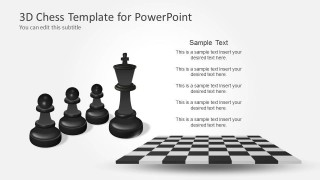
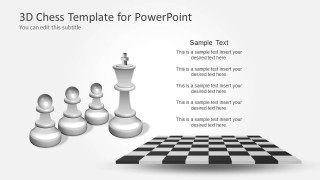
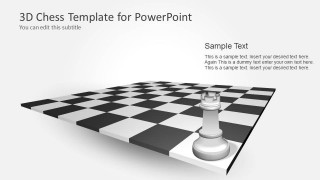
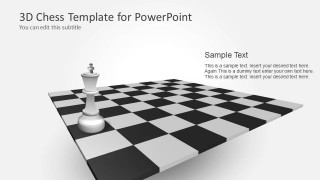
3D Chess PowerPoint Template with Full Set is a 19-slide Microsoft PowerPoint deck built around editable 3D chess scenes. It includes a cover slide, chessboard layouts, full black and white piece sets, opponent scenes, fallen-piece visuals, and highlighted pieces for strategy, competition, decision-making, and game plan presentations.
- Category
- Strategy
- Rating


 Loading...
- Aspect ratio
- 16:9
- Item ID
- 6109-03
- Colors
 Microsoft PowerPoint
  Microsoft Copilot
  Claude for PowerPoint
 Other formats supported
Subscribe today and get immediate
access to download our PowerPoint templates.