Slide 16 of 19 from 3D Chess PowerPoint Template with Full Set
6109-03-3d-chess-template-full-16
3D Chess Scene for PowerPoint Presentation
- Media Layout
- Other
- Concept Explanation Slide
- 16:9
- 100% Editable
The 3D Chess Scene with Text Placeholders slide from the 3D Chess PowerPoint Template with Full Set offers a clear layout combining strategic visuals with editable slides. Ideal for corporate presentations and pitch deck templates, it supports competitive analysis and game strategy discussions by integrating vector icons and text areas for detailed explanations.
What’s on This Slide
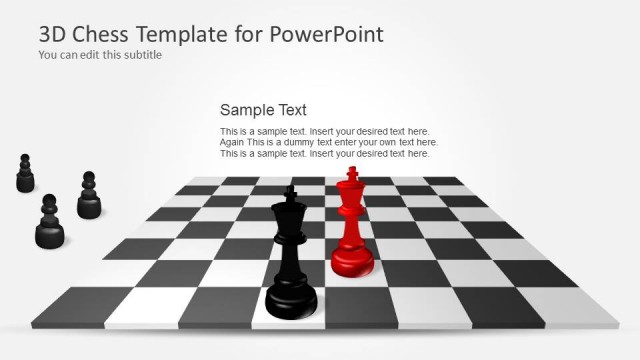
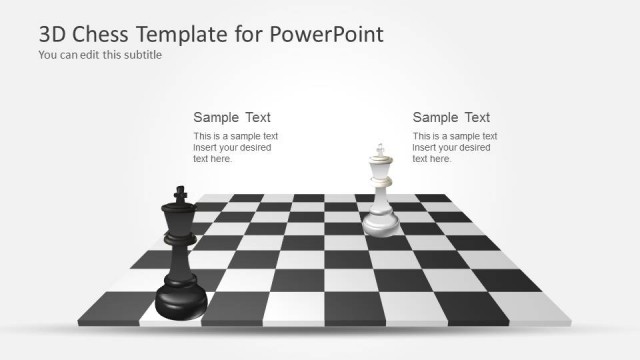
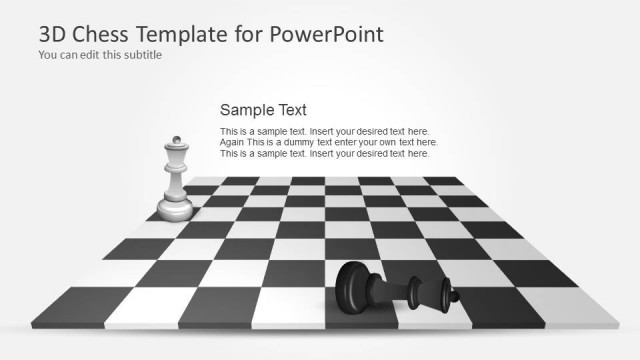
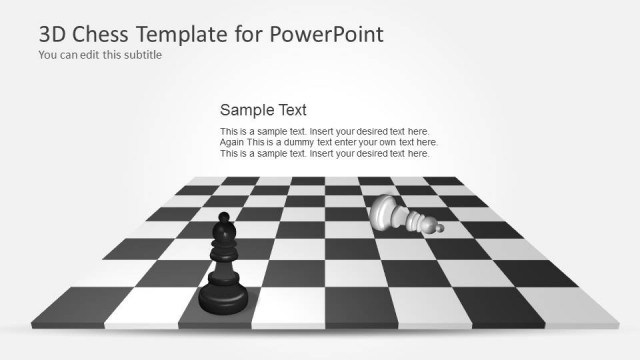
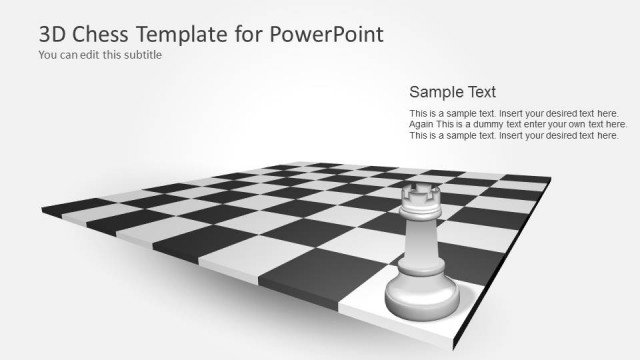
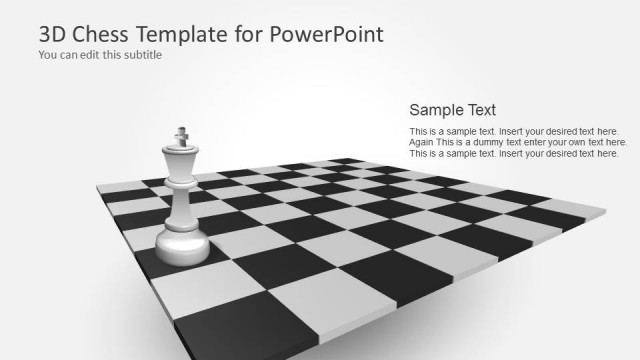
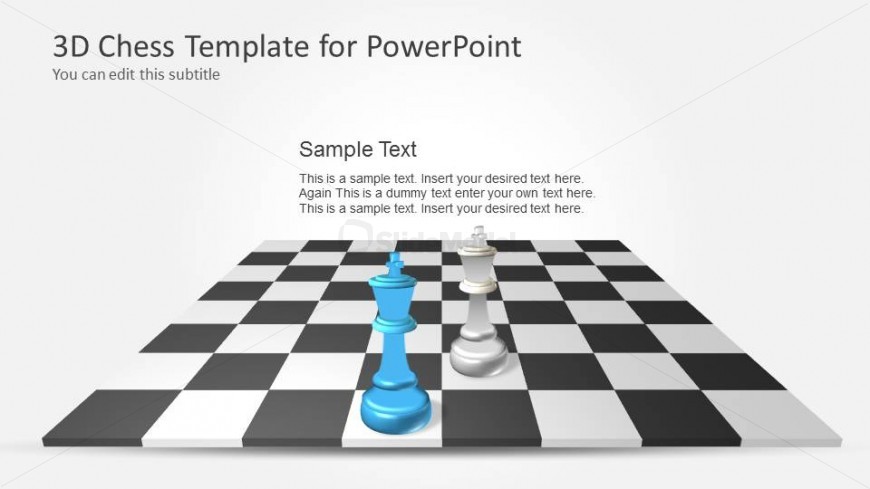
The slide features a 3D chessboard with a perspective view, displaying a blue king and a white queen piece positioned on the board. The background is a light gray, providing contrast to the chess pieces and board. Text placeholders are located in the upper left and center areas, with the title placeholder at the top left, followed by a subtitle placeholder directly below. Additional text placeholders are aligned to the right of the chess pieces, allowing for body text insertion. The overall layout emphasizes the chess pieces and provides a clear area for textual content.
How to Use It
This layout serves as a visual representation for strategic discussions or presentations related to chess or decision-making processes. It fits well in a sequence that introduces concepts or strategies, especially after a problem-framing slide. This structure is useful for business scenarios involving competitive analysis, game strategies, or planning sessions, where visual engagement is essential to convey complex ideas effectively.
Text Placeholders & Capacity
Keep your copy within these limits so it fits without resizing. Body text slots can accommodate roughly 15-20 words each.
| Placeholder | Count | Max characters (approx.) |
|---|---|---|
| Slide title | 1 | 30 |
| Subtitle | 1 | 50 |
| Body paragraph | 3 | 100 |
Slide Keywords
Download unlimited PowerPoint templates, charts and graphics for your presentations with our annual plan.
DOWNLOADReturn to 3D Chess PowerPoint Template with Full Set.