Game Plan PowerPoint Templates
Align your team on direction before a high-stakes meeting or a match. A Game Plan PowerPoint template provides a visual layout to communicate strategy clearly, whether you are mapping out a quarterly business strategy or preparing a tactical pre-match briefing. You skip the setup time and focus on the plan’s substance.

Basketball Sport PowerPoint Template
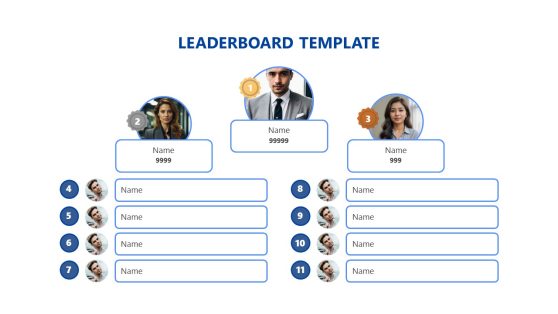

Gaming Event Presentation Template for PowerPoint
Video Game Pitch Deck PowerPoint Template
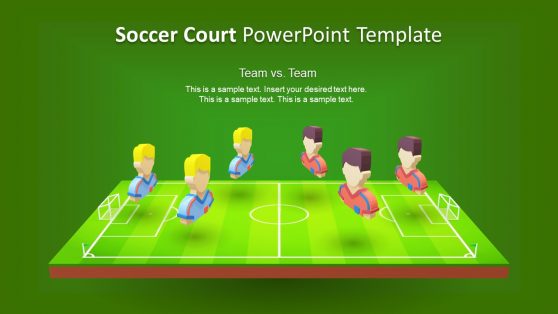
3D Animated Soccer Court PowerPoint Template
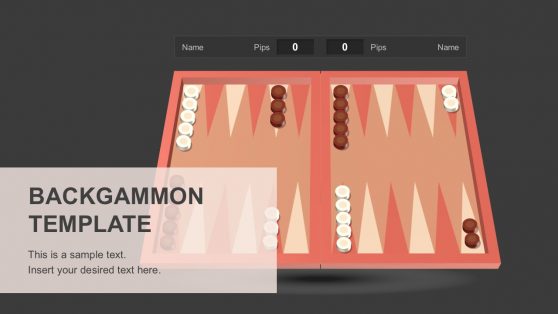
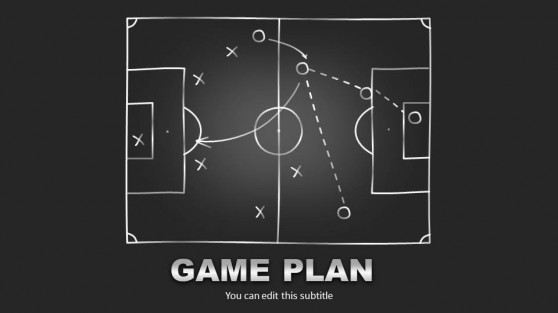
Present Your Game Plan with Clarity and Direction
A game plan PPT template is built around the logic of a playbook: every role has a position, and every objective connects to a defined action. You get a layout that already understands how strategic information should be organized, which means less time on design decisions and more time spent refining the plan itself. The visual structure does the communication work that dense text or generic charts cannot.
Our game plan presentation templates come in two broad formats: sports field diagrams for coaches and analysts to map formations, and phased planning layouts for business teams that show what happens at each stage and who owns it. You relabel positions and apply your own color palette without touching the underlying layout.
What Is a Game Plan PowerPoint Template?
A game plan PowerPoint template is a pre-designed slide deck built to visualize strategic and tactical plans. The defining characteristic is positional, spatial layout: rather than listing goals in a column of bullet points, these slides show where resources are deployed and how phases connect toward a shared outcome. The format originates in sports planning but transfers naturally to any business scenario where multiple functions need to move toward a shared objective.
Our game plan slides include several layout types across the template collection:
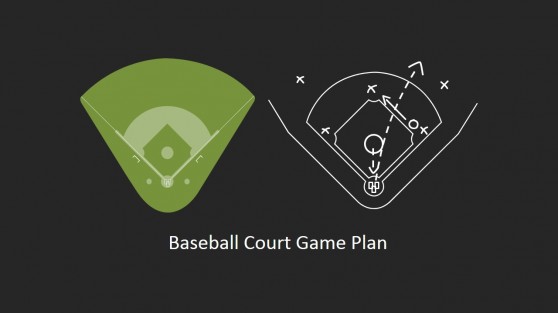
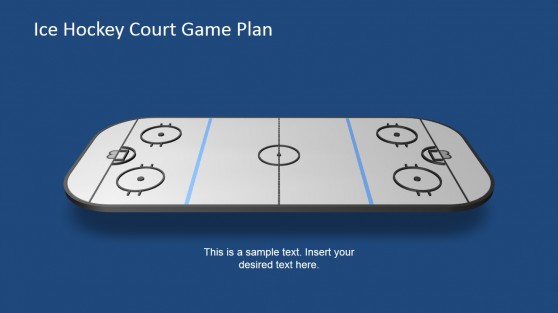
- Tactical field diagrams for soccer pitches, football fields, basketball courts, and similar court-based layouts.
- Phase and timeline breakdowns with milestone and handoff markers.
- Role-assignment slides mapping team positions to specific responsibilities.
- Strategy summary slides with goal, action, and outcome sections.
Each layout is designed to communicate at a glance. Audiences at any level, from executive sponsors to ground-level contributors, can orient themselves to the plan without first reading dense documentation.
Why Business and Sports Professionals Choose Game Plan Slides
The practical advantage of a game plan format is compression. You can convey in a single diagram what would otherwise take several slides of text. When a marketing team sees their campaign phases mapped onto a field layout with each channel assigned to a position, they understand the coordination logic faster than any written brief. When a coach walks players through a defensive formation using a slide that mirrors the actual pitch, the instructions require no translation.
For business presenters, game plan slides are particularly effective in competitive planning sessions, where explaining how your team responds to a market move requires spatial reasoning rather than bar charts. They work well alongside a product roadmap when you need to connect high-level direction to tactical execution. You arrive at the session with a layout that argues for coherence, and you spend the meeting on substance rather than defending the format.
Where and How to Use Game Plan Presentation Templates
The range of professionals who reach for a game plan template spans industries and functions. A marketing director presenting a campaign rollout can map content channels to audience segments using a field diagram, showing where each tactic is deployed and which outcome it targets. A management consultant briefing a client on organizational change can use a positioning layout to show how roles shift during a restructure in ways a standard org chart rarely captures.
A product manager can adapt the phased game plan format to show which features moved forward and what the next sprint planning cycle targets. A startup founder pitching investors can use the playbook layout to ground a growth and innovation strategy in concrete, role-specific execution steps. A sports coach prepares players by walking through set pieces using field diagrams that correspond directly to the positions they will occupy.
What is a game plan PowerPoint template used for in a business context?
A game plan PPT template is used to present strategic plans and go-to-market approaches visually, showing direction and role assignments. The positional layout helps audiences understand how each part of the plan connects to the overall objective without requiring a written walkthrough to interpret the slides.
Can I use a game plan presentation template in Google Slides?
Yes. Download the file and upload it to Google Drive. Google Slides opens it directly, and all editable elements remain fully functional. You can share the file with collaborators or present it from the browser without converting or reformatting anything.
Are game plan slides customizable for my company’s branding?
All design elements are editable. Update colors and fonts across the layout, then relabel shape content and swap in field diagrams that fit your context. The structure adapts to your information while the visual logic stays intact.
How is a game plan PPT template different from a standard strategy deck?
Standard strategy templates rely on charts and structured lists. Game plan templates use spatial, position-based visuals that show coordinated movement rather than static analysis. This makes them better suited for situations where the audience needs to see how roles connect and how actions sequence. Many presenters open with SWOT analysis slides to establish strategic context, then transition to a game plan format to show the tactical response.
Can I customize the number of phases or positions in a game plan template?
Yes. All positional elements and phase markers are editable shapes. Duplicate or delete positions as needed and update all labels directly in PowerPoint or Google Slides. No design experience is required.