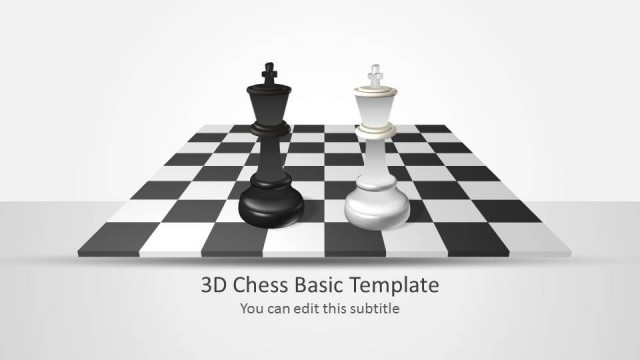
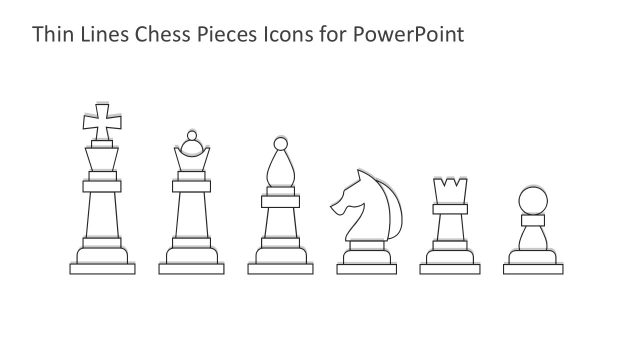
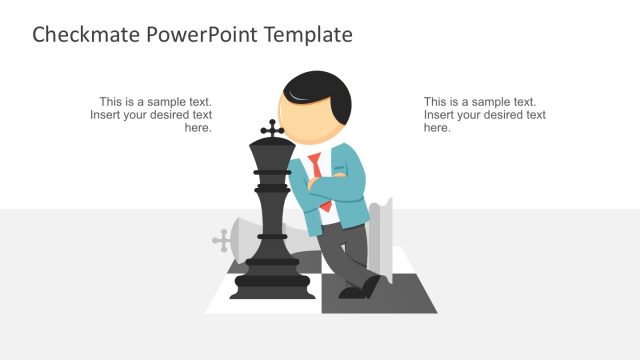
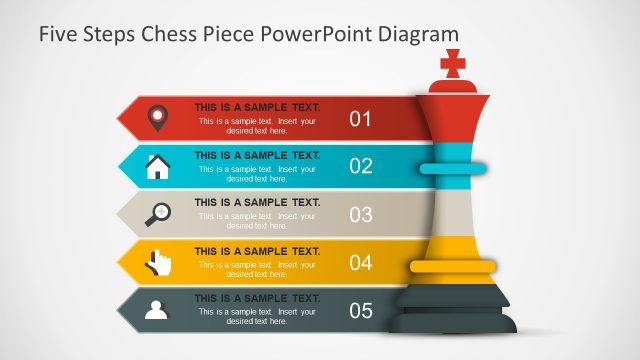
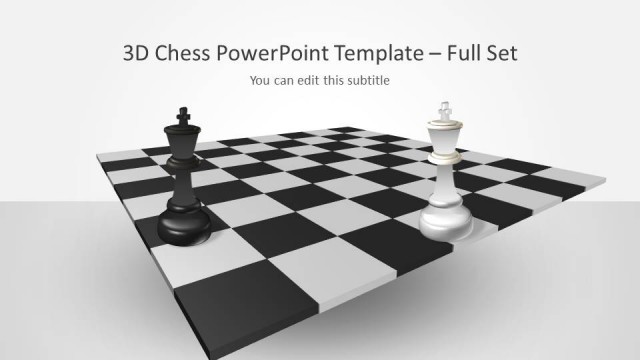
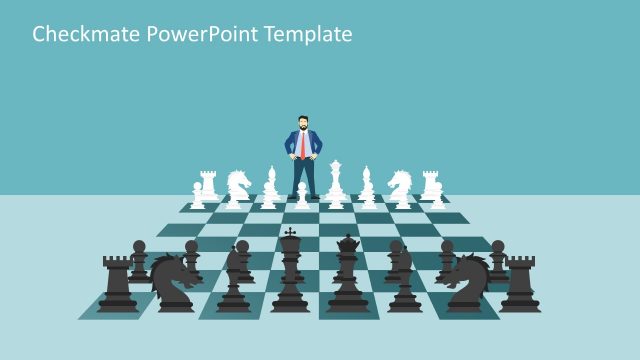
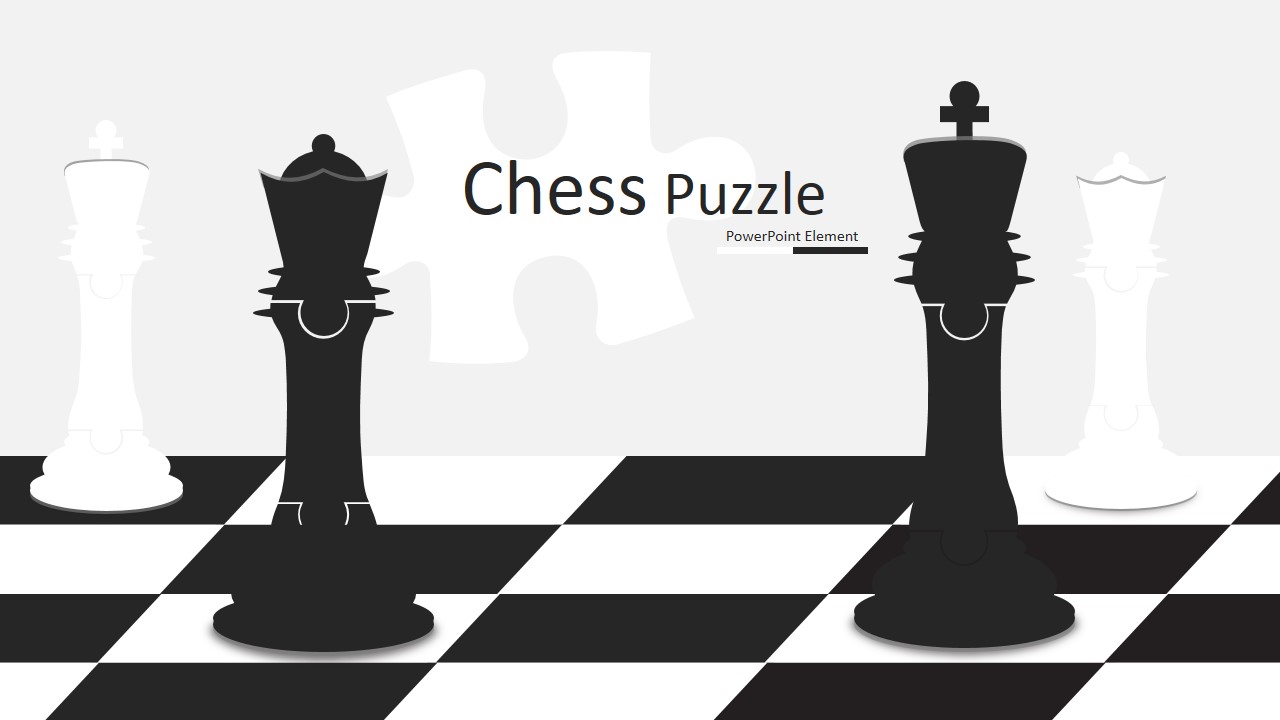
King and Queen Chess Puzzle Shapes for PowerPoint – Chess is one of the most popular strategy games in history of mankind. Played on a square table board, divided in eight rows and eight columns, where the cells of the delimited matrix alternate between white and black colors. The chessboard resemble the battlefields, and the pieces of the game, are named after the positions and ranks of real medieval war. The objective of the game basically consists of conquering the other player castle and check the “king”.
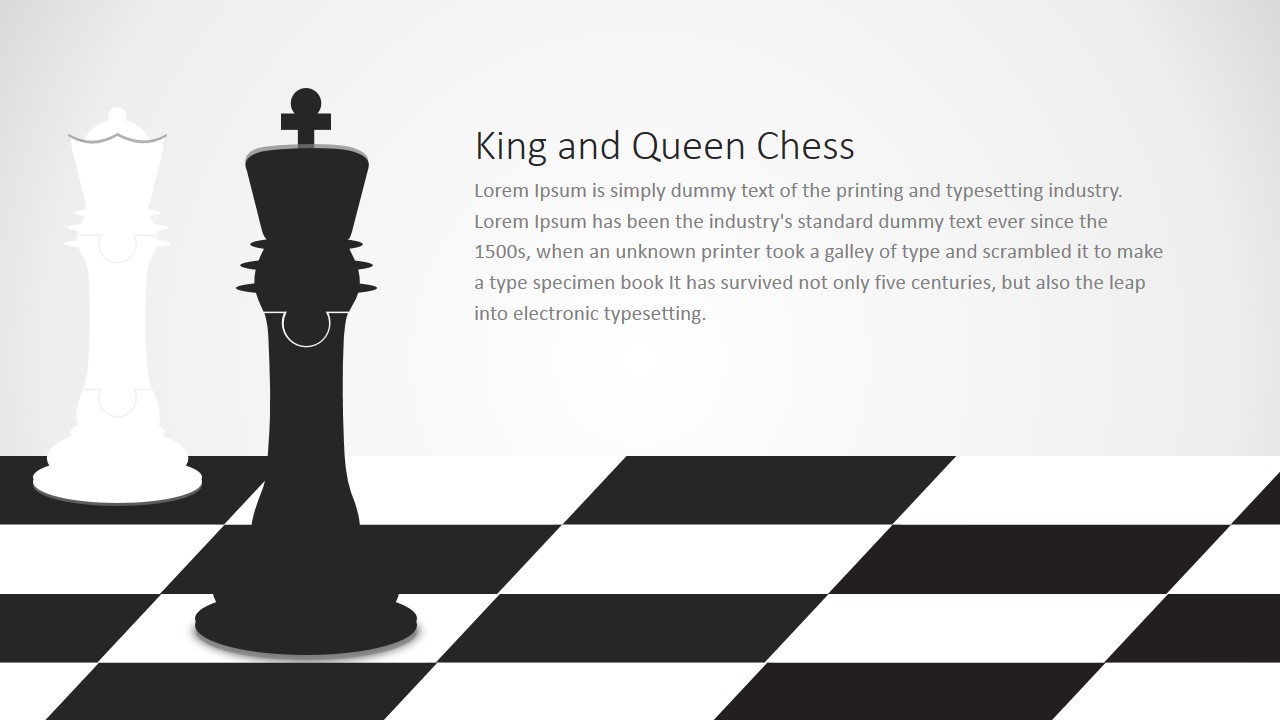
Very popular as a metaphor for business strategy, chess and its pieces are generally used to describe business scenarios or situations. The Queen, which is the most versatile player of the chessboard can be associated with several business concepts as Most Valuable Players or Key employees. In the other hand, the King, which is the most important player (as it cannot be left alone) can reference corporate goals, or competitive advantages that need to be closely protected.
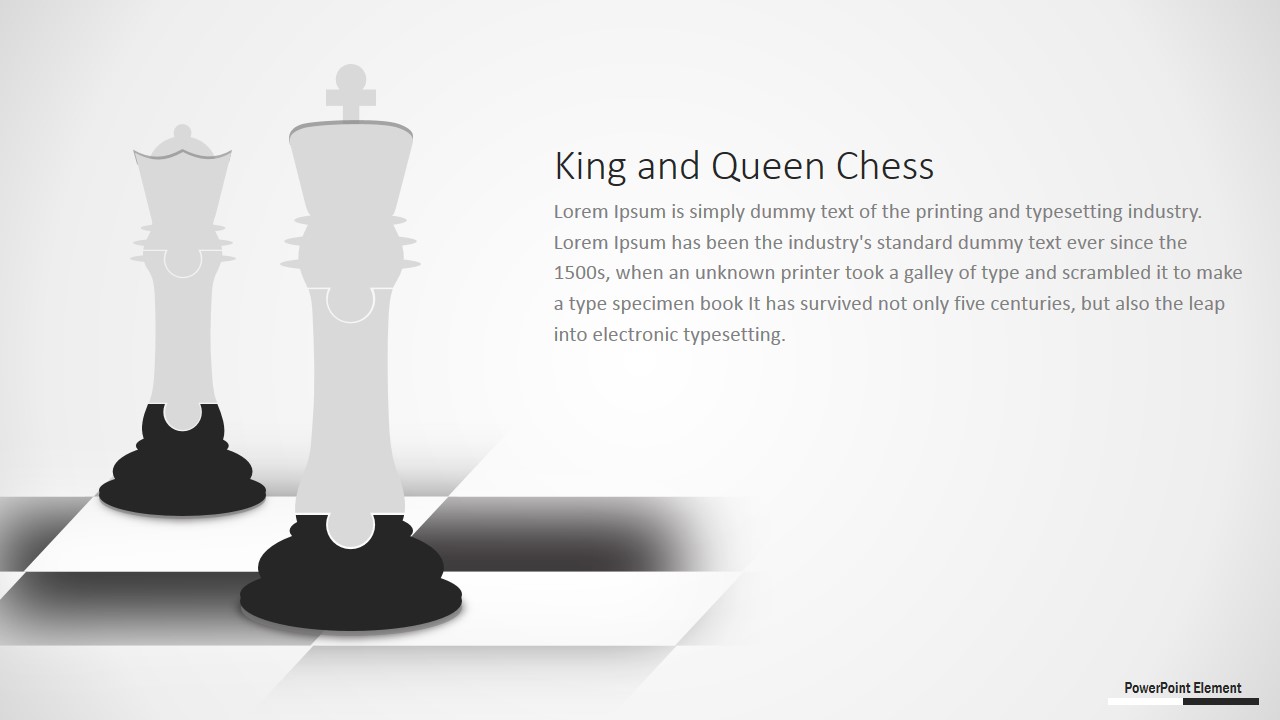
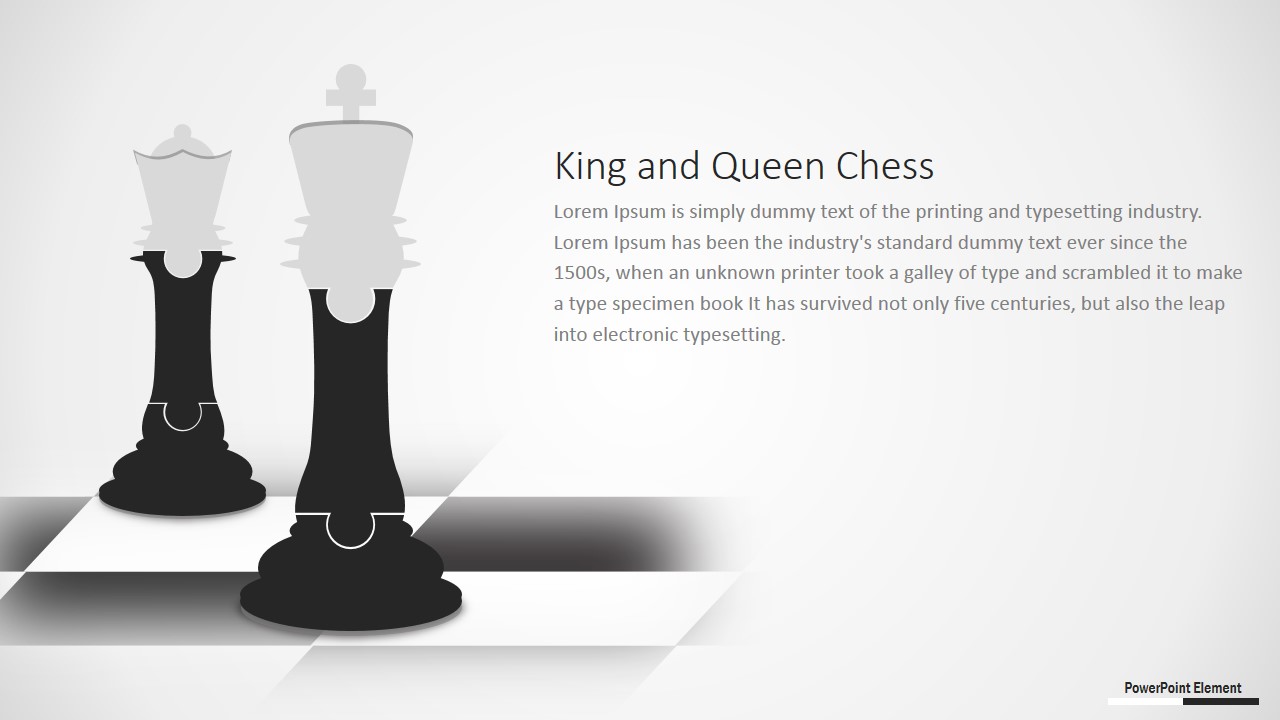
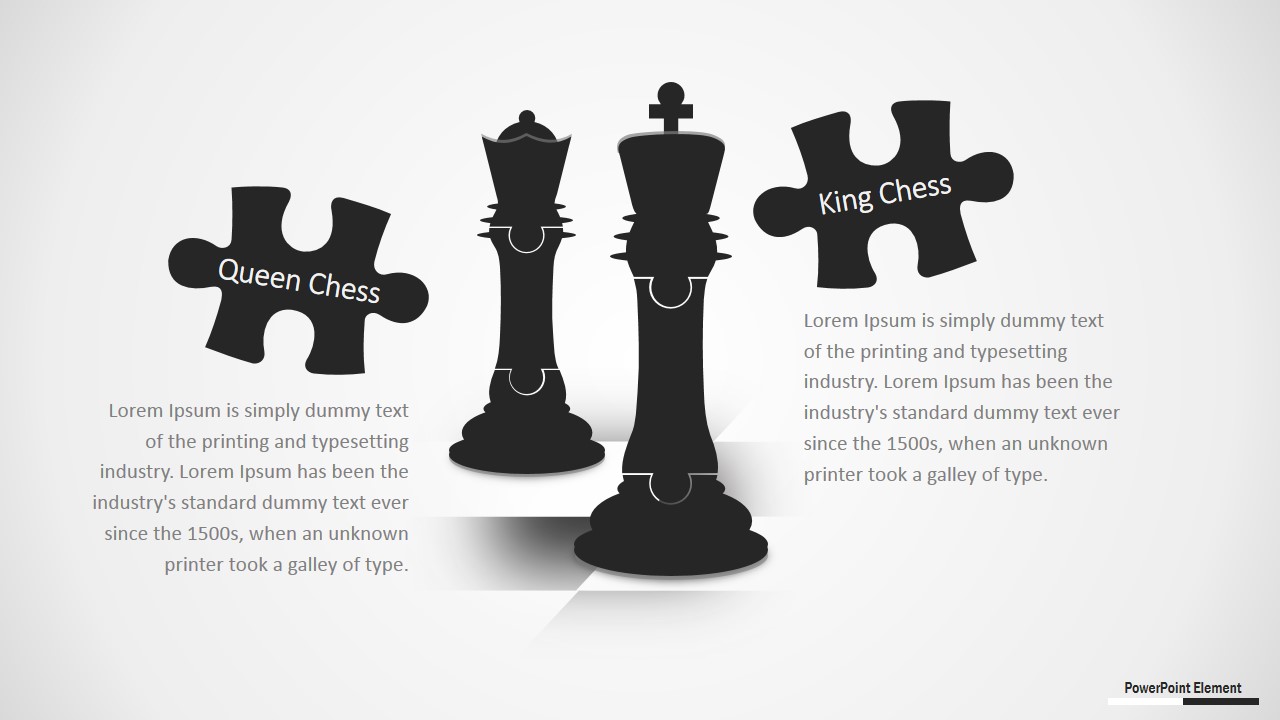
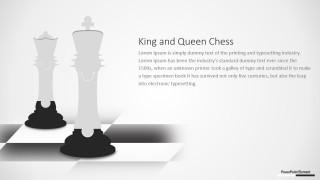
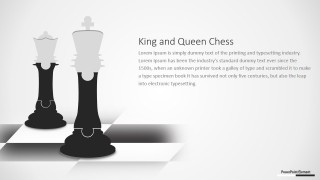
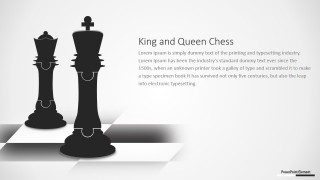
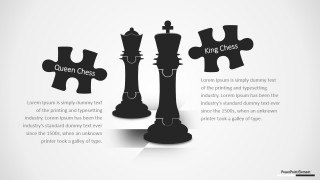
The King and Queen Chess Puzzle Shapes for PowerPoint provides professional clipart of the named chess pieces, with the original puzzle design. Each chess character is divided into puzzle pieces. The user can edit the placeholders with its content and create new business presentations with a strategy look and feel. Each of the elements of the template are created as PowerPoint shapes; the user can customize each shape with traditional PowerPoint tools as color, effects and animations.
Impress your audience with high quality chess vectors and clipart that appeal to executives.
What’s inside this template
Example presentation scenarios
- A strategy consultant can use the chessboard cover and king-focused text slide to introduce a competitive game plan to an executive audience.
- A business manager can use the queen and king scene layouts to explain how key roles, protected assets, and decision authority support a strategic objective.
- A corporate trainer can use the puzzle-piece comparison slide to teach participants how different leadership moves affect outcomes in a business simulation.
- A sales leader can use the two-column text layouts with chess pieces to frame account strategy, decision makers, and next actions for a client pursuit.
Features
- 100% editable presentation template
- Compatible with Microsoft PowerPoint and Google Slides
- 16:9 aspect ratio slides
- Scalable vector shapes, icons and illustrations
- AI-Ready for Microsoft Copilot and Claude
- Instant access and download
Frequently asked questions
Q: How should a presenter use the chess metaphor without making the message feel decorative?
A: Assign meaning to each visible chess element before presenting. The king can represent a protected priority, the queen can represent a high-impact capability, and the chessboard can represent the competitive field. Then use the text layouts to connect each metaphor directly to a decision, risk, or action the audience must understand.
Q: Who is this template best suited for in a business presentation?
A: This template fits presenters who need to explain strategic thinking rather than detailed operating data. Consultants, executives, sales leaders, and trainers can use the king and queen scenes to discuss competitive positioning, role importance, leadership decisions, or protected business goals in a concise strategy briefing.
Q: Why do the puzzle shapes help communicate a strategy message?
A: The puzzle-piece styling signals that the strategy is assembled from connected parts, while the chess pieces signal hierarchy, protection, and moves against competition. This combination makes the final comparison slide useful for showing how two strategic roles or ideas fit into one larger game plan.

King and Queen Chess Puzzle Shapes for PowerPoint
6-slide presentation template with chess puzzle shapes, king and queen strategy visuals, and editable 16:9 layouts
King and Queen Chess Puzzle Shapes for PowerPoint is a 6-slide presentation template built around editable chessboard scenes, king and queen silhouettes, puzzle piece callouts, and two-column text layouts. It supports business strategy, competitive positioning, leadership, and decision-making presentations in Microsoft PowerPoint and Google Slides.
- Category
- Shapes
- Rating


 Loading...
- Aspect ratio
- 16:9
- Item ID
- 0014-01
- Colors
 Microsoft PowerPoint
  Microsoft Copilot
  Claude for PowerPoint
 Other formats supported
Subscribe today and get immediate
access to download our PowerPoint templates.