Chess is a complex game of strategy. Its basic concept is used in the Basic 3D Chess Template for PowerPoint. Chess relies on the player’s skill to predict the opponent’s moves. Experienced players can influence these moves to their advantage. A business deal or a marketing plan can be the same way.
In a deal, both parties have their own strategies. They each have their own interests in mind. It is only a matter of careful planning one’s own movements to achieve them. Specific unspoken or implied rules often apply. The template can feature how these rules affect the two parties.
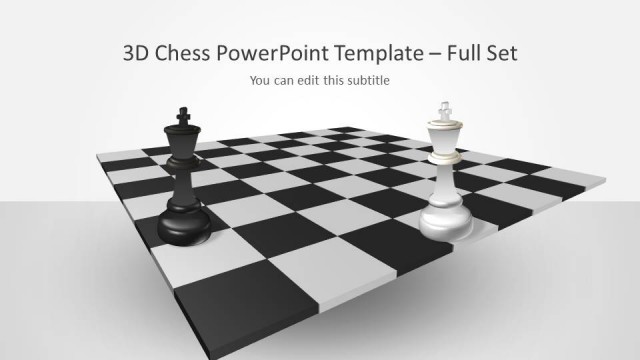
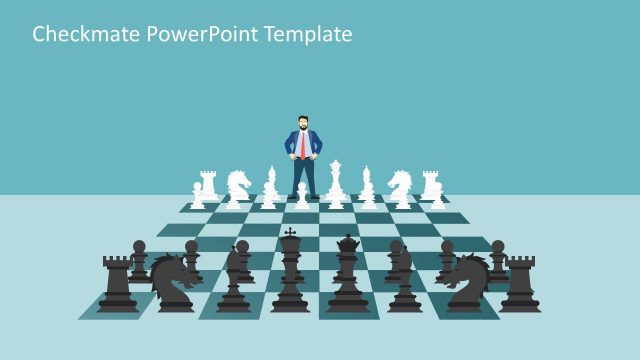
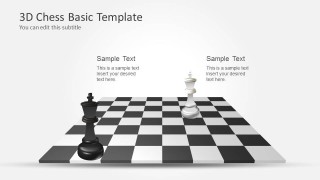
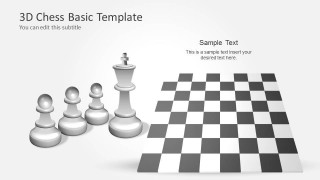
The cover slide features two chess pieces. They are identified as kings, by the crosses found at the top of the pieces. The black and white pieces represent the opposing parties. The chessboard can represent the venue of the business deal. The two following slides show two sets of pieces for each side. The set is made of a king and three pawns. The slide can introduce the project heads and their associates.
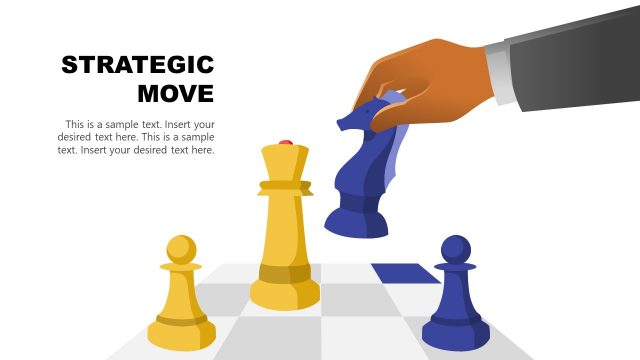
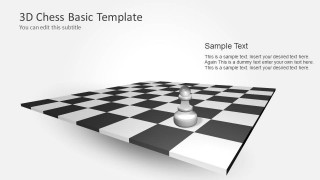
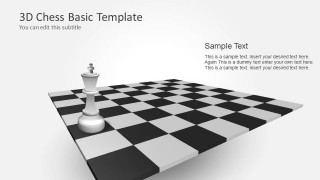
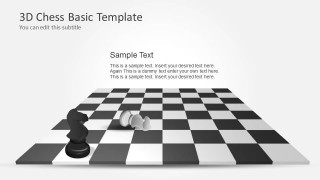
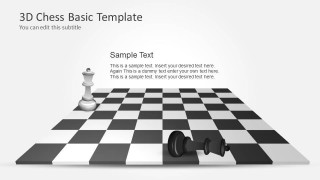
Succeeding slides show a series of chessboards containing only one or two pieces. These can represent confrontation between the parties. In some slides, only one piece can be found on the chessboard. These can demonstrate the strategic moves of each party in the business deal. A pawn can represent a frontline employee or member of the team. A queen can signify a major business partner. Other slides show two pieces, with one lying on the board. This can symbolize defeat in the negotiations.
The Basic 3D Chess Template for PowerPoint is ideal for strategy presentations. The presenter can edit the position or arrangement of the graphics. These can be done depending on the user’s needs or preference. Any changes will not affect the quality of the design.
What’s inside this template
Example presentation scenarios
- A strategy consultant can use the cover duel and empty chessboard layouts to introduce a competitive market situation and explain the planned sequence of moves.
- A sales leader can use the opposing team lineups to compare buyer and seller interests before presenting a negotiation approach.
- A marketing manager can use the single-piece chessboard scenes to show priority actions, timing, and the next move in a campaign plan.
- An executive presenter can use the fallen-piece confrontation slides to discuss risks, tradeoffs, and likely outcomes in a board-level strategy briefing.
Features
- 100% editable presentation template
- Compatible with Microsoft PowerPoint
- 16:9 aspect ratio slides
- Scalable vector shapes, icons and illustrations
- AI-Ready for Microsoft Copilot and Claude
- Instant access and download
Frequently asked questions
Q: How should a presenter use the chess metaphor without making the strategy feel too abstract?
A: Anchor each chess scene to one clear business meaning. Use the cover duel for the central conflict, the team lineups for stakeholders or sides, and the single-piece board for a planned action. Keep the text concise so the audience connects each piece position with a specific decision, risk, or move.
Q: Who is this template best suited for in a business setting?
A: This template fits presenters who need to discuss competition, negotiation, or strategic positioning with a strong metaphor. Consultants, sales leaders, executives, and marketing managers can use the chessboard layouts to explain opposing interests, planned responses, and possible outcomes without relying on dense text or numerical dashboards.
Q: Why do the chessboard and fallen-piece scenes work for strategic communication?
A: Chess is a familiar symbol for planning, tradeoffs, and anticipating the other side. The template progresses from opposing kings and team lineups to individual moves and outcome scenes, which helps an audience understand strategic tension. Fallen pieces add a clear visual cue for risk, loss, or advantage.






Basic 3D Chess Template for PowerPoint
11-slide PowerPoint presentation template for strategy planning with 3D chessboards and decision metaphors
Basic 3D Chess Template for PowerPoint is an 11-slide 16:9 strategy template built around editable 3D chessboard scenes. It includes a cover duel, black and white team lineups, single-piece move layouts, and confrontation or defeat scenes for business planning, negotiations, and competitive strategy presentations in Microsoft PowerPoint.
- Category
- Strategy
- Rating


 Loading...
- Aspect ratio
- 16:9
- Item ID
- 6109-02
- Colors
 Microsoft PowerPoint
  Microsoft Copilot
  Claude for PowerPoint
 Other formats supported
Subscribe today and get immediate
access to download our PowerPoint templates.