Slide 4 of 19 from 3D Chess PowerPoint Template with Full Set
6109-03-3d-chess-template-full-4
3D Chess Charts for PowerPoint Presentation
- Media Layout
- Other
- Context Slide
- 16:9
- 100% Editable
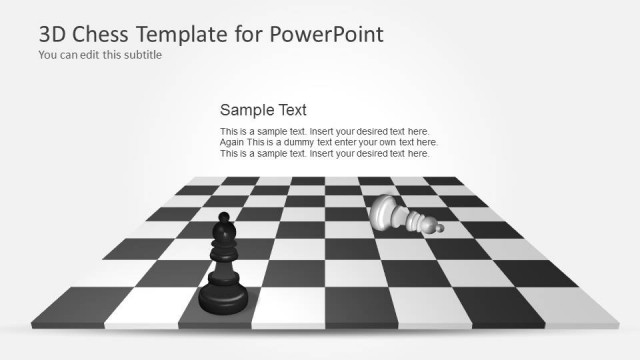
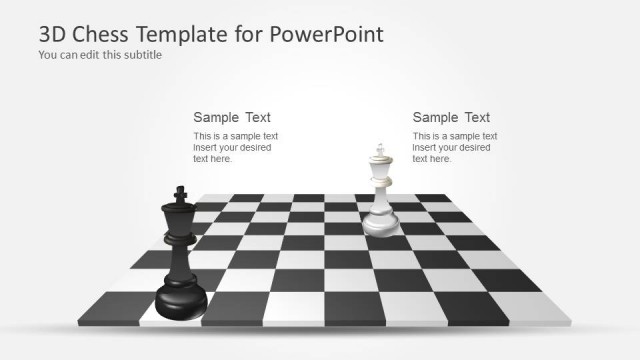
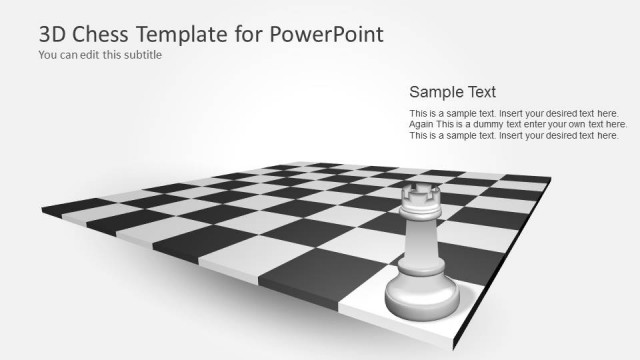
The 3D Chess Charts for PowerPoint slide from the 3D Chess PowerPoint Template with Full Set offers a professional layout ideal for business presentations and strategic discussions. Featuring editable shapes and a 3D chessboard visual, this slide supports clear communication of game plans and decision-making processes in corporate presentations or educational lectures.
What’s on This Slide
The layout features a 3D chessboard with chess pieces arranged on the left side. The board occupies the bottom half, displaying alternating black and white squares. The title is positioned at the top left, with a subtitle directly below it. Text placeholders are aligned to the left, with three distinct sections for content, each containing sample text. The visual hierarchy emphasizes the chessboard and pieces, while the background is a light gray gradient, enhancing the 3D effect. The overall composition balances text and imagery effectively.
How to Use It
This layout serves as a title slide for presentations focused on strategy, competition, or decision-making using chess as a metaphor. It fits well after an introduction slide, setting the stage for detailed discussions. Ideal for business strategy sessions, game plan presentations, or educational contexts where chess principles apply. The layout can be adapted for various topics by replacing the sample text with relevant content, maintaining a professional and thematic appearance throughout the presentation.
Text Placeholders & Capacity
Keep your copy within these limits so it fits without resizing. Body slots can hold roughly 10-12 words each.
| Placeholder | Count | Max characters (approx.) |
|---|---|---|
| Slide title | 1 | 30 |
| Subtitle | 1 | 30 |
| Body paragraph | 3 | 60 |
Slide Keywords
Download unlimited PowerPoint templates, charts and graphics for your presentations with our annual plan.
DOWNLOADReturn to 3D Chess PowerPoint Template with Full Set.