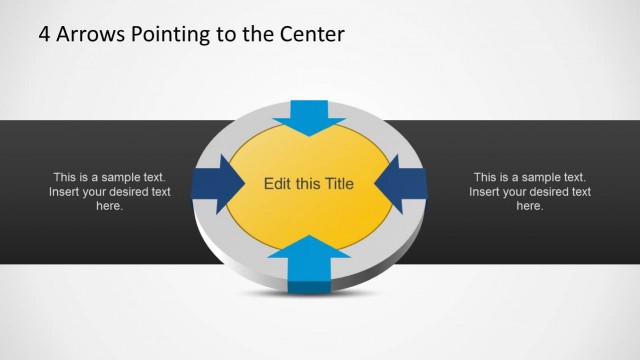
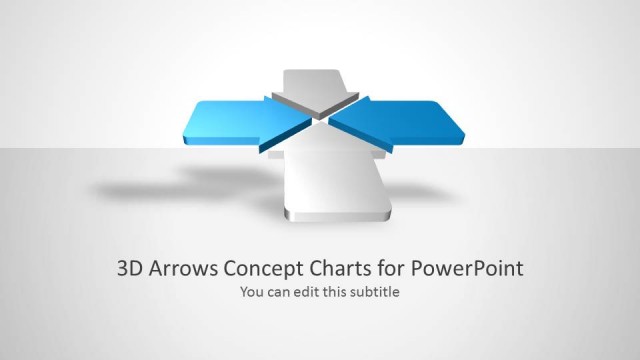
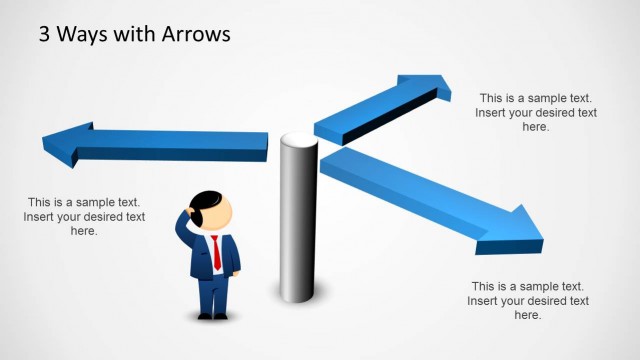
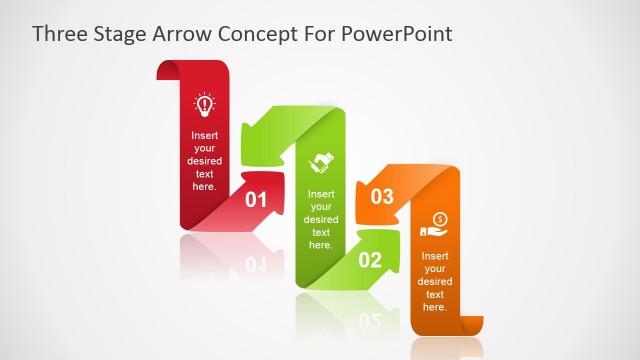
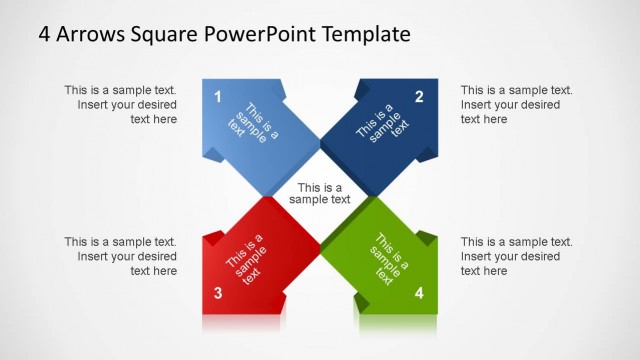
3D Arrows Pointing Center PowerPoint Diagram is a creative and simple templates containing four 3D Arrows pointing to a 3D rectangle in the center of the slide. This diagram is ideal for Business Presentations or Strategy Presentations were different models can be described. For example the Porter’s 5 Forces can be implemented with our 3D Arrows Pointing Center PowerPoint Diagram. The arrows and rectangle are created as PowerPoint Shapes. The user can customize each of the shapes properties providing complete flexibility for edition.
Impress your audience implementing simple models with our flexible 3D Arrows Pointing Center PowerPoint Diagram.
What’s inside this template
Example presentation scenarios
- A strategy consultant can use the full-color convergence diagram to introduce four market forces and explain how they affect one central business position.
- A project manager can use the highlighted-arrow callout slides to assign one slide to each workstream and connect every contribution to the shared deliverable.
- An operations leader can present four process inputs around the center rectangle to show how separate functions feed a common output.
- An executive presenter can use the gray inactive arrows and one colored active arrow to keep the audience focused on one business driver at a time.
Features
- 100% editable presentation template
- Compatible with Microsoft PowerPoint
- 16:9 aspect ratio slides
- Scalable vector shapes, icons and illustrations
- AI-Ready for Microsoft Copilot and Claude
- Instant access and download
Frequently asked questions
Q: How should I present the four arrows without making the center box feel generic?
A: Start by naming the center rectangle as the decision, outcome, or objective before discussing any arrow. Then assign each arrow a specific role, such as competitor pressure, supplier input, team contribution, or action step. Use the single-arrow slides to explain one factor at a time so the audience understands both the parts and the shared center.
Q: Who is this diagram best suited for in a business presentation?
A: This template fits consultants, managers, and analysts who need to explain how four forces or inputs shape one core issue. It works well for strategy models, stakeholder alignment, operating models, and Porter's Five Forces style discussions where the presenter needs a visual map more than a table of details.
Q: Why use inward 3D arrows instead of a simple list?
A: The inward-arrow metaphor shows relationship and pressure, not just separate bullet points. Because every arrow points to the same center, the layout makes convergence clear. The gray-and-color emphasis slides also create a visual hierarchy, letting the presenter isolate one factor while keeping the full system visible.


3D Arrows Pointing Center PowerPoint Diagram
5-slide PowerPoint diagram template for 3D arrows, center focus, and strategy models
This 5-slide PowerPoint diagram template shows four 3D arrows pointing toward a central rectangle for business strategy and process discussions. It includes a full-color convergence diagram, single-arrow emphasis slides, right-side text panels, and editable arrow labels. Designed for consultants, managers, and analysts working in Microsoft PowerPoint.
- Category
- Diagrams
- Rating


 Loading...
- Aspect ratio
- 16:9, 4:3
- Item ID
- 8116-01
- Colors
 Microsoft PowerPoint
 Microsoft Copilot
 Claude for PowerPoint
Other formats supported
Subscribe today and get immediate
access to download our PowerPoint templates.