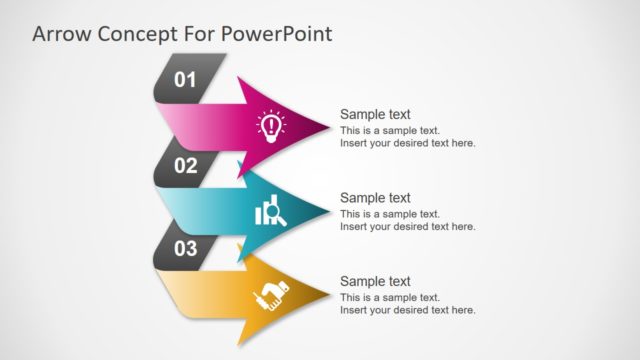
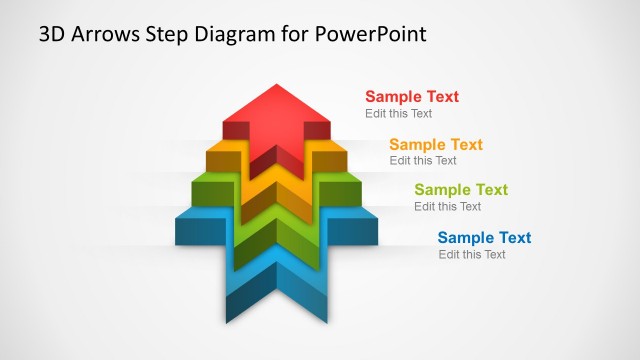
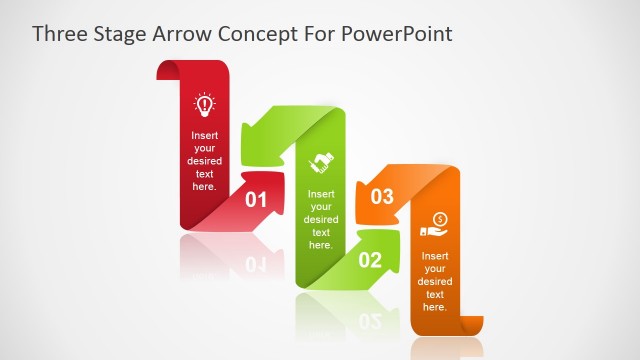
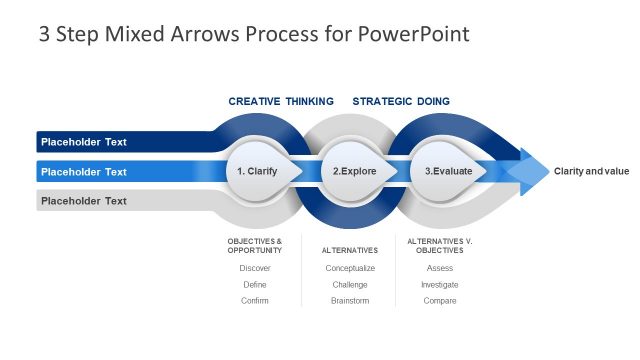
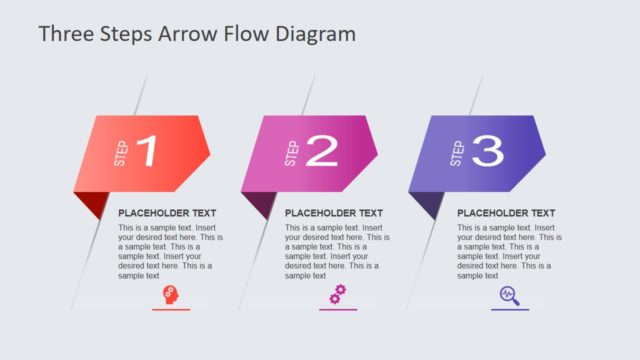
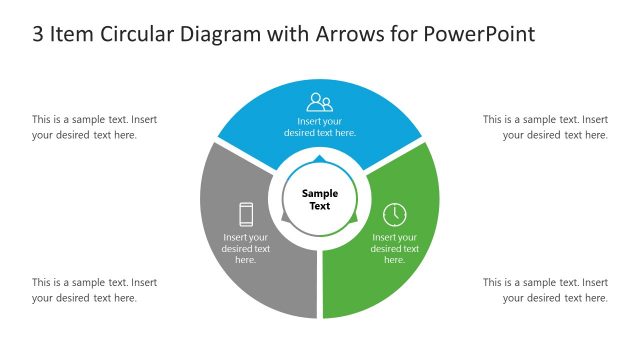
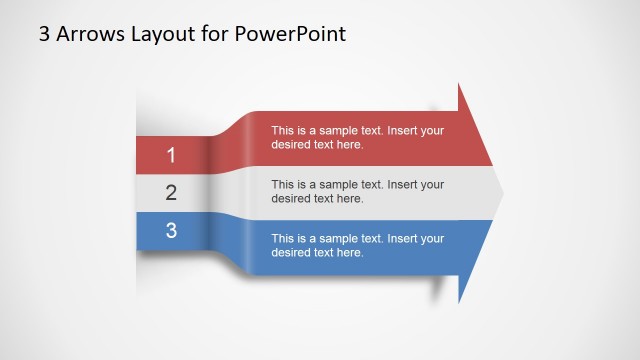
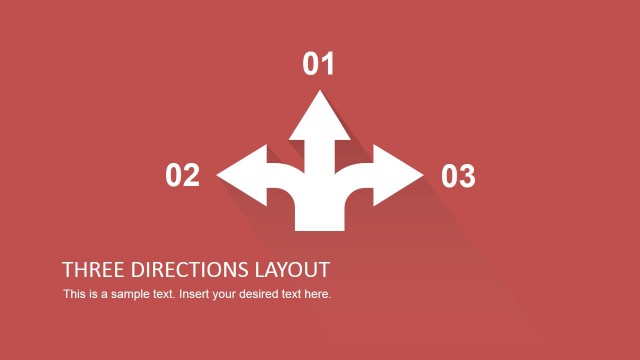
3 Way PowerPoint Diagram With Arrows is a diagram template for making professional presentations. Being a part of the collection of 3 Steps PowerPoint Templates, it is ideal for making business presentations, especially comparison slides and 3 step diagrams.
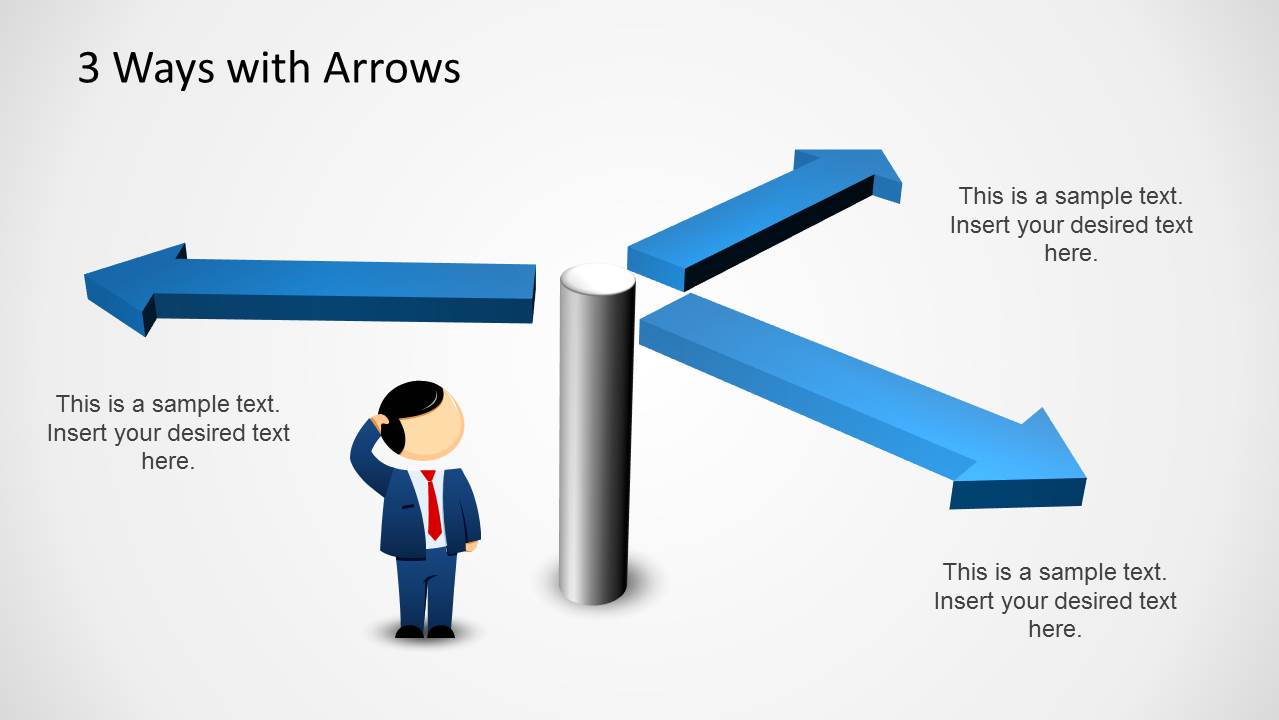
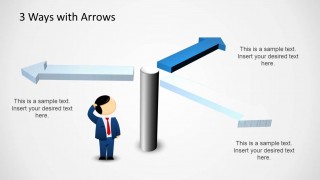
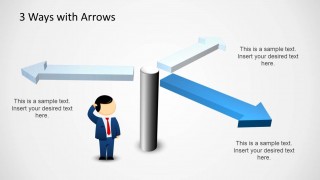
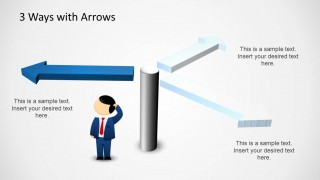
The sample slides show three arrows pointing in separate directions which can be used for depicting different options a business venture might be able to pursue, displaying results from three different financial quarters or to compare three different types of results.
You can use the opening slide to display an introduction of your topic and follow it up with a comprehensive slide about each of the three aspects under discussion, to elaborate upon the pros and cons of each part of your presentation.
What’s inside this template
Example presentation scenarios
- A strategy consultant can use the three-arrow overview to introduce three market entry options before discussing the risks and benefits of each path.
- A project manager can use the highlighted arrow slides to explain three possible implementation routes and guide stakeholders toward a decision.
- A finance analyst can present three quarterly results or scenario outcomes using the callout text areas beside each direction.
- A product leader can use the signpost metaphor to compare build, buy, or partner choices during an executive decision meeting.
Features
- 100% editable presentation template
- Compatible with Microsoft PowerPoint and Google Slides
- Scalable vector shapes, icons and illustrations
- AI-Ready for Microsoft Copilot and Claude
- Instant access and download
Frequently asked questions
Q: How should I present the three arrows without making the choice feel arbitrary?
A: Start with Slide 1 to define the decision and label each arrow with a clear option. Then use the highlighted arrow slides to discuss one path at a time. Keep the callout text consistent, such as opportunity, risk, and action, so the audience compares the choices on the same criteria.
Q: Who is this diagram best suited for in a business presentation?
A: This template fits presenters who need to frame a decision before detailed analysis, such as consultants, project managers, product leads, and analysts. It works best when the audience must understand three possible directions quickly, not when they need dense data tables or a long project plan.
Q: Why use a signpost and confused character as the main visual metaphor?
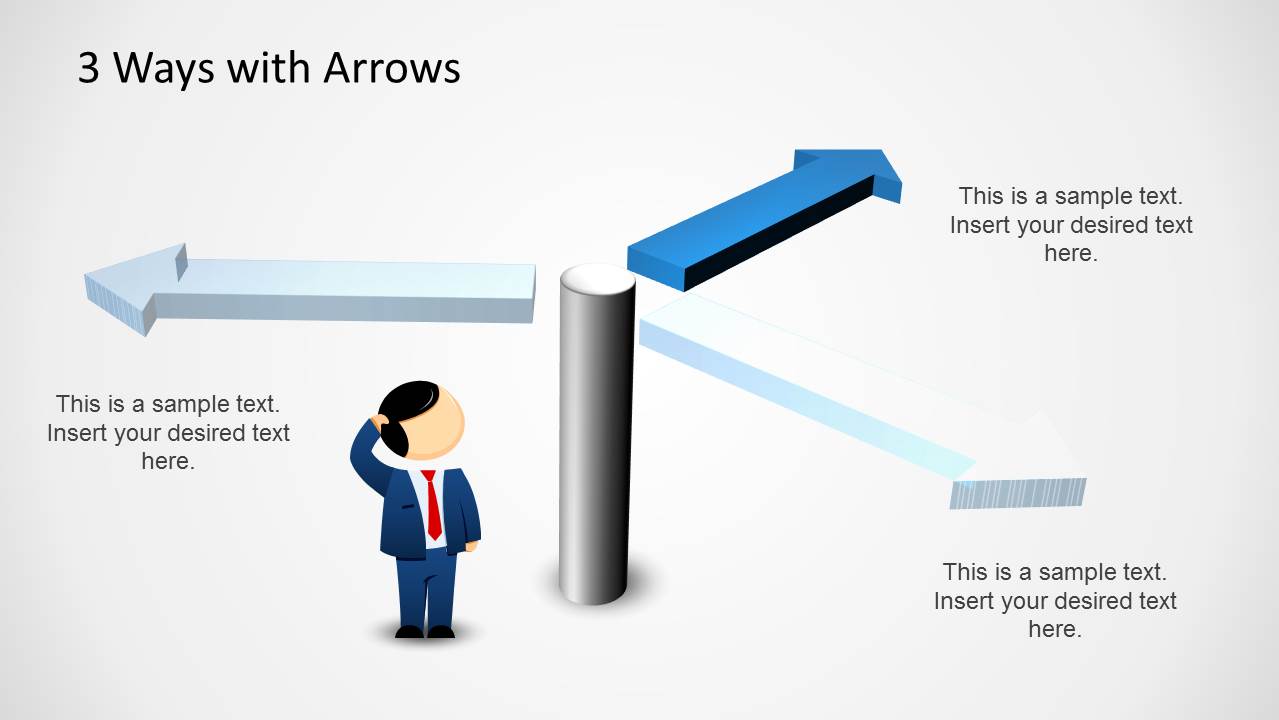
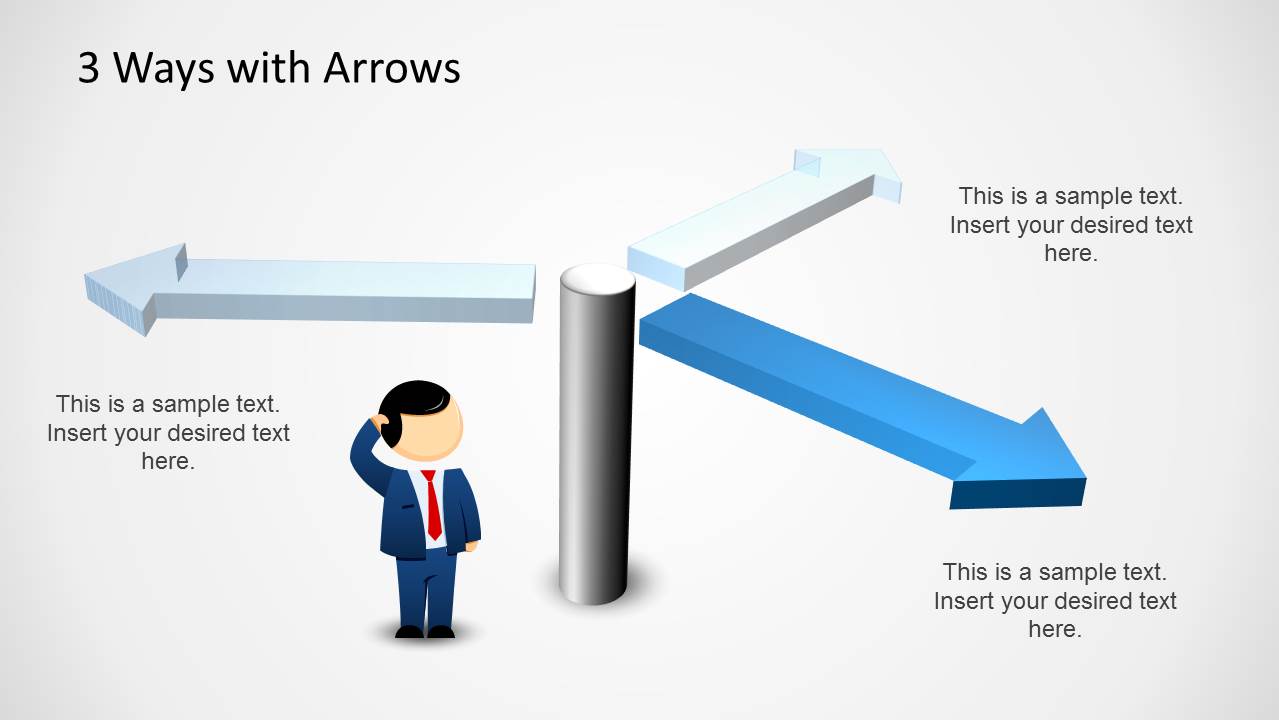
A: The signpost makes the decision point visible, while the confused character signals uncertainty that the presenter will resolve. This metaphor helps the audience read the slide as a choice among paths, not just three labels. The muted and highlighted arrow variants also create a simple attention path across the four slides.

3 Way PowerPoint Diagram with Arrows
4-slide presentation template with three-way arrows for options, choices, and decision paths
3 Way PowerPoint Diagram with Arrows is a 4-slide presentation diagram for showing three possible directions, choices, or outcomes. The contact sheet shows a full three-arrow overview, three highlighted arrow variants, a central signpost, text callouts, and a confused businessperson illustration. It fits business comparison, option framing, and decision discussions.


 Loading...
 Microsoft PowerPoint
  Microsoft Copilot
  Claude for PowerPoint
 Other formats supported
Subscribe today and get immediate
access to download our PowerPoint templates.