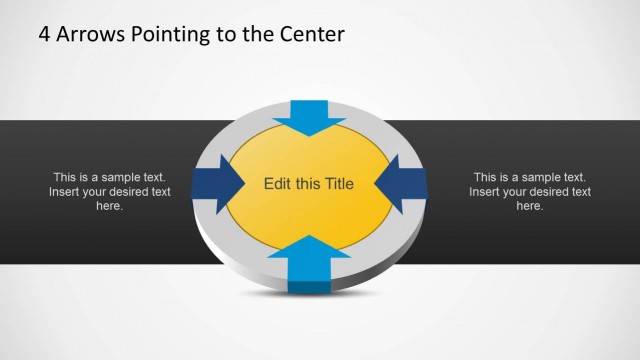
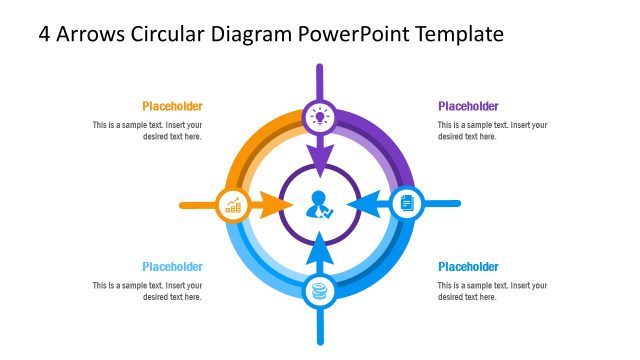
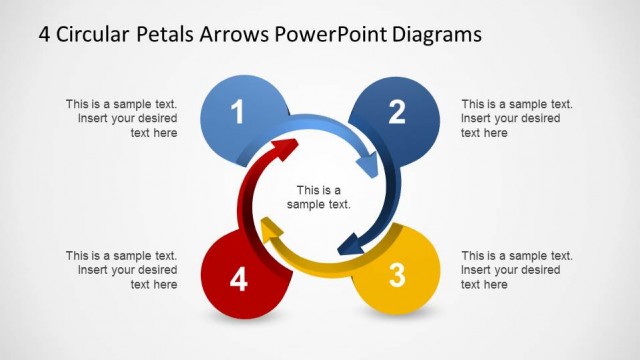
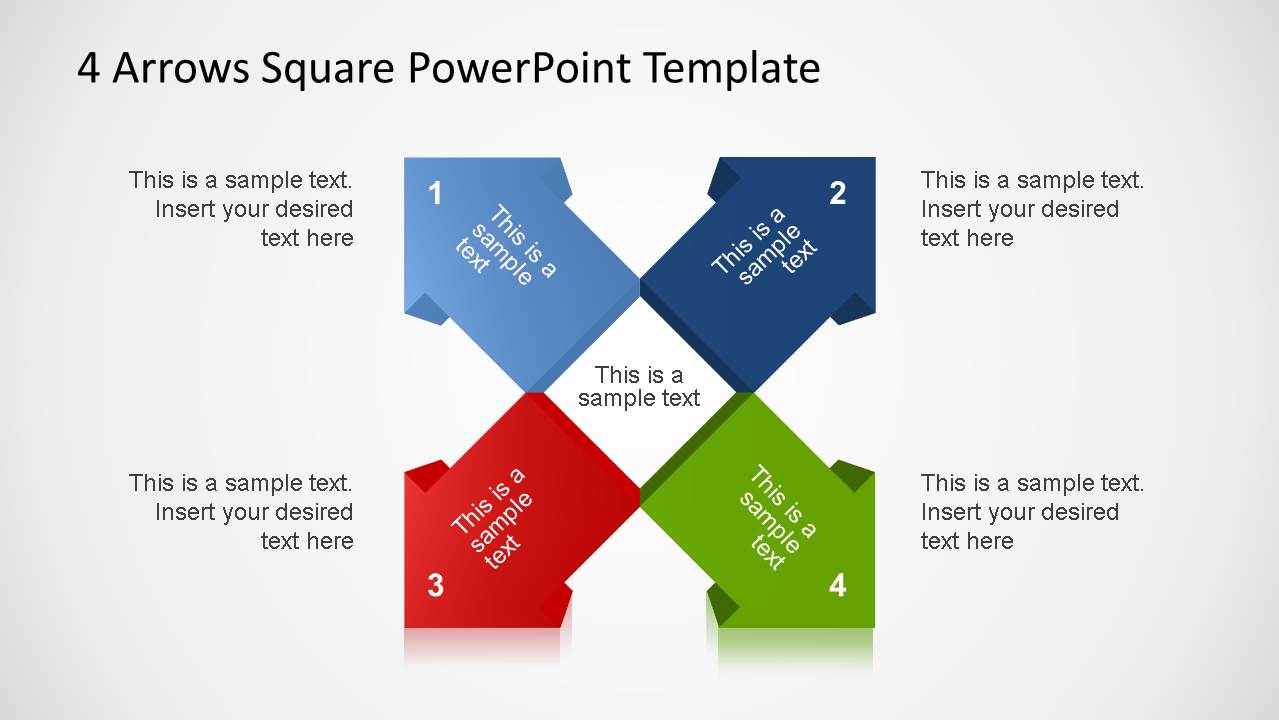
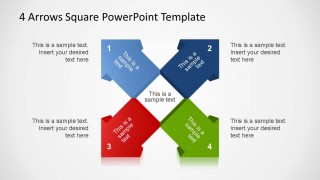
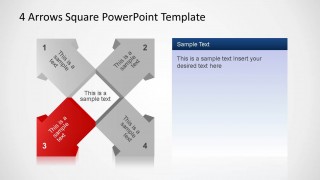
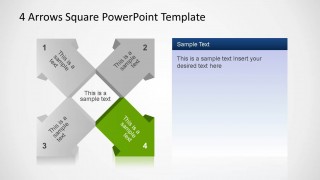
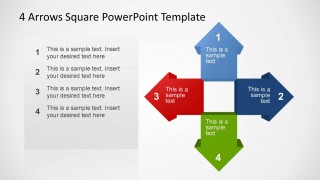
4 Arrows Square PowerPoint Template is creative PowerPoint diagram with four 3D arrows pointing to the vertex of a square, indicating quadrants. The arrows are fully customizable, enabling the user to edit each of their properties. This diagram serves for multiple purposes as SWOT analysis, Minimum/Maximum combinations in quadrants, or simply a 4 stage diagram with a sequence of four steps. Use this template for expressing opposing ideas or attributes comparison.
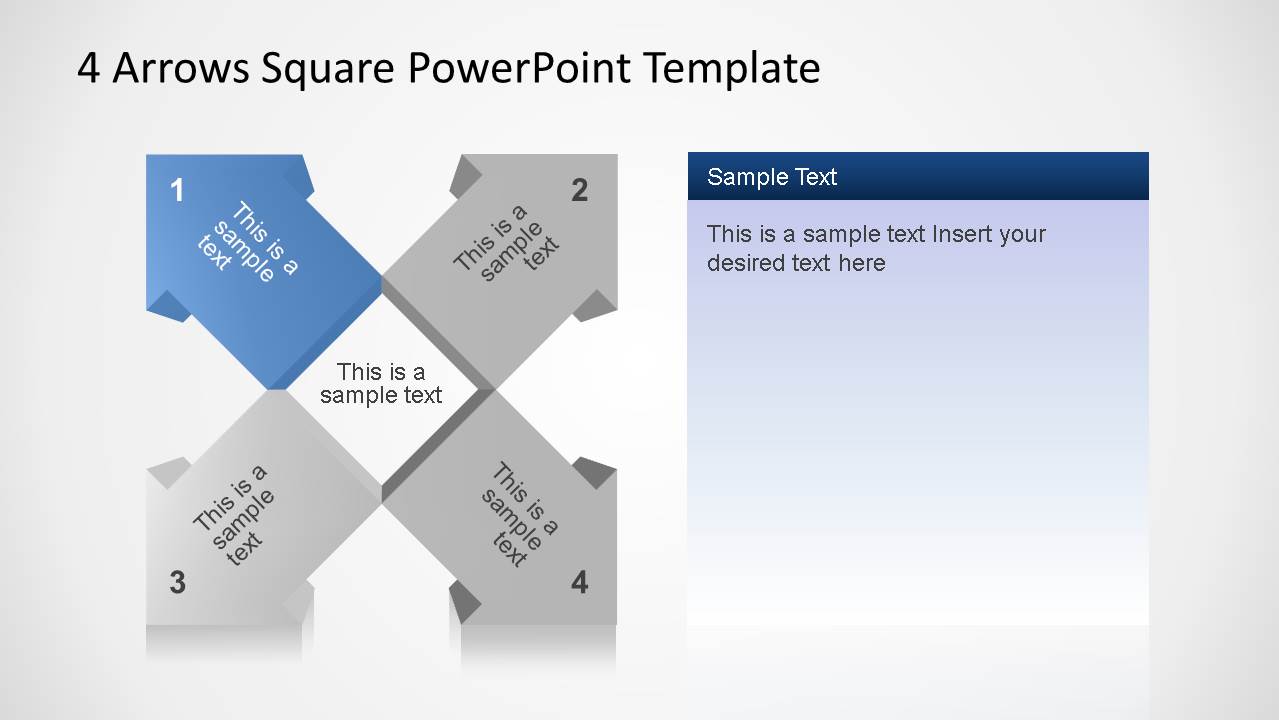
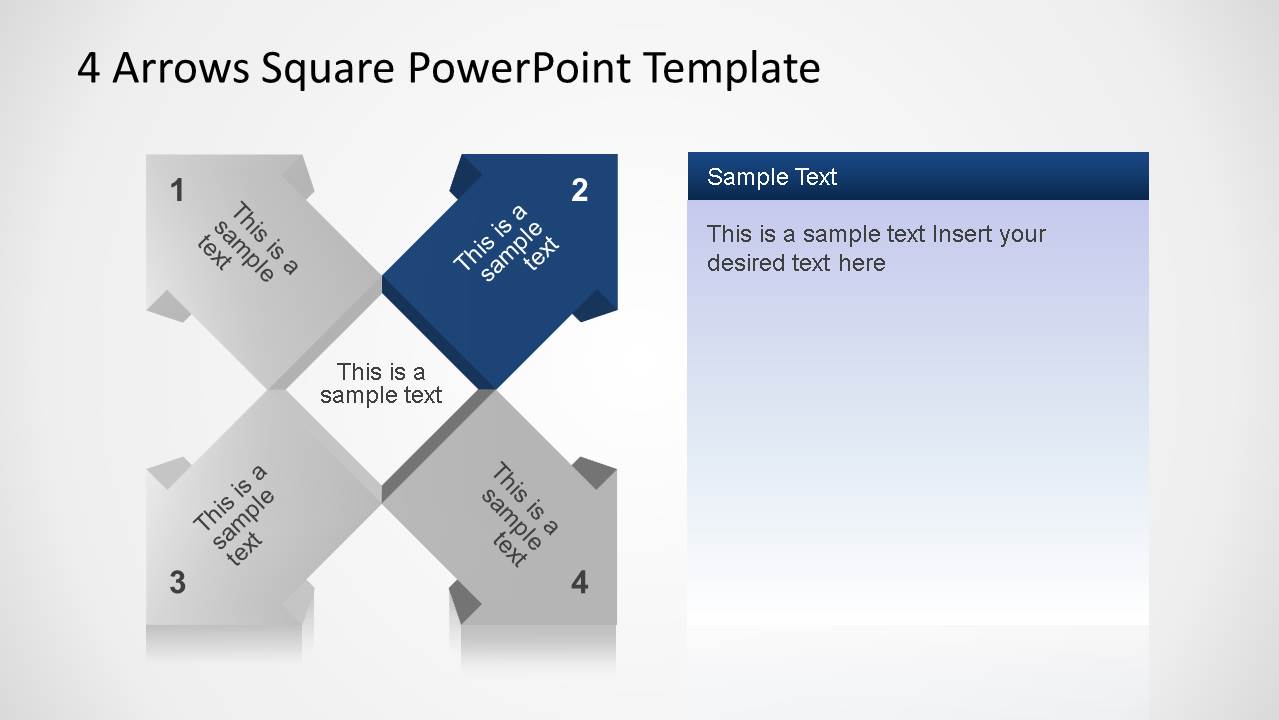
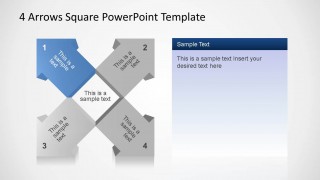
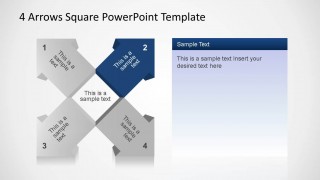
Each Slide provides an arrow highlight with the corresponding text box beside to elaborate on the topic that the arrow represents. Combine this colorful diagram with our catalog of Stage Diagrams to engage your audience with an appealing presentation.
What’s inside this template
Example presentation scenarios
- A strategy consultant can use the four-arrow square to compare four business choices and then use the highlighted quadrant slides to explain each option in detail.
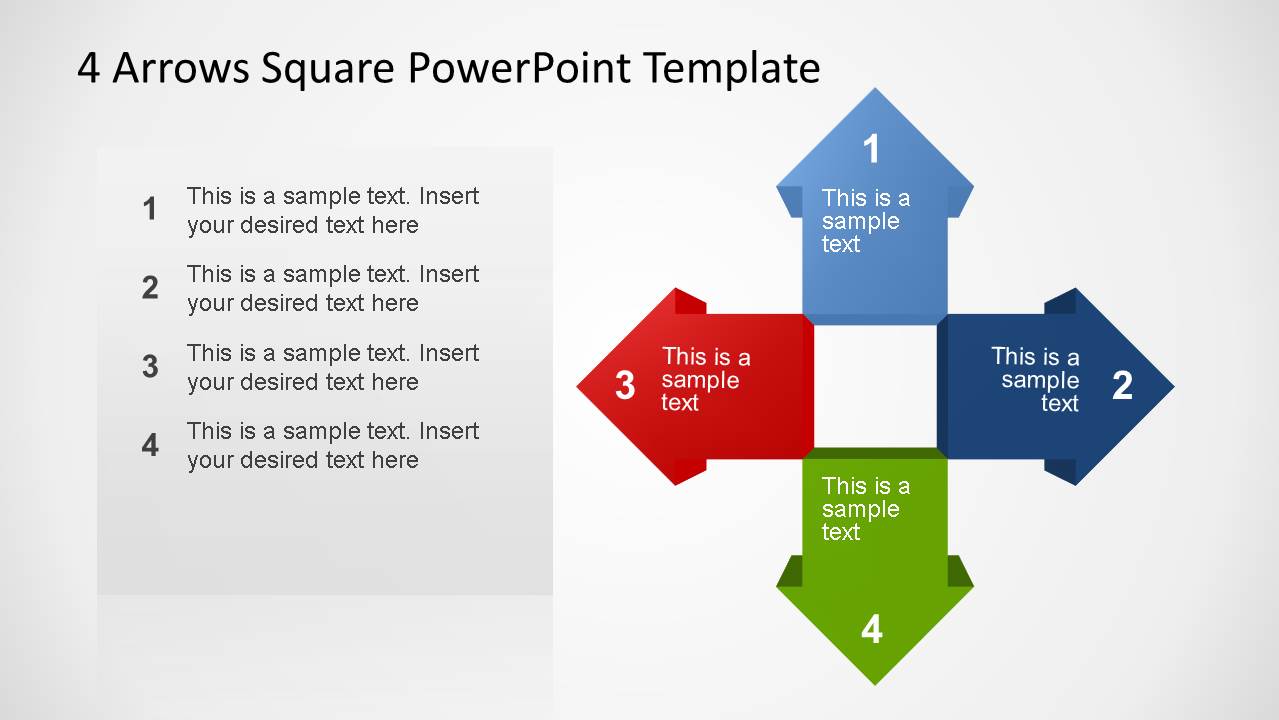
- A project manager can present a four-stage workflow with the plus-shaped arrow diagram, assigning each direction to a team action, dependency, or handoff.
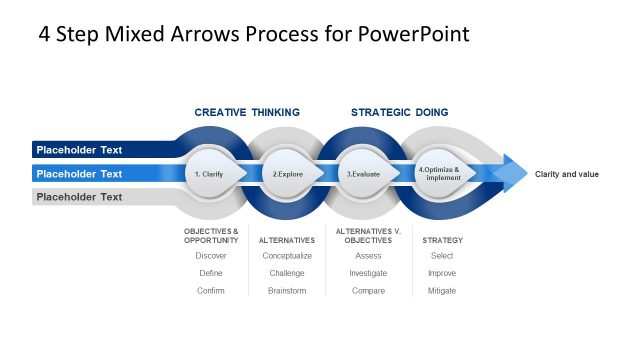
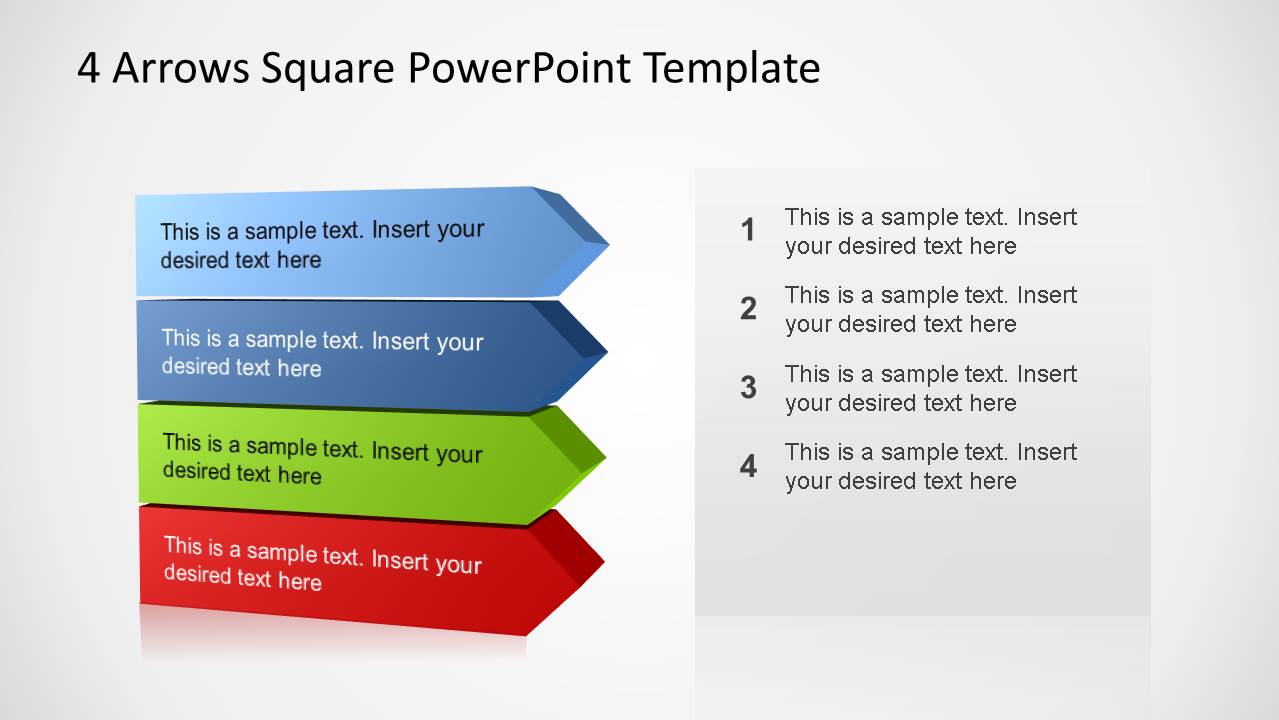
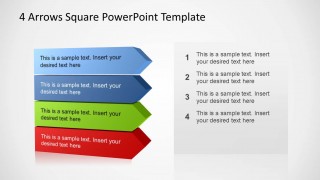
- A trainer can use the stacked horizontal arrows to teach a four-step method while keeping the text list aligned with the sequence.
- A product manager can frame a SWOT-style discussion by placing one theme on each arrow and using the single-highlight slides for discussion notes.
Features
- 100% editable presentation template
- Compatible with Microsoft PowerPoint and Google Slides
- Scalable vector shapes, icons and illustrations
- AI-Ready for Microsoft Copilot and Claude
- Instant access and download
Frequently asked questions
Q: How should a presenter explain the four-arrow square without making the audience read every label at once?
A: Start with Slide 1 as the orientation view, naming the four arrows as a complete system. Then move through Slides 2 to 5, where one arrow is highlighted and the others are gray. This pacing lets the presenter control attention, explain one point at a time, and return to the full model if needed.
Q: Who is this template best suited for in a business presentation?
A: This template works best for consultants, managers, trainers, and team leads who need to organize four comparable ideas. It is a good fit for SWOT-style reviews, decision choices, four-stage methods, and directional models because each arrow can stand for a category, action, risk, or strategic path.
Q: Why use inward-facing arrows and plus-shaped arrows instead of a plain four-item list?
A: The arrow metaphor shows movement, tension, or convergence, which a list does not communicate as clearly. The inward-facing square suggests four forces meeting at one central issue, while the plus-shaped version suggests directions around a shared center. This helps audiences see relationships, not just separate bullet points.


4 Arrows Square PowerPoint Template
8-slide PowerPoint presentation template for 4-step arrows, quadrants, and directional process diagrams
The 4 Arrows Square PowerPoint Template is an 8-slide PowerPoint diagram set for showing four related directions, steps, or comparison points. Visible layouts include a four-arrow square, highlighted quadrant slides, a plus-shaped arrow diagram, and stacked horizontal arrows. It fits strategy, process, SWOT-style, and option comparison presentations.
- Rating


 Loading...
- Item ID
- 6477-03
- Colors
 Microsoft PowerPoint
  Microsoft Copilot
  Claude for PowerPoint
 Other formats supported
Subscribe today and get immediate
access to download our PowerPoint templates.