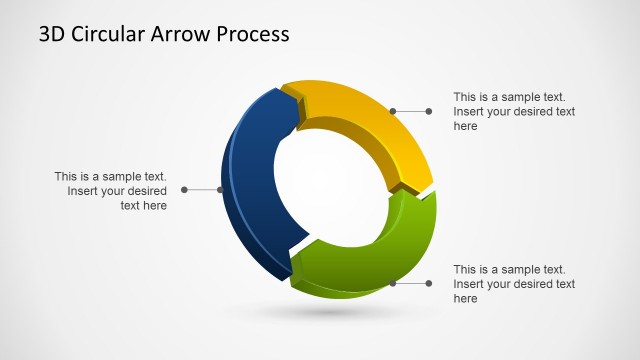
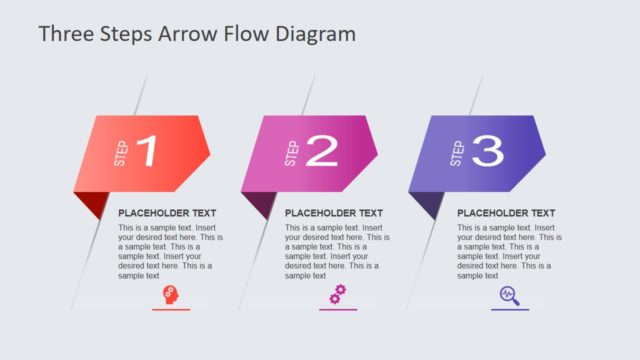
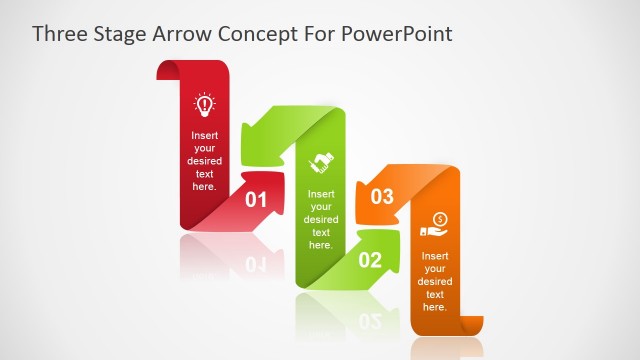
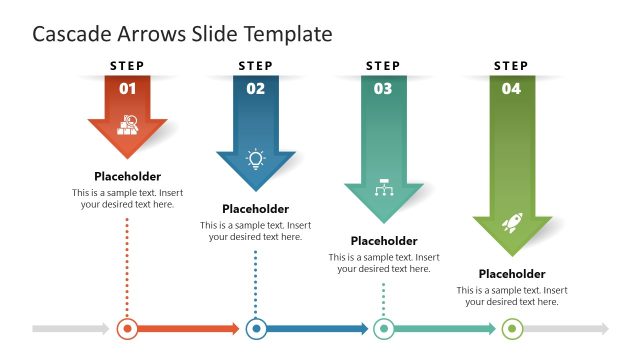
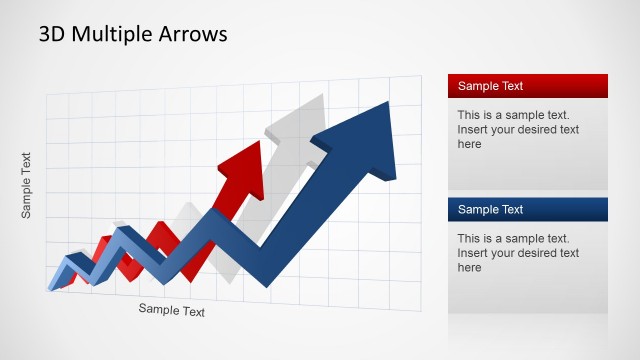
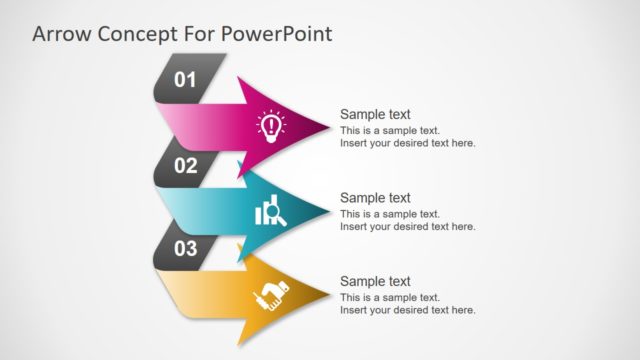
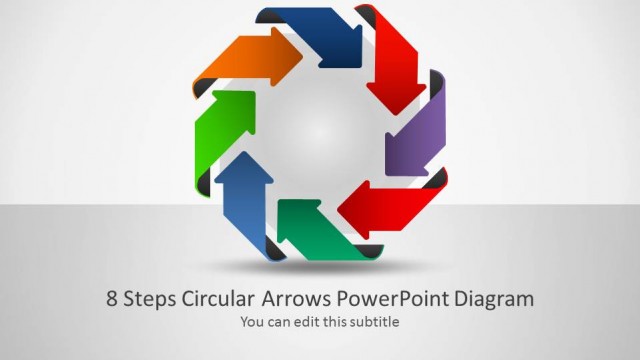
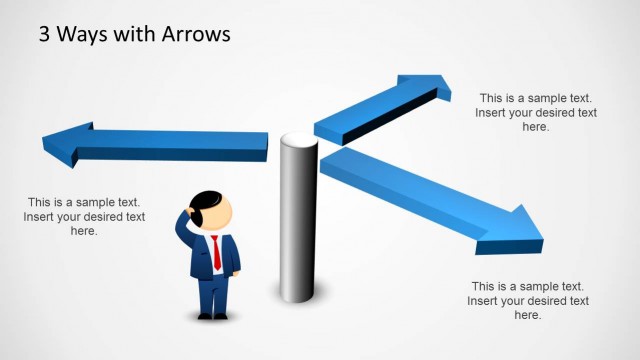
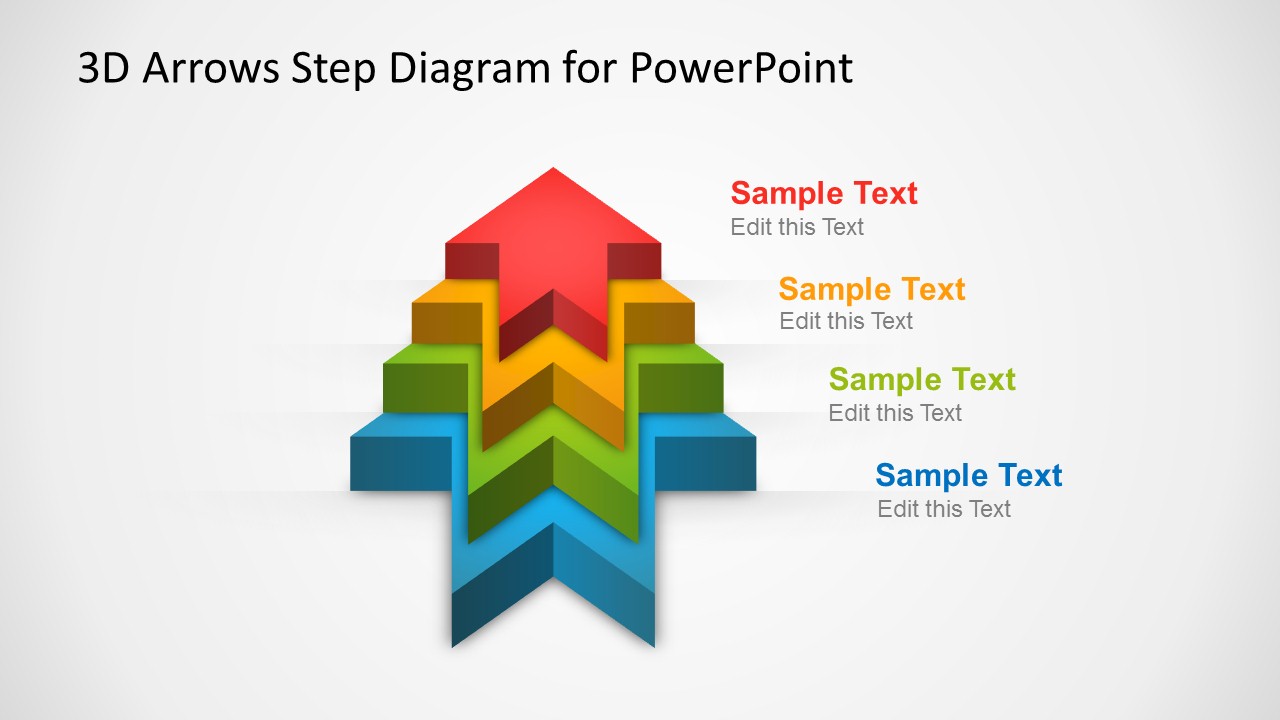
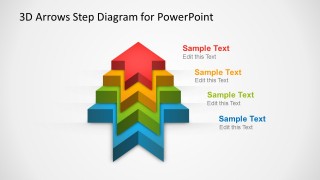
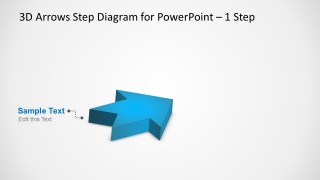
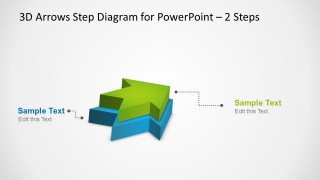
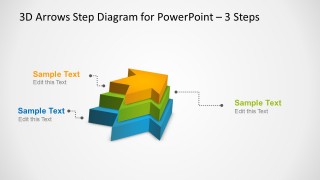
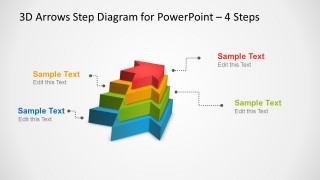
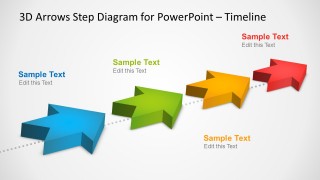
3D Arrows Step Diagram Template for PowerPoint is a presentation design containing awesome 3D arrows diagrams in multiple slides that you can use to represent a process of up to four steps or a hierarchical relationship as an alternative to other diagrams like the segmented pyramid. For instance, the small arrow on top of the diagram can be considered the top of the pyramid, while the bottom big arrow is like the bottom or base of a segmented pyramid design.
Alternatively you can download other creative PowerPoint templates and diagram designs for presentations.
What’s inside this template
Example presentation scenarios
- A project manager can use the four-step stacked arrow to explain the sequence of an implementation plan and show how each phase builds toward the final outcome.
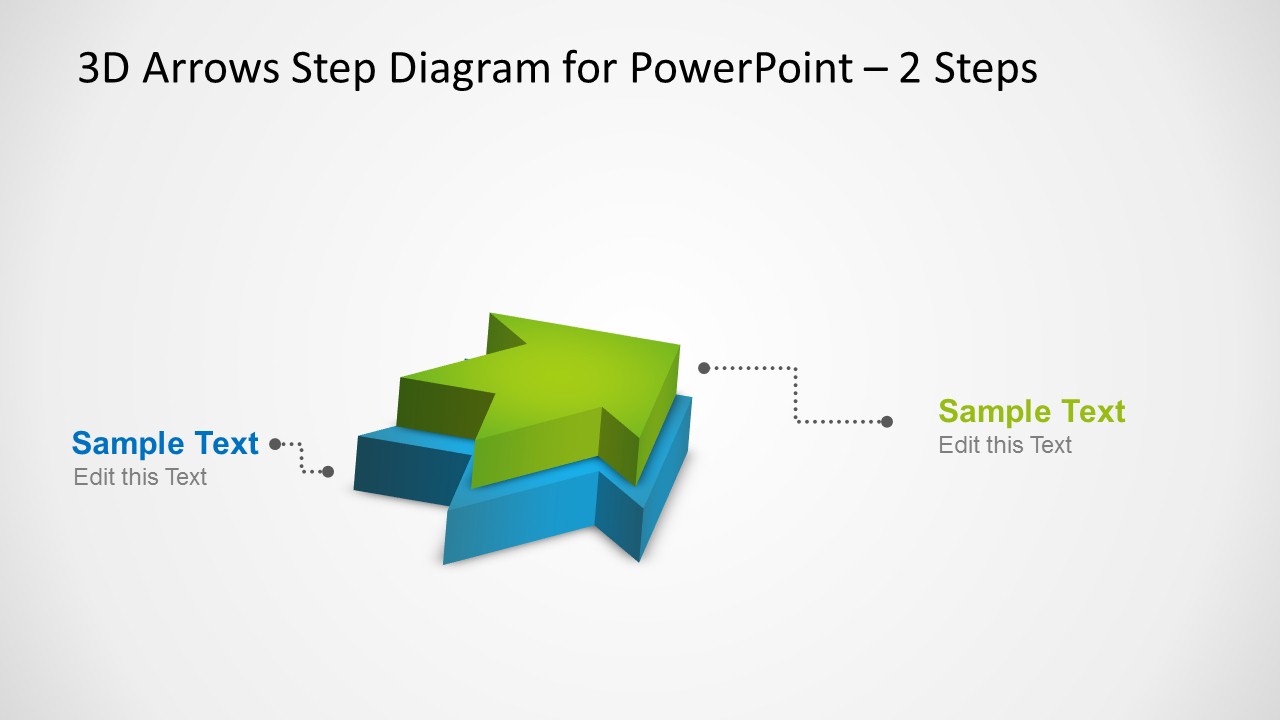
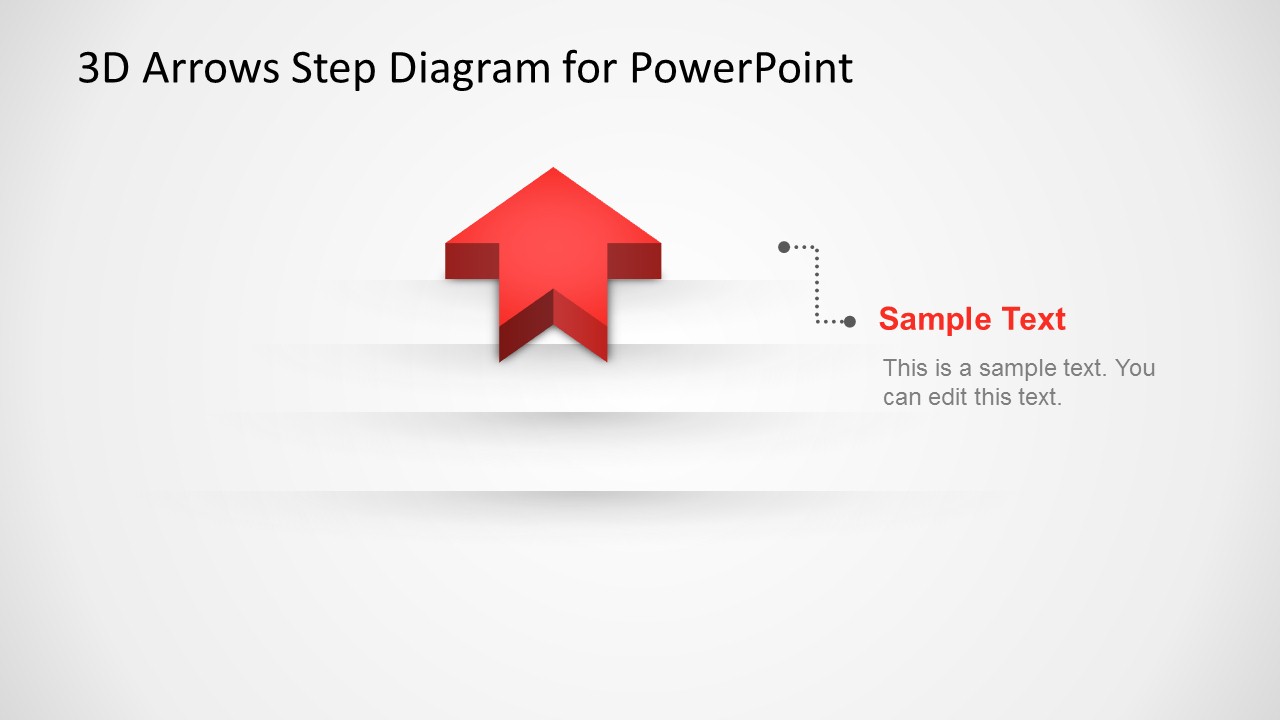
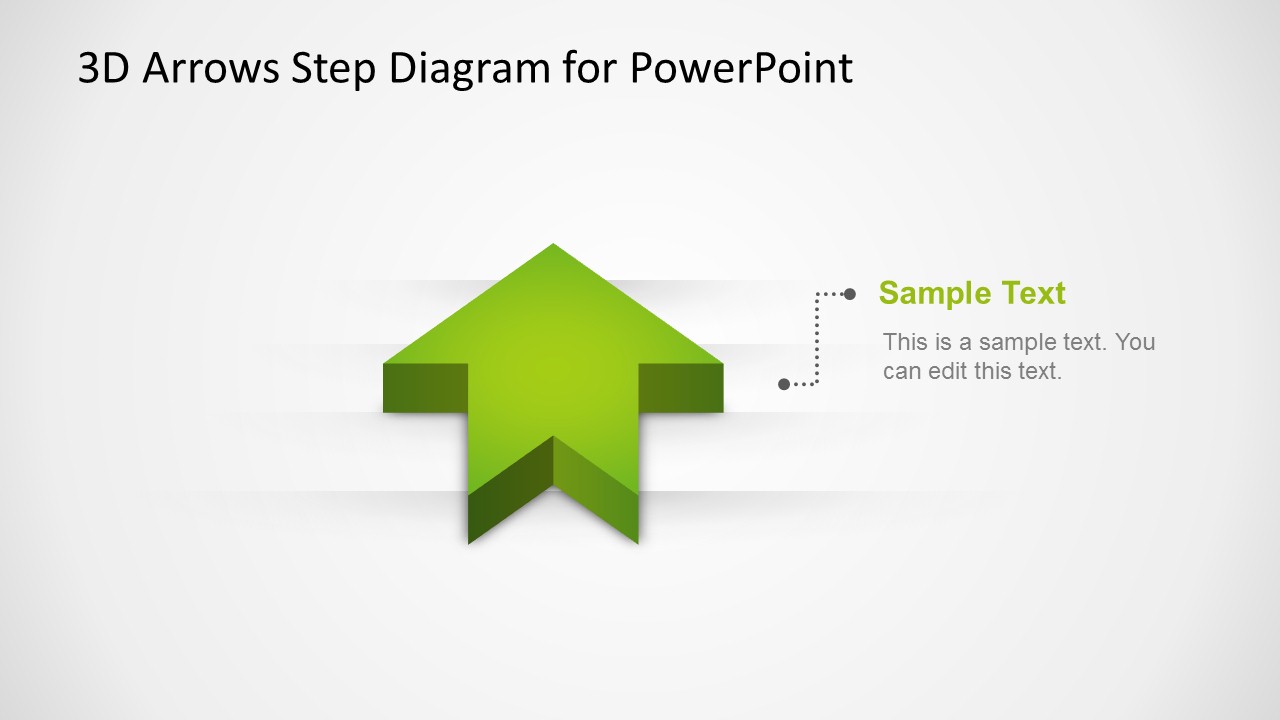
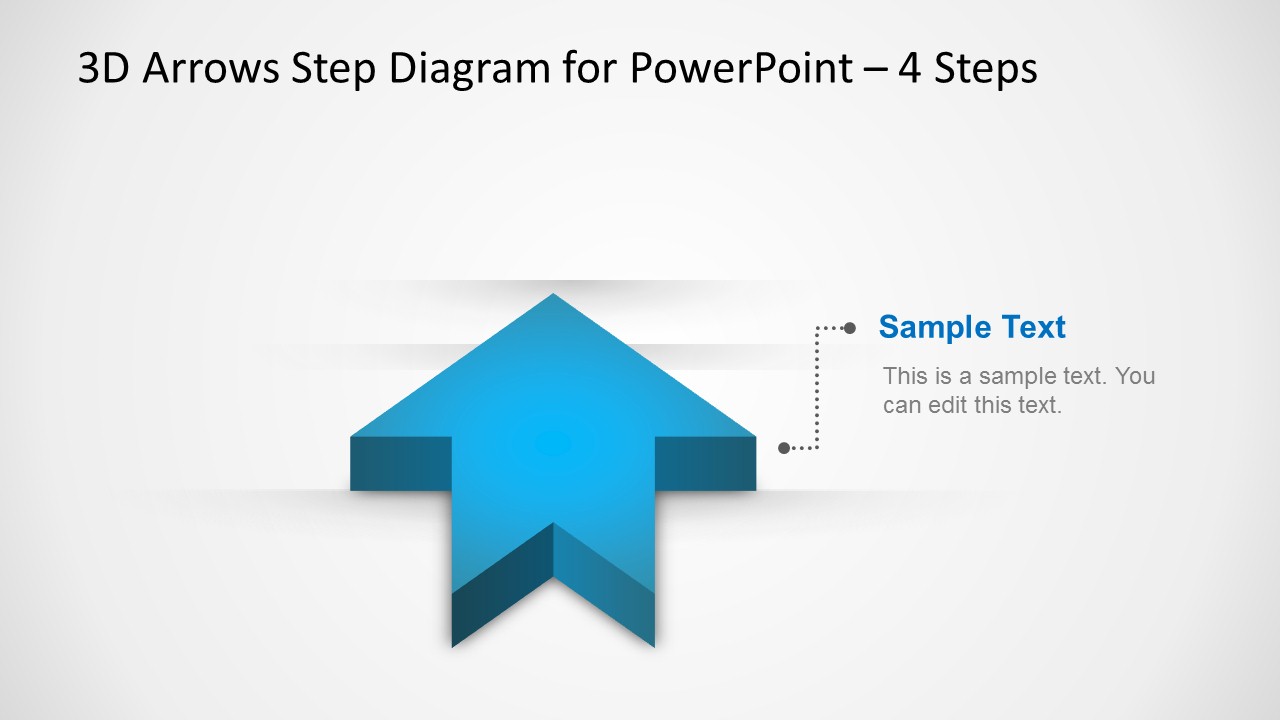
- A consultant can use the one-step and two-step arrow slides to isolate a current priority, then compare it with the next required action during a client workshop.
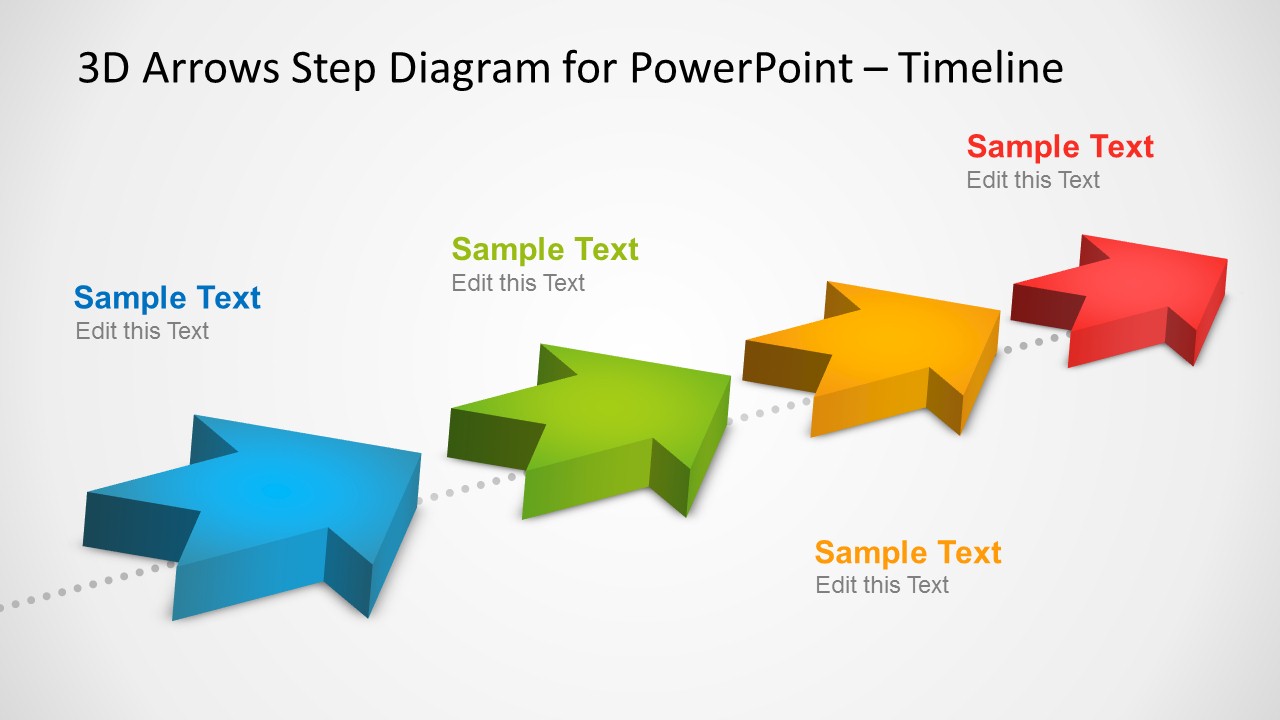
- A training facilitator can use the diagonal arrow timeline to teach a short workflow, placing key actions along the path from first step to final result.
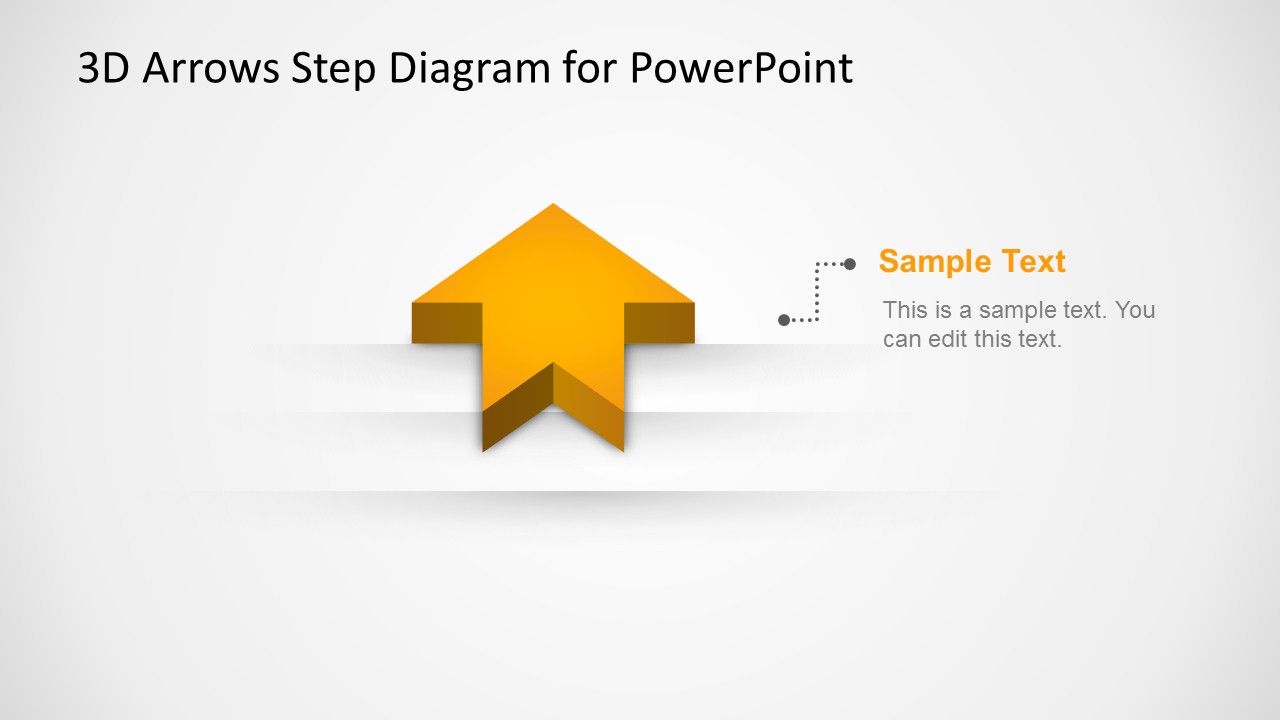
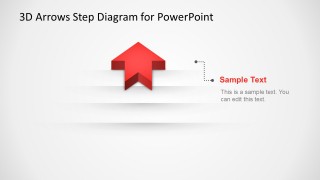
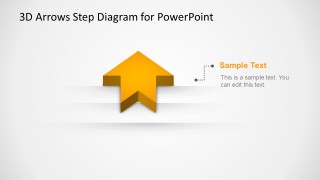
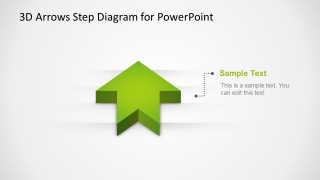
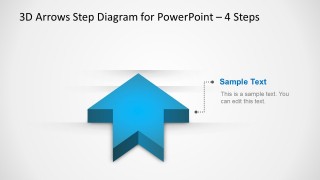
- An operations leader can use the single red, orange, green, and blue arrow callout slides to present separate initiatives before returning to a combined process view.
Features
- 100% editable presentation template
- Compatible with Microsoft PowerPoint
- 16:9 aspect ratio slides
- Scalable vector shapes, icons and illustrations
- AI-Ready for Microsoft Copilot and Claude
- Instant access and download
Frequently asked questions
Q: How should a presenter assign content to the 3D arrow steps?
A: Use each arrow as a distinct decision, phase, or priority, not as a paragraph container. In the stacked four-step slide, place the foundation or first action on the bottom blue arrow and the most advanced or final action on the top red arrow. Keep callout text short so the arrow structure remains the main message.
Q: Who is this template best suited for in a business presentation?
A: This template fits presenters who need to explain a short staged process without building a full roadmap deck. Project leads, consultants, trainers, and managers can use the one-step, two-step, three-step, and four-step arrows to show movement from starting point to outcome, priority order, or a compact hierarchy.
Q: Why use 3D arrows instead of a flat bullet list?
A: The arrow metaphor gives the audience an immediate sense of direction and momentum. The stacked versions also imply levels, which helps when a process depends on earlier actions or when priorities build on one another. Compared with bullets, the diagonal timeline and layered arrows make sequence and relative importance easier to see.



3D Arrows Step Diagram Template for PowerPoint
10-slide PowerPoint presentation template with 3D step arrows, hierarchy diagrams, and a timeline
This 10-slide PowerPoint diagram template presents 3D arrow step visuals for processes, hierarchy, and progression. It includes one-step, two-step, three-step, four-step stacked arrows, single-arrow callouts, and a diagonal timeline. Designed for business presenters, the 16:9 deck uses editable PowerPoint shapes and vector graphics.
- Category
- Diagrams
- Rating


 Loading...
- Aspect ratio
- 16:9
- Item ID
- 2003-01
- Colors
 Microsoft PowerPoint
  Microsoft Copilot
  Claude for PowerPoint
 Other formats supported
Subscribe today and get immediate
access to download our PowerPoint templates.